Plus de 90 prompts Nano Banana prêts à l’emploi disponibles sur GitHub


La génération d’images par IA repose sur la qualité des prompts. Un seul prompt bien structuré peut transformer complètement les résultats, en aidant les créateurs à atteindre de nouveaux niveaux de détail, de style et de créativité. Pour faciliter cela, un projet GitHub a rassemblé plus de 90 prompts Nano Banana dans une seule bibliothèque, offrant aux artistes, développeurs et passionnés d’IA une ressource prête à l’emploi pour l’expérimentation.
Cas d’utilisation réels des prompts Nano Banana
La bibliothèque de prompts Nano Banana ne se limite pas à la théorie : elle a été appliquée dans des scénarios pratiques dans différents domaines créatifs et professionnels. Vous trouverez ci-dessous des exemples montrant comment ces prompts permettent de libérer le potentiel de l’IA.
Remarque : En raison de contraintes d’espace, nous ne présentons ici que les 30 premiers exemples de cas. Pour la collection complète de plus de 90 cas, veuillez consulter le dépôt GitHub officiel de Nano Banana.
Cas 1 : Illustration en figurine(par @ZHO_ZHO_ZHO)
Entrée | Sortie |
 |  |
entrée : Vous devez importer une image de référence comme objet pour générer la figurine
prompt :
turn this photo into a character figure. Behind it, place a box with the character's image printed on it, and a computer showing the Blender modeling process on its screen. In front of the box, add a round plastic base with the character figure standing on it. set the scene indoors if possibleEntrée | Sortie |
 |  |
 |  |
 |  |
entrée : Vous devez importer une image Google Maps contenant une flèche rouge
prompt :
draw what the red arrow sees / draw the real world view from the red circle in the direction of the arrow.Sortie |
 |
entrée : Vous devez importer une image de référence
prompt :
you are a location-based AR experience generator. highlight [point of interest] in this image and annotate relevant information about it.Remarque
Vous devez saisir dans le prompt le point d’intérêt à annoter [POI]
Entrée | Sortie |
 |  |
 |  |
entrée : Vous devez importer une image contenant l’objet correspondant
prompt :
Make Image Daytime and Isometric [Building Only]Remarque
Modifiez les informations entre [crochets] selon vos besoins (peut être défini comme véhicules, personnes, etc.)
Cas 5 : Photos de vous-même à différentes époques(par @AmirMushich)
Entrée | Sortie |
 |  |
entrée : Vous devez importer une photo d’une personne
prompt :
Change the characer's style to [1970]'s classical [male] style
Add [long curly] hair,
[long mustache],
change the background to the iconic [californian summer landscape]
Don't change the character's face
Remarque
Remplacez le texte entre [crochets] par votre époque et vos informations détaillées
Cas 6 : Génération d’images à références multiples(par @MrDavids1)
Entrée | Sortie |
 |  |
entrée : Vous devez importer plusieurs images de référence
prompt :
A model is posing and leaning against a pink bmw. She is wearing the following items, the scene is against a light grey background. The green alien is a keychain and it's attached to the pink handbag. The model also has a pink parrot on her shoulder. There is a pug sitting next to her wearing a pink collar and gold headphones.Remarque
Le prompt doit décrire en détail et inclure plusieurs objets de référence
Cas 7 : Retouche photo automatique(par @op7418)
Entrée | Sortie |
 |  |
entrée : Vous devez importer une image qui nécessite une correction
prompt :
This photo is very boring and plain. Enhance it! Increase the contrast, boost the colors, and improve the lighting to make it richer,You can crop and delete details that affect the composition.Entrée | Sortie |
 |  |
entrée : Vous devez importer des images de personnages et des croquis dessinés à la main
prompt :
Have these two characters fight using the pose from Figure 3. Add appropriate visual backgrounds and scene interactions,Generated image ratio is 16:9Cas 9 : Génération d’images à partir de vues croisées(par @op7418)
Entrée | Sortie |
 |  |
entrée : Vous devez importer une photo prise depuis le sol
prompt :
Convert the photo to a top-down view and mark the location of the photographer.Cas 10 : Autocollants de personnages personnalisés(par @op7418)
Entrée | Sortie |
 |  |
entrée : Vous devez importer une image de référence d’autocollant et une image de personnage
prompt :
Help me turn the character into a white outline sticker similar to Figure 2. The character needs to be transformed into a web illustration style, and add a playful white outline short phrase describing Figure 1.Cas 11 : Anime en cosplayeur réel(par @ZHO_ZHO_ZHO)
Entrée | Sortie |
 |  |
entrée : Vous devez importer une image d’illustration
prompt :
Generate a photo of a girl cosplaying this illustration, with the background set at ComiketCas 12 : Générer une conception de personnage(par @ZHO_ZHO_ZHO)
Entrée | Sortie |
 |  |
entrée : Vous devez télécharger une image de référence du personnage
prompt :
Generate character design for me (Character Design)
Proportion design (different height comparisons, head-to-body ratio, etc.)
Three views (front, side, back)
Expression design (Expression Sheet) → like the image you sent
Pose design (Pose Sheet) → various common poses
Costume design (Costume Design)
Cas 13 : Line art en couleur avec palette de couleurs(par @ZHO_ZHO_ZHO)
Entrée | Sortie |
 |  |
entrée : Vous devez télécharger une image de line art et une image de palette de couleurs
prompt :
Accurately use the color palette from Figure 2 to color the character in Figure 1Cas 14 : Infographie d'article(par @黄建同学)
Sortie |
 |
entrée : Vous devez télécharger un blog/article
prompt :
Generate an infographic for the article content
Requirements:
1. Translate the content into English and extract key information from the article
2. Keep the content in the image concise, only retaining the main title
3. Use English text in the image
4. Add rich and cute cartoon characters and elements
Cas 15 : Modifier plusieurs coiffures(par @balconychy)
Sortie |
 |
entrée : Vous devez télécharger une image de portrait nécessitant des changements de coiffure
prompt :
Generate avatars of this person with different hairstyles in a 3x3 grid formatCas 16 : Diagramme explicatif des annotations de modèle(par @berryxia_ai)
Sortie |
 |
Attention
Les résultats d'annotation comportent un nombre considérable d'erreurs ⚠️. Veuillez noter que les annotations de Nano-Banana ne sont pas entièrement exactes et que vous devez vérifier attentivement l'exactitude des informations avant de les utiliser.
prompt :
Draw [3D human organ model display example heart] for academic presentation, with annotations and explanations, suitable for showcasing its principles and [each organ's] functions, very realistic, highly detailed, with extremely fine design.Remarque
Remplacez le texte entre [crochets] par le modèle que vous souhaitez présenter
Cas 17 : Sculpture en marbre personnalisée(par @umesh_ai)
Sortie |
 |
entrée: Vous devez télécharger une image de référence
prompt :
A photorealistic image of an ultra-detailed sculpture of the subject in image made of shining marble. The sculpture should display smooth and reflective marble surface, emphasizing its luster and artistic craftsmanship. The design is elegant, highlighting the beauty and depth of marble. The lighting in the image should enhance the sculpture's contours and textures, creating a visually stunning and mesmerizing effectCas 18 : Cuisiner à partir d'ingrédients(par @Gdgtify)
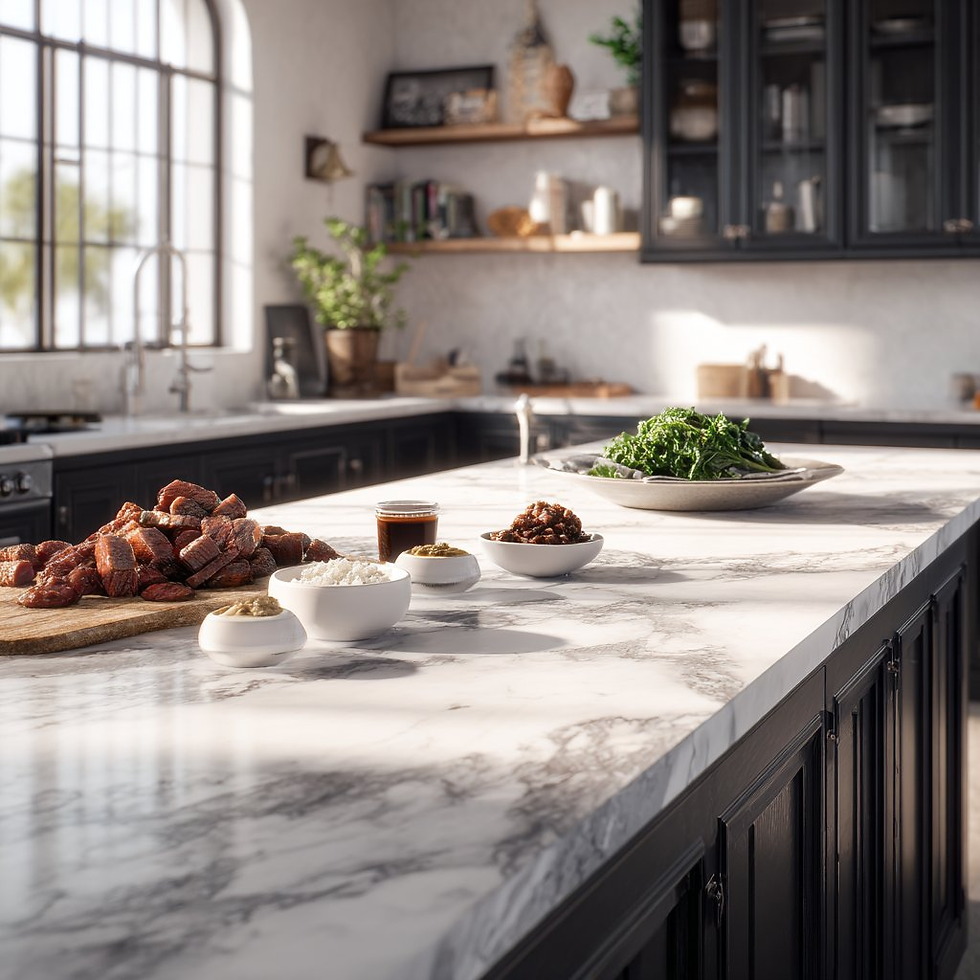
Entrée | Sortie |
 |  |
 |  |
 |  |
entrée : Vous devez télécharger une photo contenant divers ingrédients
prompt :
make me a delicious lunch with these ingredients, and put it on a plate , zoomed in view of the plate, remove the other plates and ingredients.Cas 19 : Raisonnement sur un problème de mathématiques(par @Gorden Sun)
Entrée | Sortie |
 |  |
entrée : Vous devez télécharger un problème de mathématiques
prompt :
Write the answer to the problem in the corresponding position based on the questionCas 20 : Colorisation de photos anciennes(par @GeminiApp)
Entrée | Sortie |
 |  |
entrée : Vous devez télécharger une ancienne photo nécessitant une restauration
prompt :
restore and colorize this photo.Cas 21 : Tenue OOTD(par @302.AI)
Entrée | Sortie |
 |  |
entrée : Vous devez télécharger une image de personne et une image de vêtement
prompt :
Choose the person in Image 1 and dress them in all the clothing and accessories from Image 2. Shoot a series of realistic OOTD-style photos outdoors, using natural lighting, a stylish street style, and clear full-body shots. Keep the person's identity and pose from Image 1, but show the complete outfit and accessories from Image 2 in a cohesive, stylish way.Cas 22 : Changement de vêtements du personnage(par @skirano)
Entrée | Sortie |
 |  |
entrée : Vous devez télécharger une image de personne et une image de vêtement
prompt :
Replace the person's clothing in the input image with the target clothing shown in the reference image. Keep the person's pose, facial expression, background, and overall realism unchanged. Make the new outfit look natural, well-fitted, and consistent with lighting and shadows. Do not alter the person's identity or the environment — only change the clothes.Cas 23 : Génération de résultats multi-vues(par @Error_HTTP_404)
Entrée | Sortie |
 |  |
entrée : Vous devez télécharger une image de référence
prompt :
Generate the Front, Rear, Left, Right, Top, Bottom views on white. Evenly spaced. Consistent subject. Isometric Perspective Equivalence. Cas 24 : Storyboard de film(par @GeminiApp)
Entrée | Sortie |
 |  |
entrée : Vous devez télécharger une image de référence
prompt :
Create an addictively intriguing 12 part story with 12 images with these two characters in a classic black and white film noir detective story. Make it about missing treasure that they get clues for throughout and then finally discover. The story is thrilling throughout with emotional highs and lows and ending on a great twist and high note. Do not include any words or text on the images but tell the story purely through the imagery itself.Cas 25 : Modification de la pose du personnage(par @arrakis_ai)
Entrée | Sortie |
 |  |
entrée : Vous devez télécharger une image de référence
prompt :
Have the person in the picture look straight aheadCas 26 : Générer une image à partir d'un dessin au trait(par @ZHO_ZHO_ZHO)
Entrée | Sortie |
 |  |
Entrée : Vous devez télécharger des dessins au trait et des images de référence
Prompt :
Change the pose of the person in Figure 1 to that of Figure 2, and shoot in a professional studioCas 27 : Ajouter un filigrane à l'image(par @AiMachete)
Entrée | Sortie |
 |  |
Entrée : Nécessite le téléversement d’une image de référence
Prompt :
Watermark the word ‘TRUMP’ over and over again across the whole image.Sortie |
 |
 |
Prompt :
Make me an infographic of 5 tallest buildings in the world / Make a colorful infographic of the sweetest things on EarthCas 29 : Annotations au stylo rouge(par @AiMachete)
Entrée | Sortie |
 |  |
Entrée : Nécessite le téléversement d’une image de référence
Prompt :
Analyze this image. Use red pen to denote where you can improve.Cas 30 : Nourriture explosive(par @icreatelife)
Sortie |
 |
 |
Entrée : Nécessite le téléversement d’une image de référence
Prompt :
Photograph this product in a dramatic modern scene accompanied by explosive outward dynamic arrangement of the key ingredients fresh and raw flying around the product signifying its freshness and nutritional value. promo ad shot, without text, product is emphasized, with the key brand colors as background.Utiliser remio pour enregistrer automatiquement des prompts

remio facilite la capture, l’organisation et la récupération des prompts en combinant l’extraction automatisée avec son grand modèle de langage (LLM). Cette fonctionnalité garantit que vos prompts les plus précieux ne sont jamais perdus et peuvent être réutilisés de manière fluide dans tous vos projets.
Voici comment enregistrer des prompts dans votre bibliothèque avec remio :
Utilisez l’extension Google Chrome et cliquez sur « Ajouter aux collections » pour enregistrer un prompt directement dans la collection souhaitée.
Accédez à l’interface d’accueil de remio et utilisez la fonction @ pour mentionner le nom d’une collection spécifique.
Le LLM de remio recherchera alors les documents stockés dans cette collection et vous permettra de retrouver le bon prompt simplement en le demandant en langage naturel.
En suivant ces étapes, les prompts sont automatiquement stockés dans votre bibliothèque personnelle de prompts, ce qui facilite leur gestion, leur organisation et leur réutilisation chaque fois que nécessaire.
Conclusion
La bibliothèque de prompts Nano Banana sur GitHub fournit une ressource puissante de plus de 90 prompts soigneusement conçus, aidant les utilisateurs à explorer des cas d’utilisation créatifs, techniques et axés sur la productivité. Bien que cet article ne présente que les 30 premiers cas, la collection complète est disponible directement sur GitHub pour ceux qui souhaitent aller plus loin.
En combinant cette bibliothèque avec le flux de travail d’enregistrement automatisé des prompts de remio, les utilisateurs peuvent créer une bibliothèque de prompts personnalisée qui s’enrichit naturellement au fil du temps. Que ce soit par l’extension Chrome ou la fonctionnalité @collections dans l’application, remio garantit que les prompts sont non seulement enregistrés, mais aussi récupérables intelligemment lorsque nécessaire.
En bref, la bibliothèque Nano Banana vous apporte l’inspiration, et remio la rend pratique — ensemble, ils vous permettent de dynamiser votre parcours d’ingénierie des prompts.


