Oltre 90 prompt Nano Banana pronti all'uso disponibili su GitHub


La generazione di immagini con l'IA dipende dalla qualità dei prompt. Un singolo prompt ben strutturato può trasformare completamente i risultati, aiutando i creator a raggiungere nuovi livelli di dettaglio, stile e creatività. Per semplificare tutto questo, un progetto GitHub ha raccolto oltre 90 prompt Nano Banana in un'unica raccolta, offrendo ad artisti, sviluppatori e appassionati di IA una risorsa pronta all'uso per la sperimentazione.
Casi d'uso reali dei prompt Nano Banana
La raccolta di prompt Nano Banana non è solo teoria: è stata applicata in scenari pratici in diversi ambiti creativi e professionali. Di seguito sono riportati esempi che mostrano come questi prompt aiutino a sfruttare il potenziale dell'IA.
Nota: A causa di limiti di spazio, qui presentiamo solo i primi 30 esempi di casi. Per la raccolta completa di oltre 90 casi, visita il repository ufficiale GitHub di Nano Banana.
Caso 1: Da illustrazione a figure(di @ZHO_ZHO_ZHO)
Input | Output |
 |  |
input: È necessario caricare un'immagine di riferimento come oggetto per generare la figure
prompt:
turn this photo into a character figure. Behind it, place a box with the character's image printed on it, and a computer showing the Blender modeling process on its screen. In front of the box, add a round plastic base with the character figure standing on it. set the scene indoors if possibleInput | Output |
 |  |
 |  |
 |  |
input: È necessario caricare un'immagine di Google Maps contenente una freccia rossa
prompt:
draw what the red arrow sees / draw the real world view from the red circle in the direction of the arrow.Caso 3: Informazioni AR del mondo reale(di @bilawalsidhu)
Output |
 |
input: È necessario caricare un'immagine di riferimento
prompt:
you are a location-based AR experience generator. highlight [point of interest] in this image and annotate relevant information about it.Nota
È necessario inserire nel prompt il punto di interesse da annotare [POI]
Input | Output |
 |  |
 |  |
input: È necessario caricare un'immagine contenente l'oggetto corrispondente
prompt:
Make Image Daytime and Isometric [Building Only]Nota
Modifica le informazioni tra [parentesi] secondo necessità (possono essere impostate su veicoli, persone, ecc.)
Caso 5: Foto di te stesso in epoche diverse(di @AmirMushich)
Input | Output |
 |  |
input: È necessario caricare una foto di una persona
prompt:
Change the characer's style to [1970]'s classical [male] style
Add [long curly] hair,
[long mustache],
change the background to the iconic [californian summer landscape]
Don't change the character's face
Nota
Sostituisci il testo tra [parentesi] con la tua epoca e le informazioni dettagliate
Input | Output |
 |  |
input: È necessario caricare più immagini di riferimento
prompt:
A model is posing and leaning against a pink bmw. She is wearing the following items, the scene is against a light grey background. The green alien is a keychain and it's attached to the pink handbag. The model also has a pink parrot on her shoulder. There is a pug sitting next to her wearing a pink collar and gold headphones.Nota
Il prompt deve descrivere in dettaglio e includere più oggetti di riferimento
Caso 7: Modifica automatica delle foto(di @op7418)
Input | Output |
 |  |
input: È necessario caricare un'immagine che necessita di correzione
prompt:
This photo is very boring and plain. Enhance it! Increase the contrast, boost the colors, and improve the lighting to make it richer,You can crop and delete details that affect the composition.Input | Output |
 |  |
input: È necessario caricare immagini dei personaggi e schizzi disegnati a mano
prompt:
Have these two characters fight using the pose from Figure 3. Add appropriate visual backgrounds and scene interactions,Generated image ratio is 16:9Caso 9: Generazione di immagini da viste incrociate(di @op7418)
Input | Output |
 |  |
input: È necessario caricare una foto scattata dal suolo
prompt:
Convert the photo to a top-down view and mark the location of the photographer.Caso 10: Adesivi personalizzati dei personaggi(di @op7418)
Input | Output |
 |  |
input: È necessario caricare un'immagine di riferimento dell'adesivo e un'immagine del personaggio
prompt:
Help me turn the character into a white outline sticker similar to Figure 2. The character needs to be transformed into a web illustration style, and add a playful white outline short phrase describing Figure 1.Caso 11: Da anime a cosplayer reale(di @ZHO_ZHO_ZHO)
Input | Output |
 |  |
input: È necessario caricare un'immagine illustrata
prompt:
Generate a photo of a girl cosplaying this illustration, with the background set at ComiketCaso 12: Generare il design di un personaggio(di @ZHO_ZHO_ZHO)
Input | Output |
 |  |
input: È necessario caricare un'immagine di riferimento del personaggio
prompt:
Generate character design for me (Character Design)
Proportion design (different height comparisons, head-to-body ratio, etc.)
Three views (front, side, back)
Expression design (Expression Sheet) → like the image you sent
Pose design (Pose Sheet) → various common poses
Costume design (Costume Design)Input | Output |
 |  |
input: È necessario caricare un'immagine di disegno al tratto e un'immagine della tavolozza colori
prompt:
Accurately use the color palette from Figure 2 to color the character in Figure 1Caso 14: Infografica dell'articolo(di @黄建同学)
Output |
 |
input: È necessario caricare un blog/articolo
prompt:
Generate an infographic for the article content
Requirements:
1. Translate the content into English and extract key information from the article
2. Keep the content in the image concise, only retaining the main title
3. Use English text in the image
4. Add rich and cute cartoon characters and elements
Caso 15: Modificare più acconciature(di @balconychy)
Output |
 |
input: È necessario caricare un'immagine di ritratto che necessita di modifiche all'acconciatura
prompt:
Generate avatars of this person with different hairstyles in a 3x3 grid formatOutput |
 |
Attenzione
Sono presenti numerosi errori nei risultati delle annotazioni ⚠️. Tieni presente che le annotazioni di Nano-Banana non sono del tutto accurate e verifica attentamente la correttezza delle informazioni prima di utilizzarle.
prompt:
Draw [3D human organ model display example heart] for academic presentation, with annotations and explanations, suitable for showcasing its principles and [each organ's] functions, very realistic, highly detailed, with extremely fine design.Nota
Sostituisci il testo tra [parentesi] con il modello che desideri mostrare
Caso 17: Scultura in marmo personalizzata(di @umesh_ai)
Output |
 |
input: È necessario caricare un'immagine di riferimento
prompt:
A photorealistic image of an ultra-detailed sculpture of the subject in image made of shining marble. The sculpture should display smooth and reflective marble surface, emphasizing its luster and artistic craftsmanship. The design is elegant, highlighting the beauty and depth of marble. The lighting in the image should enhance the sculpture's contours and textures, creating a visually stunning and mesmerizing effectCaso 18: Cucinare in base agli ingredienti(di @Gdgtify)
Input | Output |
 |  |
 |  |
 |  |
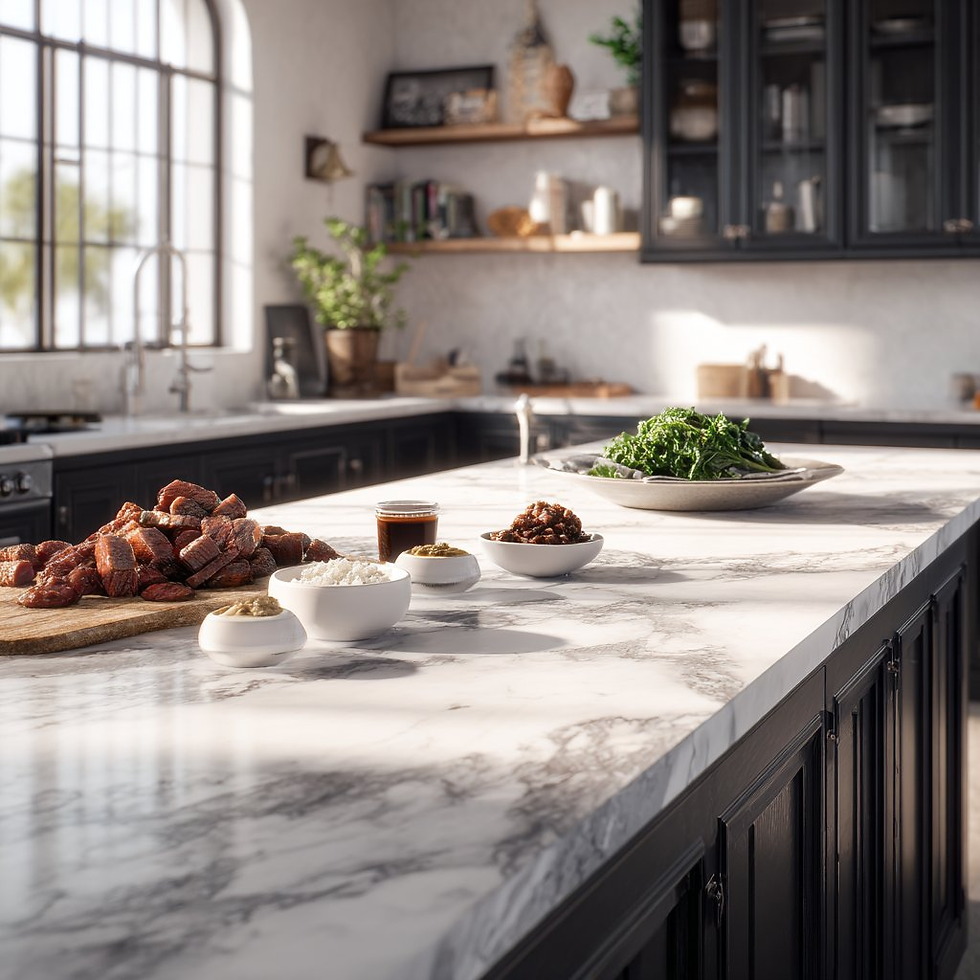
input: È necessario caricare una foto con vari ingredienti
prompt:
make me a delicious lunch with these ingredients, and put it on a plate , zoomed in view of the plate, remove the other plates and ingredients.Caso 19: Ragionamento su problemi matematici(di @Gorden Sun)
Input | Output |
 |  |
input: È necessario caricare un problema matematico
prompt:
Write the answer to the problem in the corresponding position based on the questionCaso 20: Colorazione di vecchie foto(di @GeminiApp)
Input | Output |
 |  |
input: È necessario caricare una vecchia foto che necessita di restauro
prompt:
restore and colorize this photo.Caso 21: Outfit OOTD(di @302.AI)
Input | Output |
 |  |
input: È necessario caricare un'immagine di una persona e un'immagine di abbigliamento
prompt:
Choose the person in Image 1 and dress them in all the clothing and accessories from Image 2. Shoot a series of realistic OOTD-style photos outdoors, using natural lighting, a stylish street style, and clear full-body shots. Keep the person's identity and pose from Image 1, but show the complete outfit and accessories from Image 2 in a cohesive, stylish way.Caso 22: Cambio di abbigliamento del personaggio(di @skirano)
Input | Output |
 |  |
input: È necessario caricare un'immagine di una persona e un'immagine di abbigliamento
prompt:
Replace the person's clothing in the input image with the target clothing shown in the reference image. Keep the person's pose, facial expression, background, and overall realism unchanged. Make the new outfit look natural, well-fitted, and consistent with lighting and shadows. Do not alter the person's identity or the environment — only change the clothes.Caso 23: Generazione di risultati multi-vista(di @Error_HTTP_404)
Input | Output |
 |  |
input: È necessario caricare un'immagine di riferimento
prompt:
Generate the Front, Rear, Left, Right, Top, Bottom views on white. Evenly spaced. Consistent subject. Isometric Perspective Equivalence. Caso 24: Storyboard cinematografico(di @GeminiApp)
Input | Output |
 |  |
input: È necessario caricare un'immagine di riferimento
prompt:
Create an addictively intriguing 12 part story with 12 images with these two characters in a classic black and white film noir detective story. Make it about missing treasure that they get clues for throughout and then finally discover. The story is thrilling throughout with emotional highs and lows and ending on a great twist and high note. Do not include any words or text on the images but tell the story purely through the imagery itself.Caso 25: Modifica della posa del personaggio(di @arrakis_ai)
Input | Output |
 |  |
input: È necessario caricare un'immagine di riferimento
prompt:
Have the person in the picture look straight aheadCaso 26: Generare un'immagine da un disegno al tratto(di @ZHO_ZHO_ZHO)
Input | Output |
 |  |
Input: È necessario caricare disegni al tratto e immagini di riferimento
Prompt:
Change the pose of the person in Figure 1 to that of Figure 2, and shoot in a professional studioCaso 27: Aggiungere una filigrana all'immagine(di @AiMachete)
Input | Output |
 |  |
Input: È necessario caricare un'immagine di riferimento
Prompt:
Watermark the word ‘TRUMP’ over and over again across the whole image.Output |
 |
 |
Prompt:
Make me an infographic of 5 tallest buildings in the world / Make a colorful infographic of the sweetest things on EarthCaso 29: Annotazioni con penna rossa(di @AiMachete)
Input | Output |
 |  |
Input: È necessario caricare un'immagine di riferimento
Prompt:
Analyze this image. Use red pen to denote where you can improve.Caso 30: Cibo esplosivo(di @icreatelife)
Output |
 |
 |
Input: È necessario caricare un'immagine di riferimento
Prompt:
Photograph this product in a dramatic modern scene accompanied by explosive outward dynamic arrangement of the key ingredients fresh and raw flying around the product signifying its freshness and nutritional value. promo ad shot, without text, product is emphasized, with the key brand colors as background.Utilizzare remio per salvare automaticamente i prompt

remio semplifica l'acquisizione, l'organizzazione e il recupero dei prompt combinando lo scraping automatizzato con il suo modello linguistico di grandi dimensioni (LLM). Questa funzione garantisce che i prompt più preziosi non vadano mai persi e possano essere riutilizzati senza problemi in tutti i progetti.
Ecco come puoi salvare i prompt nella tua libreria con Remio:
Utilizza l'estensione di Google Chrome e fai clic su “Aggiungi alle raccolte” per salvare un prompt direttamente nella raccolta desiderata.
Vai all'interfaccia principale di remio e utilizza la funzione @ per menzionare il nome di una raccolta specifica.
L'LLM di remio cercherà quindi nei documenti archiviati in quella raccolta e ti consentirà di recuperare il prompt giusto semplicemente chiedendolo in linguaggio naturale.
Seguendo questi passaggi, i prompt vengono automaticamente archiviati nella tua libreria personale di prompt, semplificandone la gestione, l'organizzazione e il riutilizzo ogni volta che necessario.
Conclusione
La Libreria di prompt Nano Banana su GitHub offre una potente risorsa di oltre 90 prompt accuratamente progettati, aiutando gli utenti a esplorare casi d'uso creativi, tecnici e incentrati sulla produttività. Sebbene questo articolo presenti solo i primi 30 casi, la raccolta completa è disponibile direttamente su GitHub per chi desidera approfondire.
Combinando questa libreria con il flusso di lavoro automatizzato di salvataggio dei prompt di remio, gli utenti possono creare una Libreria di prompt personalizzata che cresce naturalmente nel tempo. Che sia tramite l'estensione Chrome o la funzione @collections nell'app, Remio garantisce che i prompt non vengano solo salvati, ma anche recuperati in modo intelligente quando necessario.
In breve, la libreria Nano Banana ti offre l'ispirazione e Remio la rende pratica: insieme, ti consentono di potenziare il tuo percorso di prompt engineering.


