top of page
Start with your Word document
Start with a brief, proposal, report, or outline in Word. Describe the audience and the presentation you need.
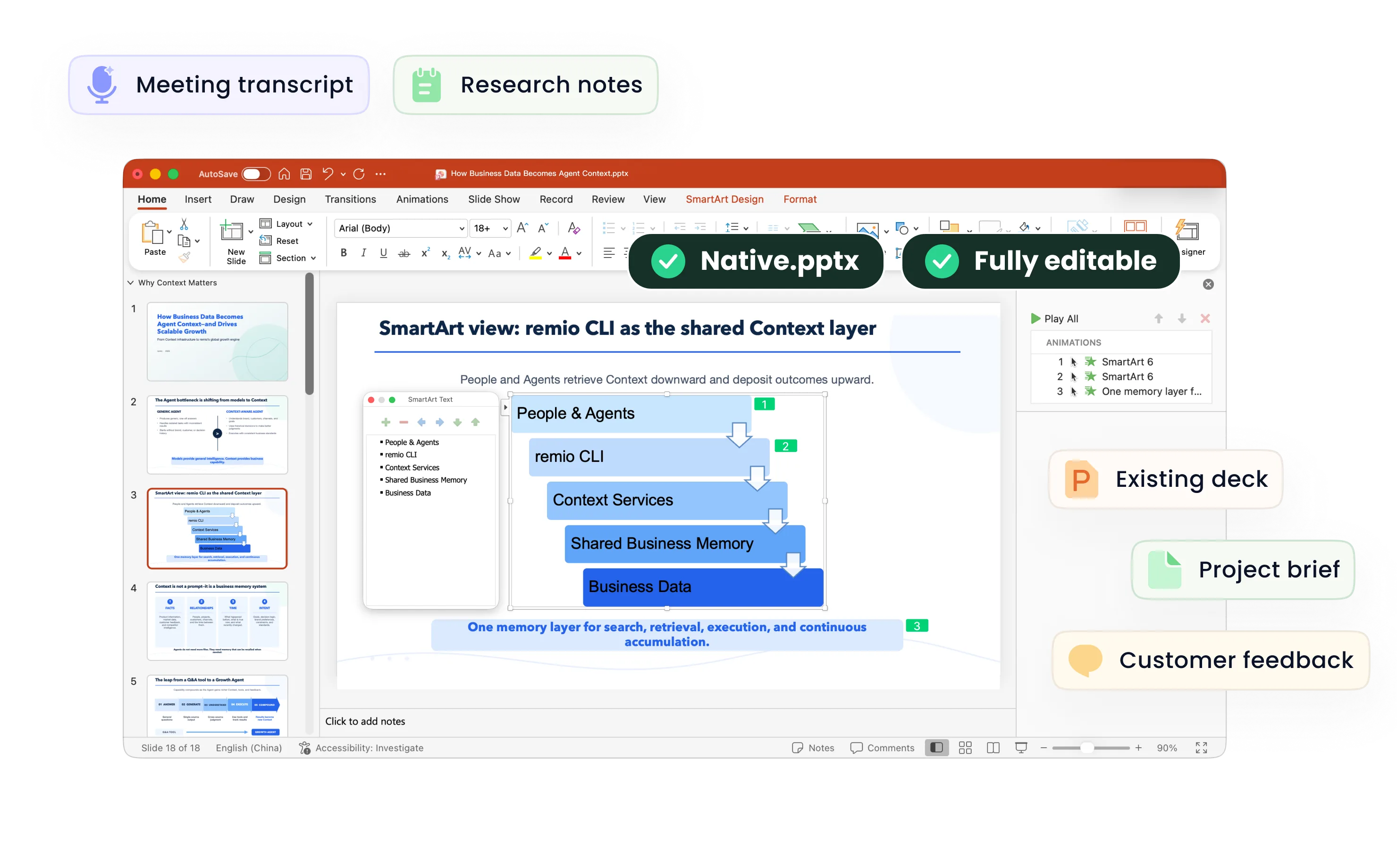
An editable PowerPoint presentation
Create a native .pptx presentation, review the content, and keep editing the deck.
How it works
1. Add the Word document
Bring your document and relevant context into remio.
2. Review the outline
Check the key message, slide order, and source facts.
3. Build and refine
Create and review the editable PowerPoint file.
Why build with remio?
Your own context
Use project notes and source material.
Keep editing
Review and revise the native PowerPoint file.
Frequently asked questions
Does this run online?
This workflow runs in the remio desktop app.
Can I edit the result?
Review and edit the .pptx before sharing.
Explore related workflows
AI Presentation · Prompt Library
Start with your own source material
Desktop app for Windows 10+ (x64) and Apple silicon Macs.
bottom of page