top of page
remio AI Presentation workspace and source materials

Aesthetic PPT templates

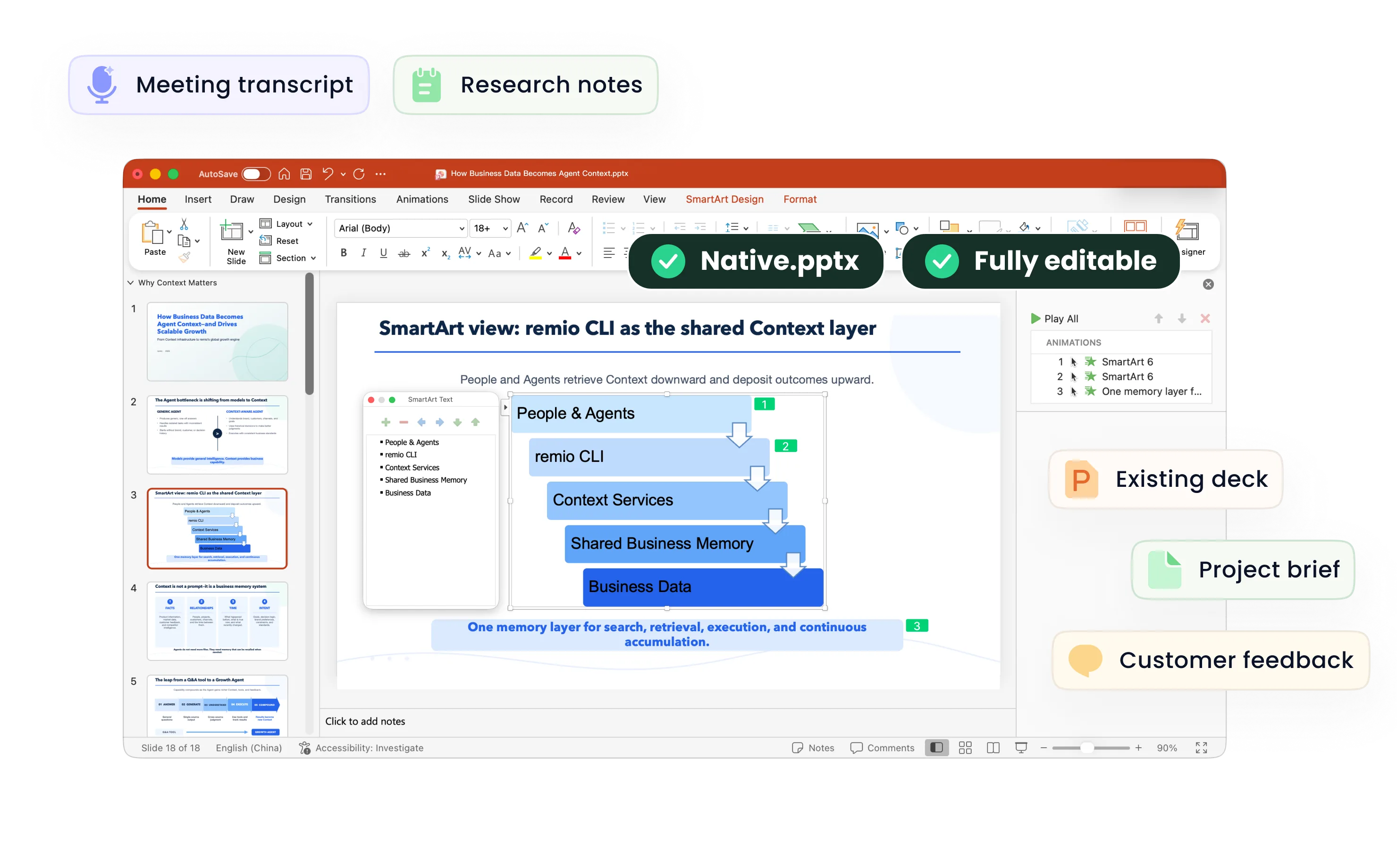
Give your presentation a considered visual direction. Bring your brief and reference deck into remio, then refine the colors, typography and editable slides.

For Windows 10+ (x64) and Apple silicon Macs.

Aesthetic PPT templates

Give your presentation a considered visual direction. Bring your brief and reference deck into remio, then refine the colors, typography and editable slides.

For Windows 10+ (x64) and Apple silicon Macs.

Download remio
remio AI Presentation workspace and source materials

Aesthetic PowerPoint Templates

Create an aesthetic presentation from your brief and reference material. Use remio to develop the style, organize the story and refine an editable PowerPoint.

Define the visual mood

Define the visual mood

Start with the audience, subject and feeling you want the presentation to convey. A classroom project, a lifestyle proposal and a creative portfolio need different visual choices. Add your brief and any presentation you are permitted to use as a reference; explain the qualities you want to carry into the new deck.
Choose a clear palette

Choose a clear palette

Describe the colors and contrast you want. A pastel direction can feel calm, an earthy palette can support a vintage or botanical theme, and a dark background can give photographs more emphasis. Treat these as design directions to request, then check the generated slides for readable text and charts.

Give type room to breathe

Give type room to breathe

Use a small number of heading and body styles so the deck feels coherent. Keep important labels legible, shorten dense paragraphs and leave space around the main idea. Aesthetic slides should still make the argument easy to follow when projected or shared as an editable PowerPoint.

Use references with context

Use references with context

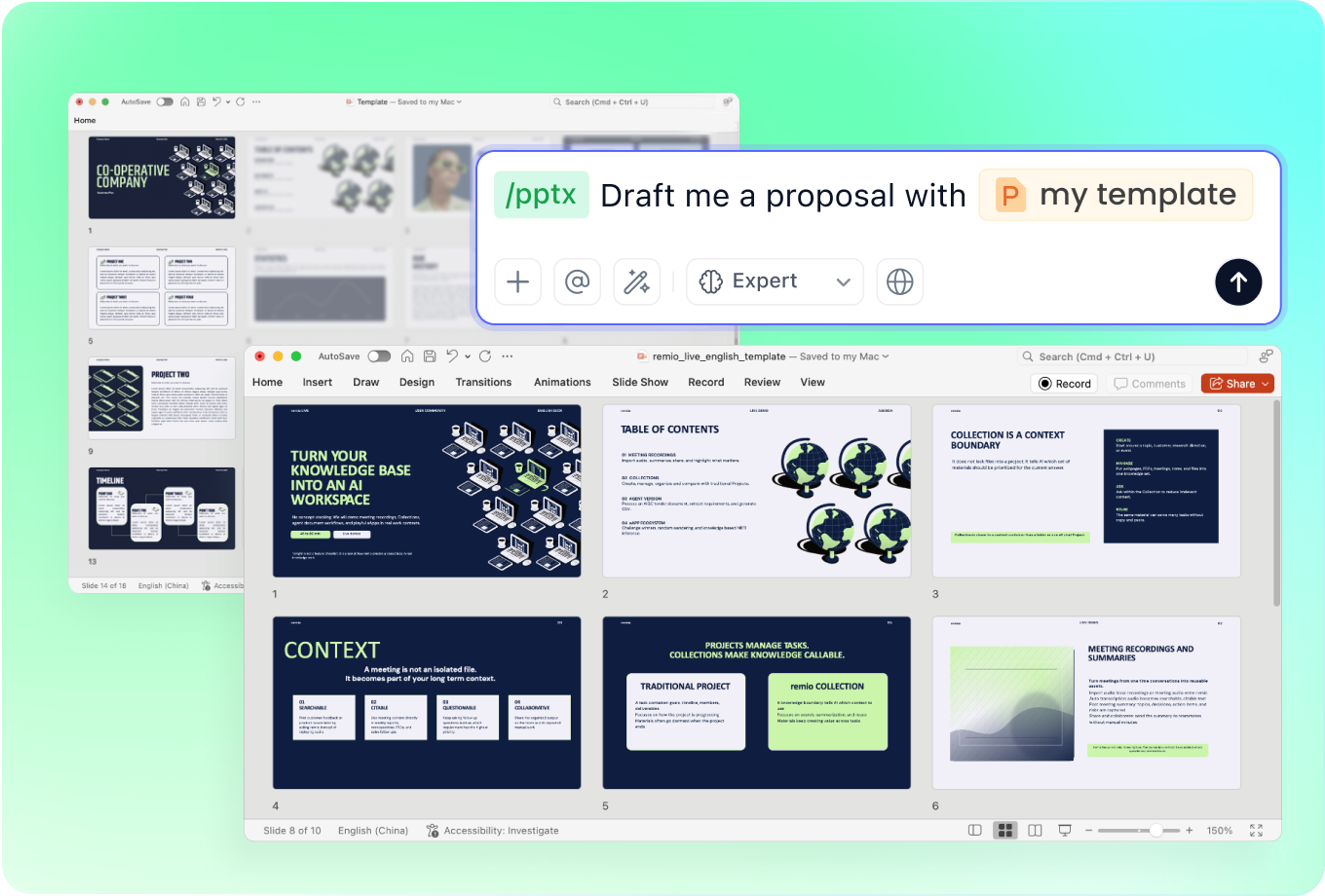
Add an existing deck alongside the source notes when you want to explain a visual preference. Describe the layout, tone or emphasis you want to keep and the content that needs to change. Review the result against your brief rather than assuming every detail of the reference has been reproduced.

Review the whole deck

Review the whole deck

Check the opening, section changes and closing together. Look for inconsistent colors, crowded compositions and imagery that competes with the message. Refine the editable slides, verify the content and check readability at the size your audience will actually see.

How it works

From source material to a PowerPoint file you can keep updating.

  1. Add the brief and references

    Provide your topic, audience, source material and preferred visual direction.

  2. Shape the mood and story

    Review the outline, palette, typography and emphasis across the deck.

  3. Refine the editable PowerPoint

    Check the content, layout and readability before sharing or presenting.

FAQs

What makes a PowerPoint presentation aesthetic?

A coherent visual direction, readable typography, a considered palette and balanced spacing make a presentation feel intentional. Choose a style that supports the subject and audience, then keep it consistent across the deck. Decoration should help the message rather than obscure it.

Can I request pastel, vintage, dark or botanical slides?

Describe the direction in your brief and add a reference deck if you have one you are permitted to use. These are style requests, not a promise of a named built-in template pack. Review the resulting colors, contrast, imagery and layout before using the presentation.

How is aesthetic design different from a minimal presentation?

A minimal presentation mainly reduces visual and verbal clutter. An aesthetic presentation starts with a deliberate mood or visual identity, which may be restrained, colorful, textured or image-led. Both still need a clear hierarchy and readable content.

Can I use an existing deck as a reference?

Add an existing presentation with your source notes and explain the visual qualities you want to keep, such as the palette, typography or layout. Describe the content that needs to change, then review the editable slides against your brief and continue refining them.

How do I create an aesthetic presentation with remio?

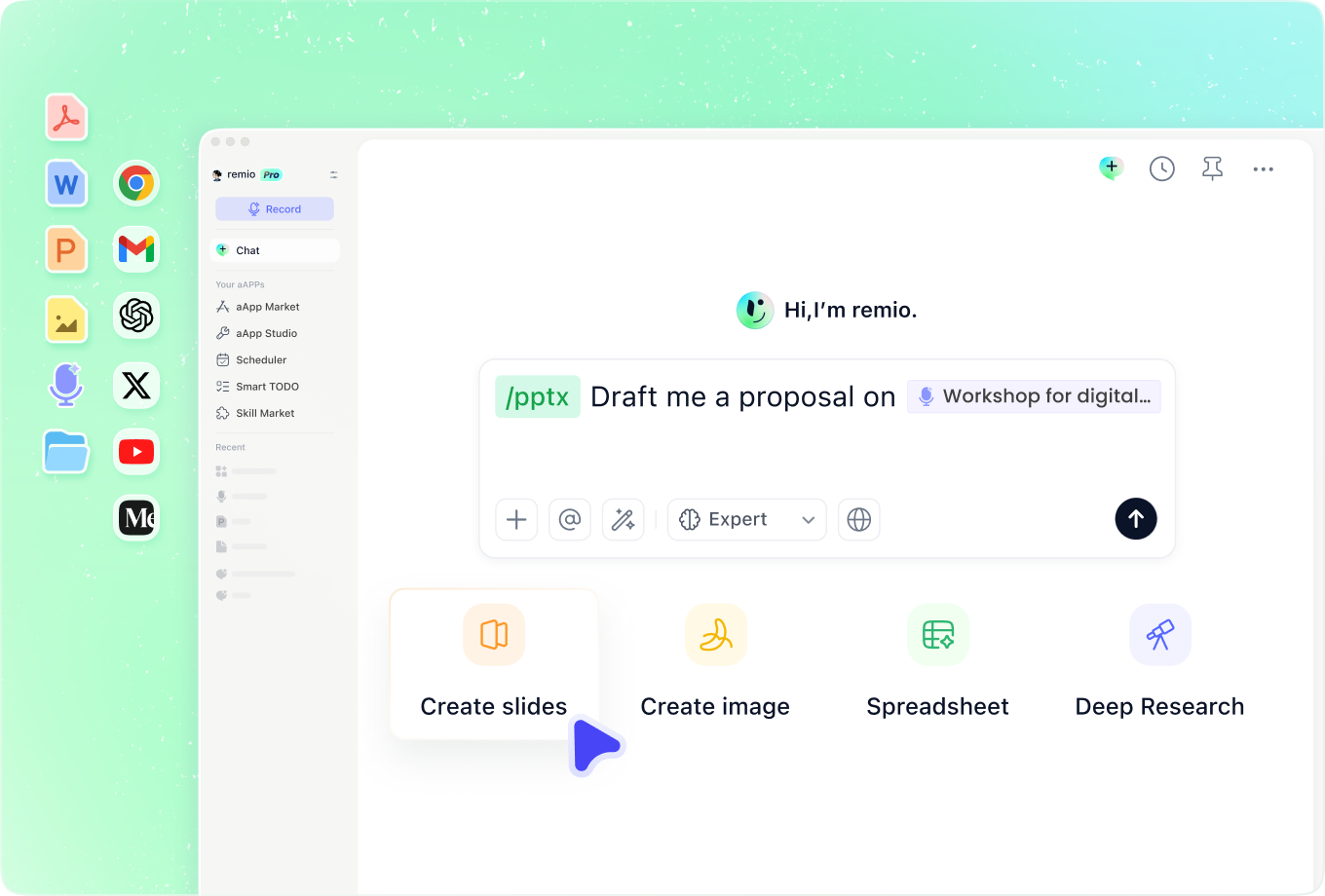
Download remio and add the brief, source notes and any permitted presentation reference. Describe the audience, visual mood and content requirements. Review the outline and editable slides, check the facts and refine the design before presenting.

Aesthetic PowerPoint Templates

Create an aesthetic presentation from your brief and reference material. Use remio to develop the style, organize the story and refine an editable PowerPoint.

Define the visual mood

Define the visual mood

Start with the audience, subject and feeling you want the presentation to convey. A classroom project, a lifestyle proposal and a creative portfolio need different visual choices. Add your brief and any presentation you are permitted to use as a reference; explain the qualities you want to carry into the new deck.
Choose a clear palette

Choose a clear palette

Describe the colors and contrast you want. A pastel direction can feel calm, an earthy palette can support a vintage or botanical theme, and a dark background can give photographs more emphasis. Treat these as design directions to request, then check the generated slides for readable text and charts.

Give type room to breathe

Give type room to breathe

Use a small number of heading and body styles so the deck feels coherent. Keep important labels legible, shorten dense paragraphs and leave space around the main idea. Aesthetic slides should still make the argument easy to follow when projected or shared as an editable PowerPoint.

Use references with context

Use references with context

Add an existing deck alongside the source notes when you want to explain a visual preference. Describe the layout, tone or emphasis you want to keep and the content that needs to change. Review the result against your brief rather than assuming every detail of the reference has been reproduced.

Review the whole deck

Review the whole deck

Check the opening, section changes and closing together. Look for inconsistent colors, crowded compositions and imagery that competes with the message. Refine the editable slides, verify the content and check readability at the size your audience will actually see.

How it works

From source material to a PowerPoint file you can keep updating.

01

Add the brief and references

Provide your topic, audience, source material and preferred visual direction.

02

Shape the mood and story

Review the outline, palette, typography and emphasis across the deck.

03

Refine the editable PowerPoint

Check the content, layout and readability before sharing or presenting.

FAQs

  • A coherent visual direction, readable typography, a considered palette and balanced spacing make a presentation feel intentional. Choose a style that supports the subject and audience, then keep it consistent across the deck. Decoration should help the message rather than obscure it.

  • Describe the direction in your brief and add a reference deck if you have one you are permitted to use. These are style requests, not a promise of a named built-in template pack. Review the resulting colors, contrast, imagery and layout before using the presentation.

  • A minimal presentation mainly reduces visual and verbal clutter. An aesthetic presentation starts with a deliberate mood or visual identity, which may be restrained, colorful, textured or image-led. Both still need a clear hierarchy and readable content.

  • Add an existing presentation with your source notes and explain the visual qualities you want to keep, such as the palette, typography or layout. Describe the content that needs to change, then review the editable slides against your brief and continue refining them.

  • Download remio and add the brief, source notes and any permitted presentation reference. Describe the audience, visual mood and content requirements. Review the outline and editable slides, check the facts and refine the design before presenting.

FAQs

A coherent visual direction, readable typography, a considered palette and balanced spacing make a presentation feel intentional. Choose a style that supports the subject and audience, then keep it consistent across the deck. Decoration should help the message rather than obscure it.

Describe the direction in your brief and add a reference deck if you have one you are permitted to use. These are style requests, not a promise of a named built-in template pack. Review the resulting colors, contrast, imagery and layout before using the presentation.

A minimal presentation mainly reduces visual and verbal clutter. An aesthetic presentation starts with a deliberate mood or visual identity, which may be restrained, colorful, textured or image-led. Both still need a clear hierarchy and readable content.

Add an existing presentation with your source notes and explain the visual qualities you want to keep, such as the palette, typography or layout. Describe the content that needs to change, then review the editable slides against your brief and continue refining them.

Download remio and add the brief, source notes and any permitted presentation reference. Describe the audience, visual mood and content requirements. Review the outline and editable slides, check the facts and refine the design before presenting.

bottom of page