AI Pitch Deck Generator
Create an editable investor pitch deck from your startup brief, traction and funding plan. Review the story, sources and assumptions with remio.
Shape the pitch around your stage
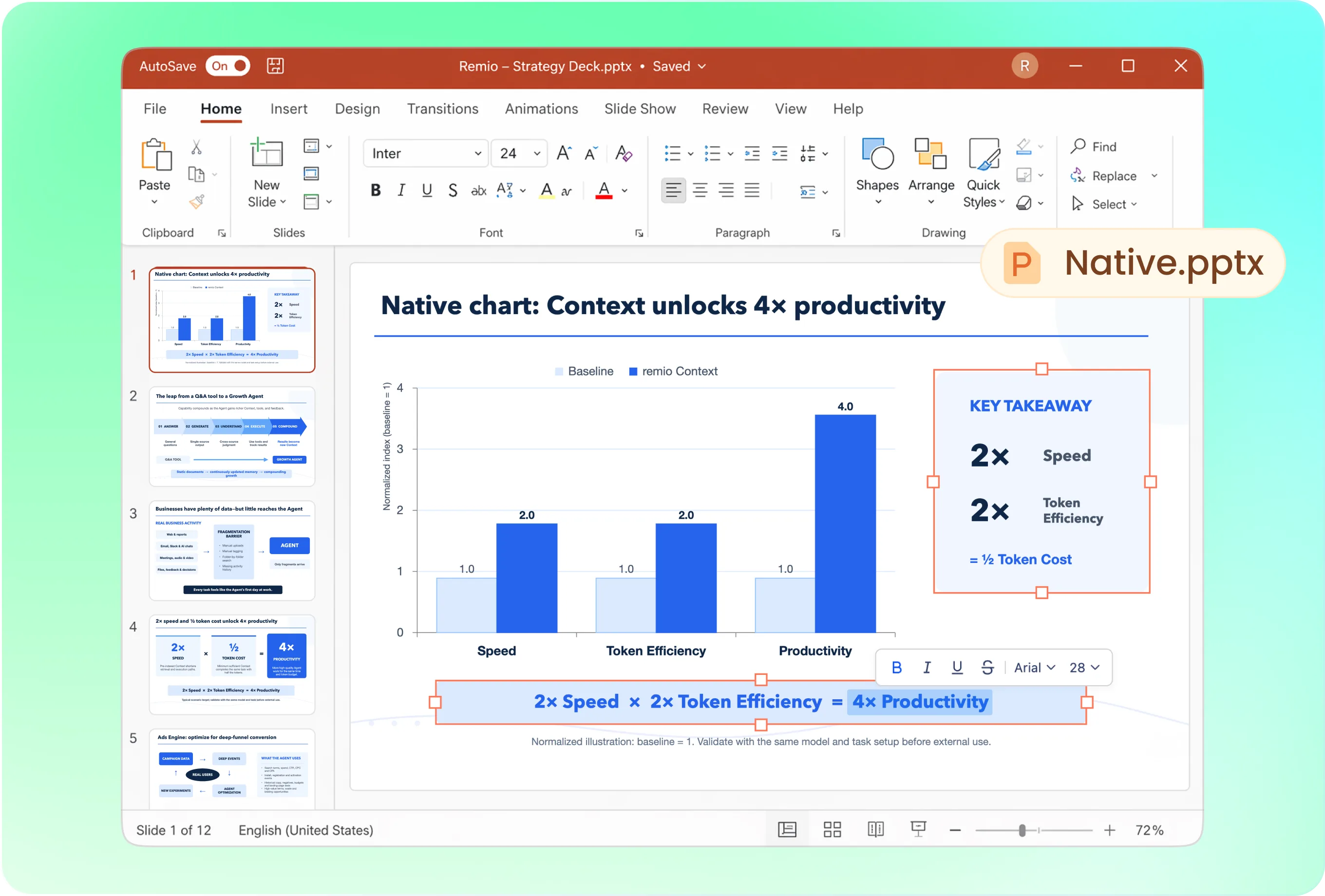
A useful sequence may cover problem, solution, market, product, business model, traction, competition, team and the funding request. Ask remio to prioritize the evidence your stage supports. An early concept and a growth round need different depth.
Use your startup’s presentation identity
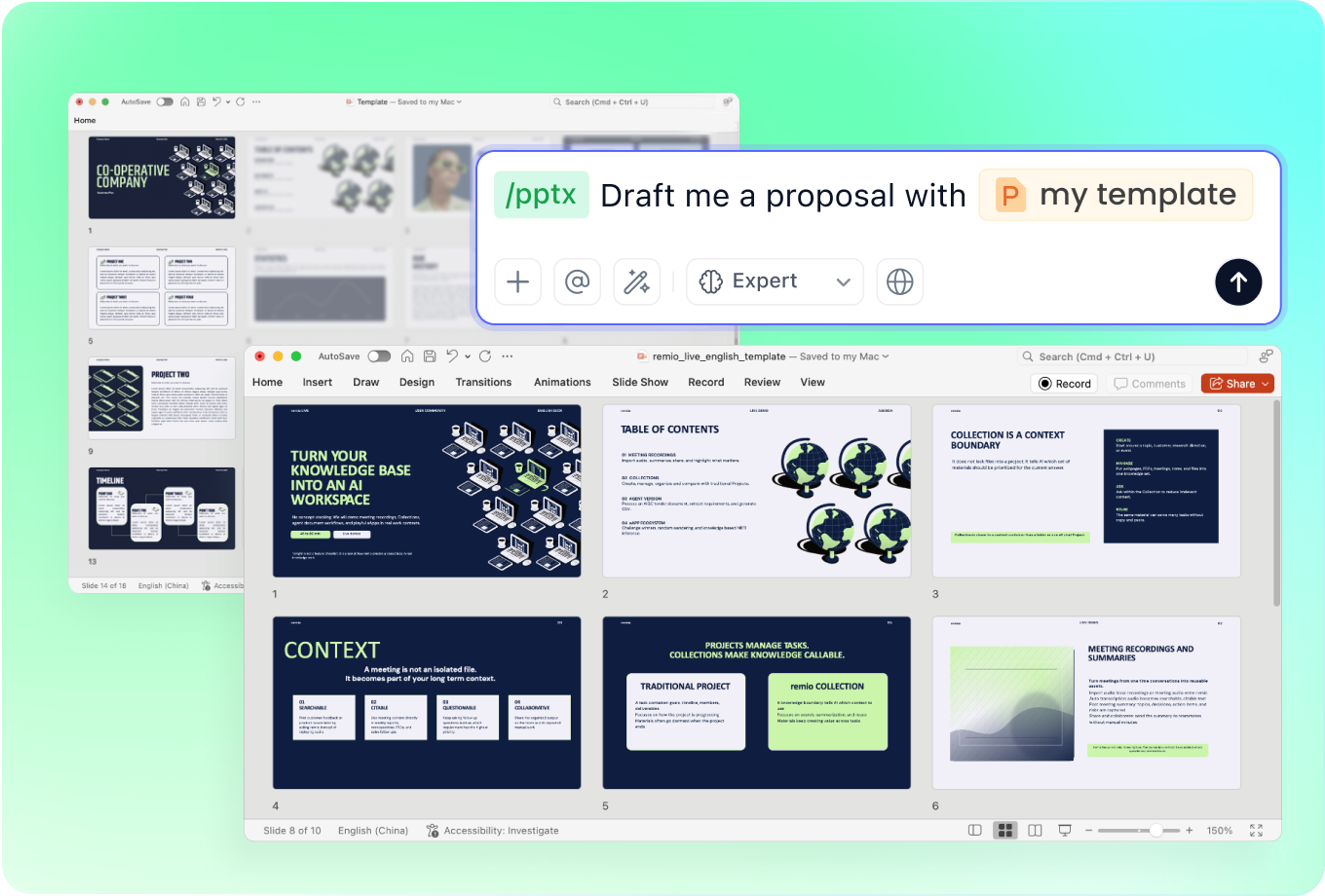
Provide the current investor or company deck as a style reference. State whether this is a live meeting or a follow-up readout. Keep the main narrative concise while reviewing how detailed evidence is presented for investors to inspect.
Keep the pitch current between meetings
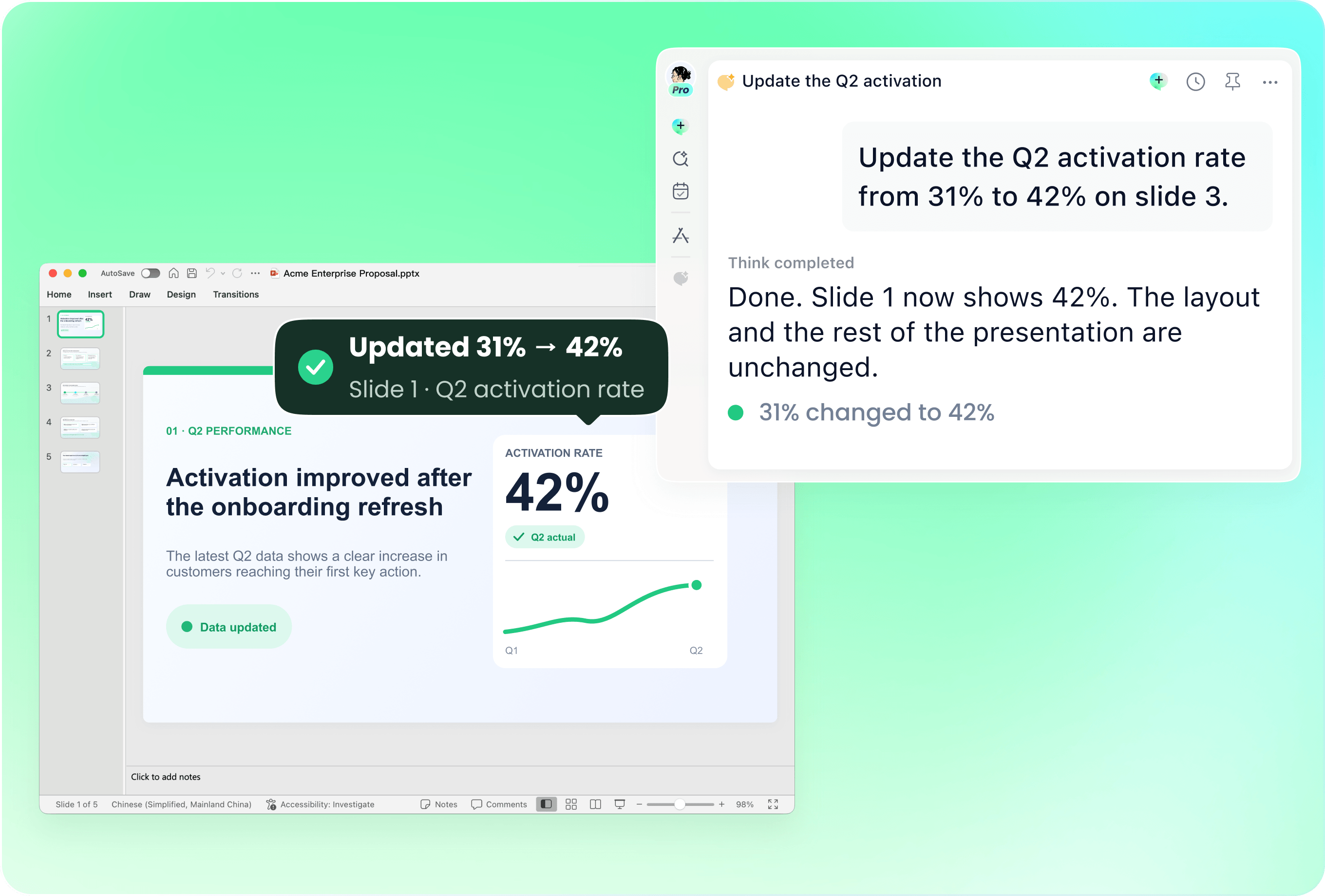
Use your latest deck with new traction, product milestones or investor feedback. Ask remio to revise the relevant slides. Check that the funding request, reporting period and use of funds remain consistent throughout the updated presentation.
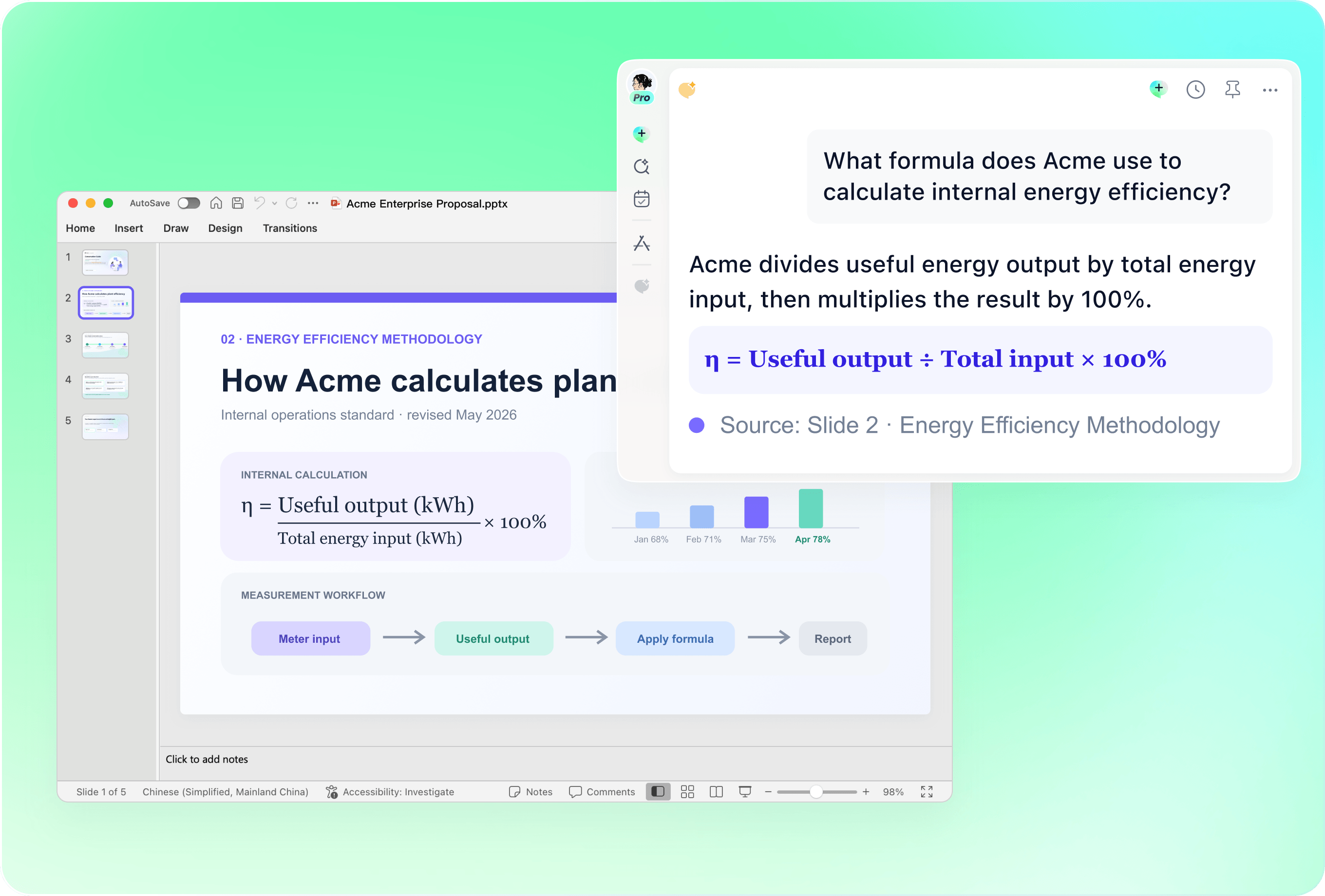
Check market size, traction and forecasts
Supply the sources and calculation assumptions for market estimates and financial projections. Label actual results separately from targets. Review units, dates and definitions; the presentation should not invent customers, revenue, growth rates or investor endorsements.
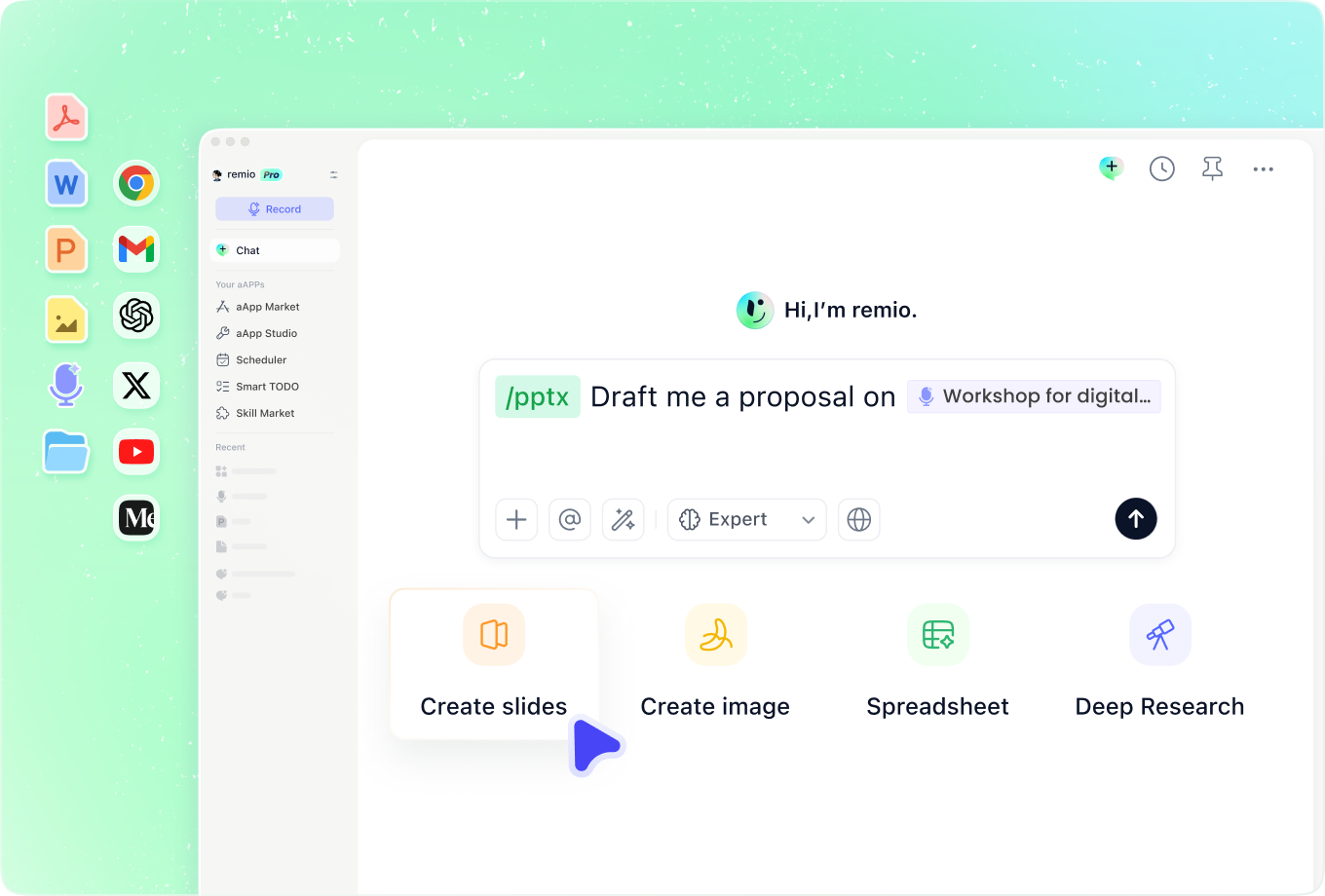
Use feedback without losing the core story
Add customer discovery notes, product research and earlier investor questions. Identify which objections the next meeting needs to address. Ask remio to strengthen the explanation using available evidence and list missing support rather than filling gaps with plausible claims.
How it works
From source material to a PowerPoint file you can keep updating.
01
Provide startup materials
Add the brief, traction evidence, financial assumptions and funding goal.
02
Review the investor narrative
Check the problem, differentiation, evidence and funding request.
03
Build and rehearse the deck
Create the editable PowerPoint, verify the numbers and refine the meeting flow.
FAQs
Yes. You can download remio and start for free. Some advanced usage may depend on your subscription plan, but you can try the AI presentation workflow before committing.
remio is designed as a local first app instead of a browser-only slide editor.
For AI presentations, this makes a real difference. Local file access helps remio parse documents faster, handle larger context, and better preserve PowerPoint structure, styles, and layouts. It also reduces the need to upload sensitive files into a browser-based tool.Combine the startup brief with customer evidence, current metrics and the fundraising plan. Identify the round and meeting format. A suggested pitch structure is a starting point; confirm that every traction claim, financial forecast and market estimate is supported before presenting.
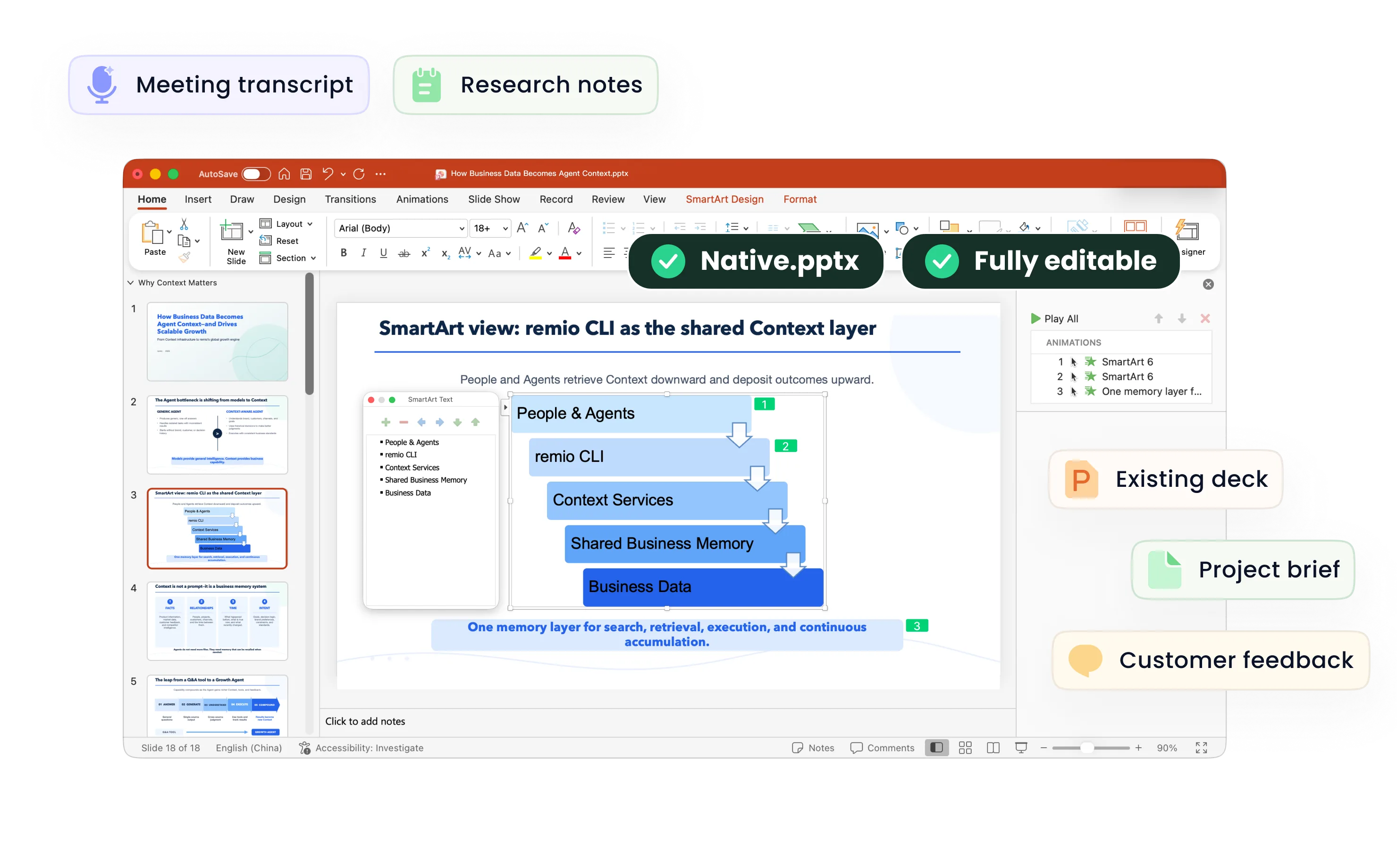
Yes. remio creates a native .pptx file from the start, not a presentation you have to export later. Every text box, layout, chart, and image stays editable in PowerPoint.
You can open it locally, edit it directly, and keep the same .pptx file from draft to final presentation.Not yet. remio currently focuses on native PowerPoint and .pptx workflows.
Keynote and Google Slides support are planned and will be added gradually.