top of page
remio AI Presentation workspace and source materials

Church PPT templates

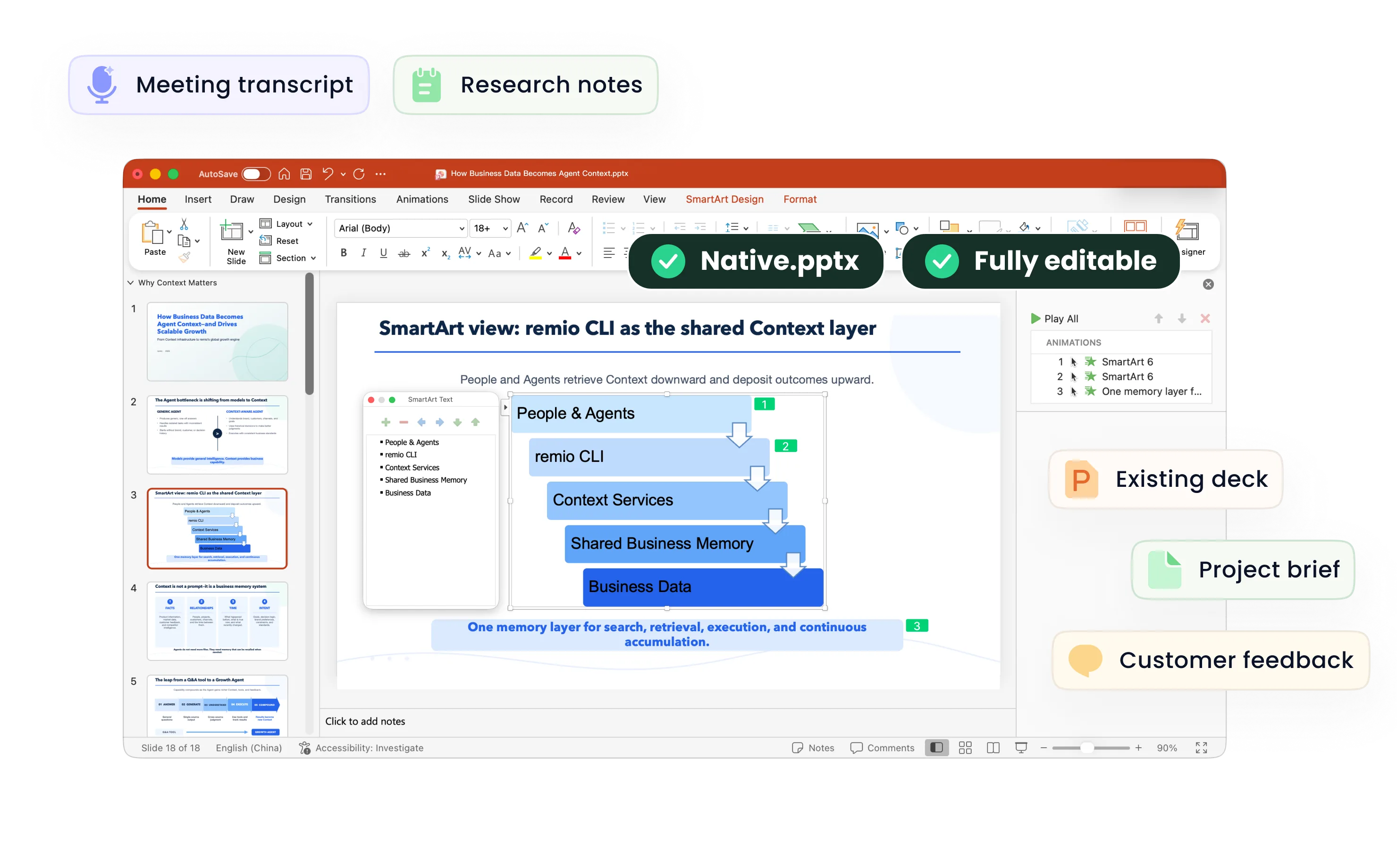
Turn your service plan, sermon notes and announcements into clear slides. Use remio to organize the message and refine an editable PowerPoint.

For Windows 10+ (x64) and Apple silicon Macs.

Church PPT templates

Turn your service plan, sermon notes and announcements into clear slides. Use remio to organize the message and refine an editable PowerPoint.

For Windows 10+ (x64) and Apple silicon Macs.

Download remio
remio AI Presentation workspace and source materials

Church PowerPoint Templates

Create church slides for a service, sermon, Bible study or community event. Use your approved notes in remio to build and refine an editable PowerPoint.

Start with the service plan

Start with the service plan

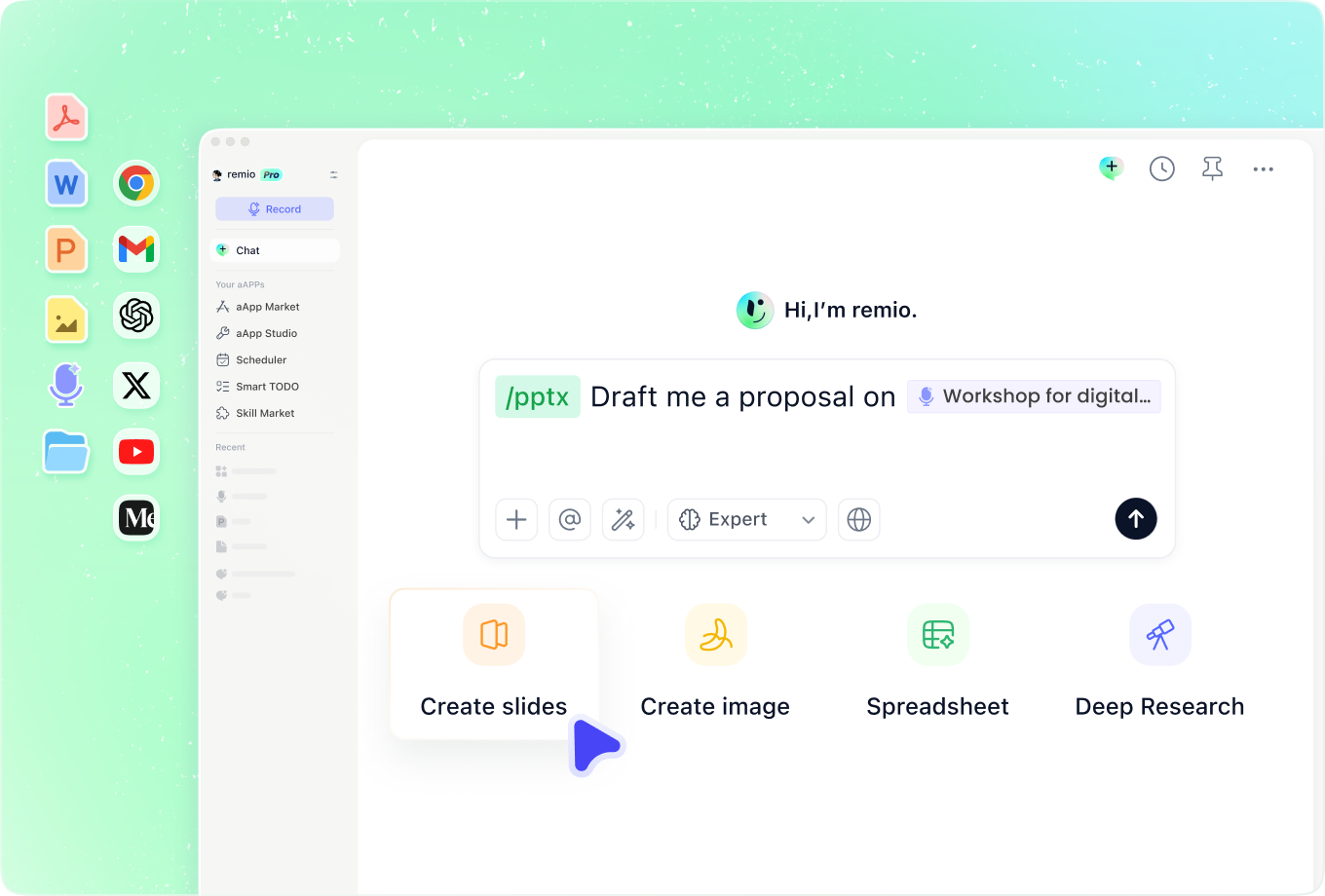
Add the order of service, sermon outline and approved announcements. Explain who will see the presentation and how the slides will be used. Organize the welcome, readings, key points and closing around the actual service rather than a generic slide count.
Design for the room

Design for the room

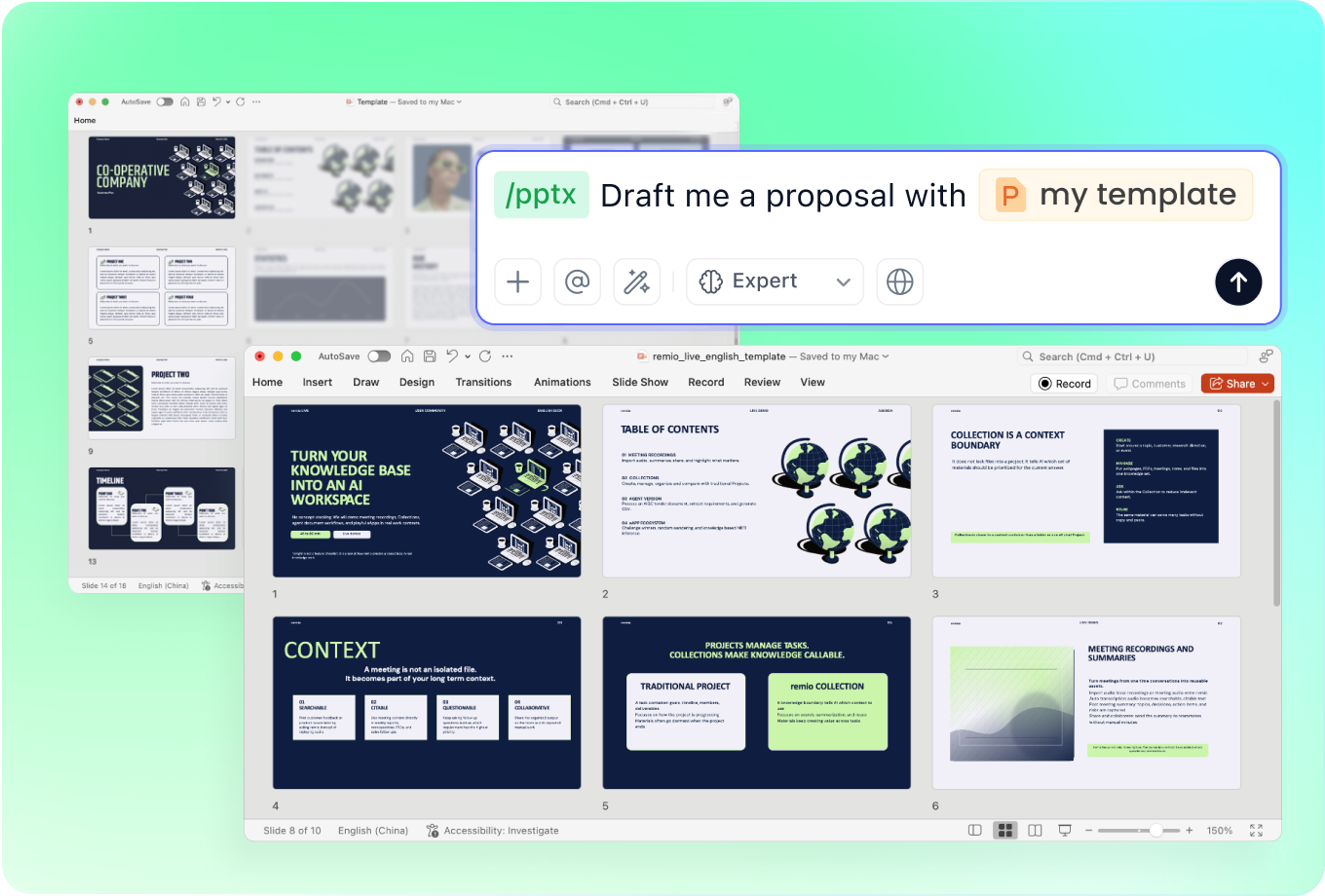
Request high contrast, readable type and an uncluttered background. Explain the screen and viewing conditions, and add an existing presentation to show your preferred style. Review each slide at presentation size so the design supports the message throughout the room.

Structure teaching and updates

Structure teaching and updates

Build a sermon or Bible study around the supplied passages, key points and discussion questions. For announcements, include the event name, date, time, location and next step. Keep teaching content and practical updates in a clear sequence the congregation can follow.

Update each week

Update each week

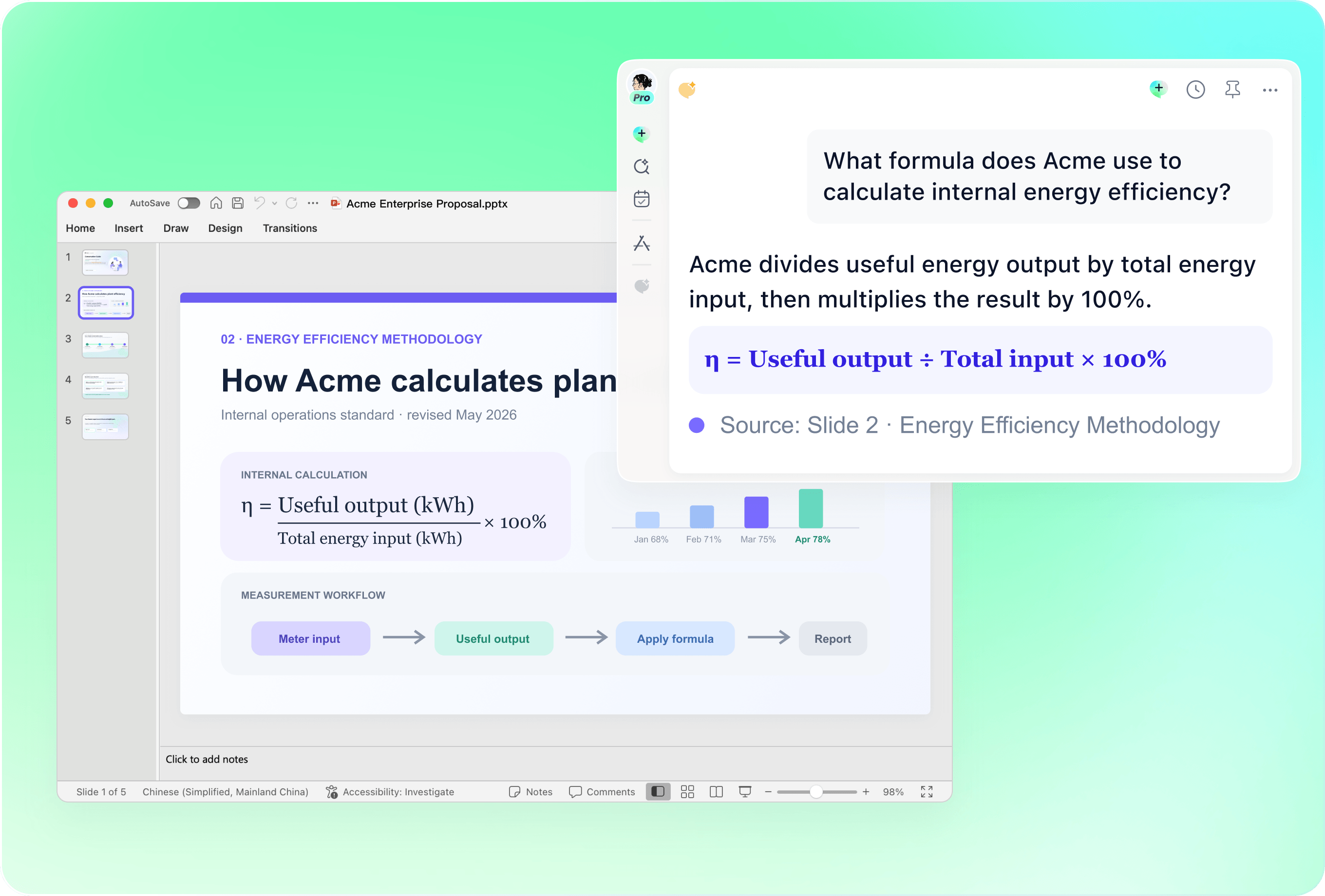
Provide the current presentation with the next service plan, revised notes and new announcements. Explain which sections should stay and which need replacing. Review the editable slides for previous dates, speaker names and information that no longer applies.

Check the final presentation

Check the final presentation

Compare quoted passages with your chosen source and confirm references, names and event details. Use only lyrics and images you are permitted to display. Rehearse the sequence and check readability on the intended screen before the service or study session.

How it works

From source material to a PowerPoint file you can keep updating.

  1. Add the approved materials

    Provide the service plan, sermon notes, announcements and any reference deck.

  2. Organize the message

    Review the sequence, readings, main points and visual direction.

  3. Refine and rehearse

    Check the editable PowerPoint, source references and room readability.

FAQs

What should a church presentation include?

Choose sections that fit the service or gathering: a welcome, order of service, supplied readings, teaching points, announcements and a closing. A Bible study may instead focus on the passage, context and discussion questions.

Can I create sermon or Bible study slides?

Add your outline, chosen passages, references and discussion notes. Ask remio to organize the slides around that material. Check quotations and interpretation against your approved sources before presenting the editable deck.

How do I make church announcements clear?

Include the event name, date, time, location and the action people should take. Supply the verified details in your notes, keep each announcement concise and review contact information before displaying the slides.

Can I reuse an existing service presentation?

Add the existing deck with the new service plan and explain what to keep or change. Update readings, teaching points and announcements, then review the result for old dates and details. A reference deck helps communicate style and structure.

How do I create church slides with remio?

Download remio and add your approved service materials. Describe the audience, sequence and preferred style. Review the outline and editable PowerPoint, verify the source text and rehearse the slides in the room where they will be shown.

Church PowerPoint Templates

Create church slides for a service, sermon, Bible study or community event. Use your approved notes in remio to build and refine an editable PowerPoint.

Start with the service plan

Start with the service plan

Add the order of service, sermon outline and approved announcements. Explain who will see the presentation and how the slides will be used. Organize the welcome, readings, key points and closing around the actual service rather than a generic slide count.
Design for the room

Design for the room

Request high contrast, readable type and an uncluttered background. Explain the screen and viewing conditions, and add an existing presentation to show your preferred style. Review each slide at presentation size so the design supports the message throughout the room.

Structure teaching and updates

Structure teaching and updates

Build a sermon or Bible study around the supplied passages, key points and discussion questions. For announcements, include the event name, date, time, location and next step. Keep teaching content and practical updates in a clear sequence the congregation can follow.

Update each week

Update each week

Provide the current presentation with the next service plan, revised notes and new announcements. Explain which sections should stay and which need replacing. Review the editable slides for previous dates, speaker names and information that no longer applies.

Check the final presentation

Check the final presentation

Compare quoted passages with your chosen source and confirm references, names and event details. Use only lyrics and images you are permitted to display. Rehearse the sequence and check readability on the intended screen before the service or study session.

How it works

From source material to a PowerPoint file you can keep updating.

01

Add the approved materials

Provide the service plan, sermon notes, announcements and any reference deck.

02

Organize the message

Review the sequence, readings, main points and visual direction.

03

Refine and rehearse

Check the editable PowerPoint, source references and room readability.

FAQs

  • Choose sections that fit the service or gathering: a welcome, order of service, supplied readings, teaching points, announcements and a closing. A Bible study may instead focus on the passage, context and discussion questions.

  • Add your outline, chosen passages, references and discussion notes. Ask remio to organize the slides around that material. Check quotations and interpretation against your approved sources before presenting the editable deck.

  • Include the event name, date, time, location and the action people should take. Supply the verified details in your notes, keep each announcement concise and review contact information before displaying the slides.

  • Add the existing deck with the new service plan and explain what to keep or change. Update readings, teaching points and announcements, then review the result for old dates and details. A reference deck helps communicate style and structure.

  • Download remio and add your approved service materials. Describe the audience, sequence and preferred style. Review the outline and editable PowerPoint, verify the source text and rehearse the slides in the room where they will be shown.

FAQs

Choose sections that fit the service or gathering: a welcome, order of service, supplied readings, teaching points, announcements and a closing. A Bible study may instead focus on the passage, context and discussion questions.

Add your outline, chosen passages, references and discussion notes. Ask remio to organize the slides around that material. Check quotations and interpretation against your approved sources before presenting the editable deck.

Include the event name, date, time, location and the action people should take. Supply the verified details in your notes, keep each announcement concise and review contact information before displaying the slides.

Add the existing deck with the new service plan and explain what to keep or change. Update readings, teaching points and announcements, then review the result for old dates and details. A reference deck helps communicate style and structure.

Download remio and add your approved service materials. Describe the audience, sequence and preferred style. Review the outline and editable PowerPoint, verify the source text and rehearse the slides in the room where they will be shown.

bottom of page