Company Presentation Maker
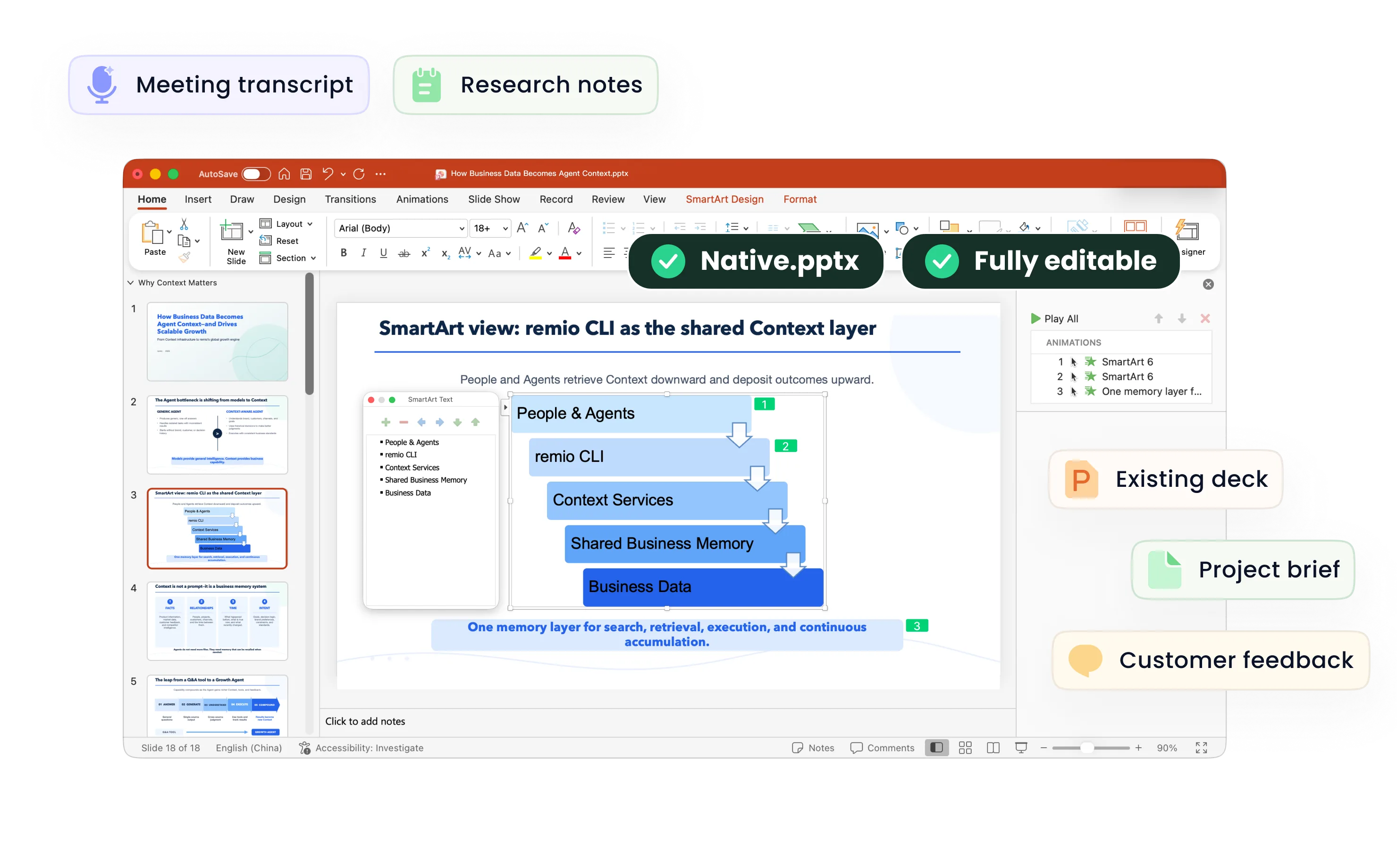
Create a company introduction PowerPoint from your profile, product information and proof points. Tailor the story and refine the editable deck in remio.
Choose a story for this audience
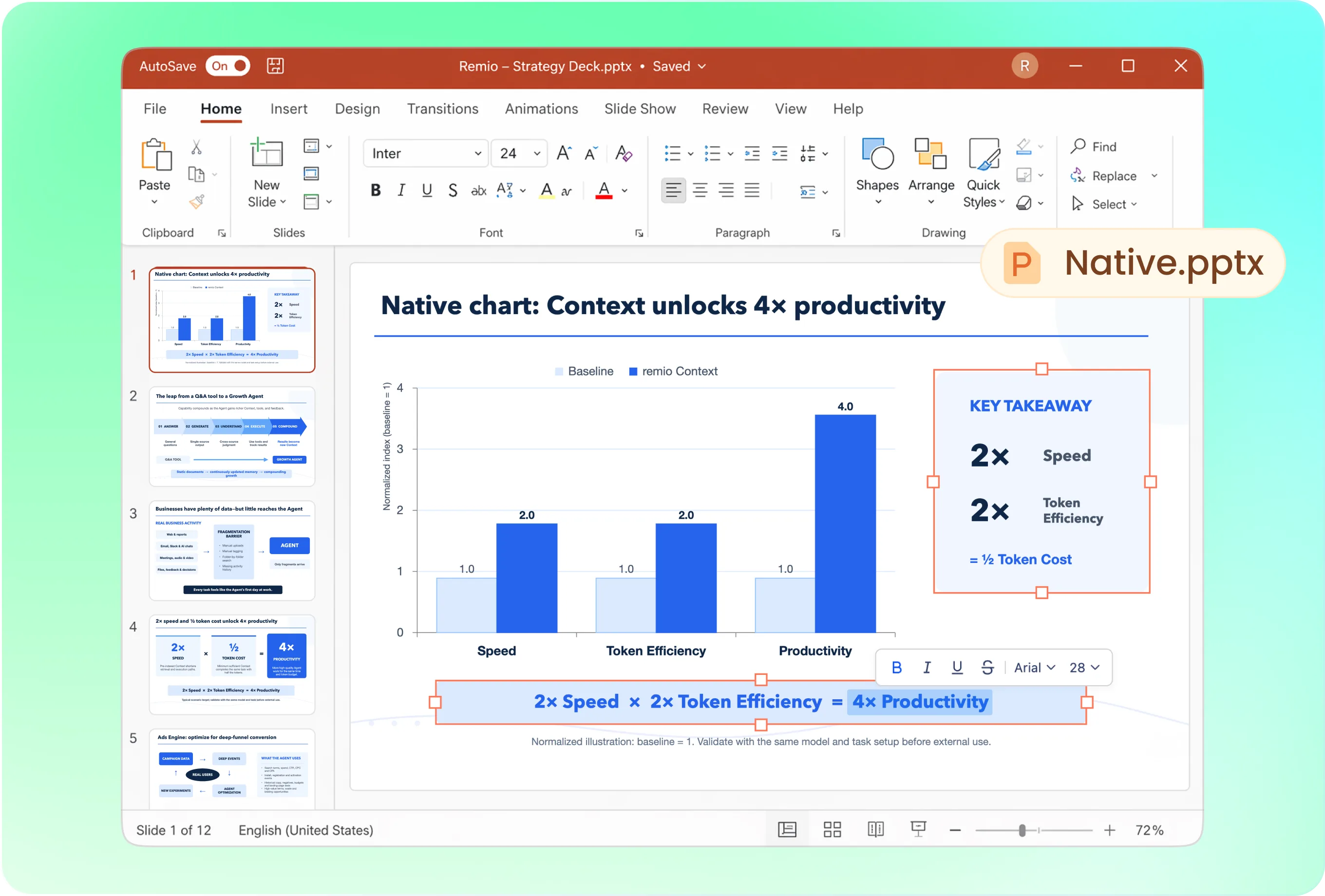
A prospect needs to understand the problem you solve; a new partner needs to understand how you work together. Ask for a sequence covering who you serve, what you offer, why it matters, supporting proof and a specific next step.
Keep company identity consistent
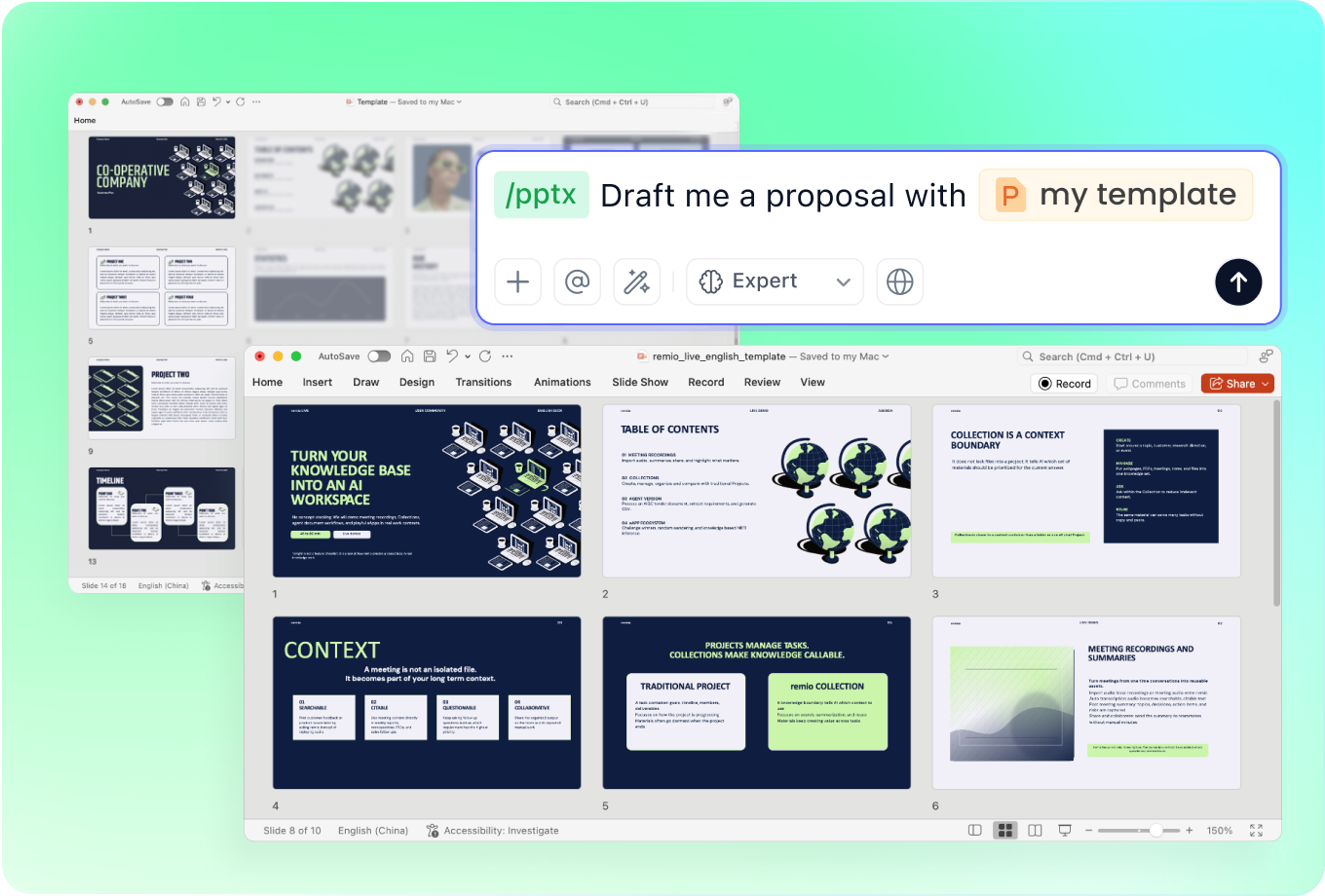
Supply the approved presentation and current brand wording. Ask remio to follow the visual style while adapting the amount of detail for a first introduction or a deeper capability discussion. Check product names and positioning across the deck.
Refresh the company deck as you grow
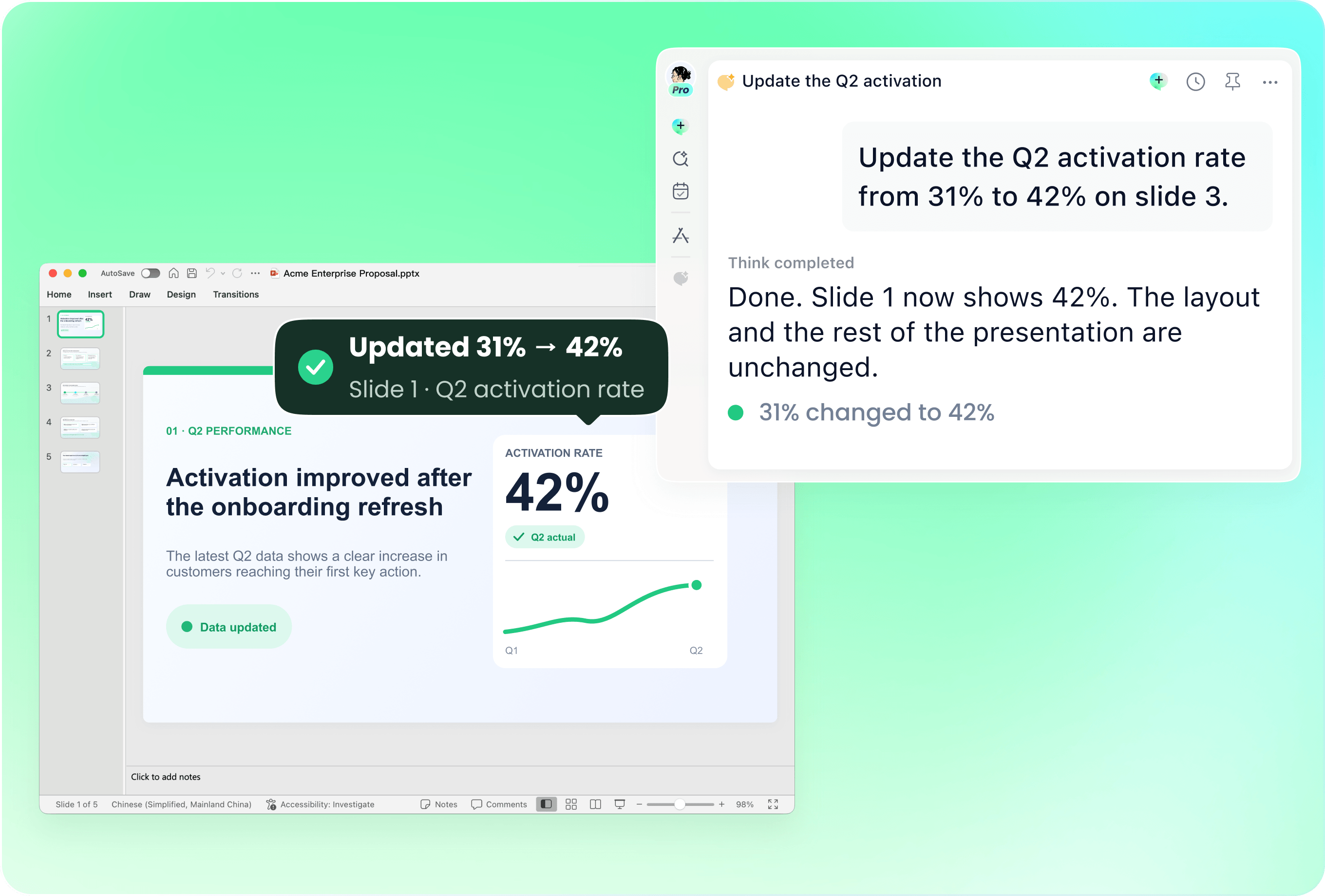
Use the existing PowerPoint with new product notes, milestones or team information. Name the pages to update and flag obsolete wording. Review dates, leadership details and the closing contact information before reusing the deck.
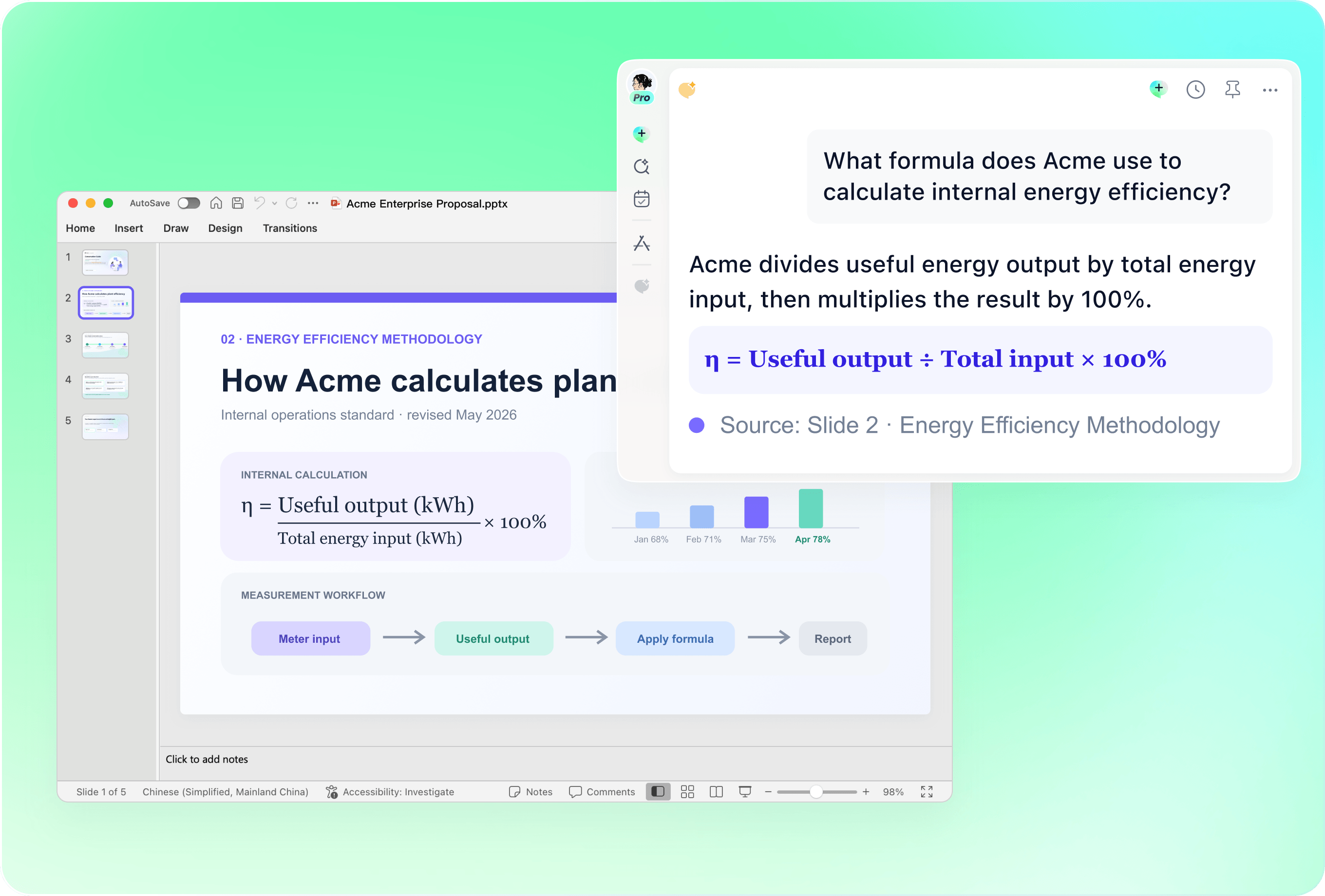
Use proof points you can stand behind
Verify customer references, logos, certifications and growth figures before including them. Explain what a statistic measures and when it was recorded. Do not turn a product plan or an unapproved customer example into a public claim.
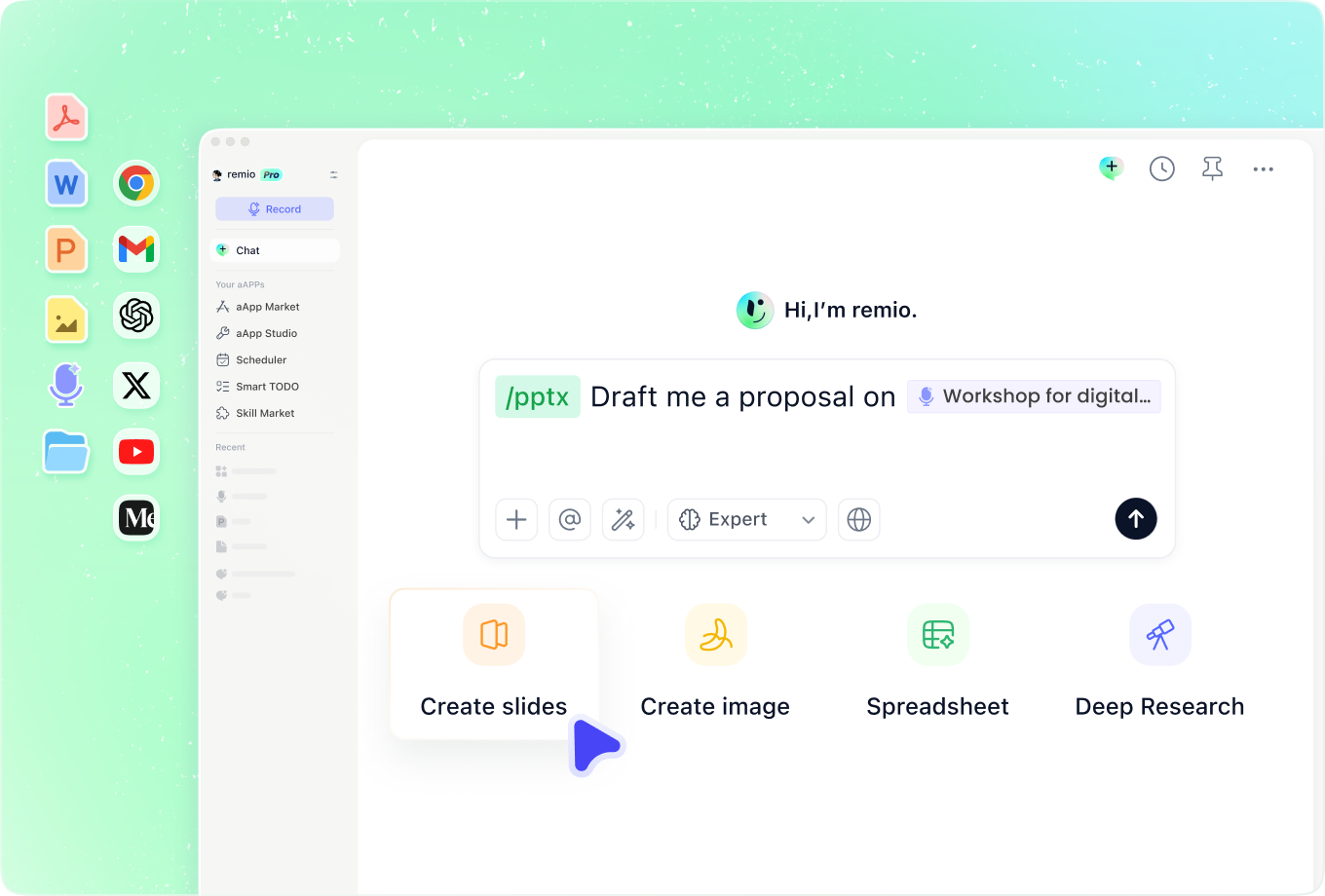
Bring the audience relationship into the brief
Add discovery notes or partner discussions to explain what this audience already knows. Ask remio to emphasize the relevant capabilities and omit unrelated background. Keep confidential internal context out of the final slides unless it is appropriate to share.
How it works
From source material to a PowerPoint file you can keep updating.
01
Provide the company materials
Add the approved profile, product information, proof points and audience.
02
Confirm the introduction structure
Review the company story, relevant capabilities and next step.
03
Create and check the deck
Build the editable PowerPoint and verify names, claims and contact details.
FAQs
Yes. You can download remio and start for free. Some advanced usage may depend on your subscription plan, but you can try the AI presentation workflow before committing.
remio is designed as a local first app instead of a browser-only slide editor.
For AI presentations, this makes a real difference. Local file access helps remio parse documents faster, handle larger context, and better preserve PowerPoint structure, styles, and layouts. It also reduces the need to upload sensitive files into a browser-based tool.Combine your approved company profile with current product notes and relevant audience context. Use only approved proof points. A company presentation explains the organization and its capabilities; a fundraising deck needs additional evidence about traction, economics and the funding request.
Yes. remio creates a native .pptx file from the start, not a presentation you have to export later. Every text box, layout, chart, and image stays editable in PowerPoint.
You can open it locally, edit it directly, and keep the same .pptx file from draft to final presentation.Not yet. remio currently focuses on native PowerPoint and .pptx workflows.
Keynote and Google Slides support are planned and will be added gradually.