Consulting Presentation Maker
Create consulting presentations from client briefs, analysis and supporting evidence. Review findings, options and recommendations in remio.
Make the argument from finding to action
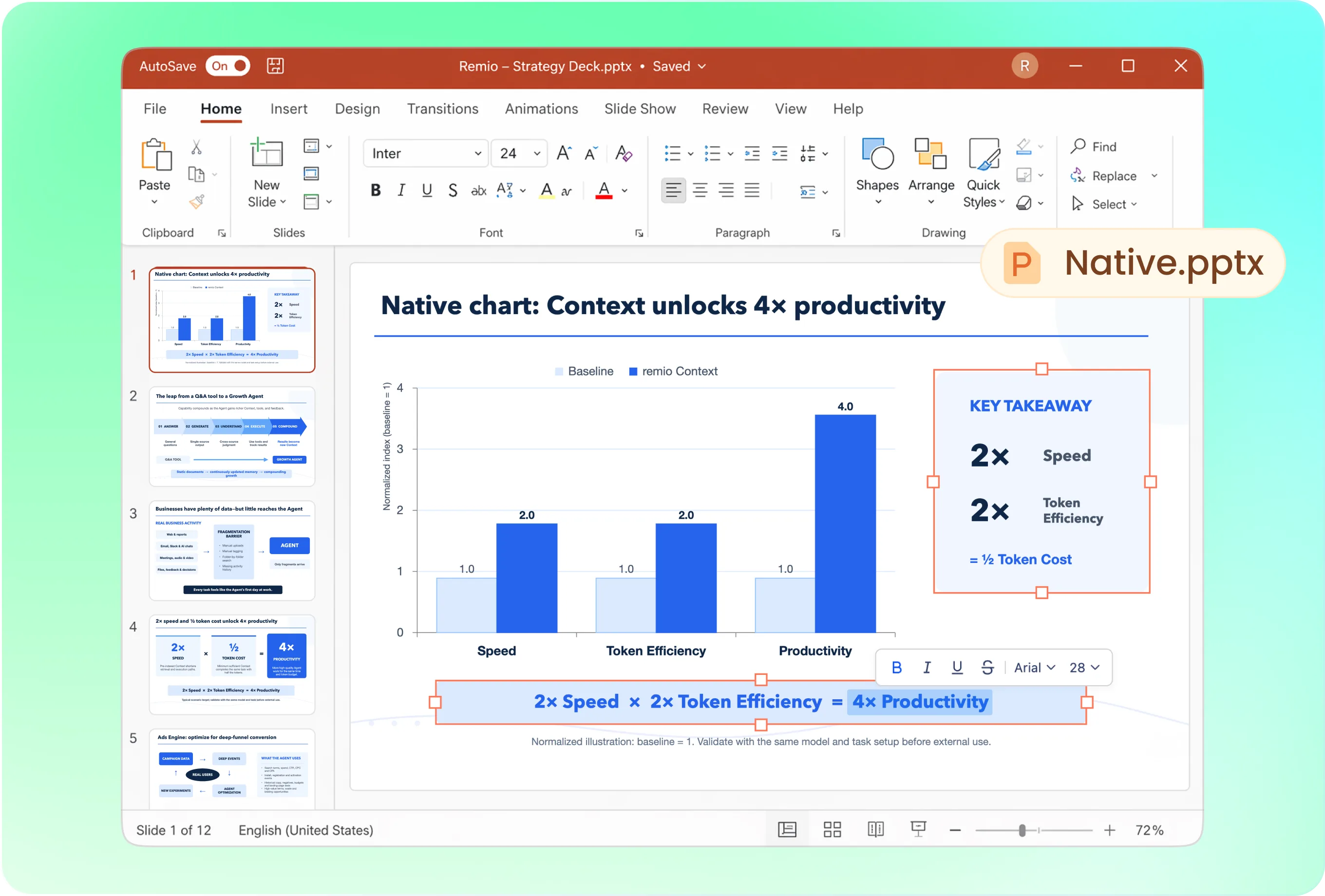
Structure the readout around the question, key findings, evidence, options, recommendation and implementation considerations. Ask remio to make slide titles express the takeaway. Check that each recommendation follows from the analysis rather than from a generic framework.
Use the client’s presentation conventions
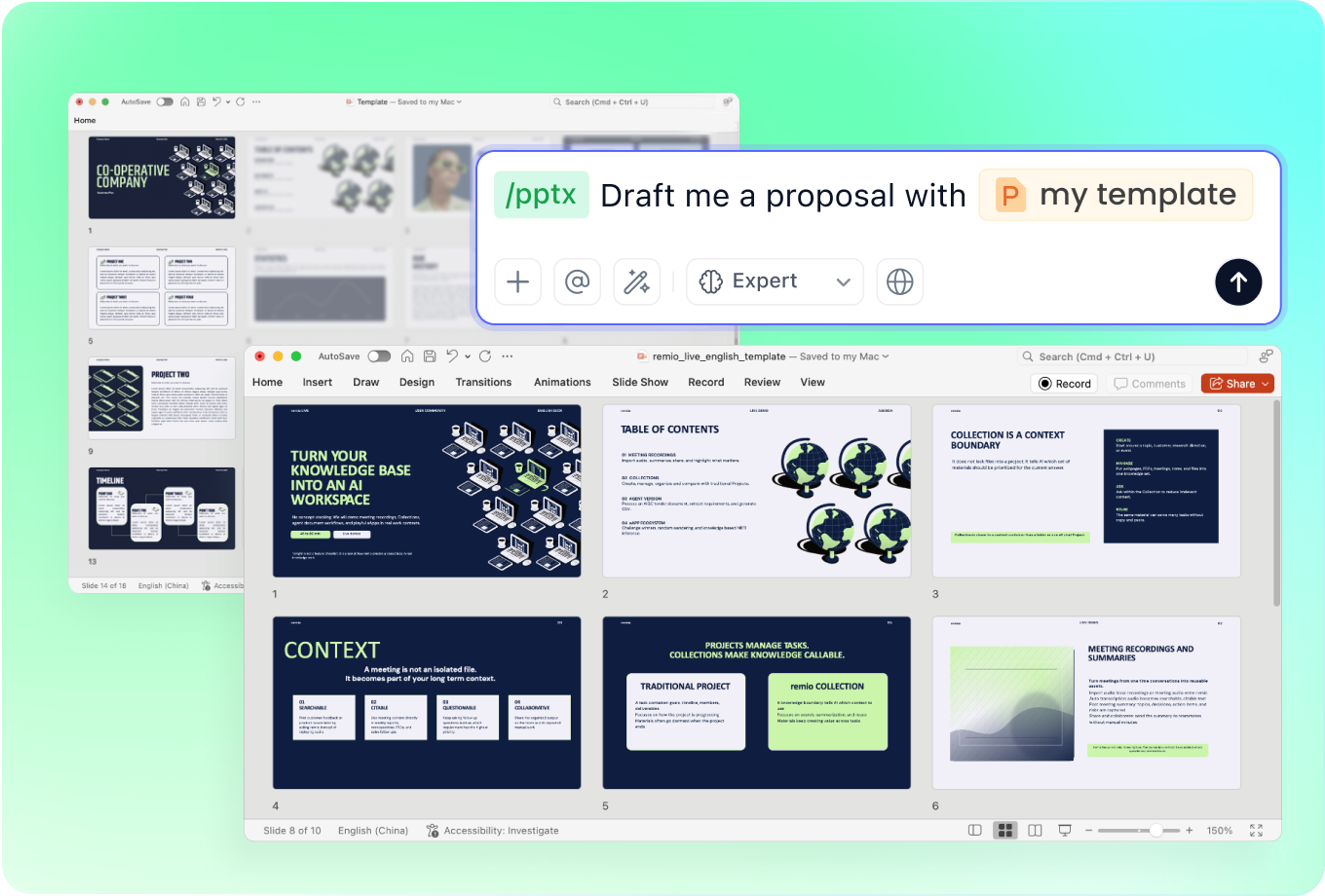
Provide the approved client or consulting PowerPoint to guide fonts, colors and layout. Explain any constraints on slide density, terminology and disclosure. Review whether detailed analysis belongs in the main story or a separate supporting section.
Revise the readout after stakeholder feedback
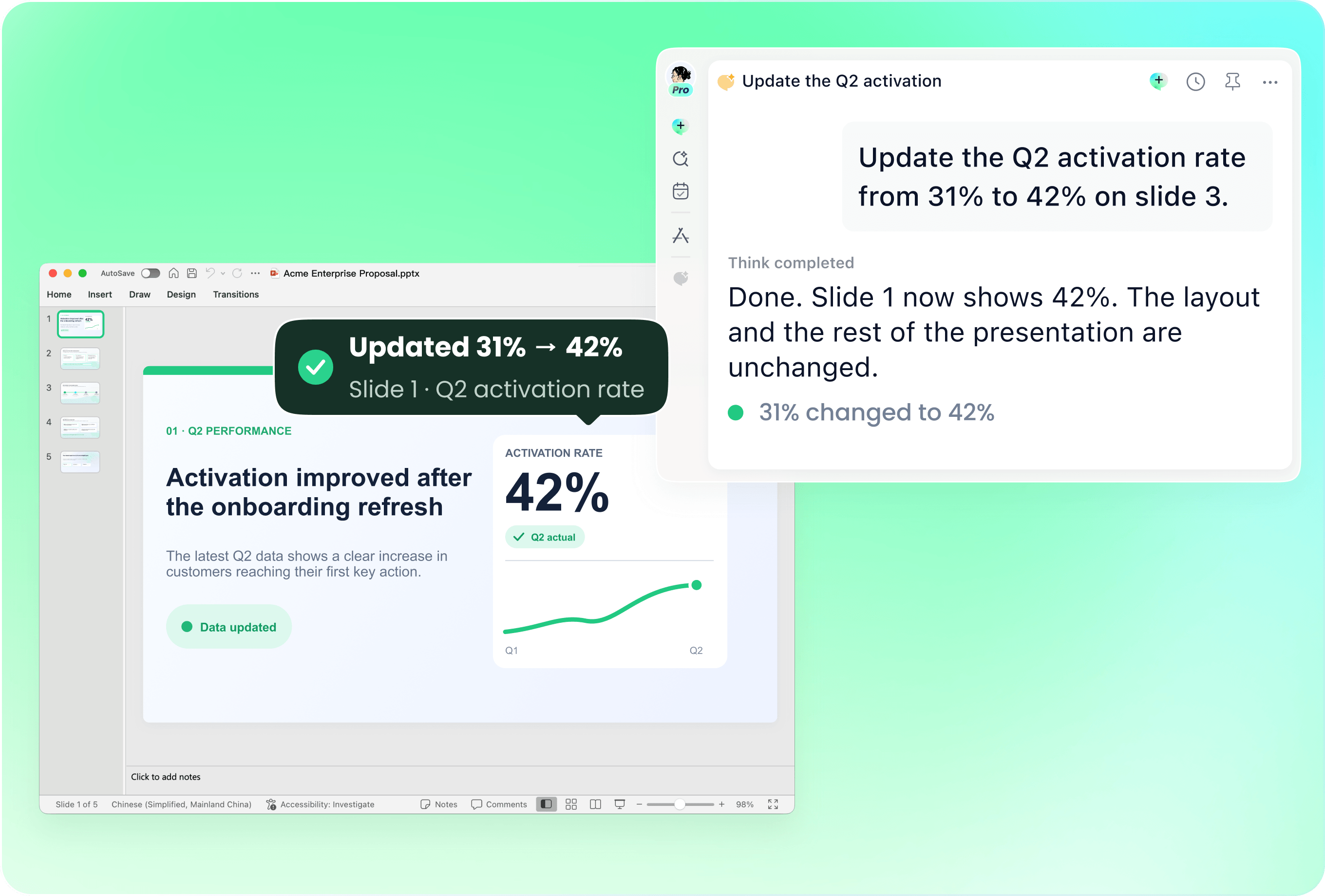
Use the current deck with new analysis or review notes. Identify which assumptions, exhibits and recommendations changed. Ask remio to update the affected slides, then inspect the narrative for conclusions that no longer follow from the latest evidence.
Keep analysis, assumptions and advice distinct
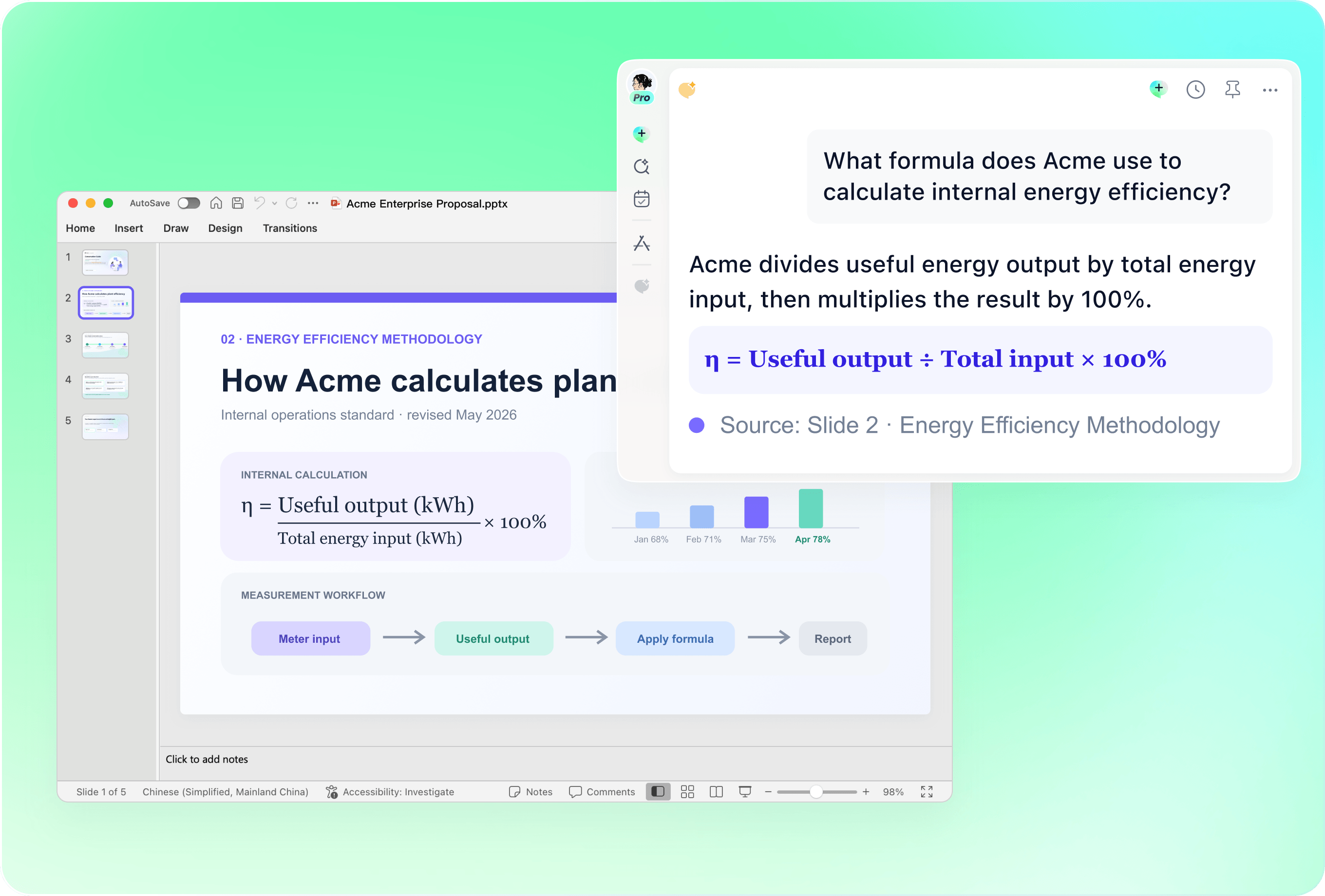
Check calculations, benchmarks, source dates and interview interpretations. Label hypotheses and proposed actions separately from verified findings. Review any savings estimate or implementation timeline with its assumptions; polished slides should not make uncertain advice appear guaranteed.
Bring engagement context into the recommendation
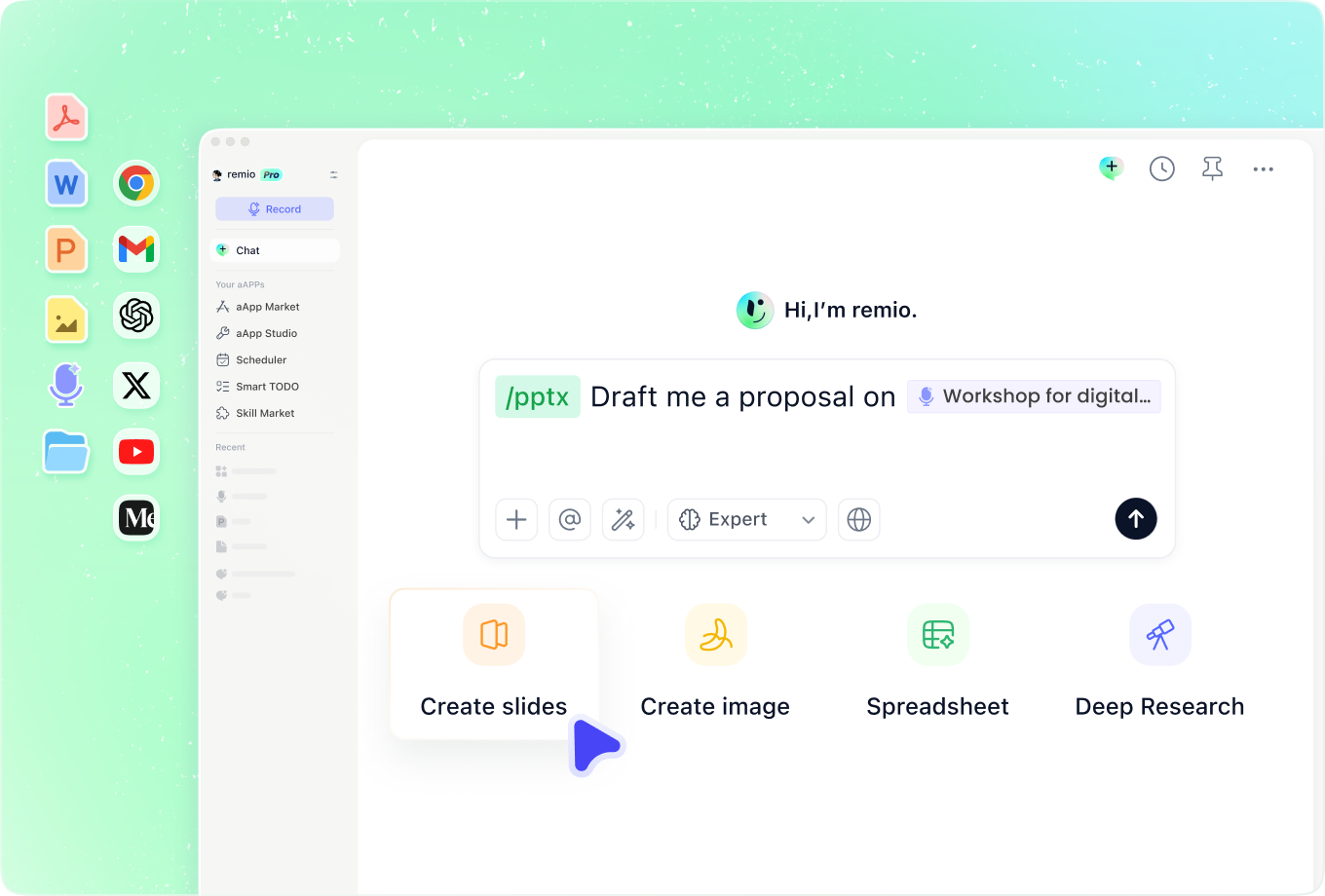
Add earlier decisions, interview context and the agreed scope. Explain which sources are authoritative and what is outside the engagement. Use the context to surface unresolved questions and dependencies before presenting a plan that the client may act on.
How it works
From source material to a PowerPoint file you can keep updating.
01
Add the engagement materials
Provide scope, analysis, sources and the client decision.
02
Review the recommendation logic
Check findings, options, assumptions and implementation considerations.
03
Build the client readout
Create the editable PowerPoint and review exhibits and recommendations.
FAQs
Yes. You can download remio and start for free. Some advanced usage may depend on your subscription plan, but you can try the AI presentation workflow before committing.
remio is designed as a local first app instead of a browser-only slide editor.
For AI presentations, this makes a real difference. Local file access helps remio parse documents faster, handle larger context, and better preserve PowerPoint structure, styles, and layouts. It also reduces the need to upload sensitive files into a browser-based tool.Use the client brief, analysis and approved supporting sources together. Identify scope and decision owners. Review calculations, disclosure and recommendations before sharing. Use the agreed scope to decide what belongs in the main readout and what needs a supporting exhibit.
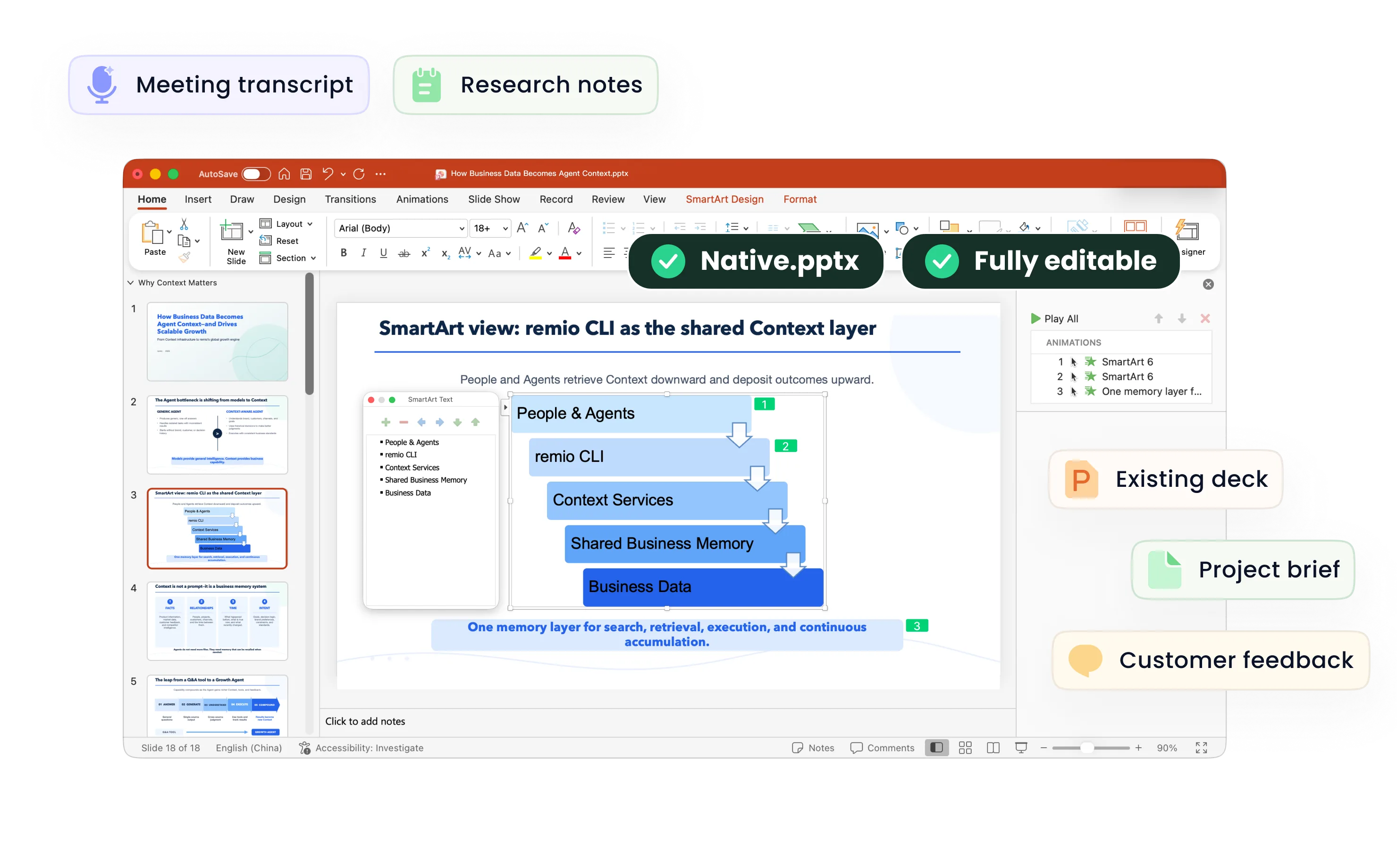
Yes. remio creates a native .pptx file from the start, not a presentation you have to export later. Every text box, layout, chart, and image stays editable in PowerPoint.
You can open it locally, edit it directly, and keep the same .pptx file from draft to final presentation.Not yet. remio currently focuses on native PowerPoint and .pptx workflows.
Keynote and Google Slides support are planned and will be added gradually.