top of page
remio AI Presentation workspace and source materials

Corporate PPT templates

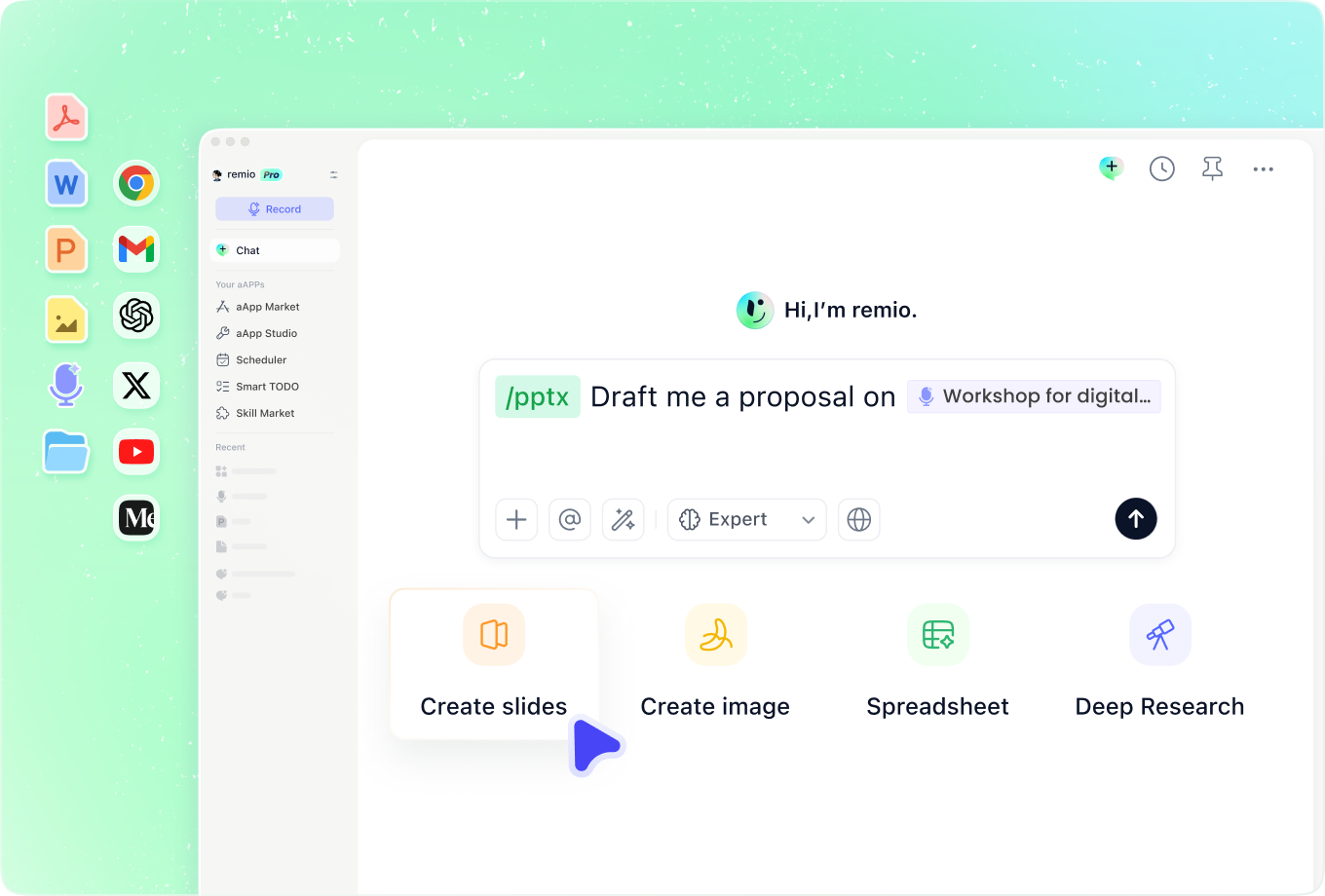
Bring a clear structure and a consistent visual identity to your business presentations. Shape the deck for your audience in remio.

Desktop app for Windows 10+ (x64) and Apple silicon Macs.

Corporate PPT templates

Bring a clear structure and a consistent visual identity to your business presentations. Shape the deck for your audience in remio.

Desktop app for Windows 10+ (x64) and Apple silicon Macs.

Download remio
remio AI Presentation workspace and source materials

Corporate PowerPoint Templates

Create corporate PowerPoint presentations with consistent branding and reusable layouts. Adapt your company deck for reports, board meetings and team updates in remio.

Start with your brand standards

Start with your brand standards

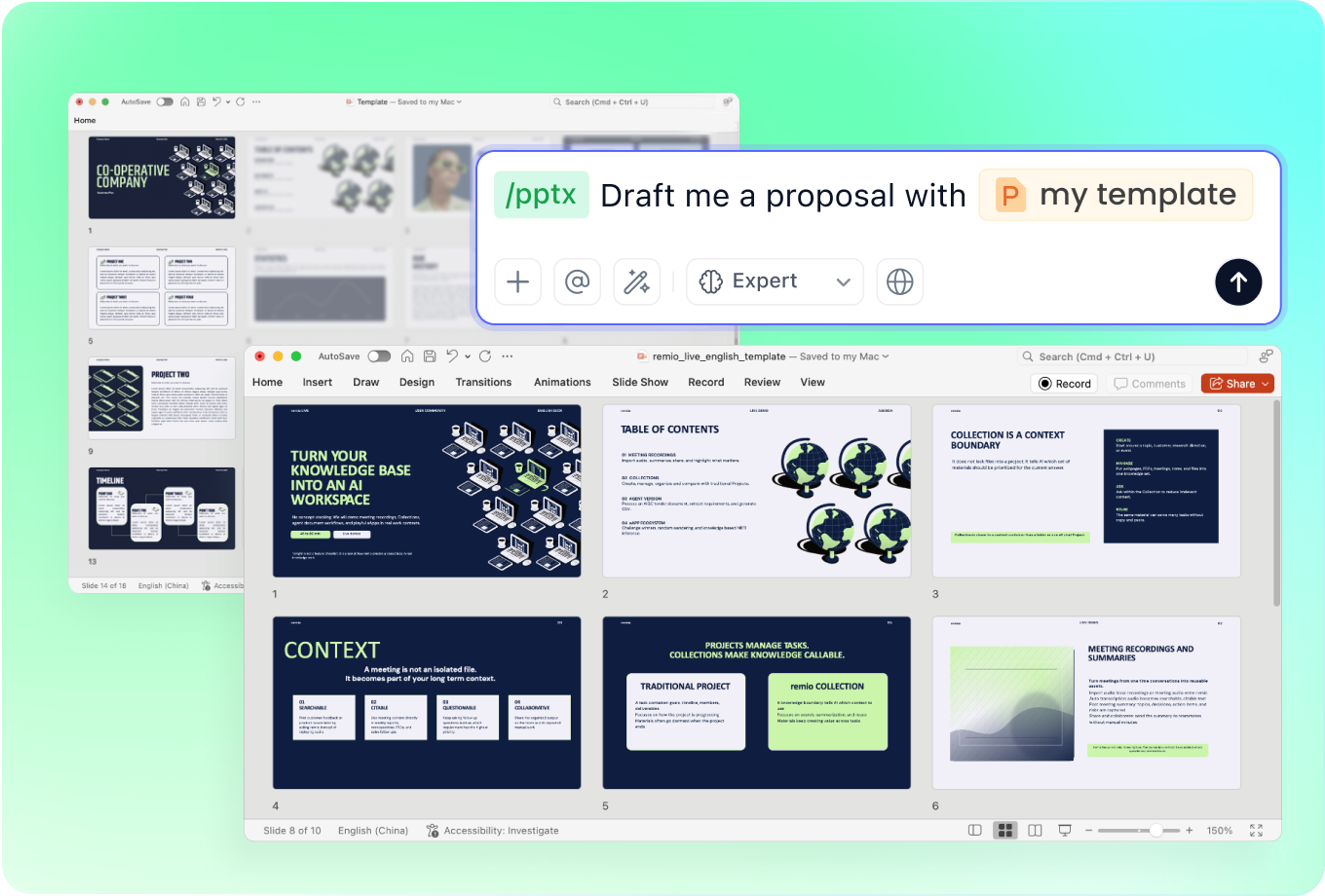
Use an approved company deck to establish fonts, colors, logo placement and visual tone. Tell remio which conventions are mandatory and where the content needs a different layout. Review the result against the source deck rather than relying on a generic business theme.
Choose layouts that repeat well

Choose layouts that repeat well

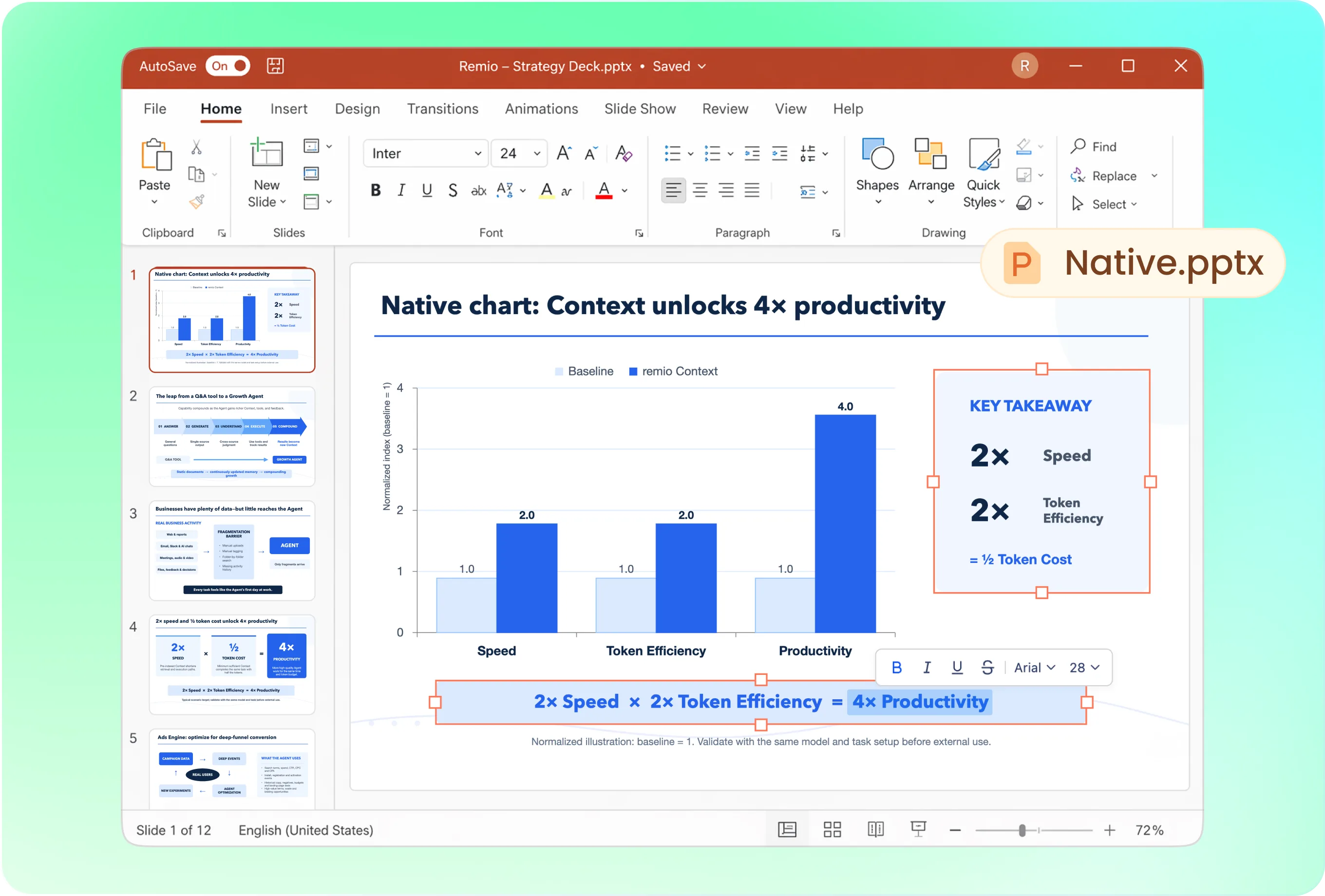
Build a small set of useful page patterns: executive summary, key evidence, comparison, roadmap and next steps. Keep labels, spacing and chart conventions consistent. Reuse the patterns that help readers compare information; avoid adding decorative layouts without a clear purpose.

Shape the deck for the meeting

Shape the deck for the meeting

A board discussion needs a decision and supporting evidence. An annual report needs a clear reporting period and reviewed results. Training needs an explanation and practice. Start from the audience and purpose, then choose the appropriate corporate presentation structure.

Keep shared decks current

Keep shared decks current

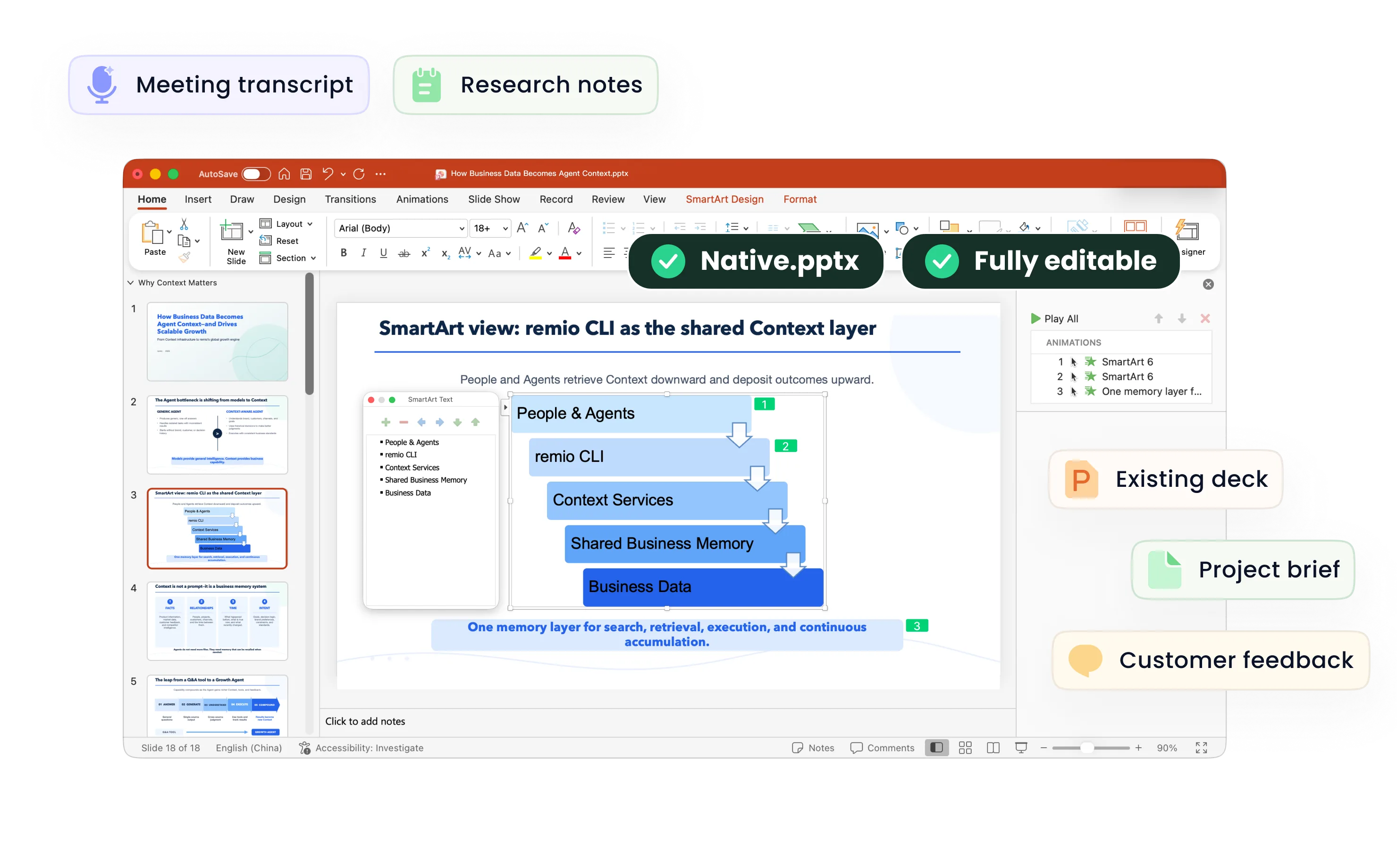
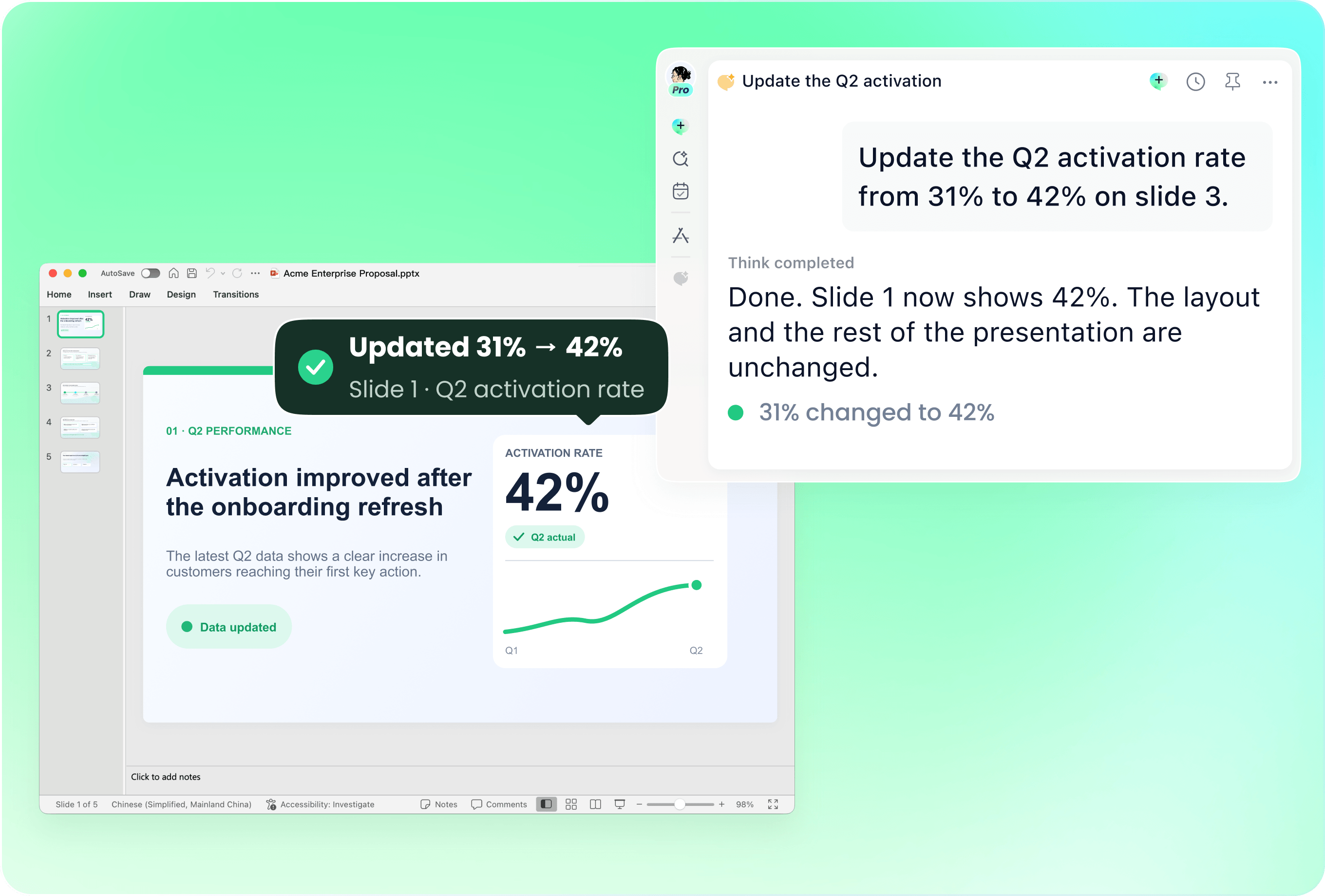
Work from the latest company presentation and the reviewed source material for this meeting. Ask remio to revise the relevant slides when information changes. Check dates, terminology, chart labels and source notes so an attractive template does not carry outdated claims.

Make the next decision clear

Make the next decision clear

Use your brief, project notes and meeting context to explain what the audience needs to know and do. Keep approved evidence separate from assumptions, and name the owner and next step. Corporate consistency should make the message easier to understand.

How it works

From source material to a PowerPoint file you can keep updating.

  1. Add the brief and brand reference

    Provide the audience, purpose, approved company deck and supporting sources.

  2. Choose the recurring layouts

    Review the outline, information hierarchy and layouts for the meeting.

  3. Refine and check the presentation

    Review brand consistency, figures, source dates and the next decision.

FAQs

What should a corporate PowerPoint template include?

A useful corporate template defines title and body styles, a restrained color palette, spacing, chart conventions and recurring layouts. Choose layouts that support your actual meetings, such as an executive summary, evidence, comparison, roadmap and next decision.

Can I use my existing company presentation?

Yes. Add an approved company deck as a reference and explain which fonts, colors and layouts to follow. Identify any required legal wording or confidentiality notice, and review the generated presentation against your company standards.

Which business presentations can I create?

Use the structure for company updates, board discussions, annual reports, partner meetings and internal training. Each audience needs a different story. Provide approved sources for financial figures, customer examples and performance claims.

How do I keep a corporate deck up to date?

Bring the current presentation together with the new brief and reviewed source material. Identify the slides, reporting period and decisions that changed. Check terminology, owners, source dates and numbers across the revised deck.

How do I start with remio?

Download the remio desktop app, add your brief and an approved brand reference, and describe the audience and intended outcome. Review the outline, refine the slides and check the presentation before sharing.

Corporate PowerPoint Templates

Create corporate PowerPoint presentations with consistent branding and reusable layouts. Adapt your company deck for reports, board meetings and team updates in remio.

Start with your brand standards

Start with your brand standards

Use an approved company deck to establish fonts, colors, logo placement and visual tone. Tell remio which conventions are mandatory and where the content needs a different layout. Review the result against the source deck rather than relying on a generic business theme.
Choose layouts that repeat well

Choose layouts that repeat well

Build a small set of useful page patterns: executive summary, key evidence, comparison, roadmap and next steps. Keep labels, spacing and chart conventions consistent. Reuse the patterns that help readers compare information; avoid adding decorative layouts without a clear purpose.

Shape the deck for the meeting

Shape the deck for the meeting

A board discussion needs a decision and supporting evidence. An annual report needs a clear reporting period and reviewed results. Training needs an explanation and practice. Start from the audience and purpose, then choose the appropriate corporate presentation structure.

Keep shared decks current

Keep shared decks current

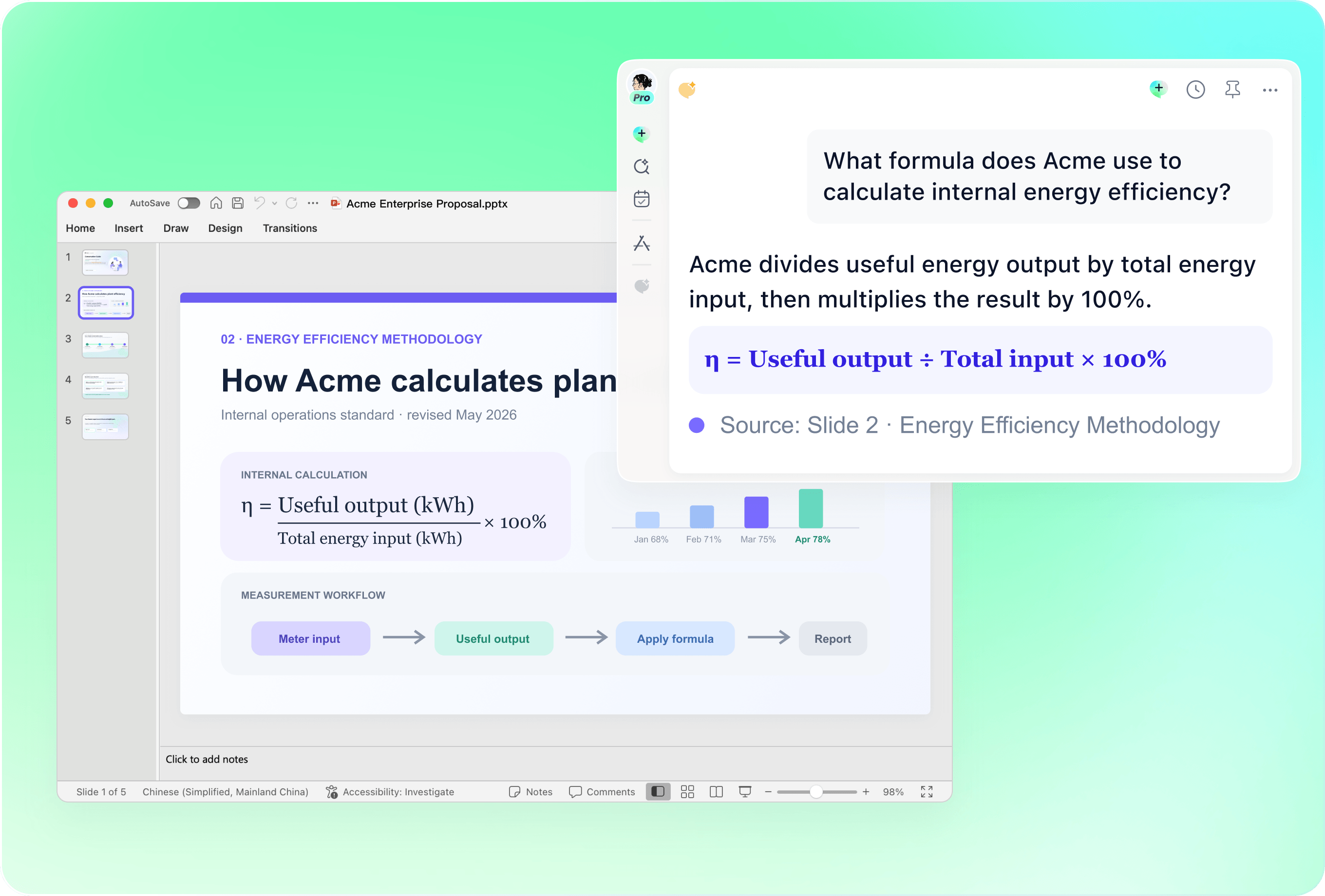
Work from the latest company presentation and the reviewed source material for this meeting. Ask remio to revise the relevant slides when information changes. Check dates, terminology, chart labels and source notes so an attractive template does not carry outdated claims.

Make the next decision clear

Make the next decision clear

Use your brief, project notes and meeting context to explain what the audience needs to know and do. Keep approved evidence separate from assumptions, and name the owner and next step. Corporate consistency should make the message easier to understand.

How it works

From source material to a PowerPoint file you can keep updating.

01

Add the brief and brand reference

Provide the audience, purpose, approved company deck and supporting sources.

02

Choose the recurring layouts

Review the outline, information hierarchy and layouts for the meeting.

03

Refine and check the presentation

Review brand consistency, figures, source dates and the next decision.

FAQs

  • A useful corporate template defines title and body styles, a restrained color palette, spacing, chart conventions and recurring layouts. Choose layouts that support your actual meetings, such as an executive summary, evidence, comparison, roadmap and next decision.

  • Yes. Add an approved company deck as a reference and explain which fonts, colors and layouts to follow. Identify any required legal wording or confidentiality notice, and review the generated presentation against your company standards.

  • Use the structure for company updates, board discussions, annual reports, partner meetings and internal training. Each audience needs a different story. Provide approved sources for financial figures, customer examples and performance claims.

  • Bring the current presentation together with the new brief and reviewed source material. Identify the slides, reporting period and decisions that changed. Check terminology, owners, source dates and numbers across the revised deck.

  • Download the remio desktop app, add your brief and an approved brand reference, and describe the audience and intended outcome. Review the outline, refine the slides and check the presentation before sharing.

FAQs

A useful corporate template defines title and body styles, a restrained color palette, spacing, chart conventions and recurring layouts. Choose layouts that support your actual meetings, such as an executive summary, evidence, comparison, roadmap and next decision.

Yes. Add an approved company deck as a reference and explain which fonts, colors and layouts to follow. Identify any required legal wording or confidentiality notice, and review the generated presentation against your company standards.

Use the structure for company updates, board discussions, annual reports, partner meetings and internal training. Each audience needs a different story. Provide approved sources for financial figures, customer examples and performance claims.

Bring the current presentation together with the new brief and reviewed source material. Identify the slides, reporting period and decisions that changed. Check terminology, owners, source dates and numbers across the revised deck.

Download the remio desktop app, add your brief and an approved brand reference, and describe the audience and intended outcome. Review the outline, refine the slides and check the presentation before sharing.

bottom of page