top of page
remio AI Presentation workspace and source materials

Creative PPT templates

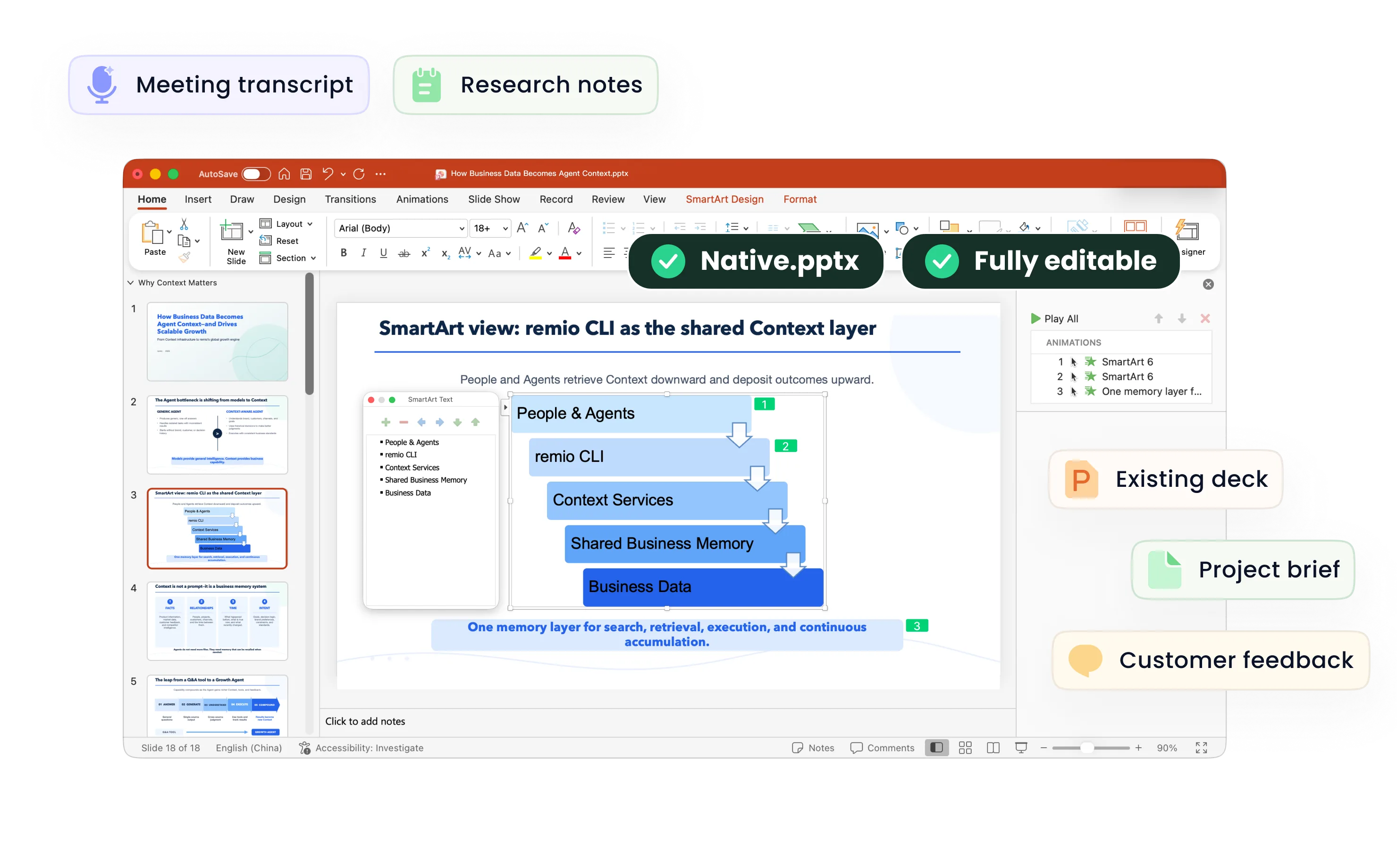
Turn project notes and work samples into a focused visual story. Use remio to shape a portfolio, brand presentation or creative proposal, then refine the editable deck.

For Windows 10+ (x64) and Apple silicon Macs.

Creative PPT templates

Turn project notes and work samples into a focused visual story. Use remio to shape a portfolio, brand presentation or creative proposal, then refine the editable deck.

For Windows 10+ (x64) and Apple silicon Macs.

Download remio
remio AI Presentation workspace and source materials

Creative PowerPoint Templates

Create a creative presentation from project notes and work samples. Use remio to shape a portfolio, brand story or proposal in an editable PowerPoint.

Start with the idea

Start with the idea

State what the audience should understand or decide. A portfolio introduces your work, a brand presentation explains an identity, and a proposal asks the audience to consider a direction. Add the project brief, notes and relevant work samples before asking remio to shape the outline.
Select work with purpose

Select work with purpose

Choose a small set of examples that demonstrate the point of the presentation. Explain the project context, your contribution, the creative decisions and the outcome you can substantiate. Use images and figures you are permitted to share, and distinguish proposed concepts from completed work.

Build a visual story

Build a visual story

Give each section a role: introduce the context, develop the idea and explain what comes next. Use a strong visual where it carries the message and supporting text where the audience needs detail. Keep transitions clear so the presentation remains understandable beyond any single striking slide.

Keep the identity coherent

Keep the identity coherent

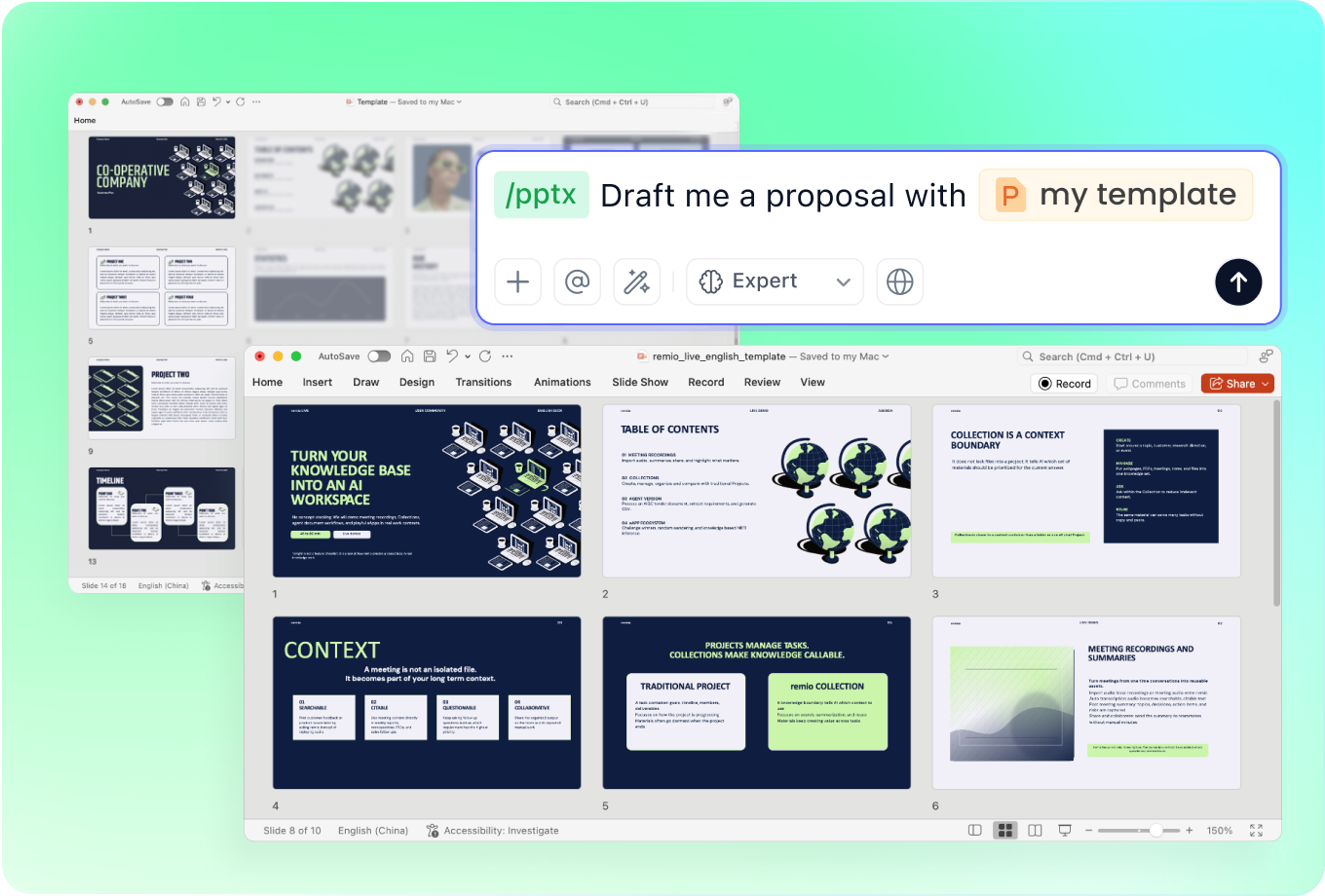
Describe the visual direction and add an existing presentation when it helps explain the style you need. For a brand deck, include the approved colors, typography and context in your materials. Review the slides for consistency; do not assume the generated deck automatically satisfies every brand rule.

Refine for the audience

Refine for the audience

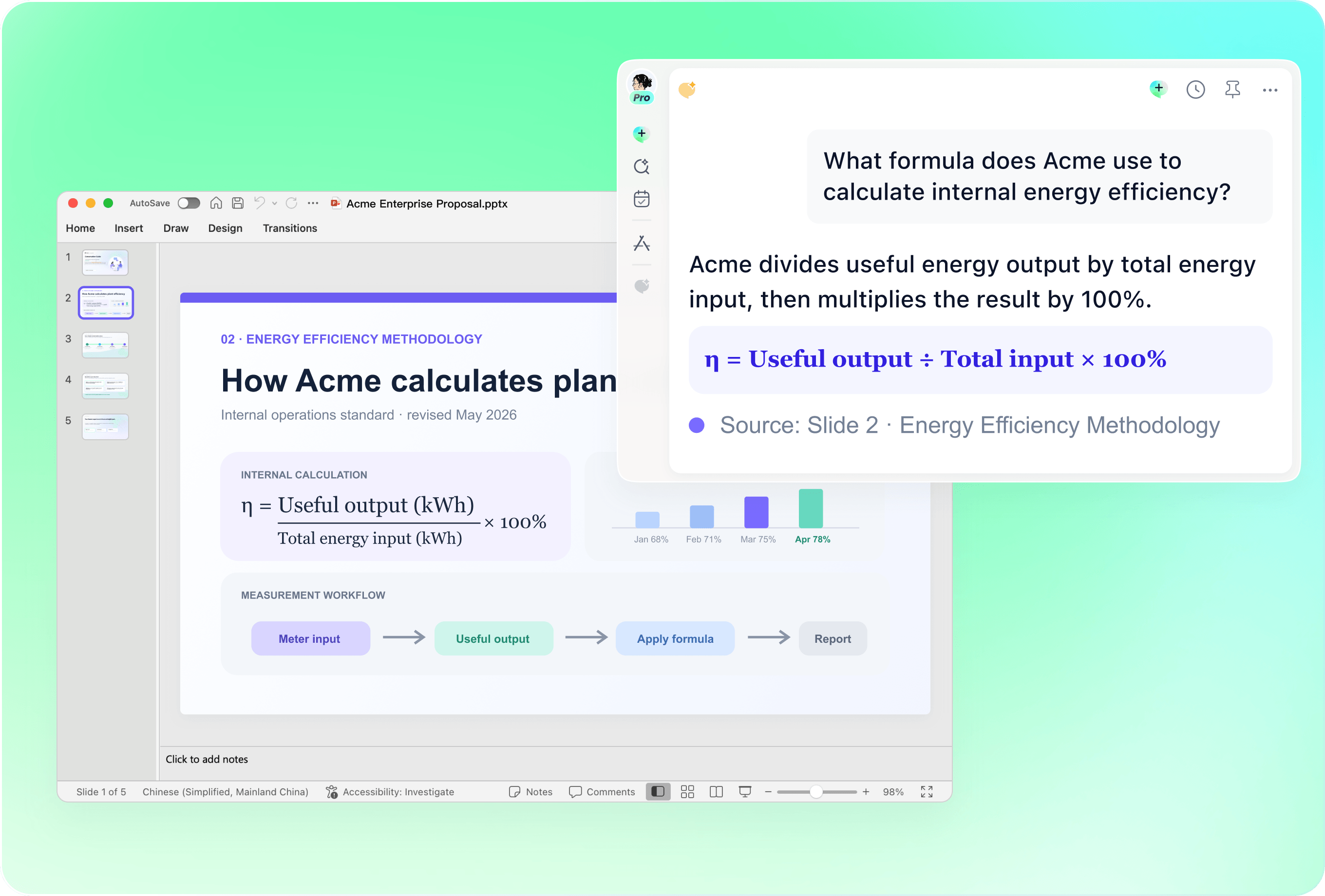
Review the editable PowerPoint as a complete presentation. Simplify crowded slides, check charts against the source and make the next step clear. A conference screen, a client discussion and a shared portfolio need different levels of detail, so check the deck in its intended setting.

How it works

From source material to a PowerPoint file you can keep updating.

  1. Add the brief and work samples

    Provide the audience, project context, source notes and examples you can share.

  2. Shape the creative story

    Review the sequence, selected evidence and visual direction.

  3. Refine and present

    Check the editable slides, verify details and adapt the deck to its setting.

FAQs

What should a creative presentation include?

Begin with the context and the idea, develop it through selected examples or evidence, and close with a clear next step. A portfolio should explain the work and your contribution; a proposal should explain the direction and the decision you need. Choose the structure around the actual audience.

Can I use this approach for a portfolio or brand deck?

Yes. Add the project notes, relevant work samples and any existing presentation that explains your visual direction. Describe the role of the deck and the audience. Review project claims, permissions and visual consistency before sharing the resulting editable presentation.

How do I make data part of a creative story?

Choose the chart that explains the question, retain meaningful comparisons and check every figure against its source. Add context for labels, units and assumptions. Creative treatment should make the evidence clearer rather than turn uncertain or illustrative numbers into factual results.

How should I adapt the deck to my audience?

For a client discussion, focus on the decision and the evidence behind your proposal. For a conference, check that the key message and visuals work on a large screen. For a shared portfolio, include enough project context for someone reading without a presenter. Review the content and readability in the intended setting.

How do I create a creative PowerPoint with remio?

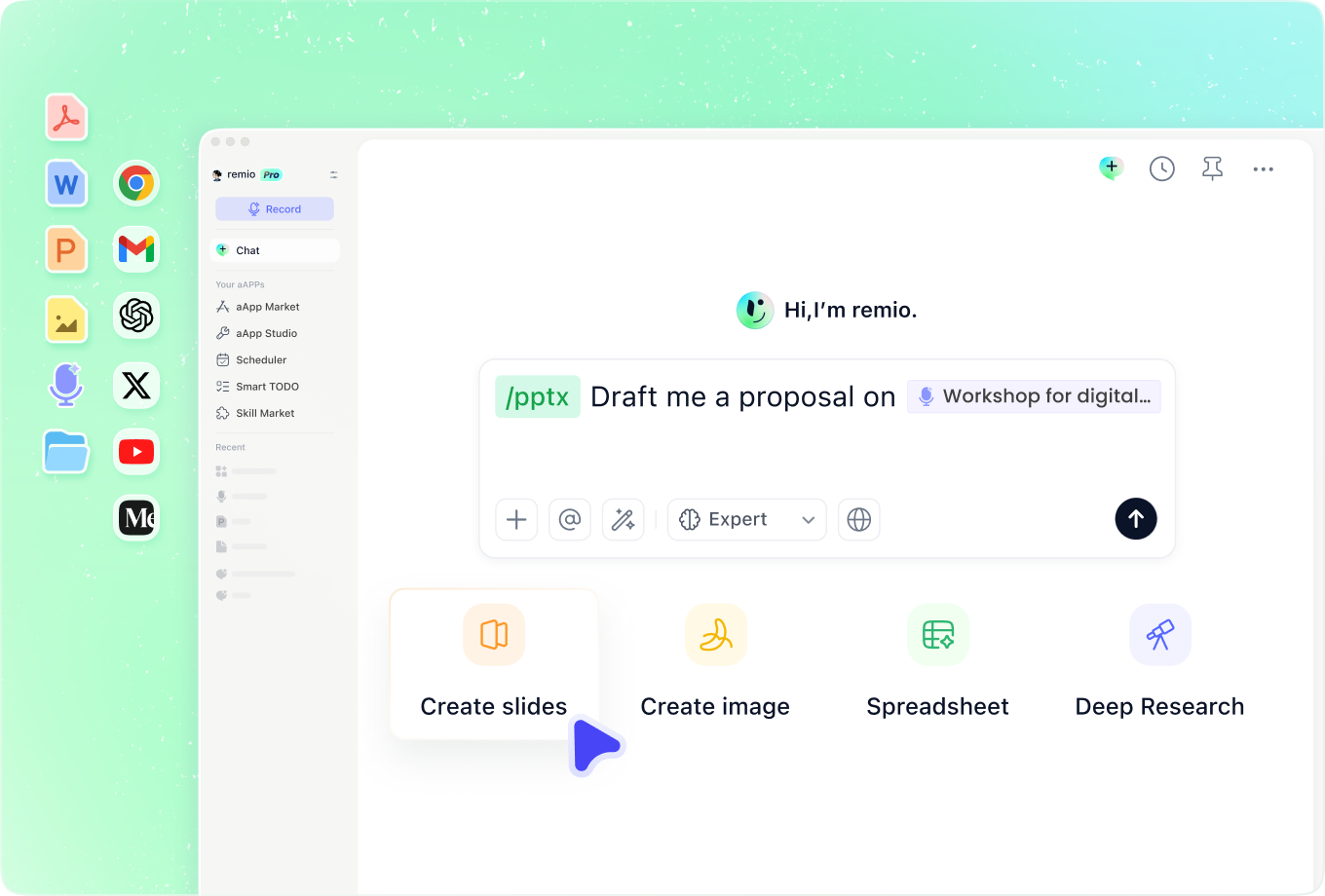
Download remio, add your brief, source notes and work examples, and describe the audience and presentation you need. Review the proposed story, refine the editable PowerPoint and verify the content, imagery and layout before presenting or sharing it.

Creative PowerPoint Templates

Create a creative presentation from project notes and work samples. Use remio to shape a portfolio, brand story or proposal in an editable PowerPoint.

Start with the idea

Start with the idea

State what the audience should understand or decide. A portfolio introduces your work, a brand presentation explains an identity, and a proposal asks the audience to consider a direction. Add the project brief, notes and relevant work samples before asking remio to shape the outline.
Select work with purpose

Select work with purpose

Choose a small set of examples that demonstrate the point of the presentation. Explain the project context, your contribution, the creative decisions and the outcome you can substantiate. Use images and figures you are permitted to share, and distinguish proposed concepts from completed work.

Build a visual story

Build a visual story

Give each section a role: introduce the context, develop the idea and explain what comes next. Use a strong visual where it carries the message and supporting text where the audience needs detail. Keep transitions clear so the presentation remains understandable beyond any single striking slide.

Keep the identity coherent

Keep the identity coherent

Describe the visual direction and add an existing presentation when it helps explain the style you need. For a brand deck, include the approved colors, typography and context in your materials. Review the slides for consistency; do not assume the generated deck automatically satisfies every brand rule.

Refine for the audience

Refine for the audience

Review the editable PowerPoint as a complete presentation. Simplify crowded slides, check charts against the source and make the next step clear. A conference screen, a client discussion and a shared portfolio need different levels of detail, so check the deck in its intended setting.

How it works

From source material to a PowerPoint file you can keep updating.

01

Add the brief and work samples

Provide the audience, project context, source notes and examples you can share.

02

Shape the creative story

Review the sequence, selected evidence and visual direction.

03

Refine and present

Check the editable slides, verify details and adapt the deck to its setting.

FAQs

  • Begin with the context and the idea, develop it through selected examples or evidence, and close with a clear next step. A portfolio should explain the work and your contribution; a proposal should explain the direction and the decision you need. Choose the structure around the actual audience.

  • Yes. Add the project notes, relevant work samples and any existing presentation that explains your visual direction. Describe the role of the deck and the audience. Review project claims, permissions and visual consistency before sharing the resulting editable presentation.

  • Choose the chart that explains the question, retain meaningful comparisons and check every figure against its source. Add context for labels, units and assumptions. Creative treatment should make the evidence clearer rather than turn uncertain or illustrative numbers into factual results.

  • For a client discussion, focus on the decision and the evidence behind your proposal. For a conference, check that the key message and visuals work on a large screen. For a shared portfolio, include enough project context for someone reading without a presenter. Review the content and readability in the intended setting.

  • Download remio, add your brief, source notes and work examples, and describe the audience and presentation you need. Review the proposed story, refine the editable PowerPoint and verify the content, imagery and layout before presenting or sharing it.

FAQs

Begin with the context and the idea, develop it through selected examples or evidence, and close with a clear next step. A portfolio should explain the work and your contribution; a proposal should explain the direction and the decision you need. Choose the structure around the actual audience.

Yes. Add the project notes, relevant work samples and any existing presentation that explains your visual direction. Describe the role of the deck and the audience. Review project claims, permissions and visual consistency before sharing the resulting editable presentation.

Choose the chart that explains the question, retain meaningful comparisons and check every figure against its source. Add context for labels, units and assumptions. Creative treatment should make the evidence clearer rather than turn uncertain or illustrative numbers into factual results.

For a client discussion, focus on the decision and the evidence behind your proposal. For a conference, check that the key message and visuals work on a large screen. For a shared portfolio, include enough project context for someone reading without a presenter. Review the content and readability in the intended setting.

Download remio, add your brief, source notes and work examples, and describe the audience and presentation you need. Review the proposed story, refine the editable PowerPoint and verify the content, imagery and layout before presenting or sharing it.

bottom of page