top of page
remio AI Presentation workspace and source materials

School PPT templates

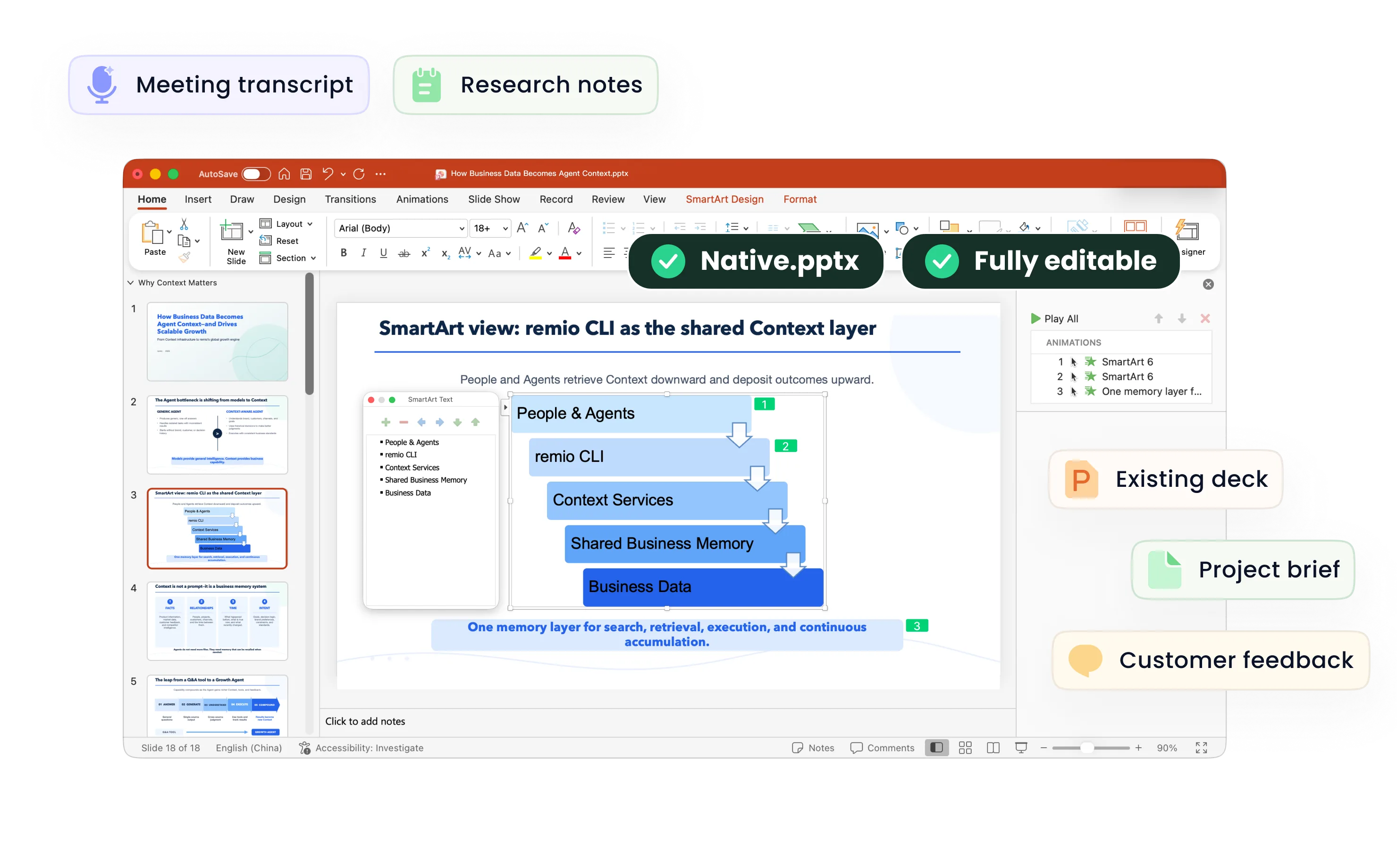
Give your school presentation a clear structure. Bring the assignment, notes and sources into remio, then shape slides your audience can follow.

Desktop app for Windows 10+ (x64) and Apple silicon Macs.

School PPT templates

Give your school presentation a clear structure. Bring the assignment, notes and sources into remio, then shape slides your audience can follow.

Desktop app for Windows 10+ (x64) and Apple silicon Macs.

Download remio
remio AI Presentation workspace and source materials

Education PowerPoint Templates

Build school presentations from your assignment and sources. Organize book reports, science projects and school events with clear slide layouts in remio.

Start with the assignment

Start with the assignment

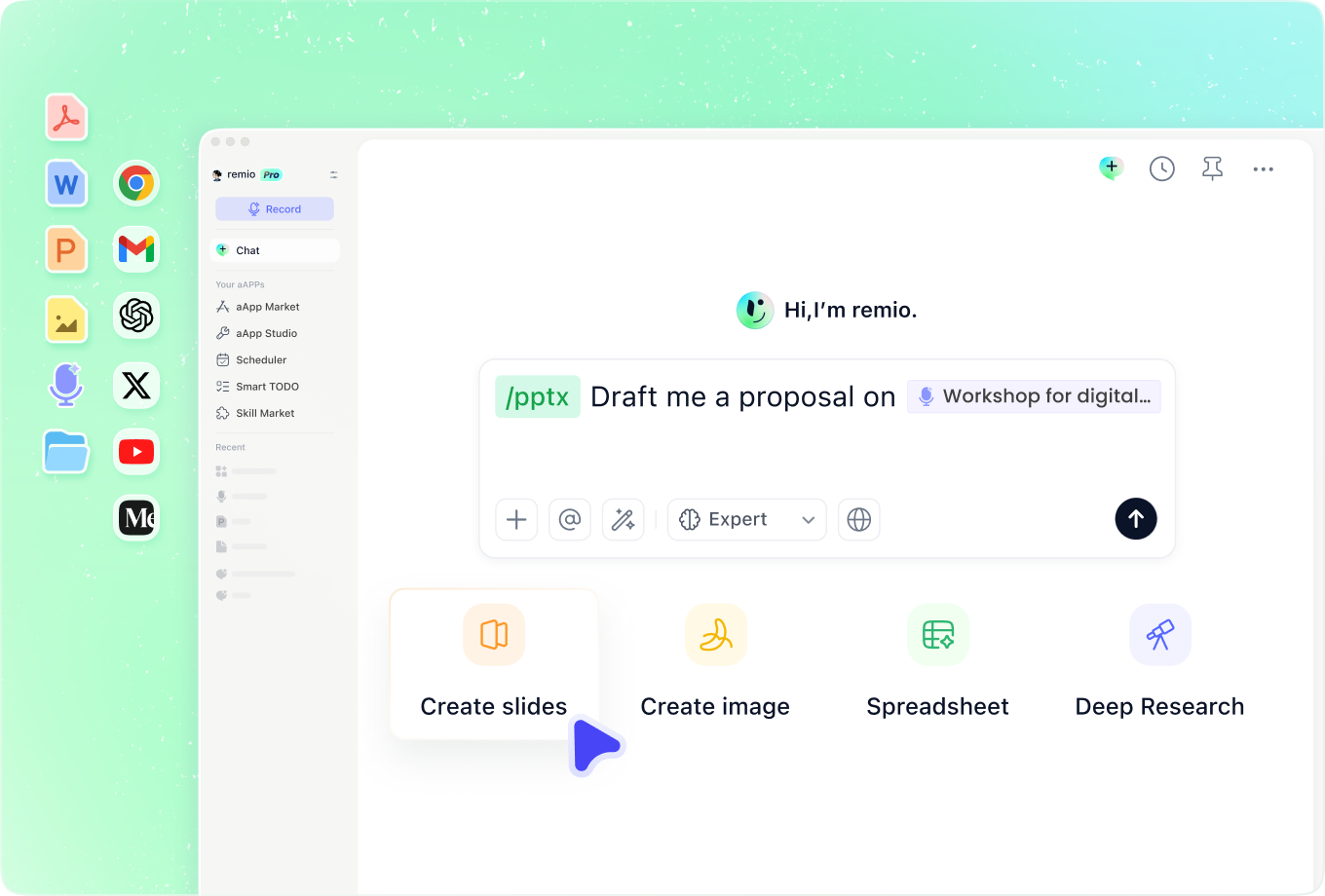
Set out the topic, audience, speaking time and what the assignment asks you to show. An elementary school presentation may need a short explanation and a few clear examples. A high school project may need an argument and source notes. Choose the structure before the decoration.
Use layouts that support the subject

Use layouts that support the subject

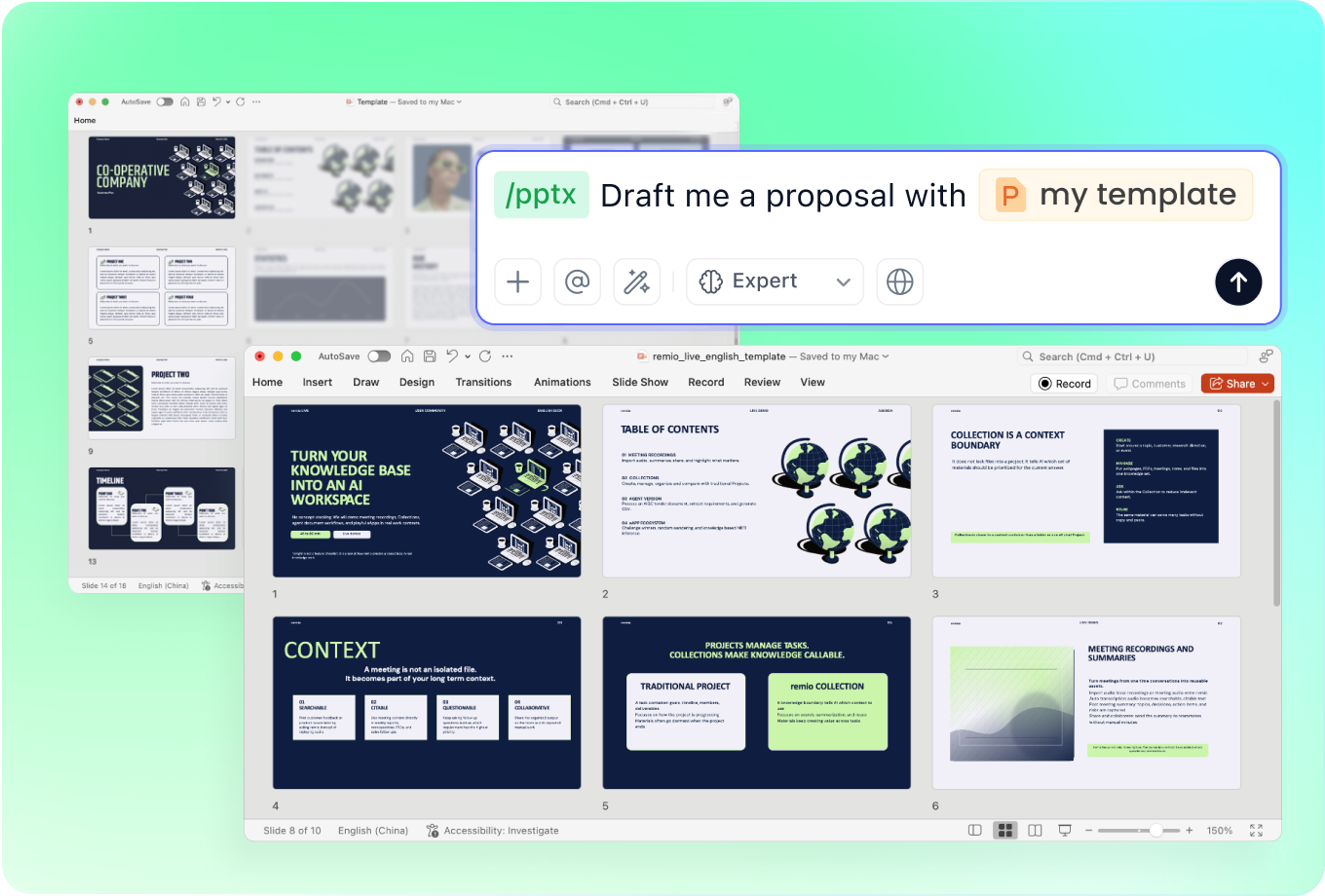
A book report can move from a brief introduction to characters, themes and evidence from the text. A science fair presentation needs a question, method, observations and conclusion. Use large labels and only the detail needed to explain the point.

Keep evidence close to the claim

Keep evidence close to the claim

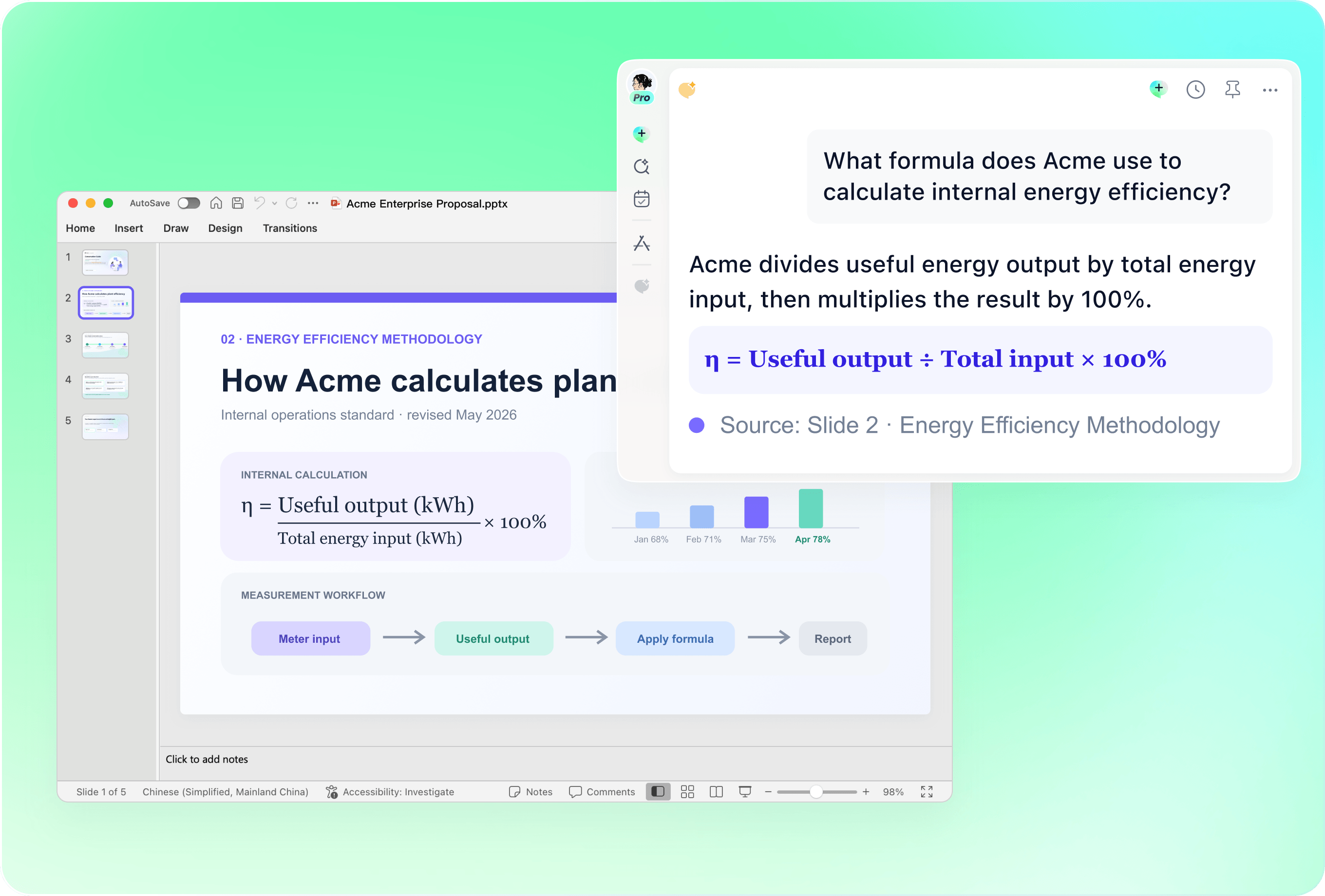
Add the reading notes, references or reviewed experiment results that support the presentation. Ask remio to organize the explanation around that material. Check quotations, page references, units and image credits against the originals. Separate observations from interpretations, and state when results are incomplete.

Revise for the audience and occasion

Revise for the audience and occasion

Bring an existing presentation together with the latest reviewed notes. For a school assembly, prioritize announcements, dates and actions that can be read from a distance. For a parent-teacher meeting, explain the course and next steps using approved material. Review every changed slide before presenting.

Finish with a clear takeaway

Finish with a clear takeaway

Close a school project with the main finding, an open question or a next step. Include a source slide when the assignment calls for one, and check readability at presentation size. Rehearse the explanation in your own words so the slides support what you understand.

How it works

From source material to a PowerPoint file you can keep updating.

  1. Add the assignment and sources

    Provide the subject, audience, requirements, notes and permitted source material.

  2. Choose the presentation structure

    Review the introduction, explanation, evidence and takeaway for the project.

  3. Check and rehearse

    Verify sources, labels and readability, then practice explaining the slides.

FAQs

What should a school presentation include?

Start with the topic and purpose, develop the main ideas with examples or evidence, then finish with a clear conclusion. Add the source information required by the assignment. Adapt the sequence to the subject rather than forcing every project into the same slide count.

Which school projects can I use this structure for?

Use it for an elementary school presentation, high school project, book report, science fair presentation, school assembly or parent-teacher meeting. Each needs different evidence, wording and visual detail. Tell remio which audience and occasion you are preparing for.

How do I structure a science fair or book report presentation?

For a science fair, explain the question, method, observations, limitations and conclusion without inventing results. For a book report, introduce the work, select the relevant characters or themes and support the interpretation with accurate references. Follow the assignment requirements in both cases.

Can I update a school presentation I already have?

Yes. Add the existing presentation with your new notes and describe the slides that need revision. Check that dates, names, references and conclusions remain consistent across the updated deck.

How do I create a school presentation with remio?

Download the remio desktop app, add the assignment and source material, and describe the audience and purpose. Review the outline, refine the slides, verify the evidence and rehearse before presenting.

Education PowerPoint Templates

Build school presentations from your assignment and sources. Organize book reports, science projects and school events with clear slide layouts in remio.

Start with the assignment

Start with the assignment

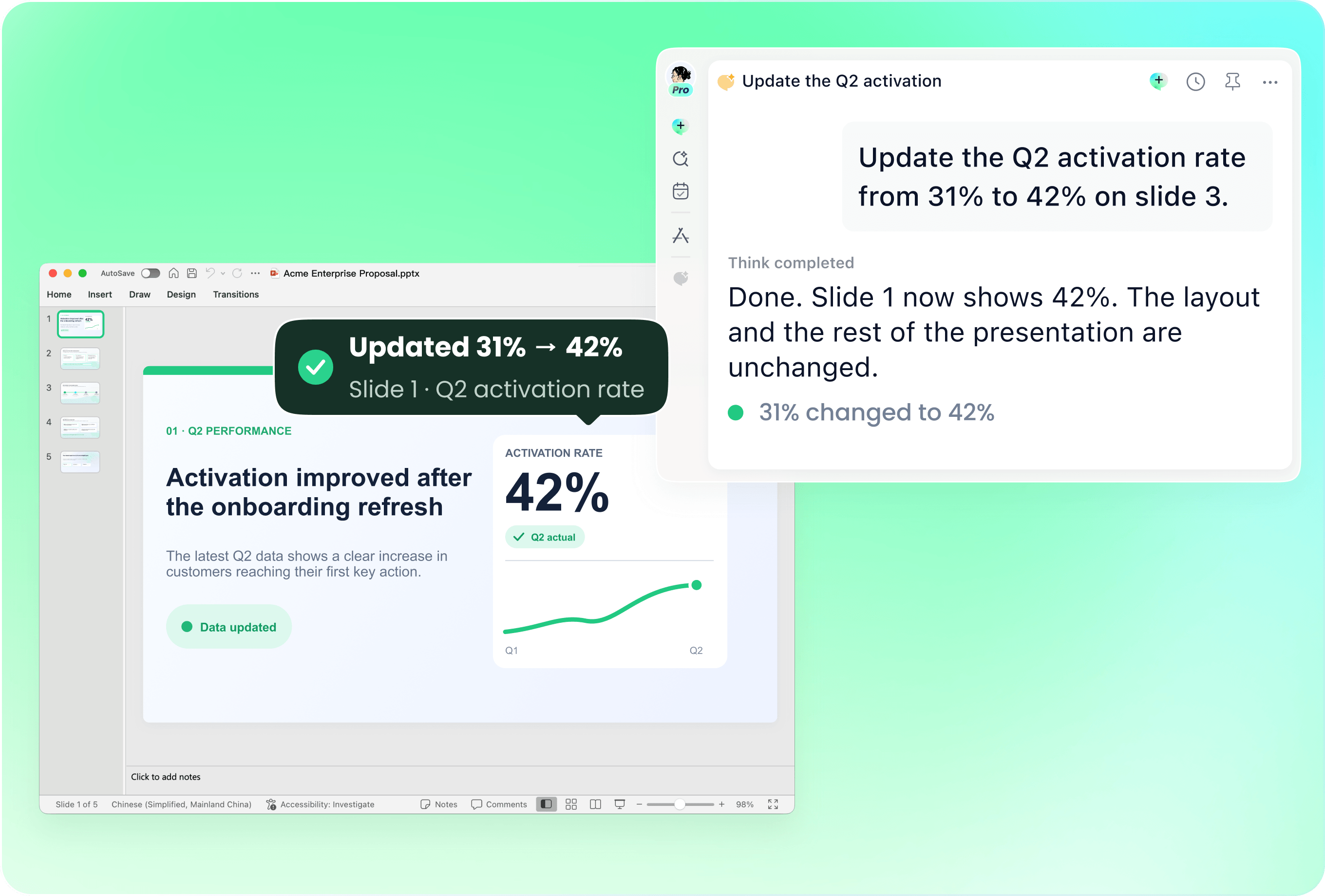
Set out the topic, audience, speaking time and what the assignment asks you to show. An elementary school presentation may need a short explanation and a few clear examples. A high school project may need an argument and source notes. Choose the structure before the decoration.
Use layouts that support the subject

Use layouts that support the subject

A book report can move from a brief introduction to characters, themes and evidence from the text. A science fair presentation needs a question, method, observations and conclusion. Use large labels and only the detail needed to explain the point.

Keep evidence close to the claim

Keep evidence close to the claim

Add the reading notes, references or reviewed experiment results that support the presentation. Ask remio to organize the explanation around that material. Check quotations, page references, units and image credits against the originals. Separate observations from interpretations, and state when results are incomplete.

Revise for the audience and occasion

Revise for the audience and occasion

Bring an existing presentation together with the latest reviewed notes. For a school assembly, prioritize announcements, dates and actions that can be read from a distance. For a parent-teacher meeting, explain the course and next steps using approved material. Review every changed slide before presenting.

Finish with a clear takeaway

Finish with a clear takeaway

Close a school project with the main finding, an open question or a next step. Include a source slide when the assignment calls for one, and check readability at presentation size. Rehearse the explanation in your own words so the slides support what you understand.

How it works

From source material to a PowerPoint file you can keep updating.

01

Add the assignment and sources

Provide the subject, audience, requirements, notes and permitted source material.

02

Choose the presentation structure

Review the introduction, explanation, evidence and takeaway for the project.

03

Check and rehearse

Verify sources, labels and readability, then practice explaining the slides.

FAQs

  • Start with the topic and purpose, develop the main ideas with examples or evidence, then finish with a clear conclusion. Add the source information required by the assignment. Adapt the sequence to the subject rather than forcing every project into the same slide count.

  • Use it for an elementary school presentation, high school project, book report, science fair presentation, school assembly or parent-teacher meeting. Each needs different evidence, wording and visual detail. Tell remio which audience and occasion you are preparing for.

  • For a science fair, explain the question, method, observations, limitations and conclusion without inventing results. For a book report, introduce the work, select the relevant characters or themes and support the interpretation with accurate references. Follow the assignment requirements in both cases.

  • Yes. Add the existing presentation with your new notes and describe the slides that need revision. Check that dates, names, references and conclusions remain consistent across the updated deck.

  • Download the remio desktop app, add the assignment and source material, and describe the audience and purpose. Review the outline, refine the slides, verify the evidence and rehearse before presenting.

FAQs

Start with the topic and purpose, develop the main ideas with examples or evidence, then finish with a clear conclusion. Add the source information required by the assignment. Adapt the sequence to the subject rather than forcing every project into the same slide count.

Use it for an elementary school presentation, high school project, book report, science fair presentation, school assembly or parent-teacher meeting. Each needs different evidence, wording and visual detail. Tell remio which audience and occasion you are preparing for.

For a science fair, explain the question, method, observations, limitations and conclusion without inventing results. For a book report, introduce the work, select the relevant characters or themes and support the interpretation with accurate references. Follow the assignment requirements in both cases.

Yes. Add the existing presentation with your new notes and describe the slides that need revision. Check that dates, names, references and conclusions remain consistent across the updated deck.

Download the remio desktop app, add the assignment and source material, and describe the audience and purpose. Review the outline, refine the slides, verify the evidence and rehearse before presenting.

bottom of page