Marketing Presentation Maker
Build marketing strategy and campaign presentations from briefs, research and results. Review budgets, metrics and recommendations in remio.
Separate the campaign plan from the results
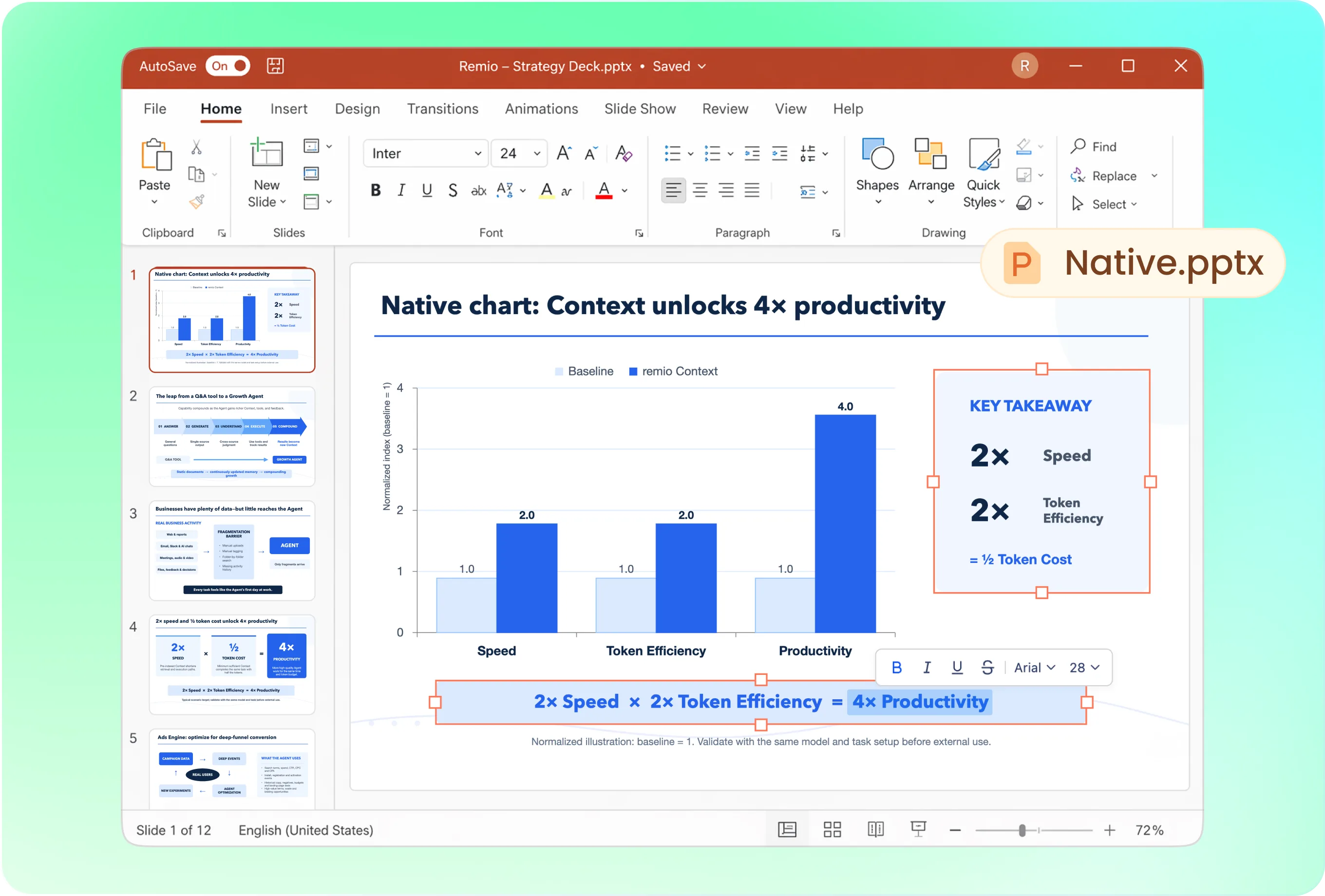
For a proposal, structure slides around objective, audience, insight, message, channels, budget and measurement. For a review, open with outcomes and learnings. Ask remio to keep planned targets distinct from observed performance.
Follow the brand across the presentation
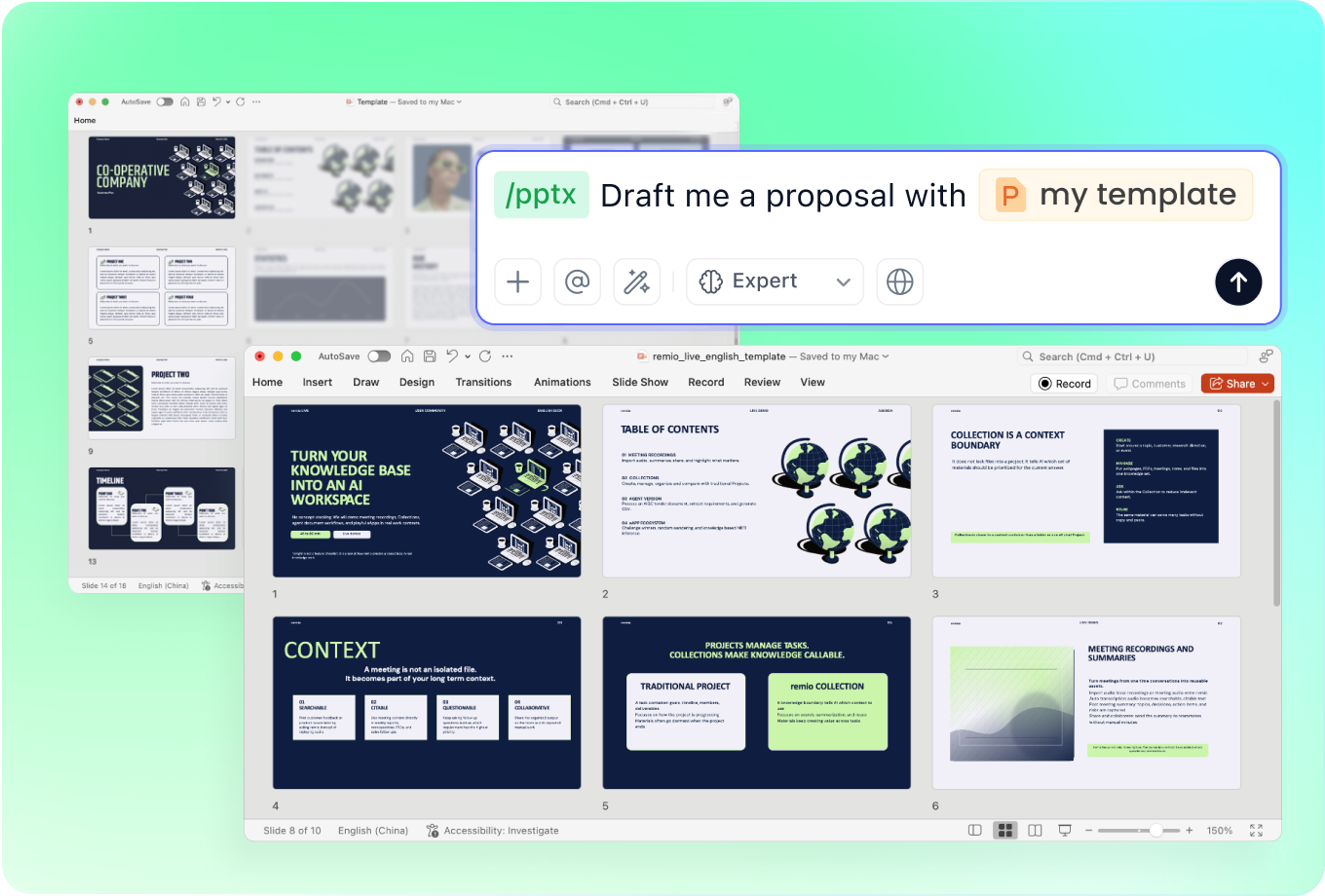
Supply the brand deck, approved messaging and creative references. Describe the meeting audience and desired tone. Ask remio to use a consistent visual style while keeping strategy, creative examples and performance analysis easy to distinguish.
Update the plan as campaign evidence arrives
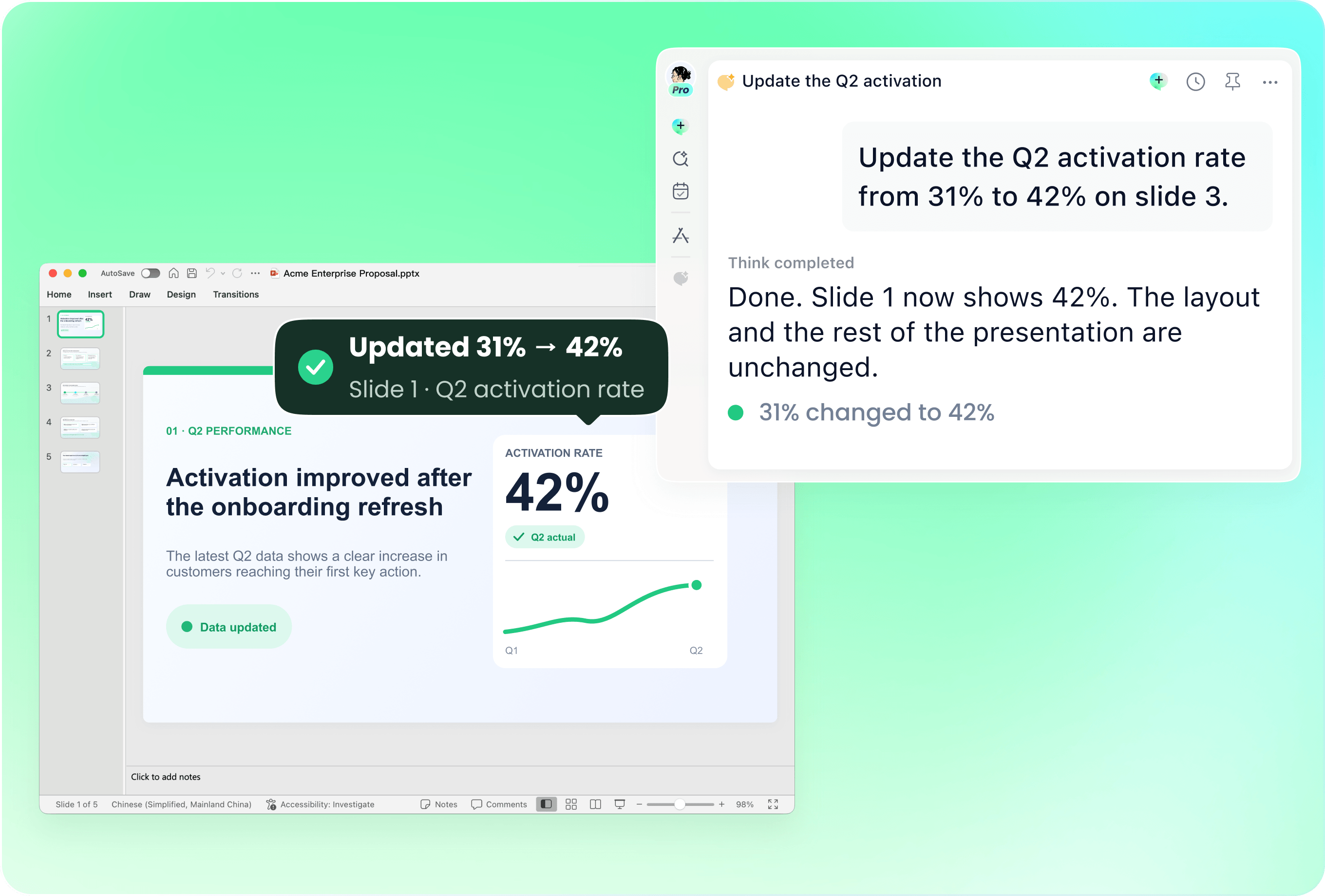
Provide the existing deck with new channel results or creative feedback. Name the slides to revise and the decisions the new evidence supports. Check that budget, schedule and channel recommendations reflect the latest approved plan.
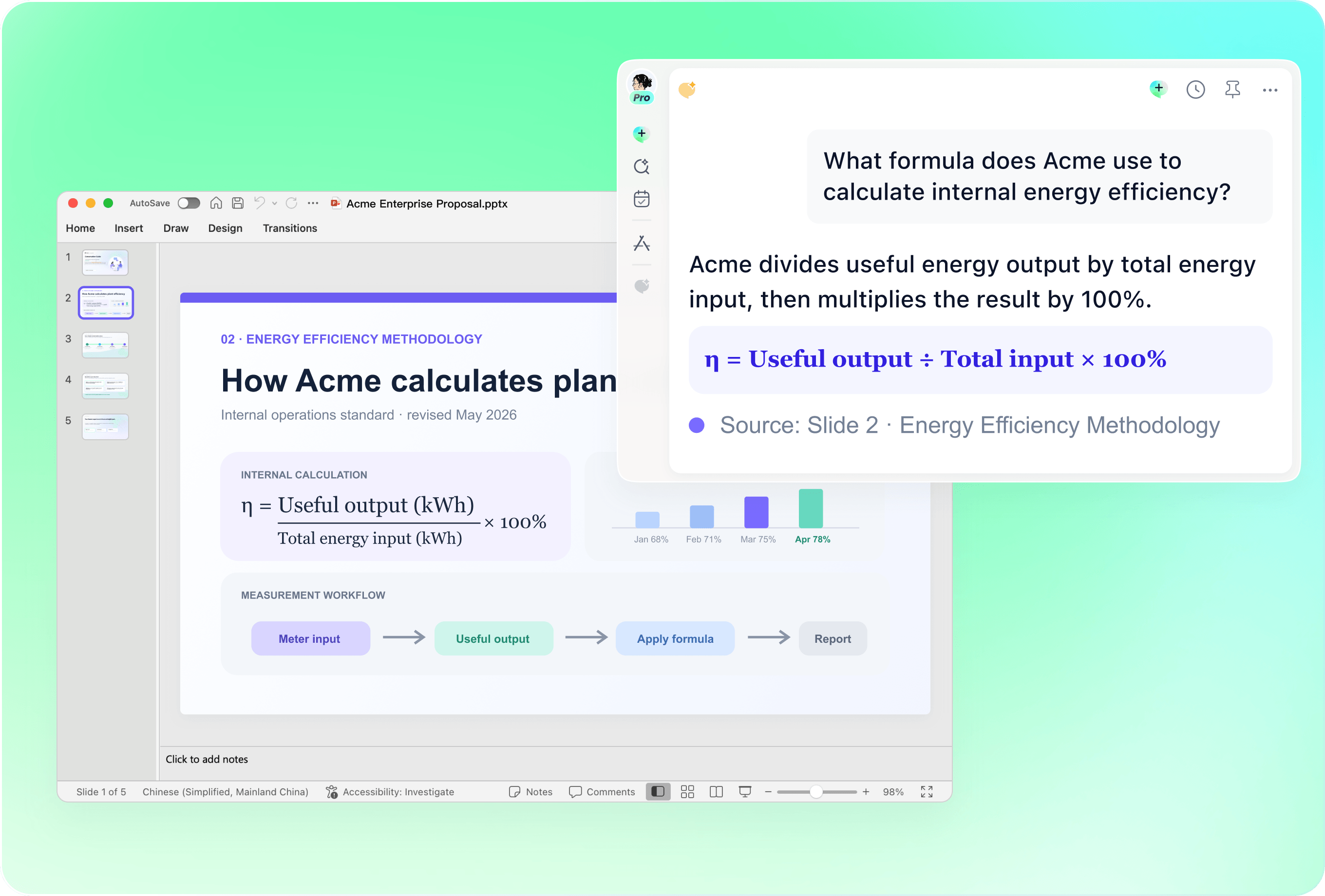
Check attribution before presenting performance
Verify spend, impressions, leads, conversions and revenue against their definitions and reporting windows. Explain attribution limits and avoid combining incompatible metrics. Review whether a proposed chart supports the conclusion rather than implying that correlation proves campaign impact.
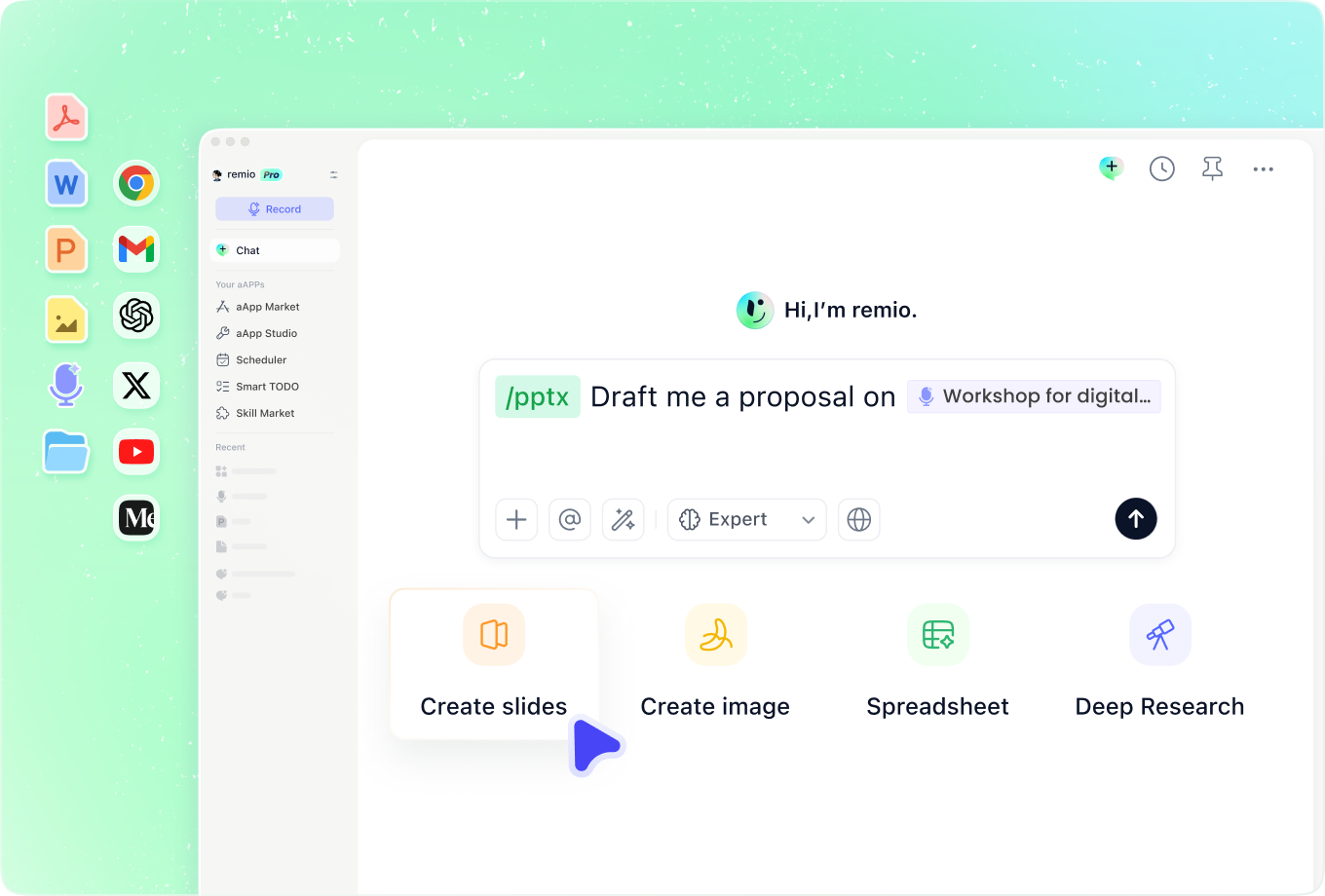
Add the customer insight behind the message
Combine research, customer feedback and campaign notes to explain why the message should resonate. Identify which insights are observed and which remain hypotheses. Ask remio to flag missing support before turning an attractive idea into a firm recommendation.
How it works
From source material to a PowerPoint file you can keep updating.
01
Add the marketing brief
Provide goals, audience research, plan and available results.
02
Review the story and measurement
Confirm the channel rationale, budget, metrics and assumptions.
03
Create and refine the deck
Build the editable PowerPoint and verify the recommendations.
FAQs
Yes. You can download remio and start for free. Some advanced usage may depend on your subscription plan, but you can try the AI presentation workflow before committing.
remio is designed as a local first app instead of a browser-only slide editor.
For AI presentations, this makes a real difference. Local file access helps remio parse documents faster, handle larger context, and better preserve PowerPoint structure, styles, and layouts. It also reduces the need to upload sensitive files into a browser-based tool.Bring the campaign brief together with audience research and performance exports. Explain metric definitions and the reporting window. A campaign plan and a performance review have different structures; tell remio which decision the audience needs to make.
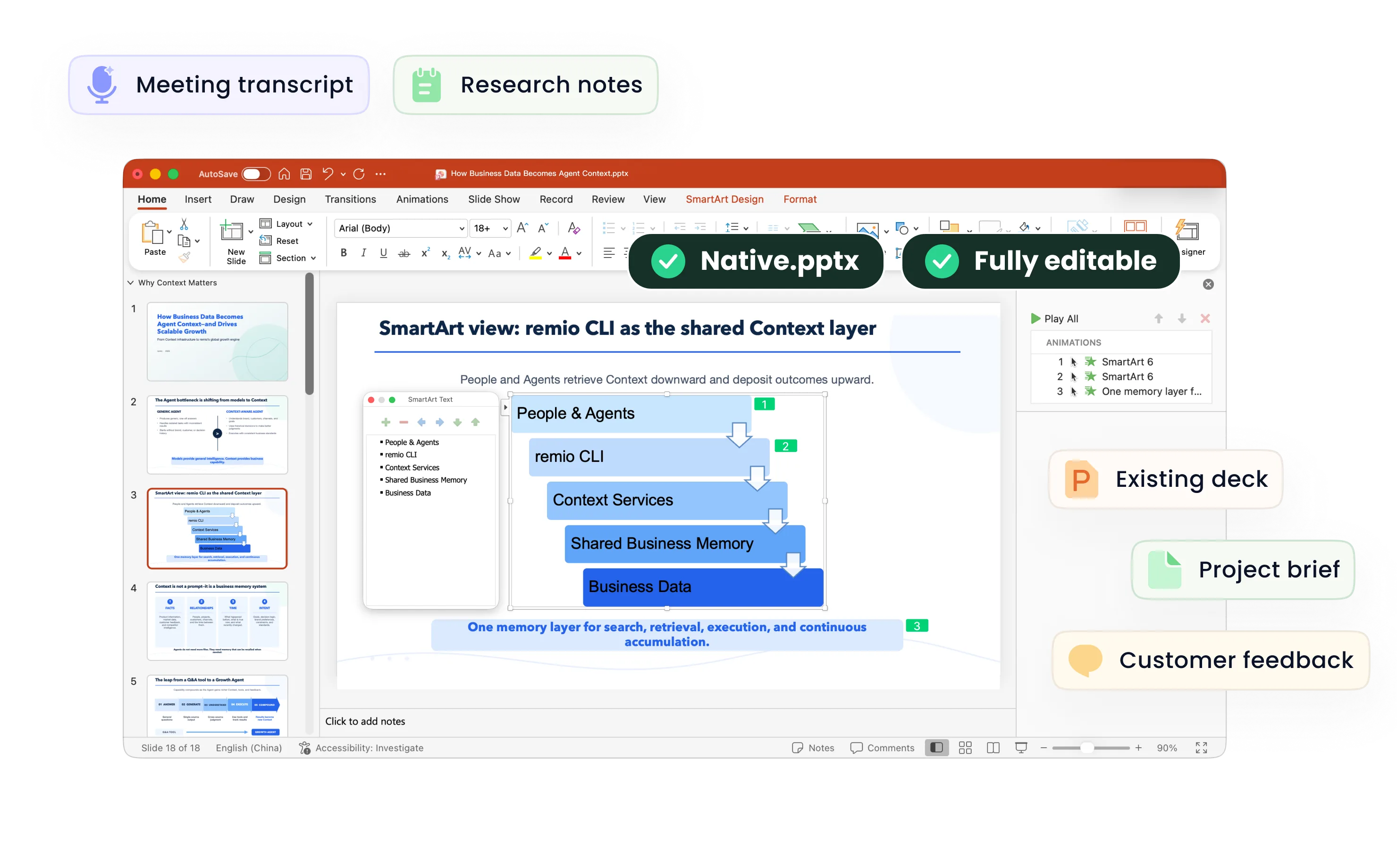
Yes. remio creates a native .pptx file from the start, not a presentation you have to export later. Every text box, layout, chart, and image stays editable in PowerPoint.
You can open it locally, edit it directly, and keep the same .pptx file from draft to final presentation.Not yet. remio currently focuses on native PowerPoint and .pptx workflows.
Keynote and Google Slides support are planned and will be added gradually.