top of page
remio AI Presentation workspace and source materials

Modern PPT templates

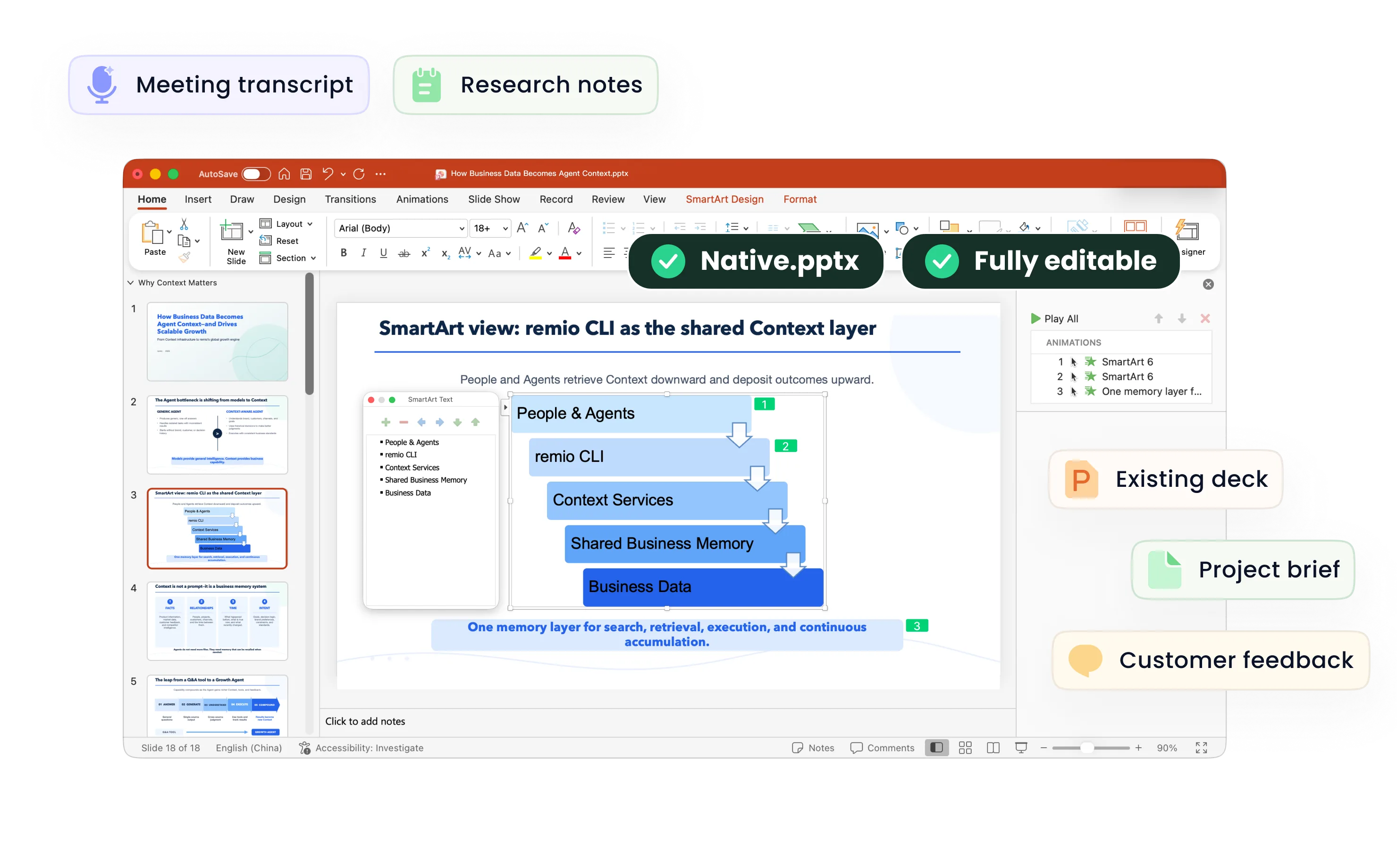
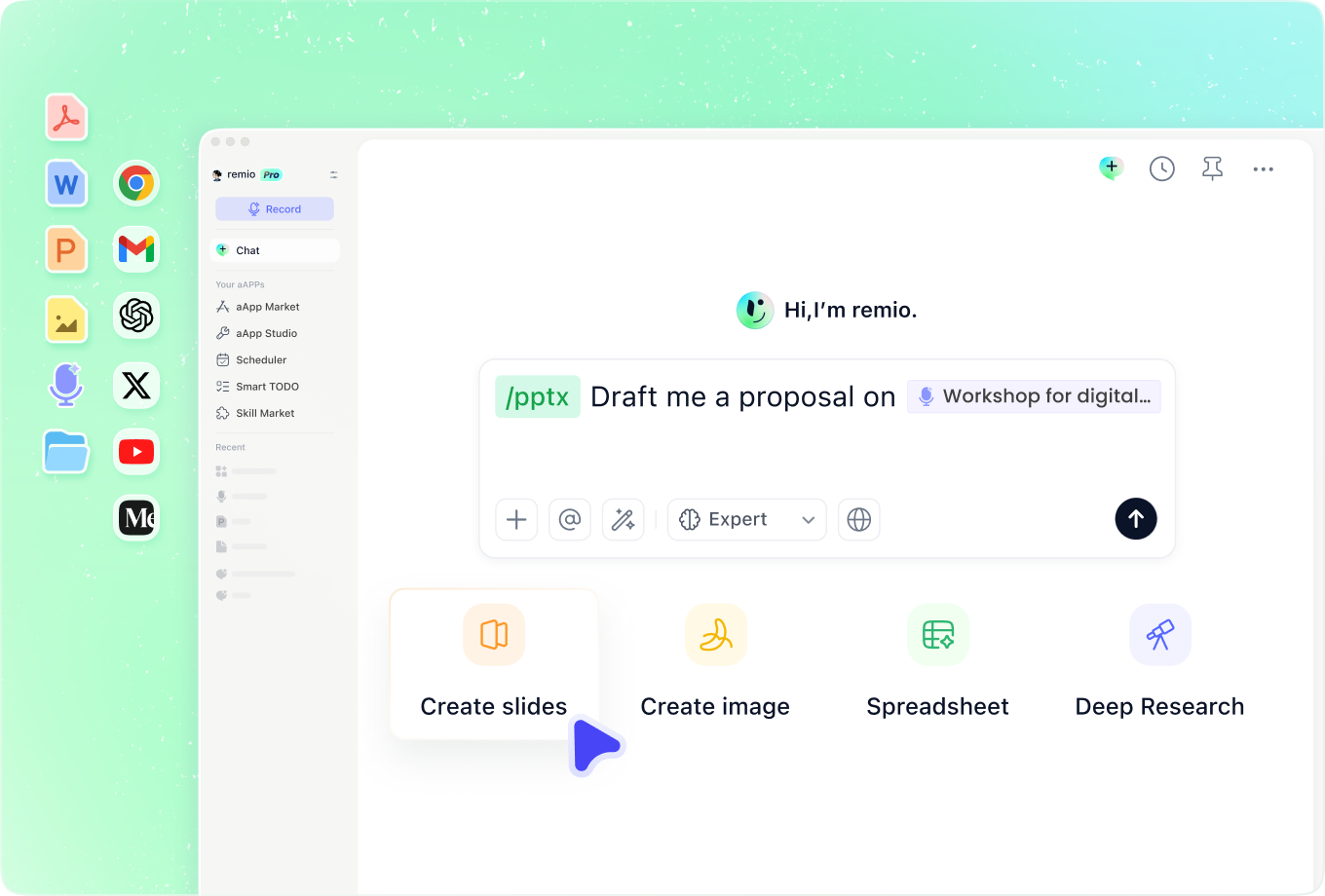
Turn work materials into a modern presentation with a clear visual hierarchy. Use remio to build or revise an editable deck, then refine the typography, color and charts.

Desktop app for Windows 10+ (x64) and Apple silicon Macs.

Modern PPT templates

Turn work materials into a modern presentation with a clear visual hierarchy. Use remio to build or revise an editable deck, then refine the typography, color and charts.

Desktop app for Windows 10+ (x64) and Apple silicon Macs.

Download remio
remio AI Presentation workspace and source materials

Modern PowerPoint Templates

Create a modern presentation with clear typography, purposeful color and readable charts. Use remio to build or revise editable PowerPoint from your work materials.

Give the design a clear purpose

Give the design a clear purpose

Define what the audience should understand or decide before choosing a visual style. A modern business report may need restrained typography and comparable charts; a creative portfolio may use stronger imagery. Add the brief, source material and any reference deck to remio so the requested direction has context.
Create a consistent visual hierarchy

Create a consistent visual hierarchy

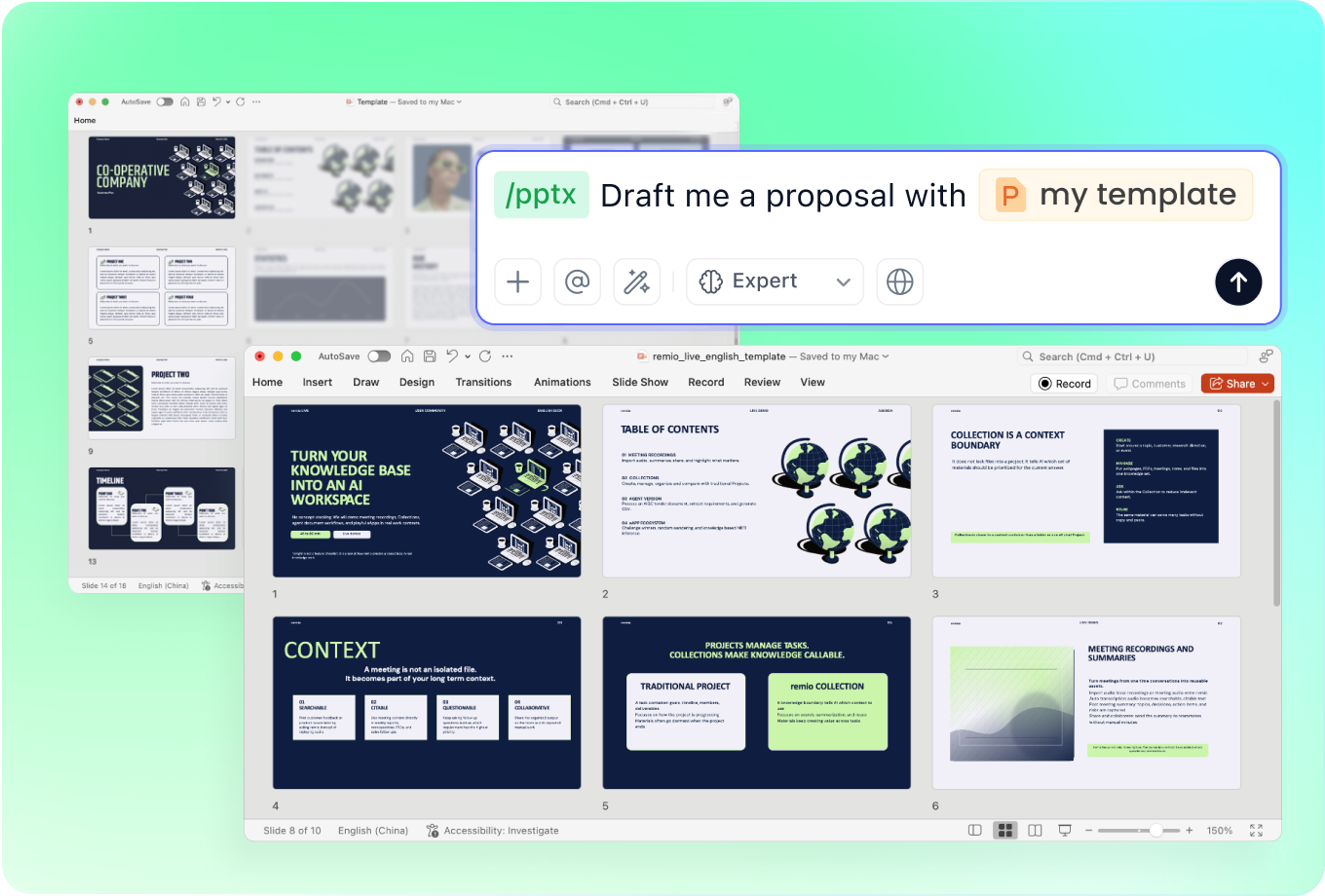
Describe the type, colors and layout you want, or provide an existing deck that establishes them. Keep titles, supporting text and key figures visually distinct. Leave deliberate space around the main point of each slide, and review line breaks and alignment at presentation size.

Make the data carry the message

Make the data carry the message

Choose charts that support the question and preserve meaningful comparisons. Check source values, labels, units and legends before refining the appearance. Modern data slides should make the evidence easier to read; decorative effects should not obscure scales, uncertainty or important differences.

Update an existing deck with context

Update an existing deck with context

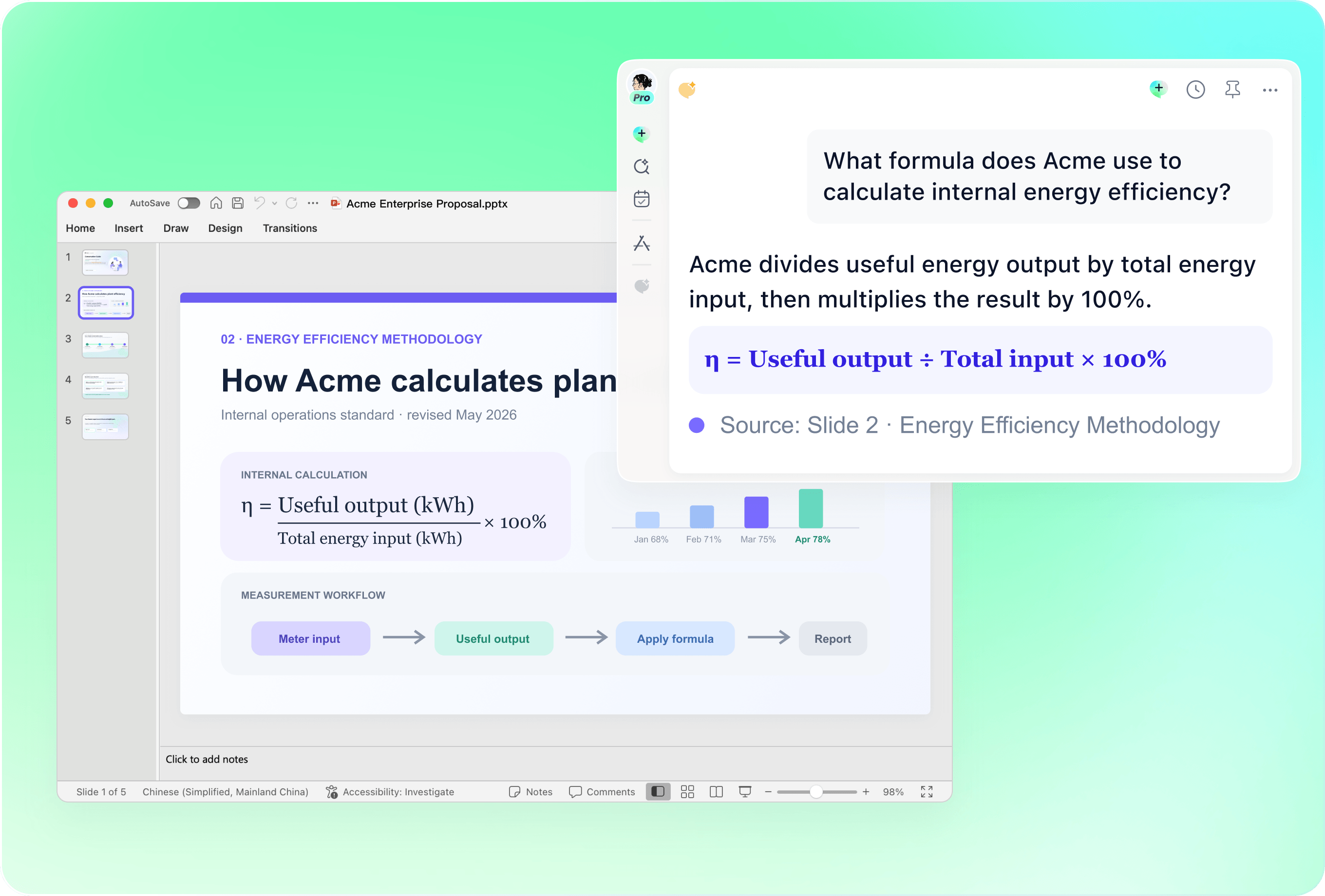
Bring the current PowerPoint and the notes behind the revision into remio. Explain which slides need a new message, which figures have changed and which design elements should remain. Review selected changes against the original so a contemporary look stays consistent with your organization’s presentation style.

Check the presentation as a whole

Check the presentation as a whole

Review the opening, section transitions and closing together rather than styling each slide in isolation. Look for inconsistent spacing, crowded layouts and images that distract from the point. Refine the editable PowerPoint and test its readability on the screen you will use to present.

How it works

From source material to a PowerPoint file you can keep updating.

  1. Add the brief and visual direction

    Provide the audience, source material, style preferences and an existing deck if available.

  2. Build the message and hierarchy

    Review the sequence, headings, key figures and visual emphasis.

  3. Refine the editable PowerPoint

    Check typography, color, chart accuracy and presentation-size readability.

FAQs

What makes a PowerPoint presentation look modern?

A clear hierarchy, consistent typography, purposeful color and readable visuals help a deck feel contemporary. Choose a style that fits the audience and content. Consistency and clarity matter more than adding decorative effects or following a visual trend on every slide.

Is modern design the same as minimalist design?

No. A minimalist deck usually reduces the number of visual elements. A modern deck can be restrained or expressive, including bold type and strong imagery, as long as the layout guides attention and supports the message. Choose the amount of detail around the presentation’s purpose.

Can I use this approach for business or data presentations?

Yes. Adapt it to an executive summary, strategy deck, client proposal or report. Keep comparisons and labels consistent, show the evidence behind the conclusion and give the audience a clear next step. Review charts against the underlying data before sharing.

Can I revise a modern presentation using an existing template?

Add the existing PowerPoint and the work context to remio, then describe the slides and content to revise. Use the deck as a reference for the layout, fonts and colors you want to keep. Check the result for consistency and continue refining it in PowerPoint.

How do I create a modern presentation with remio?

Download remio, add your brief and source materials, and describe the content and visual direction. Include an existing deck if you have one. Review the outline, refine the editable slides and check typography, charts and readability before presenting.

Modern PowerPoint Templates

Create a modern presentation with clear typography, purposeful color and readable charts. Use remio to build or revise editable PowerPoint from your work materials.

Give the design a clear purpose

Give the design a clear purpose

Define what the audience should understand or decide before choosing a visual style. A modern business report may need restrained typography and comparable charts; a creative portfolio may use stronger imagery. Add the brief, source material and any reference deck to remio so the requested direction has context.
Create a consistent visual hierarchy

Create a consistent visual hierarchy

Describe the type, colors and layout you want, or provide an existing deck that establishes them. Keep titles, supporting text and key figures visually distinct. Leave deliberate space around the main point of each slide, and review line breaks and alignment at presentation size.

Make the data carry the message

Make the data carry the message

Choose charts that support the question and preserve meaningful comparisons. Check source values, labels, units and legends before refining the appearance. Modern data slides should make the evidence easier to read; decorative effects should not obscure scales, uncertainty or important differences.

Update an existing deck with context

Update an existing deck with context

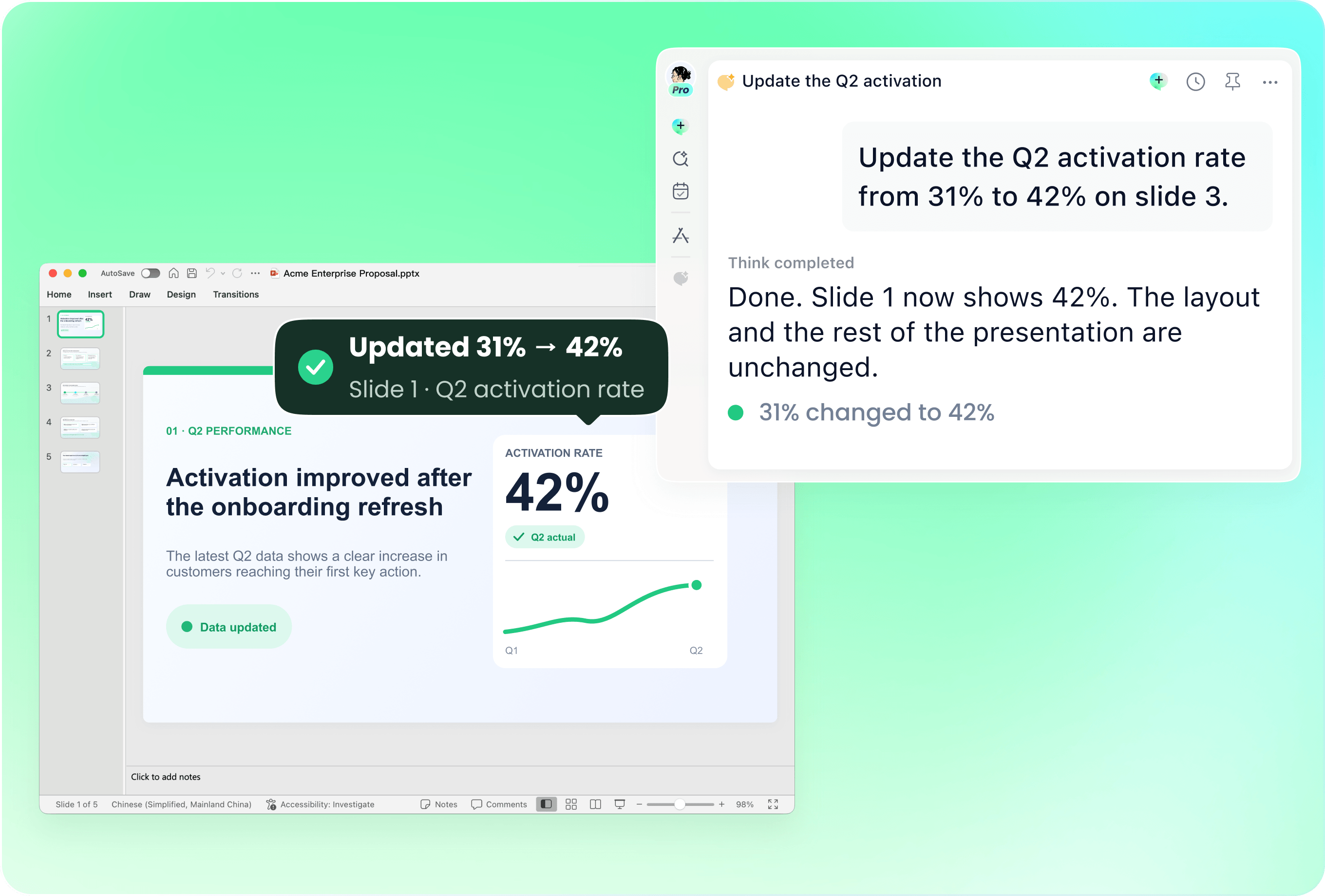
Bring the current PowerPoint and the notes behind the revision into remio. Explain which slides need a new message, which figures have changed and which design elements should remain. Review selected changes against the original so a contemporary look stays consistent with your organization’s presentation style.

Check the presentation as a whole

Check the presentation as a whole

Review the opening, section transitions and closing together rather than styling each slide in isolation. Look for inconsistent spacing, crowded layouts and images that distract from the point. Refine the editable PowerPoint and test its readability on the screen you will use to present.

How it works

From source material to a PowerPoint file you can keep updating.

01

Add the brief and visual direction

Provide the audience, source material, style preferences and an existing deck if available.

02

Build the message and hierarchy

Review the sequence, headings, key figures and visual emphasis.

03

Refine the editable PowerPoint

Check typography, color, chart accuracy and presentation-size readability.

FAQs

  • A clear hierarchy, consistent typography, purposeful color and readable visuals help a deck feel contemporary. Choose a style that fits the audience and content. Consistency and clarity matter more than adding decorative effects or following a visual trend on every slide.

  • No. A minimalist deck usually reduces the number of visual elements. A modern deck can be restrained or expressive, including bold type and strong imagery, as long as the layout guides attention and supports the message. Choose the amount of detail around the presentation’s purpose.

  • Yes. Adapt it to an executive summary, strategy deck, client proposal or report. Keep comparisons and labels consistent, show the evidence behind the conclusion and give the audience a clear next step. Review charts against the underlying data before sharing.

  • Add the existing PowerPoint and the work context to remio, then describe the slides and content to revise. Use the deck as a reference for the layout, fonts and colors you want to keep. Check the result for consistency and continue refining it in PowerPoint.

  • Download remio, add your brief and source materials, and describe the content and visual direction. Include an existing deck if you have one. Review the outline, refine the editable slides and check typography, charts and readability before presenting.

FAQs

A clear hierarchy, consistent typography, purposeful color and readable visuals help a deck feel contemporary. Choose a style that fits the audience and content. Consistency and clarity matter more than adding decorative effects or following a visual trend on every slide.

No. A minimalist deck usually reduces the number of visual elements. A modern deck can be restrained or expressive, including bold type and strong imagery, as long as the layout guides attention and supports the message. Choose the amount of detail around the presentation’s purpose.

Yes. Adapt it to an executive summary, strategy deck, client proposal or report. Keep comparisons and labels consistent, show the evidence behind the conclusion and give the audience a clear next step. Review charts against the underlying data before sharing.

Add the existing PowerPoint and the work context to remio, then describe the slides and content to revise. Use the deck as a reference for the layout, fonts and colors you want to keep. Check the result for consistency and continue refining it in PowerPoint.

Download remio, add your brief and source materials, and describe the content and visual direction. Include an existing deck if you have one. Review the outline, refine the editable slides and check typography, charts and readability before presenting.

bottom of page