top of page
remio AI Presentation workspace and source materials

Pink PPT templates

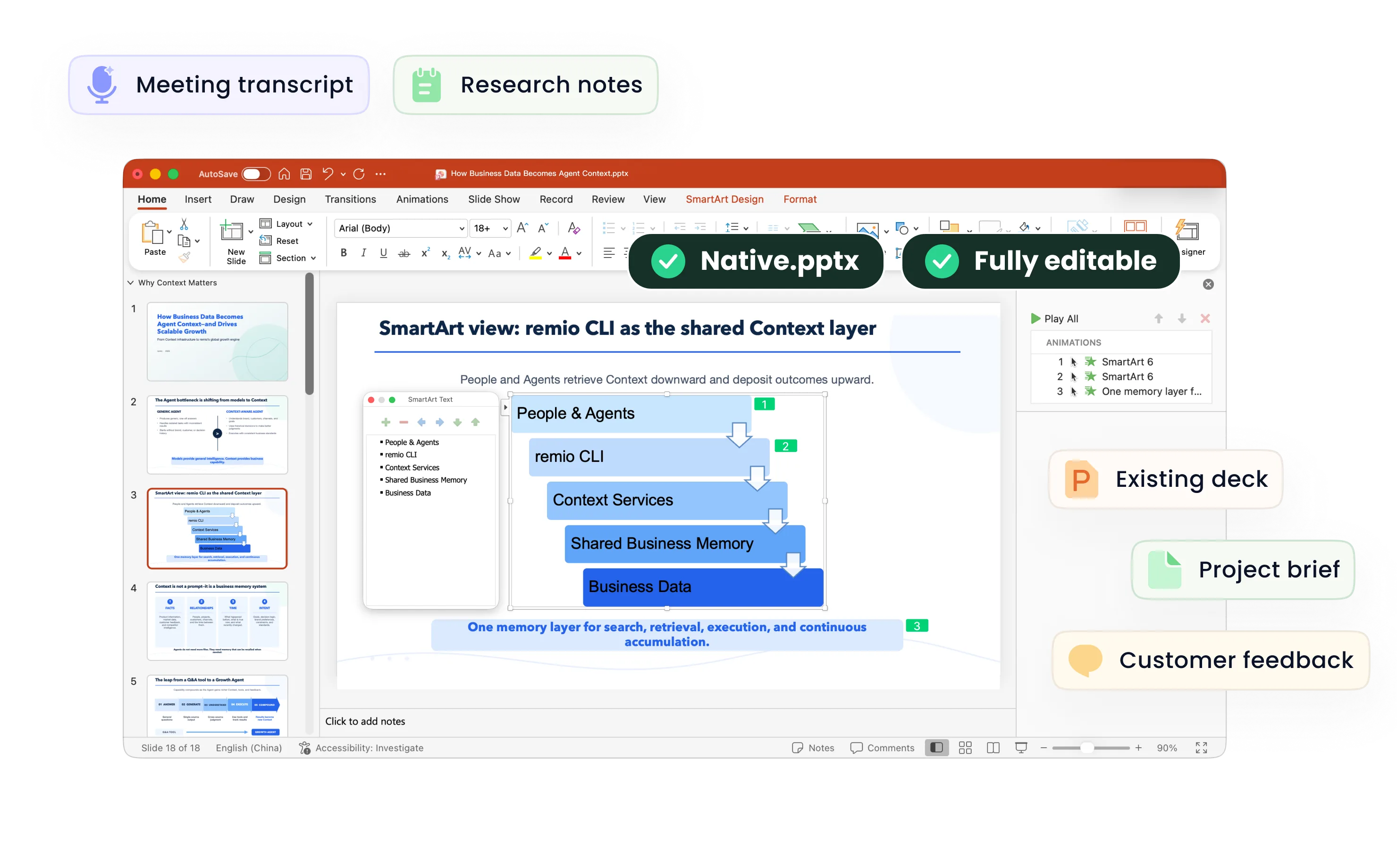
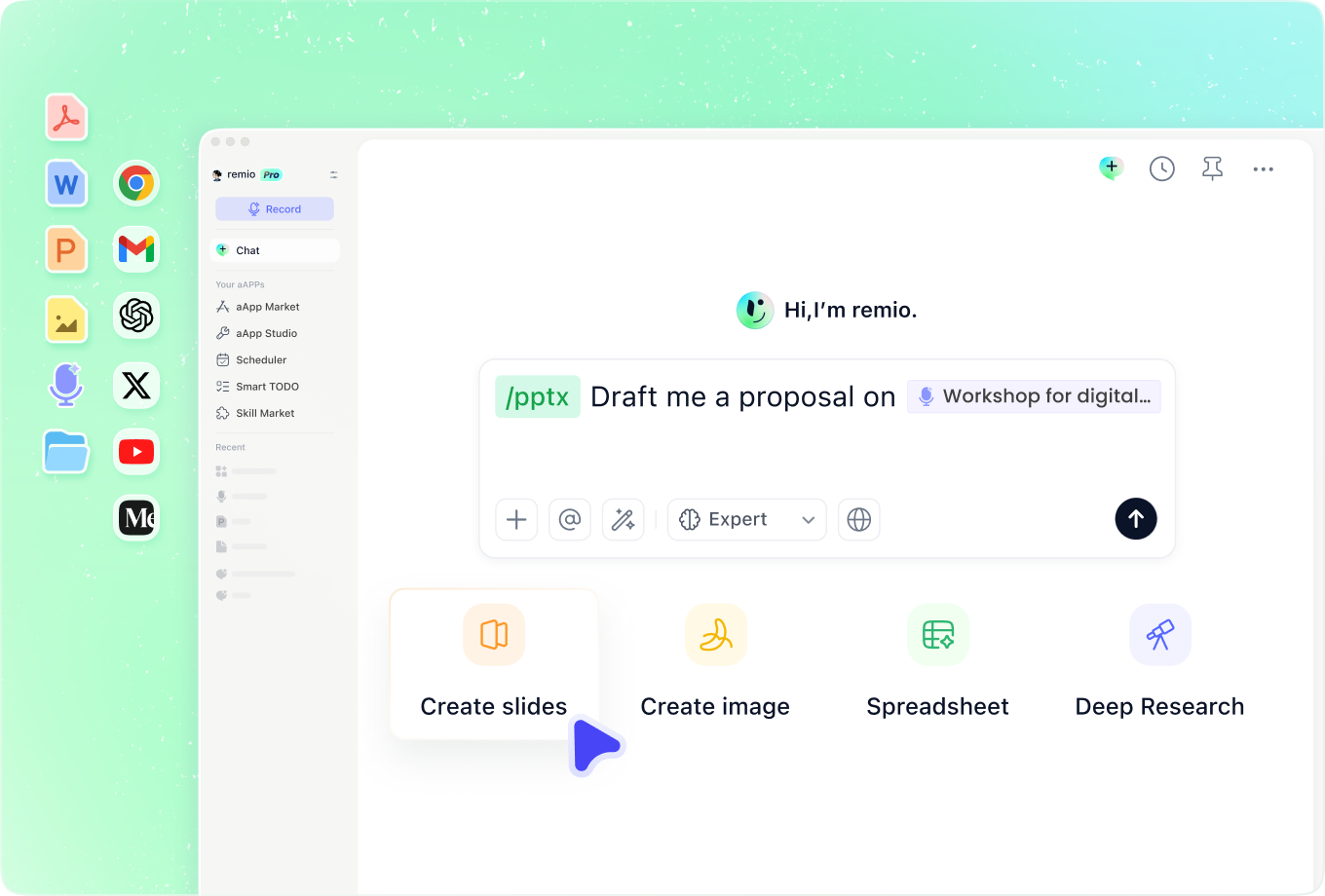
Create a pink-themed presentation from your notes and references in remio. Shape the story, then refine the editable PowerPoint.

For Windows 10+ (x64) and Apple silicon Macs.

Pink PPT templates

Create a pink-themed presentation from your notes and references in remio. Shape the story, then refine the editable PowerPoint.

For Windows 10+ (x64) and Apple silicon Macs.

Download remio
remio AI Presentation workspace and source materials

Pink PowerPoint Templates

Create pink-themed slides for a portfolio, proposal or event. Use your notes and style references in remio to build and refine an editable PowerPoint.

Choose the right pink

Choose the right pink

Describe the audience, purpose and mood of the presentation. Soft blush can suggest a calm direction, while a brighter pink can create a stronger accent. Add your source notes and explain whether pink should lead the design or appear only in selected details.

Work with your references

Work with your references

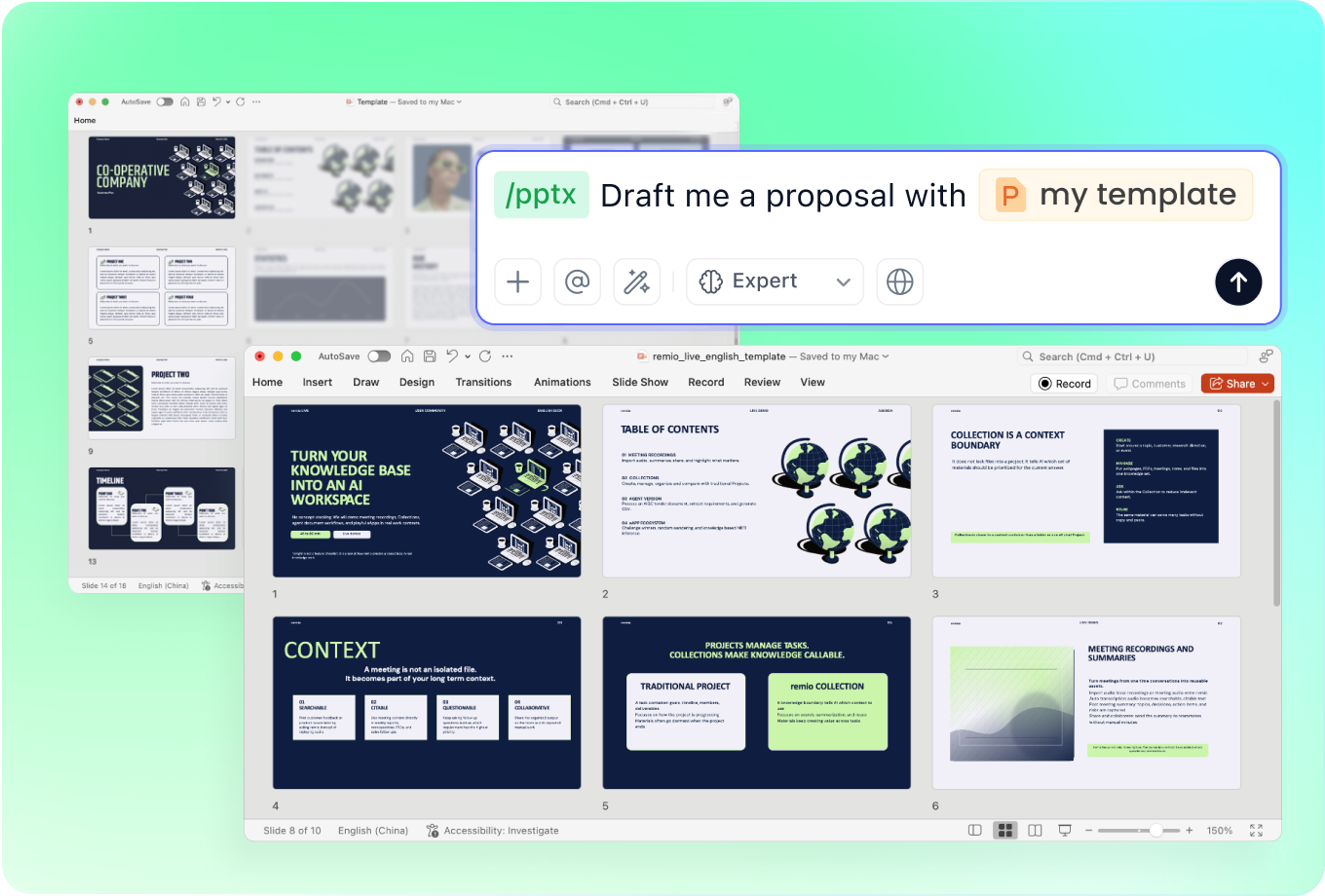
Add a reference presentation and describe the colors, typography and spacing you want to retain. For a brand proposal, include your approved brand guidance. Explain the intended visual direction and review the resulting slides rather than assuming an exact match.

Shape slides for the occasion

Shape slides for the occasion

Build a portfolio around selected work, context and outcomes. For an event proposal, provide the schedule and confirmed details; for a business deck, supply the evidence and next step. Keep the content specific to the occasion so the pink theme supports a clear story.

Update the existing deck

Update the existing deck

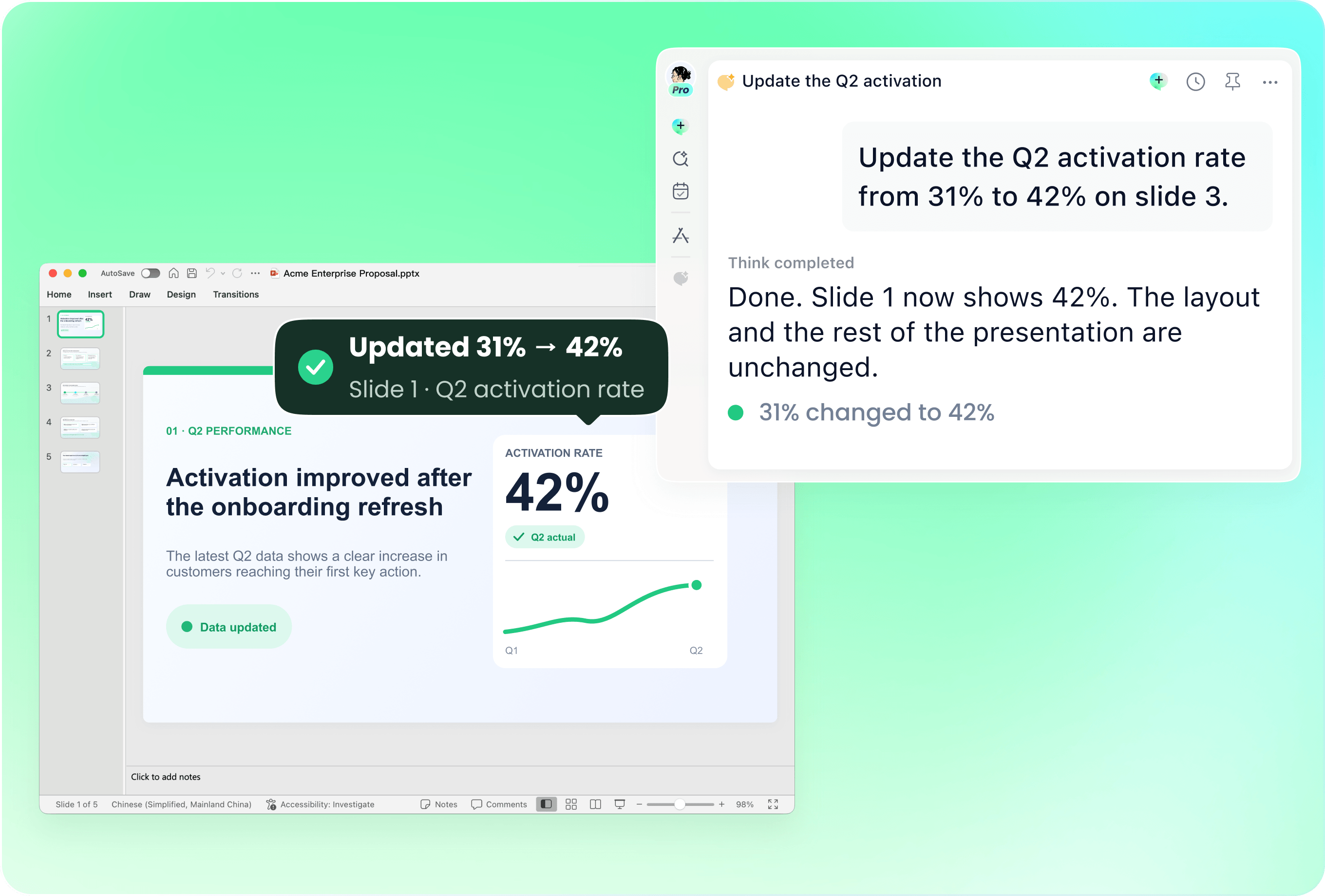
Provide your current PowerPoint with revised notes and explain which sections need changes. Describe the pink accents and layout details you want to keep. Review the editable result for old dates, outdated figures and differences in color or typography.

Check contrast and content

Check contrast and content

Check text against pink backgrounds and review charts where color carries meaning. Use labels as well as color to explain the data. Verify facts, image permissions and event details, then refine the editable PowerPoint and test it at presentation size.

How it works

From source material to a PowerPoint file you can keep updating.

  1. Add notes and references

    Provide the audience, source material and preferred pink palette.

  2. Review the direction

    Check the outline, visual style and contrast.

  3. Refine the PowerPoint

    Review facts and layout before presenting the editable deck.

FAQs

When does a pink presentation work well?

A pink theme can suit a creative portfolio, lifestyle proposal or event presentation when it fits the audience and message. Choose the shade and amount of color for the purpose of the deck rather than applying the same treatment to every slide.

Can pink work in a business presentation?

Pink can be used as a limited accent alongside neutral backgrounds and readable text. Supply your approved brand guidance and business material in remio, then review whether the result supports the evidence and the decision you want to explain.

How do I choose between pastel and bright pink?

Describe the mood, audience and viewing conditions. A pale shade may need darker text for contrast, while a bright accent may work best in smaller areas. Review the generated slides on the actual screen and adjust any colors that make content harder to read.

Can I use an existing presentation as a reference?

Add the deck with your source notes and explain which colors, spacing or layouts you want to retain. Describe the sections to update. Check the editable result for visual consistency and current information before sharing it.

How do I create pink slides with remio?

Download remio, add your notes and references, and describe the pink palette and intended audience. Review the outline, refine the editable PowerPoint and check contrast, source facts and the final layout.

Pink PowerPoint Templates

Create pink-themed slides for a portfolio, proposal or event. Use your notes and style references in remio to build and refine an editable PowerPoint.

Choose the right pink

Choose the right pink

Describe the audience, purpose and mood of the presentation. Soft blush can suggest a calm direction, while a brighter pink can create a stronger accent. Add your source notes and explain whether pink should lead the design or appear only in selected details.
Work with your references

Work with your references

Add a reference presentation and describe the colors, typography and spacing you want to retain. For a brand proposal, include your approved brand guidance. Explain the intended visual direction and review the resulting slides rather than assuming an exact match.

Shape slides for the occasion

Shape slides for the occasion

Build a portfolio around selected work, context and outcomes. For an event proposal, provide the schedule and confirmed details; for a business deck, supply the evidence and next step. Keep the content specific to the occasion so the pink theme supports a clear story.

Update the existing deck

Update the existing deck

Provide your current PowerPoint with revised notes and explain which sections need changes. Describe the pink accents and layout details you want to keep. Review the editable result for old dates, outdated figures and differences in color or typography.

Check contrast and content

Check contrast and content

Check text against pink backgrounds and review charts where color carries meaning. Use labels as well as color to explain the data. Verify facts, image permissions and event details, then refine the editable PowerPoint and test it at presentation size.

How it works

From source material to a PowerPoint file you can keep updating.

01

Add notes and references

Provide the audience, source material and preferred pink palette.

02

Review the direction

Check the outline, visual style and contrast.

03

Refine the PowerPoint

Review facts and layout before presenting the editable deck.

FAQs

  • A pink theme can suit a creative portfolio, lifestyle proposal or event presentation when it fits the audience and message. Choose the shade and amount of color for the purpose of the deck rather than applying the same treatment to every slide.

  • Pink can be used as a limited accent alongside neutral backgrounds and readable text. Supply your approved brand guidance and business material in remio, then review whether the result supports the evidence and the decision you want to explain.

  • Describe the mood, audience and viewing conditions. A pale shade may need darker text for contrast, while a bright accent may work best in smaller areas. Review the generated slides on the actual screen and adjust any colors that make content harder to read.

  • Add the deck with your source notes and explain which colors, spacing or layouts you want to retain. Describe the sections to update. Check the editable result for visual consistency and current information before sharing it.

  • Download remio, add your notes and references, and describe the pink palette and intended audience. Review the outline, refine the editable PowerPoint and check contrast, source facts and the final layout.

FAQs

A pink theme can suit a creative portfolio, lifestyle proposal or event presentation when it fits the audience and message. Choose the shade and amount of color for the purpose of the deck rather than applying the same treatment to every slide.

Pink can be used as a limited accent alongside neutral backgrounds and readable text. Supply your approved brand guidance and business material in remio, then review whether the result supports the evidence and the decision you want to explain.

Describe the mood, audience and viewing conditions. A pale shade may need darker text for contrast, while a bright accent may work best in smaller areas. Review the generated slides on the actual screen and adjust any colors that make content harder to read.

Add the deck with your source notes and explain which colors, spacing or layouts you want to retain. Describe the sections to update. Check the editable result for visual consistency and current information before sharing it.

Download remio, add your notes and references, and describe the pink palette and intended audience. Review the outline, refine the editable PowerPoint and check contrast, source facts and the final layout.

bottom of page