top of page
remio AI Presentation workspace and source materials

Pretty PPT templates

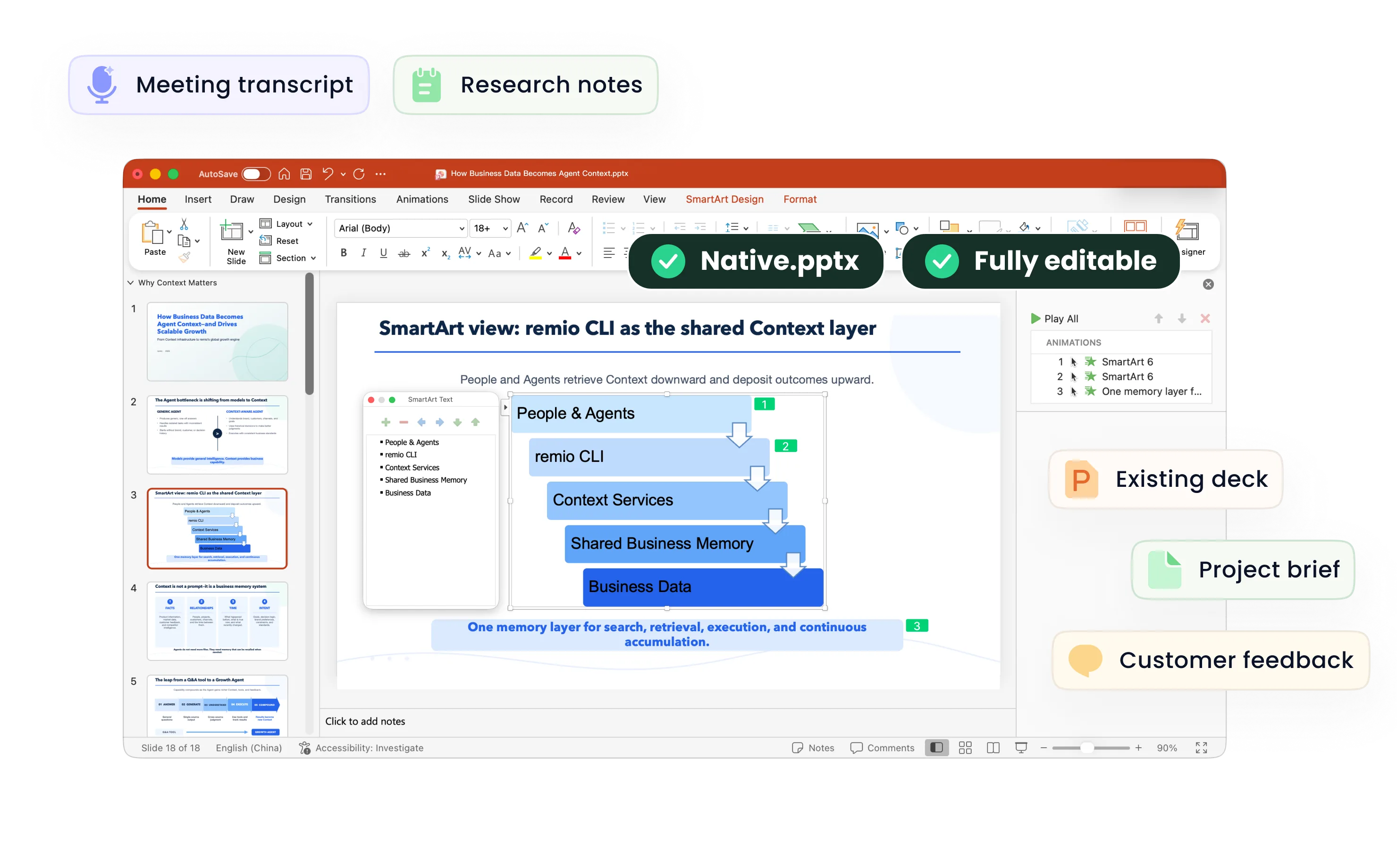
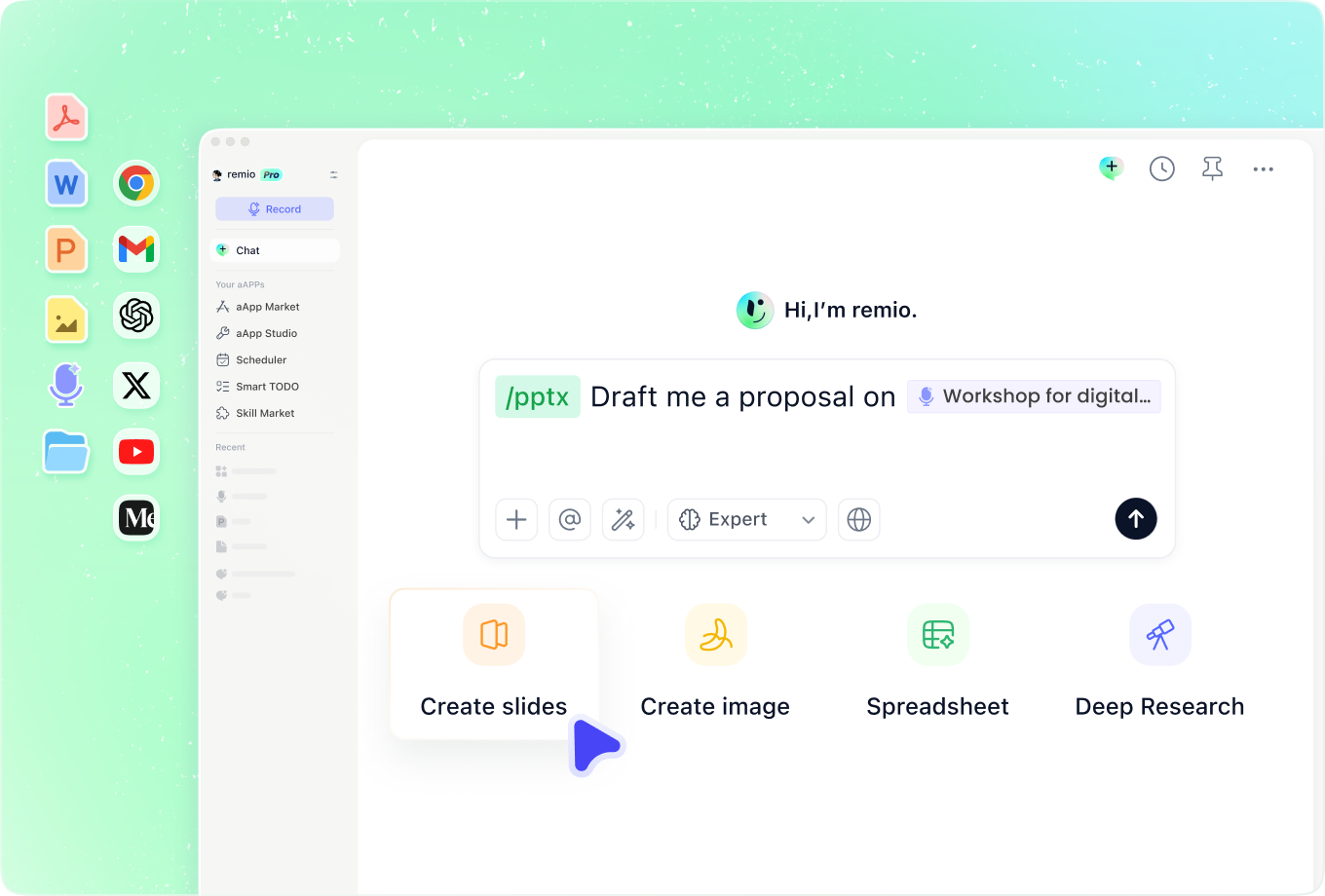
Turn your notes into a beautiful PPT with remio. Refine the style and editable slides.

For Windows 10+ (x64) and Apple silicon Macs.

Pretty PPT templates

Turn your notes into a beautiful PPT with remio. Refine the style and editable slides.

For Windows 10+ (x64) and Apple silicon Macs.

Download remio
remio AI Presentation workspace and source materials

Pretty PowerPoint Templates

Create a pretty PowerPoint for events, creative projects or personal stories. Add notes and visual references in remio, then refine the editable slides.

Choose a softer palette

Choose a softer palette

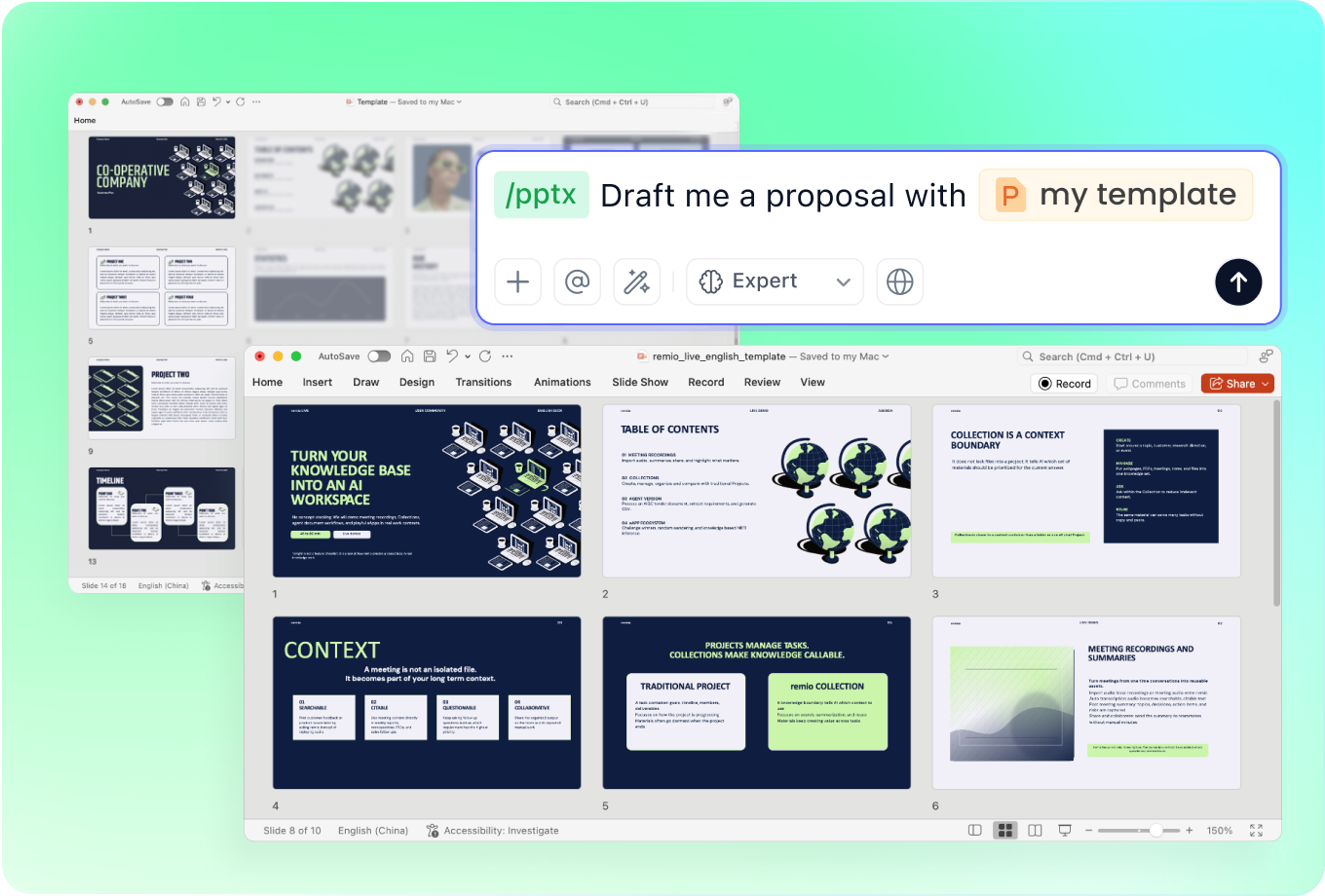
Add your topic, audience and preferred colors. Describe a pastel or muted direction and provide a reference deck if useful. Keep enough contrast between text and backgrounds. Review the editable slides for a consistent palette and clear reading order.
Shape a floral event story

Shape a floral event story

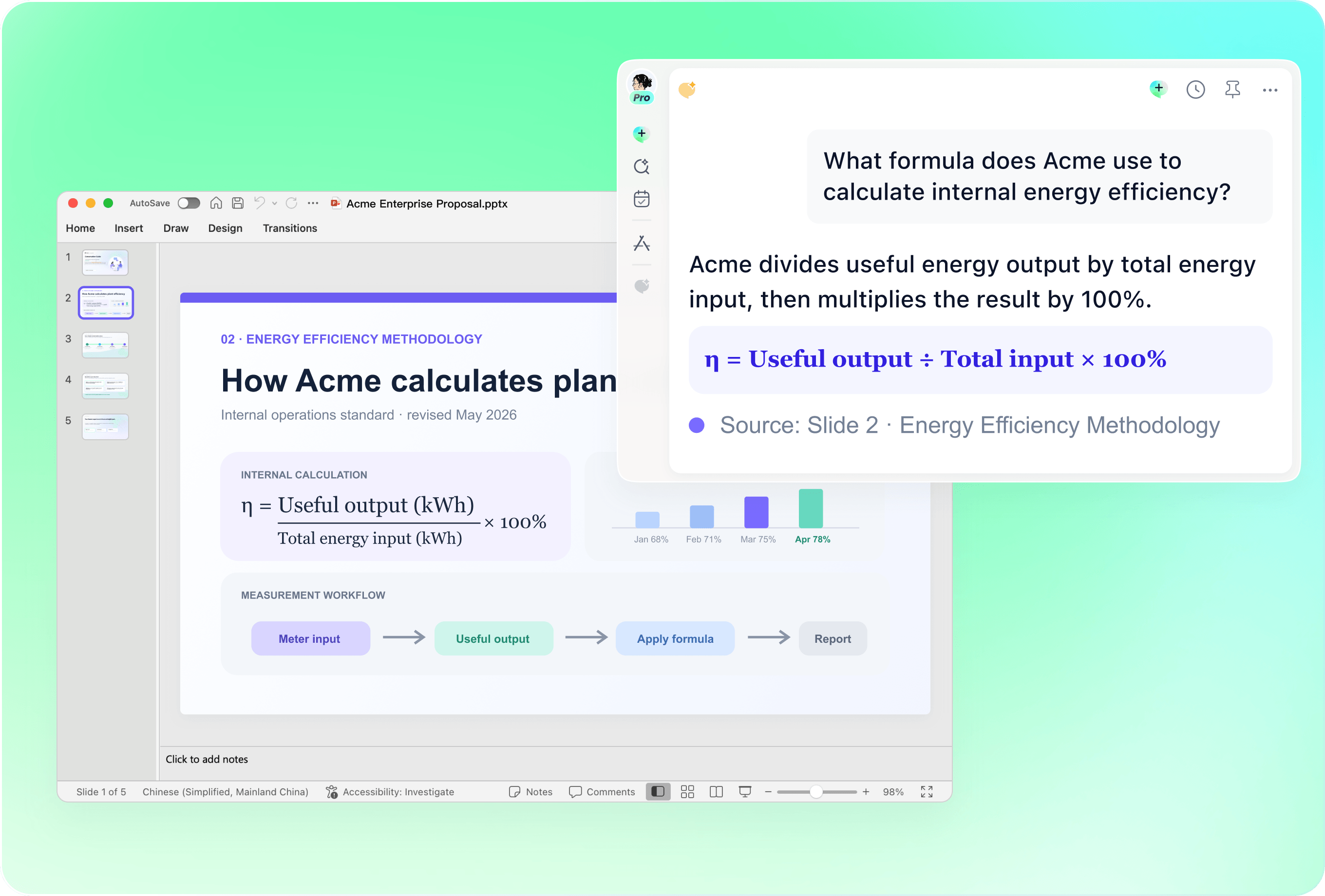
Provide your event notes, names, dates and the story you want to tell. Add floral or botanical references you can use. Ask for a clear sequence of welcome, key moments and closing. Check that decoration leaves enough room for the message.

Describe an artistic direction

Describe an artistic direction

Explain the watercolor, hand-painted or vintage look you have in mind. Supply your own visual references and say where decorative details belong. Review how the chosen direction supports the content, then adjust the editable PowerPoint for a coherent result.

Balance elegance and clarity

Balance elegance and clarity

For a professional or creative presentation, explain the impression you want to make. Keep titles concise, group related ideas and reserve space for images. Review the deck at presentation size so decorative details and typography remain easy to read.

Refresh your existing design

Refresh your existing design

Add a previous presentation and describe the colors, wording or layout details to update. Specify what should stay. Review names, dates, image permissions and slide consistency in the editable result before sharing it with your audience.

How it works

From source material to a PowerPoint file you can keep updating.

  1. Add notes and references

    Provide the topic, audience, content and visual direction.

  2. Review the design

    Check the outline, colors, readability and source details.

  3. Refine your PowerPoint

    Edit the slides and check the presentation before sharing.

FAQs

What makes a presentation look pretty?

A coordinated palette, readable typography and balanced spacing can make a deck feel considered. Choose decoration that supports the message. Describe your preferred direction in remio and review how it works with your own content.

Can I create pastel or floral slides?

Describe the colors and botanical details you want, then add references you have permission to use. Review the resulting design and refine the editable slides. This page does not offer a separate downloadable collection of floral assets.

Can I use a watercolor or vintage style?

Provide a visual reference and describe the mood, colors and decorative details you want to carry through the deck. Check the result for consistency and legibility. Specific fonts, artwork and exact style reproduction depend on the materials and tools you use.

Can I make slides for a wedding or celebration?

Add the event schedule, approved photos, names and messages you want to include. Specify the tone and design references, then check the sequence and details in the editable PowerPoint before showing it at the event.

How do I make pretty slides with remio?

Download remio and add your notes, audience and visual references. Review the outline and design, then refine the editable PowerPoint. Check the content, readability and permissions before sharing.

Pretty PowerPoint Templates

Create a pretty PowerPoint for events, creative projects or personal stories. Add notes and visual references in remio, then refine the editable slides.

Choose a softer palette

Choose a softer palette

Add your topic, audience and preferred colors. Describe a pastel or muted direction and provide a reference deck if useful. Keep enough contrast between text and backgrounds. Review the editable slides for a consistent palette and clear reading order.
Shape a floral event story

Shape a floral event story

Provide your event notes, names, dates and the story you want to tell. Add floral or botanical references you can use. Ask for a clear sequence of welcome, key moments and closing. Check that decoration leaves enough room for the message.

Describe an artistic direction

Describe an artistic direction

Explain the watercolor, hand-painted or vintage look you have in mind. Supply your own visual references and say where decorative details belong. Review how the chosen direction supports the content, then adjust the editable PowerPoint for a coherent result.

Balance elegance and clarity

Balance elegance and clarity

For a professional or creative presentation, explain the impression you want to make. Keep titles concise, group related ideas and reserve space for images. Review the deck at presentation size so decorative details and typography remain easy to read.

Refresh your existing design

Refresh your existing design

Add a previous presentation and describe the colors, wording or layout details to update. Specify what should stay. Review names, dates, image permissions and slide consistency in the editable result before sharing it with your audience.

How it works

From source material to a PowerPoint file you can keep updating.

01

Add notes and references

Provide the topic, audience, content and visual direction.

02

Review the design

Check the outline, colors, readability and source details.

03

Refine your PowerPoint

Edit the slides and check the presentation before sharing.

FAQs

  • A coordinated palette, readable typography and balanced spacing can make a deck feel considered. Choose decoration that supports the message. Describe your preferred direction in remio and review how it works with your own content.

  • Describe the colors and botanical details you want, then add references you have permission to use. Review the resulting design and refine the editable slides. This page does not offer a separate downloadable collection of floral assets.

  • Provide a visual reference and describe the mood, colors and decorative details you want to carry through the deck. Check the result for consistency and legibility. Specific fonts, artwork and exact style reproduction depend on the materials and tools you use.

  • Add the event schedule, approved photos, names and messages you want to include. Specify the tone and design references, then check the sequence and details in the editable PowerPoint before showing it at the event.

  • Download remio and add your notes, audience and visual references. Review the outline and design, then refine the editable PowerPoint. Check the content, readability and permissions before sharing.

FAQs

A coordinated palette, readable typography and balanced spacing can make a deck feel considered. Choose decoration that supports the message. Describe your preferred direction in remio and review how it works with your own content.

Describe the colors and botanical details you want, then add references you have permission to use. Review the resulting design and refine the editable slides. This page does not offer a separate downloadable collection of floral assets.

Provide a visual reference and describe the mood, colors and decorative details you want to carry through the deck. Check the result for consistency and legibility. Specific fonts, artwork and exact style reproduction depend on the materials and tools you use.

Add the event schedule, approved photos, names and messages you want to include. Specify the tone and design references, then check the sequence and details in the editable PowerPoint before showing it at the event.

Download remio and add your notes, audience and visual references. Review the outline and design, then refine the editable PowerPoint. Check the content, readability and permissions before sharing.

bottom of page