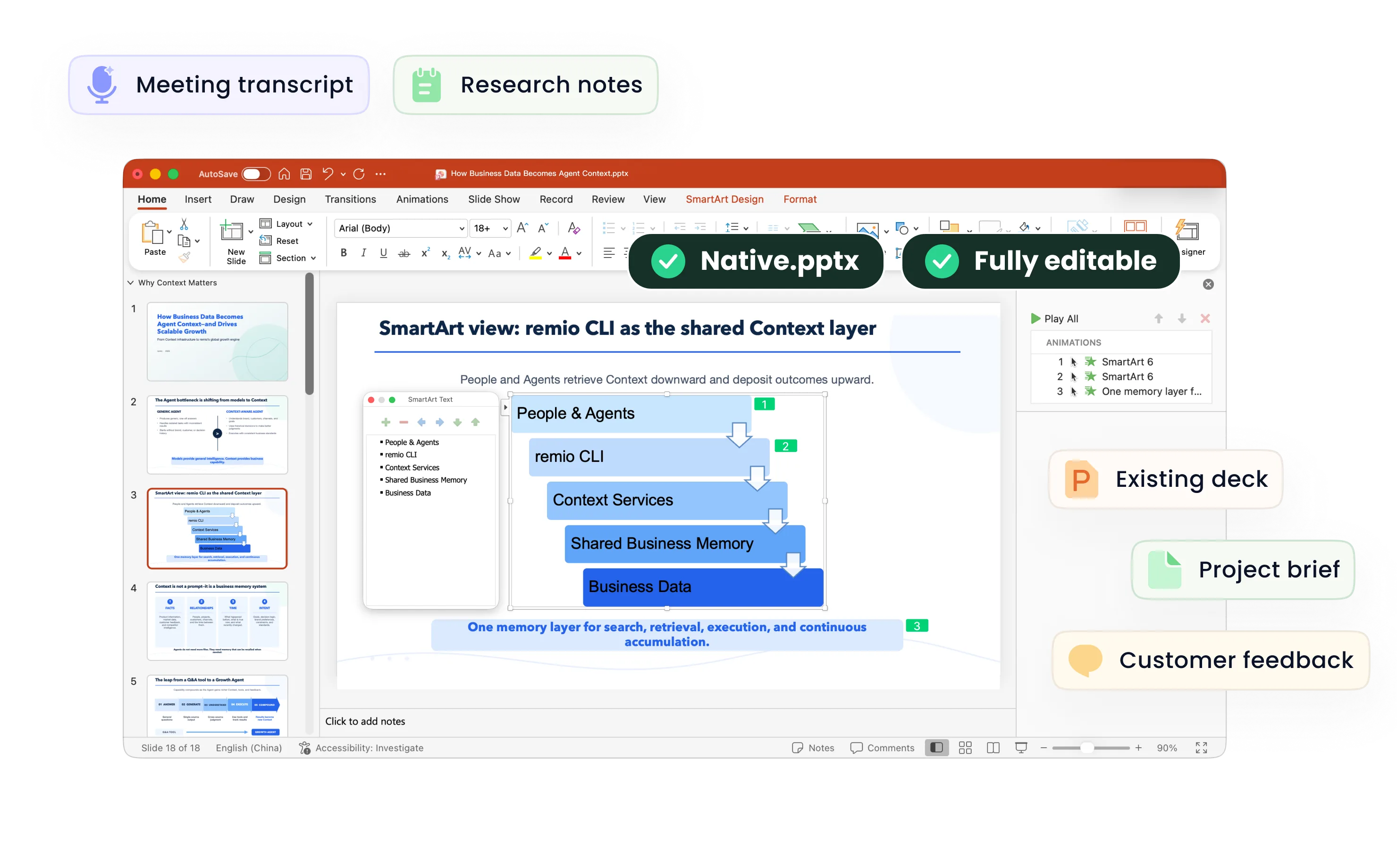
Turn the quarter’s results into a business review with a point of view.
Combine quarterly metrics, the previous review and business context in remio. Explain the variance, review the priorities and refine an editable PowerPoint for the next discussion.
Desktop app for Windows 10+ (x64) and Apple silicon Macs.
QBR Presentation Maker
Create quarterly business review PowerPoints from metrics, reports and prior decks. Review targets, actuals, risks and next-quarter priorities with remio.
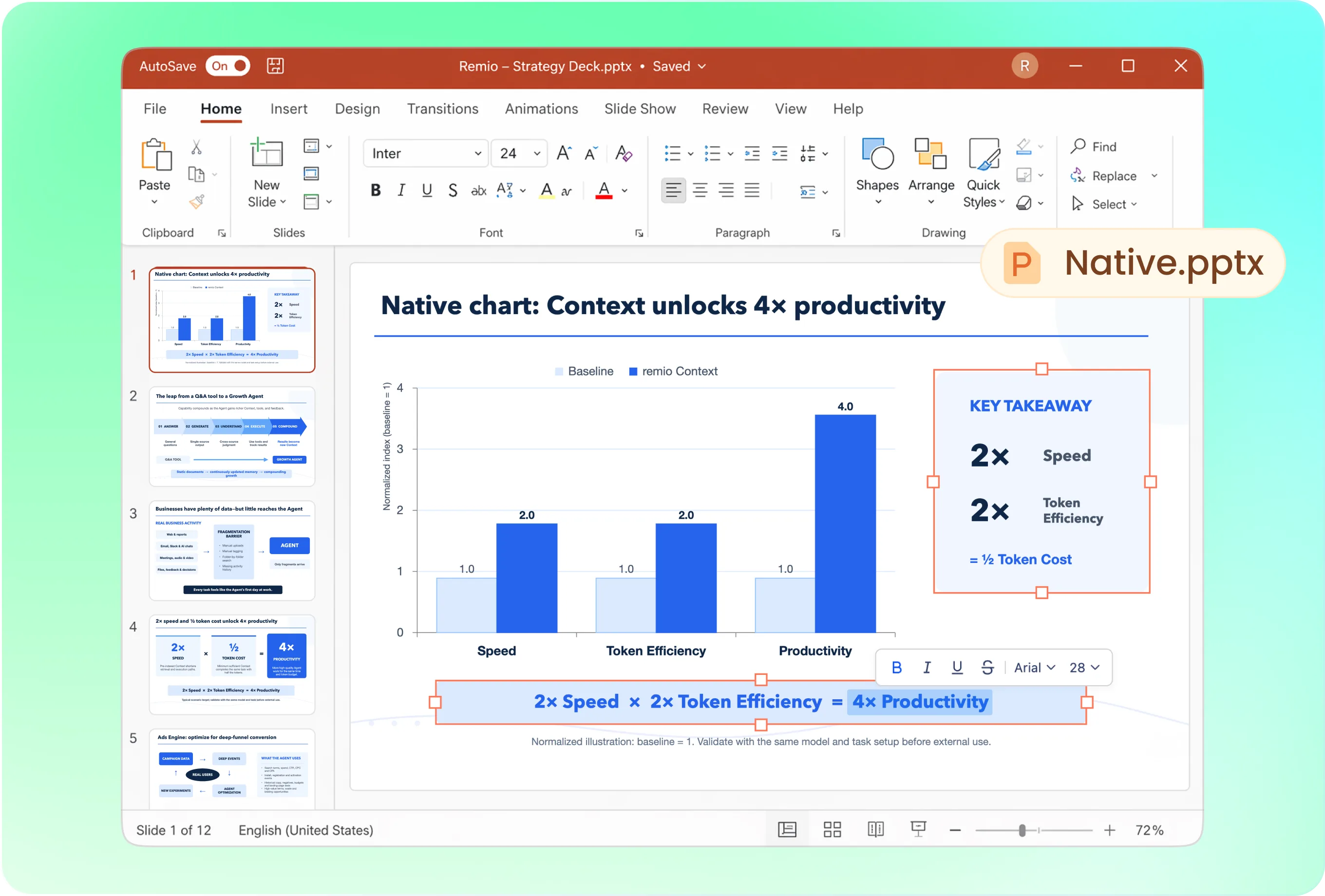
Build the review around performance and decisions
Open with the quarter’s key outcomes, then show target versus actual, important trends, drivers, risks and next-quarter priorities. Ask remio to focus on the decisions the audience needs rather than giving every metric equal space.
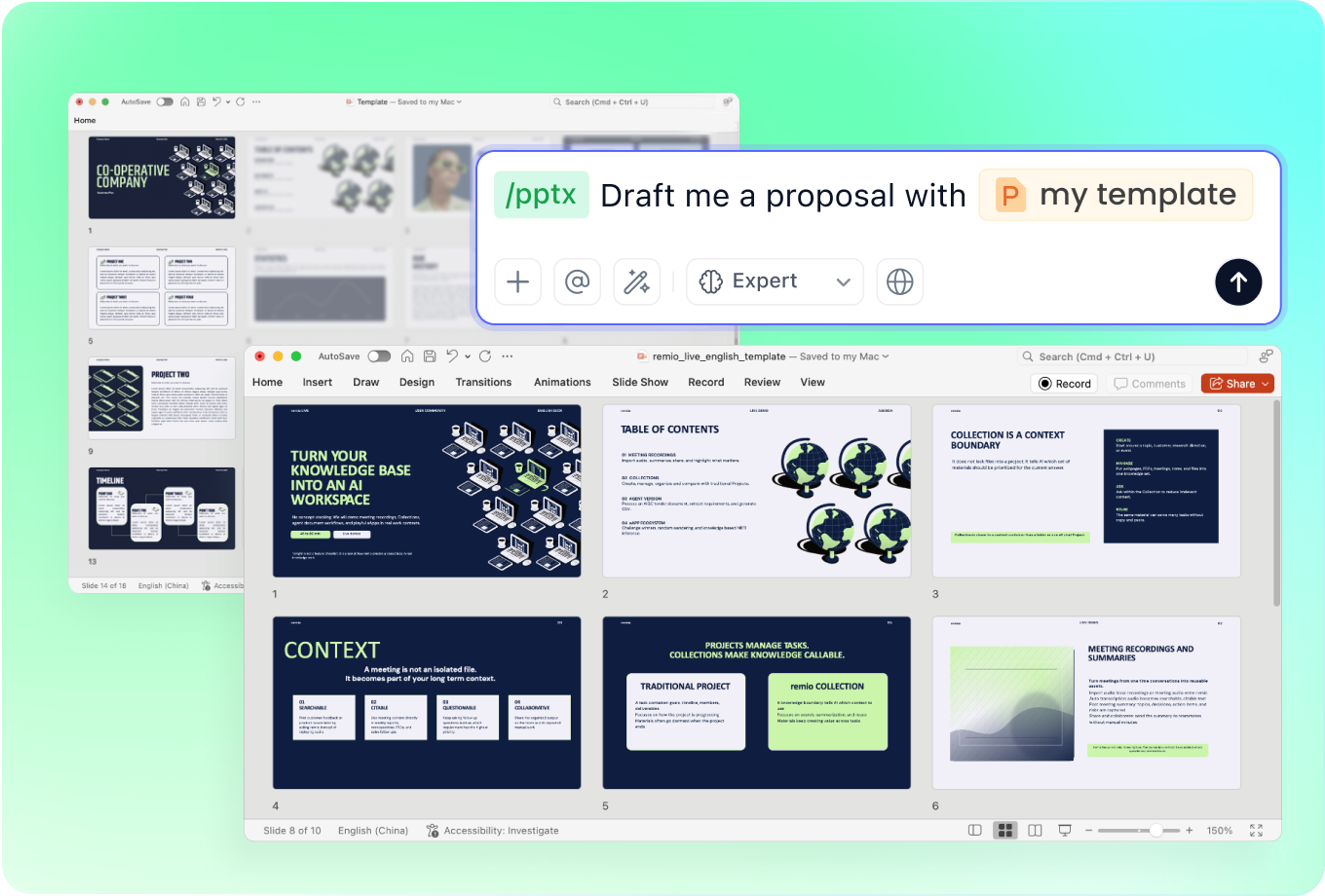
Keep recurring reviews visually comparable
Provide the approved QBR or company PowerPoint to guide style. Use consistent metric names, units and comparison periods. Explain whether the audience is leadership, a functional team or a customer so the deck uses the appropriate level of detail.
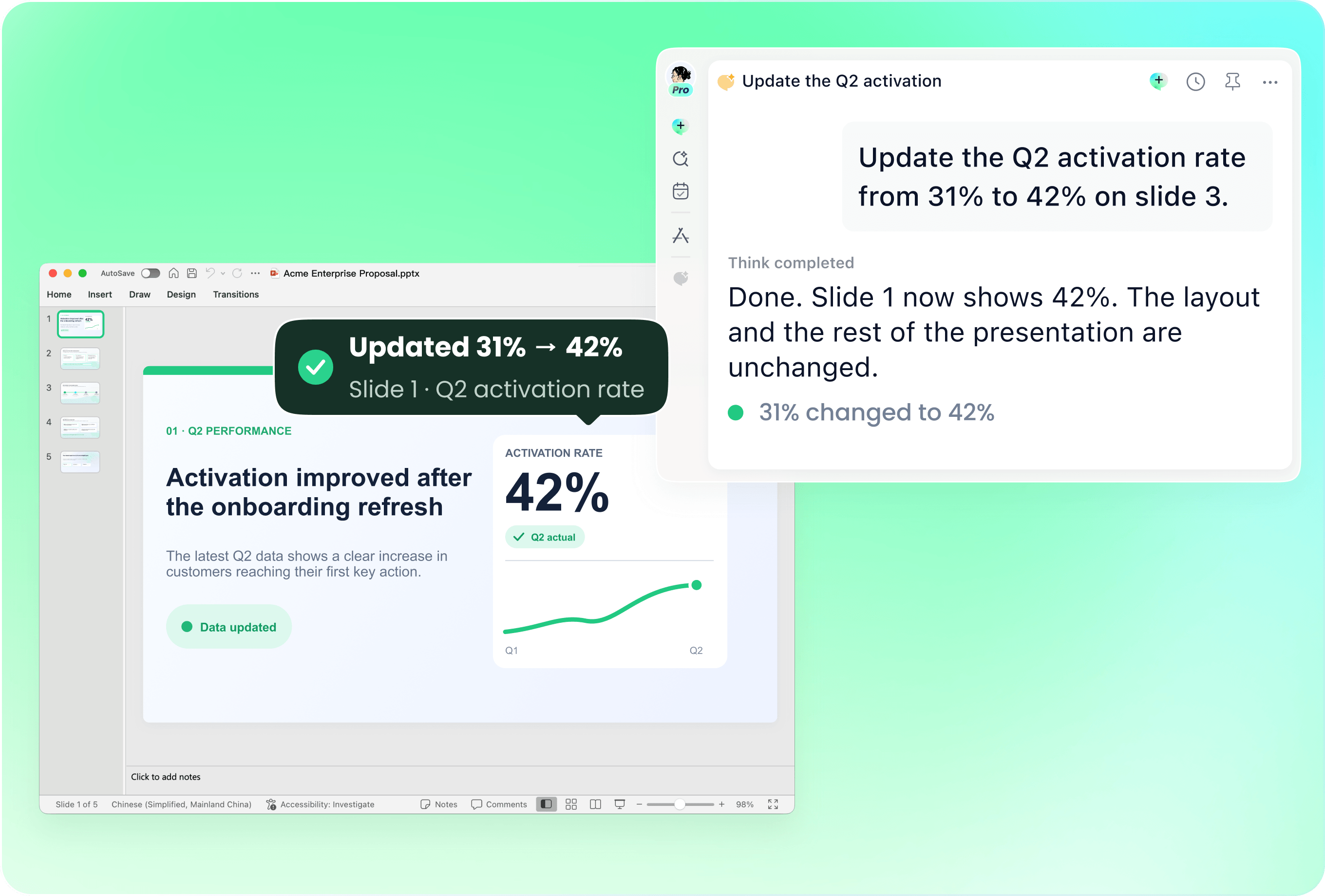
Carry the review forward to the new quarter
Use the previous deck with current data and action updates. Identify sections to retain and sections to refresh. Ask remio to update selected slides, then check for stale dates, old totals and priorities that no longer apply.
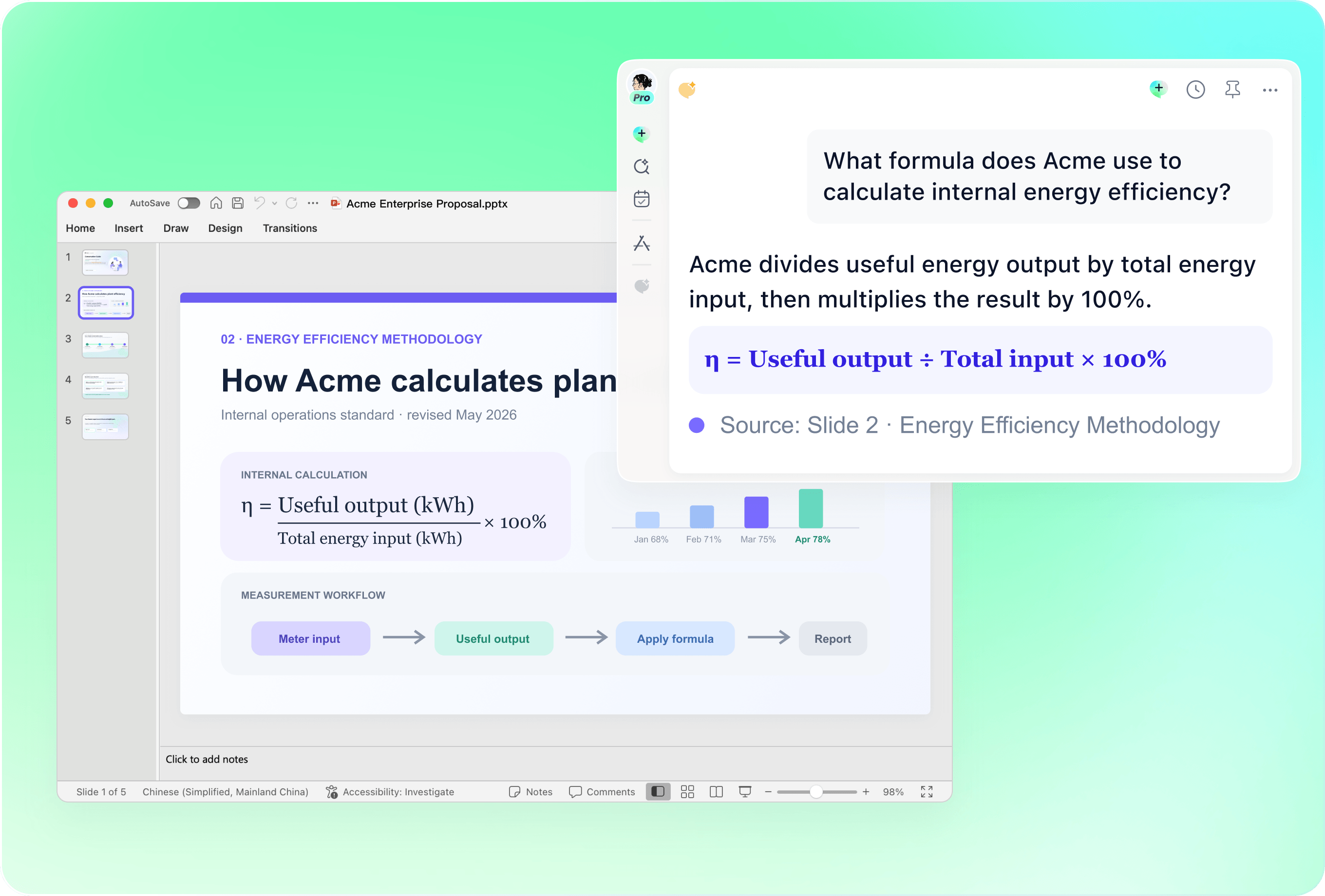
Check comparisons before explaining the variance
Review the reporting window, metric definition, target baseline and any exclusions. Separate observed performance from explanations that still need evidence. A trend chart should not imply a causal driver or a like-for-like comparison when the underlying data does not support it.
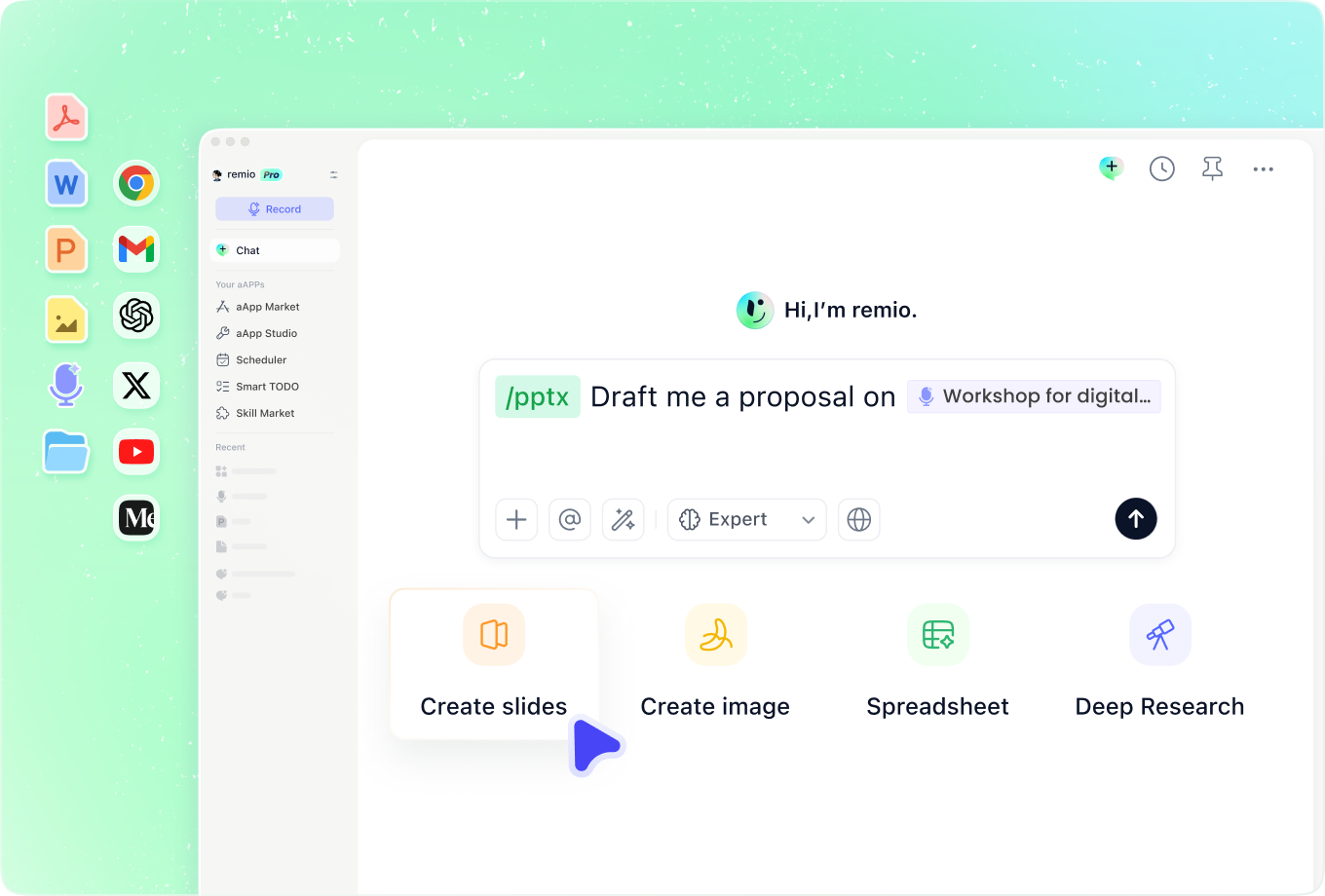
Close the loop on earlier commitments
Add previous QBR decisions, customer notes and project updates. Explain which commitments were completed, changed or delayed. Use that context to propose next-quarter priorities, and review ownership and dates before turning a proposal into a firm commitment.
How it works
From source material to a PowerPoint file you can keep updating.
01
Add quarterly evidence
Provide targets, actuals, definitions, reports and the previous review.
02
Review the performance story
Check variance explanations, risks and proposed priorities.
03
Build and verify the QBR
Create the editable PowerPoint and check figures, periods and actions.
FAQs
Yes. You can download remio and start for free. Some advanced usage may depend on your subscription plan, but you can try the AI presentation workflow before committing.
remio is designed as a local first app instead of a browser-only slide editor.
For AI presentations, this makes a real difference. Local file access helps remio parse documents faster, handle larger context, and better preserve PowerPoint structure, styles, and layouts. It also reduces the need to upload sensitive files into a browser-based tool.Combine the quarterly metrics with definitions, prior reviews and relevant decision notes. Specify whether the QBR is internal or customer-facing. Reusing a deck does not imply a live connection to your reporting systems; provide the current evidence and verify the results each quarter.
Yes. remio creates a native .pptx file from the start, not a presentation you have to export later. Every text box, layout, chart, and image stays editable in PowerPoint.
You can open it locally, edit it directly, and keep the same .pptx file from draft to final presentation.Not yet. remio currently focuses on native PowerPoint and .pptx workflows.
Keynote and Google Slides support are planned and will be added gradually.