top of page
remio AI Presentation workspace and source materials

remio vs Canva

Compare AI drafting, brand references and editing. Choose a presentation workflow that fits your source material.

For Windows 10+ (x64) and Apple silicon Macs.

remio vs Canva

Compare AI drafting, brand references and editing. Choose a presentation workflow that fits your source material.

For Windows 10+ (x64) and Apple silicon Macs.

Download remio
remio AI Presentation workspace and source materials

remio vs Canva presentations

Compare remio and Canva for presentations: starting materials, AI drafting, brand consistency, slide revisions and PowerPoint handoff.

Start with your materials

Start with your materials

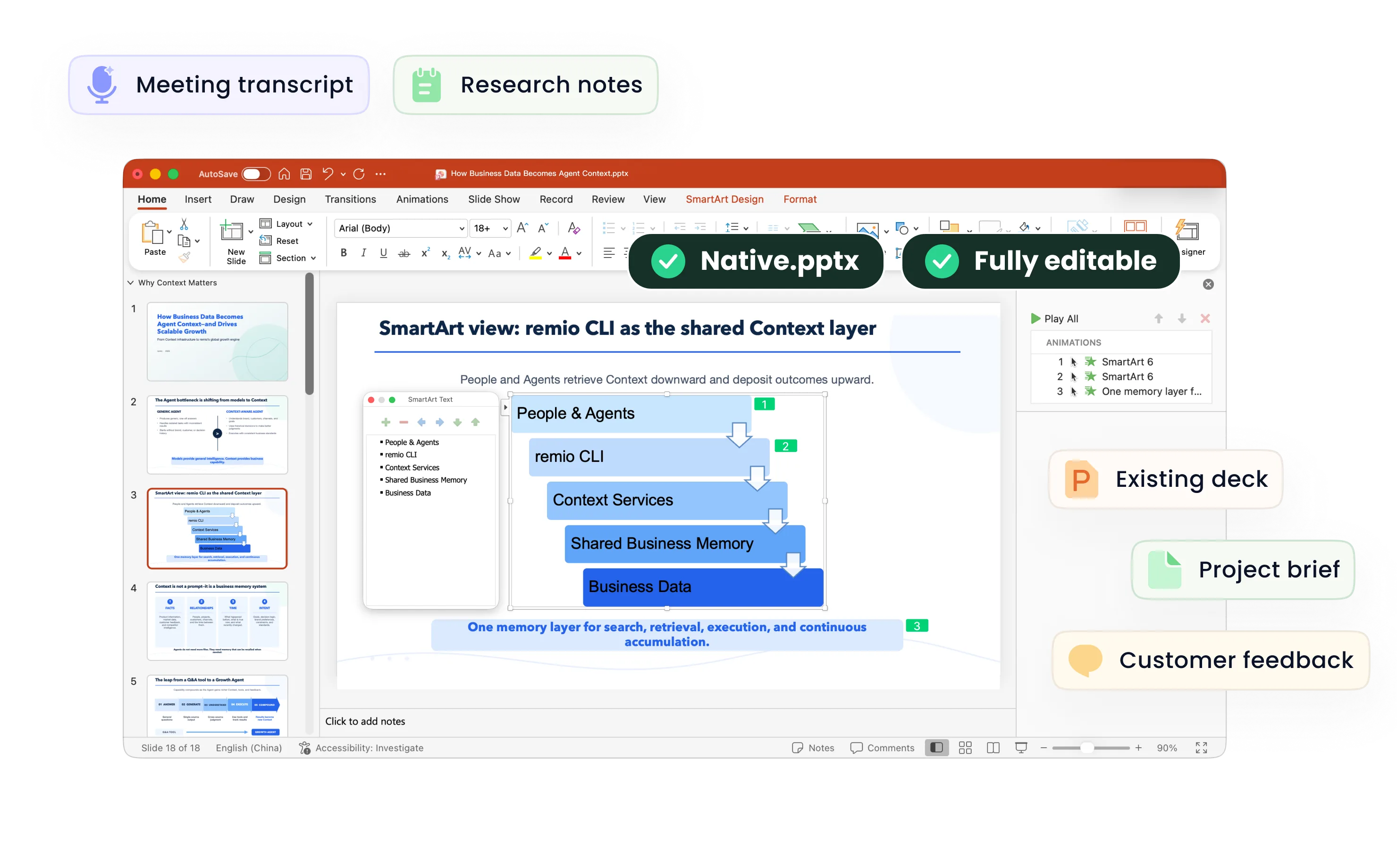
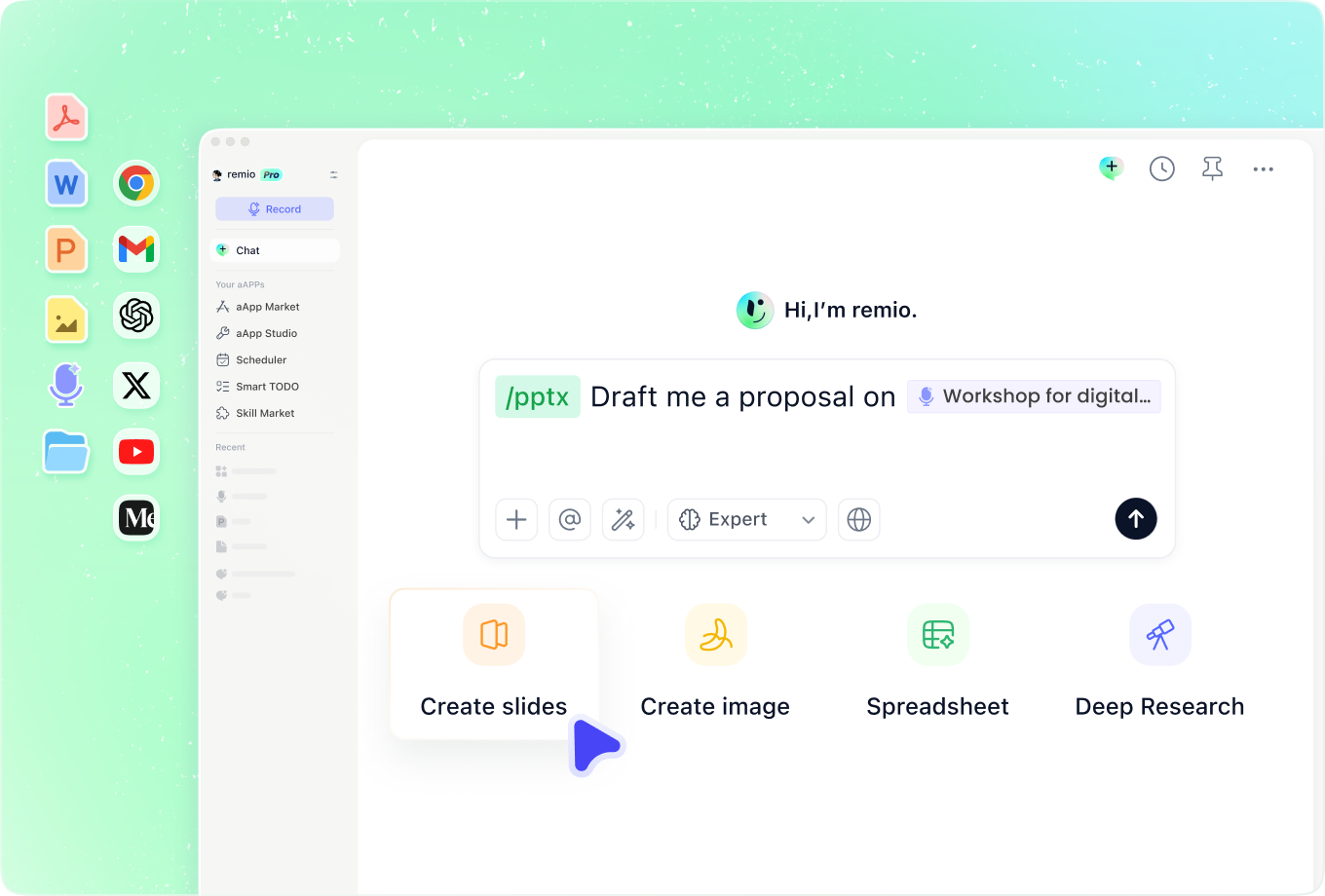
Canva AI can generate a presentation from a text prompt and offer an outline to refine. In remio, bring your notes, documents and relevant work context into the brief. For a useful comparison, give each tool the same audience, source facts and intended outcome.
Carry through your brand

Carry through your brand

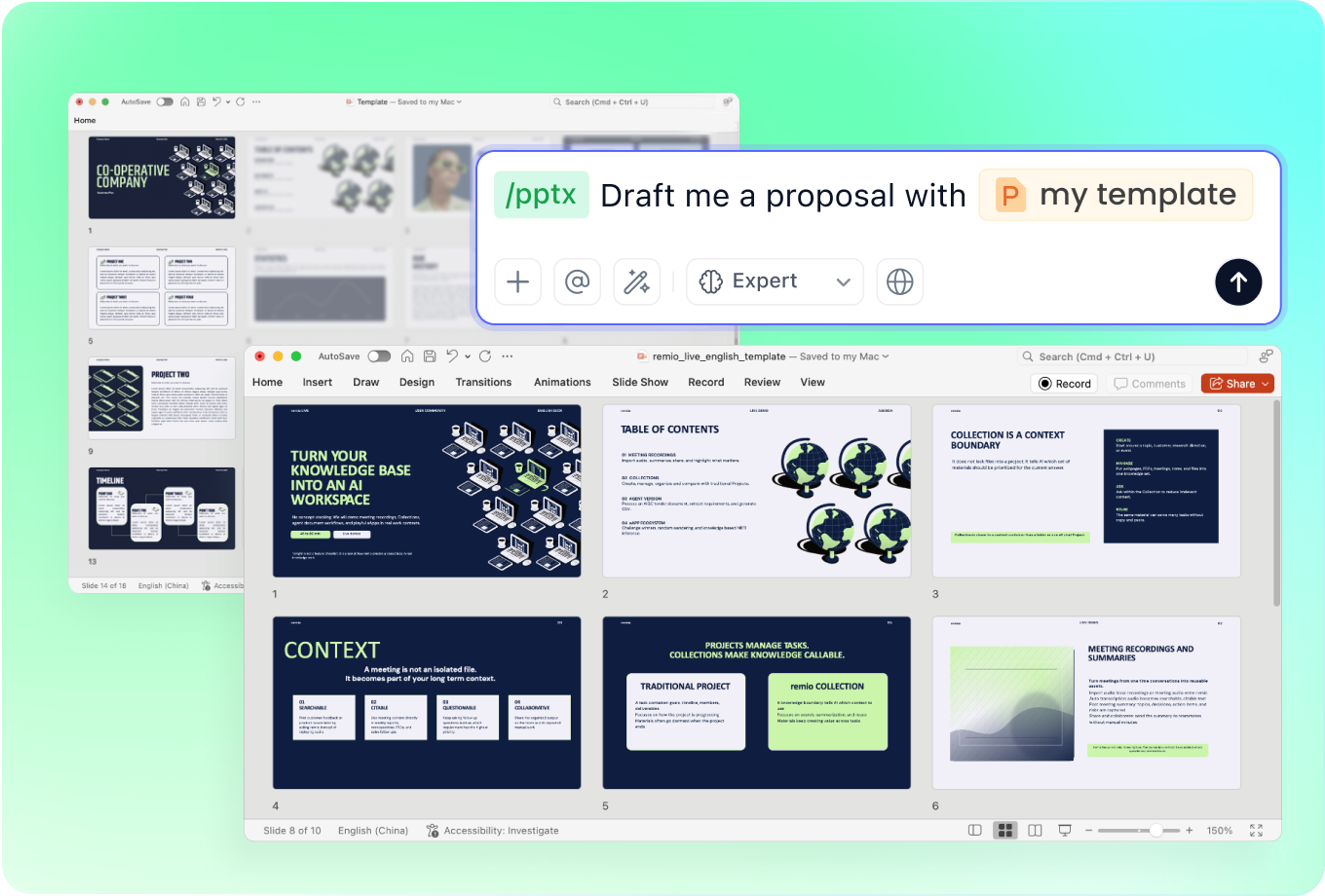
Canva documents Brand Kits and Brand Templates for branded presentation work. In remio, provide your existing company deck and explain which layout, fonts and colors to follow. Review the resulting slides against the reference, including charts and dense pages.

Revise the next version

Revise the next version

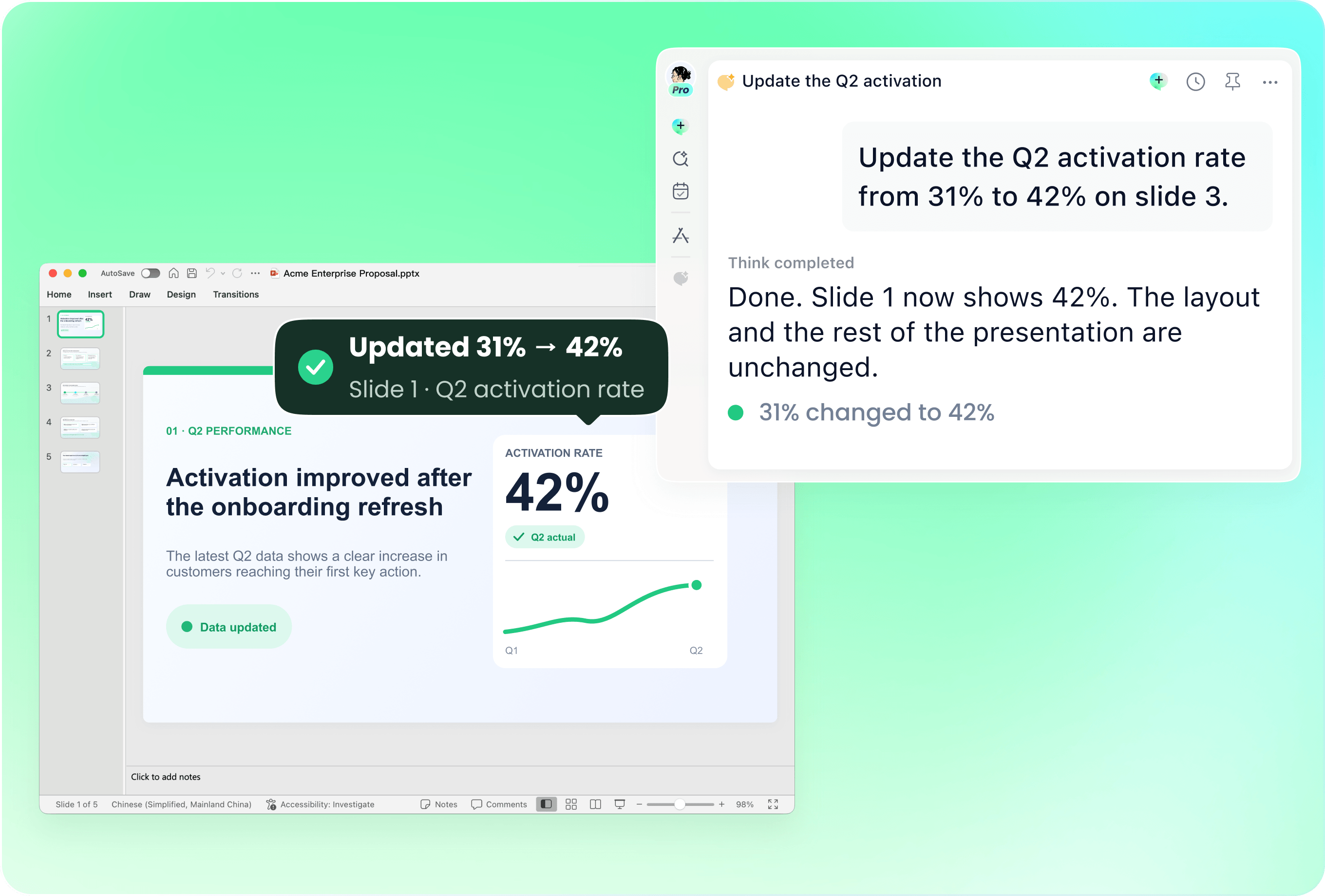
Canva combines its visual editor with AI presentation editing. In remio, use the current PowerPoint and describe the slides or details to change. Try a concrete revision such as a new reporting period or updated product claim, then inspect the changed content.

Check the final handoff

Check the final handoff

Both workflows can lead to a PowerPoint file. remio creates a native editable .pptx; Canva also documents PowerPoint export. Open the result in the environment where it will be used and check text, charts, fonts and page layout. An export option alone does not establish that every element transfers identically.

Match the workflow to the job

Match the workflow to the job

Canva may fit a team already working in its design editor and brand assets. Consider remio when the presentation draws on working notes, documents and the context behind an existing deck. remio is a desktop app for Windows x64 and Apple silicon Macs; include your working environment in the choice.

Try your own brief

From source material to a PowerPoint file you can keep updating.

  1. Provide the same brief

    Add approved notes, the audience and your company deck.

  2. Review and revise

    Check the outline and request one realistic content update.

  3. Inspect the handoff

    Open the PowerPoint and review facts, editability and layout.

FAQs

Does Canva create presentations with AI?

Yes. Canva documents AI generation from a prompt, outline review and editing in its presentation workflow. Use the same approved brief to compare how each product handles your source material and the changes you need.

Can I use an existing company presentation?

Provide the existing deck and a clear description of what to preserve or update. remio uses an existing PowerPoint as part of its presentation workflow. Canva documents file import and branded presentation tools. Check the specific file, fonts and layouts with your own material.

Which workflow is better for branded slides?

Start with the brand materials your team actually uses. Canva offers Brand Kits and Brand Templates; remio can work from your existing company presentation and instructions. Review a title page, a chart and a dense content page before choosing the workflow.

What should I compare before choosing?

Compare the features and account allowances your team needs, then use the same brief and request one realistic revision. Review the output and the work needed to finish it. The workflow details here were checked against public documentation on 10 November 2026; check current plans for your required features.

How can I compare them with my own brief?

Use the same approved notes, audience and company deck. Review the outline, make one realistic revision and inspect the PowerPoint handoff. Download remio to try the desktop workflow with the context behind your presentation.

remio vs Canva presentations

Compare remio and Canva for presentations: starting materials, AI drafting, brand consistency, slide revisions and PowerPoint handoff.

Start with your materials

Start with your materials

Canva AI can generate a presentation from a text prompt and offer an outline to refine. In remio, bring your notes, documents and relevant work context into the brief. For a useful comparison, give each tool the same audience, source facts and intended outcome.
Carry through your brand

Carry through your brand

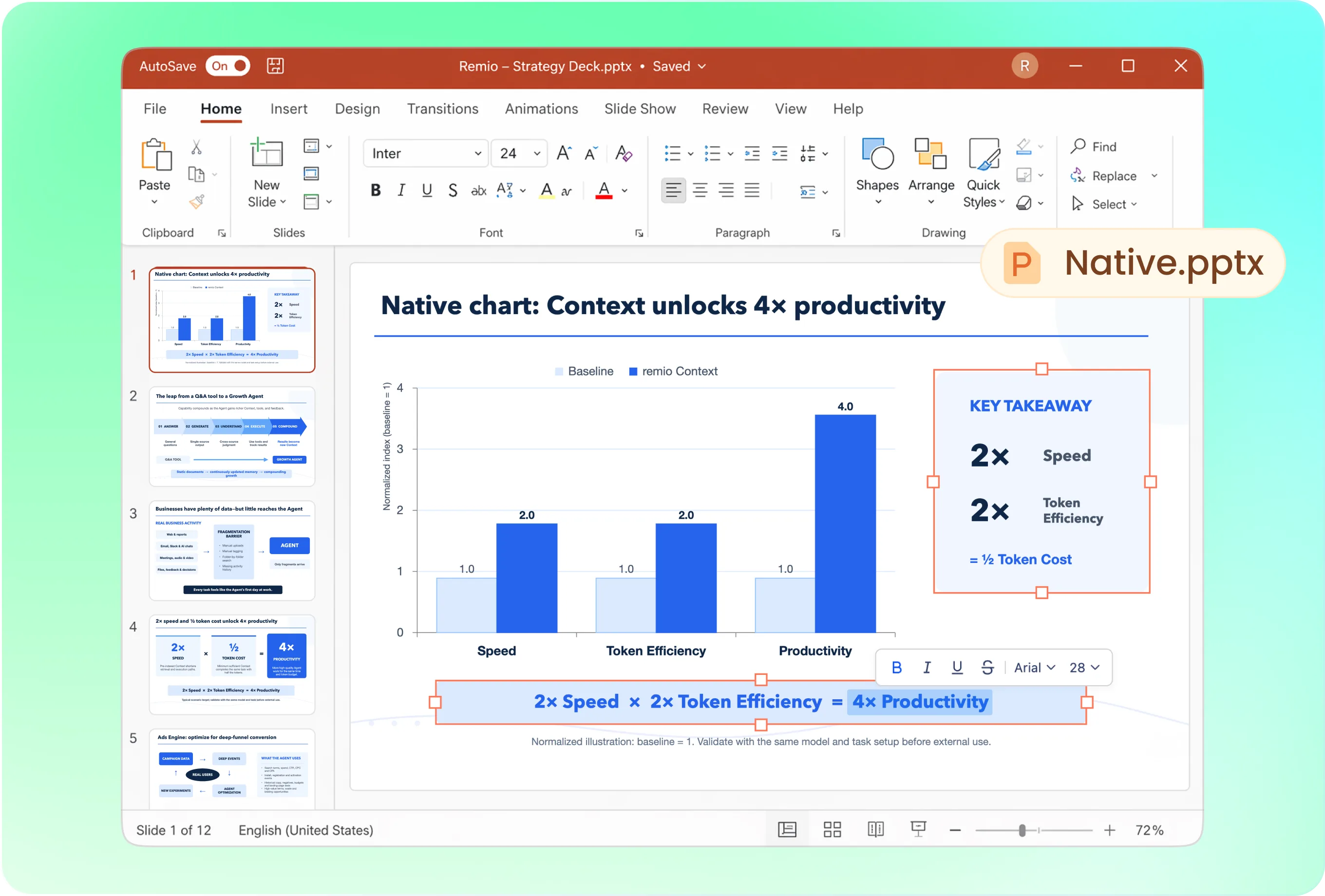
Canva documents Brand Kits and Brand Templates for branded presentation work. In remio, provide your existing company deck and explain which layout, fonts and colors to follow. Review the resulting slides against the reference, including charts and dense pages.

Revise the next version

Revise the next version

Canva combines its visual editor with AI presentation editing. In remio, use the current PowerPoint and describe the slides or details to change. Try a concrete revision such as a new reporting period or updated product claim, then inspect the changed content.

Check the final handoff

Check the final handoff

Both workflows can lead to a PowerPoint file. remio creates a native editable .pptx; Canva also documents PowerPoint export. Open the result in the environment where it will be used and check text, charts, fonts and page layout. An export option alone does not establish that every element transfers identically.

Match the workflow to the job

Match the workflow to the job

Canva may fit a team already working in its design editor and brand assets. Consider remio when the presentation draws on working notes, documents and the context behind an existing deck. remio is a desktop app for Windows x64 and Apple silicon Macs; include your working environment in the choice.

Try your own brief

From source material to a PowerPoint file you can keep updating.

01

Provide the same brief

Add approved notes, the audience and your company deck.

02

Review and revise

Check the outline and request one realistic content update.

03

Inspect the handoff

Open the PowerPoint and review facts, editability and layout.

FAQs

  • Yes. Canva documents AI generation from a prompt, outline review and editing in its presentation workflow. Use the same approved brief to compare how each product handles your source material and the changes you need.

  • Provide the existing deck and a clear description of what to preserve or update. remio uses an existing PowerPoint as part of its presentation workflow. Canva documents file import and branded presentation tools. Check the specific file, fonts and layouts with your own material.

  • Start with the brand materials your team actually uses. Canva offers Brand Kits and Brand Templates; remio can work from your existing company presentation and instructions. Review a title page, a chart and a dense content page before choosing the workflow.

  • Compare the features and account allowances your team needs, then use the same brief and request one realistic revision. Review the output and the work needed to finish it. The workflow details here were checked against public documentation on 10 November 2026; check current plans for your required features.

  • Use the same approved notes, audience and company deck. Review the outline, make one realistic revision and inspect the PowerPoint handoff. Download remio to try the desktop workflow with the context behind your presentation.

FAQs

bottom of page