top of page
remio AI Presentation workspace and source materials

remio vs Gamma

Compare source imports, brand references and the PowerPoint handoff. Choose the workflow for your next deck.

For Windows 10+ (x64) and Apple silicon Macs.

remio vs Gamma

Compare source imports, brand references and the PowerPoint handoff. Choose the workflow for your next deck.

For Windows 10+ (x64) and Apple silicon Macs.

Download remio
remio AI Presentation workspace and source materials

remio vs Gamma presentations

Compare remio and Gamma for presentations: document imports, brand references, editable slides, revisions and the final PowerPoint handoff.

Bring the same source brief

Bring the same source brief

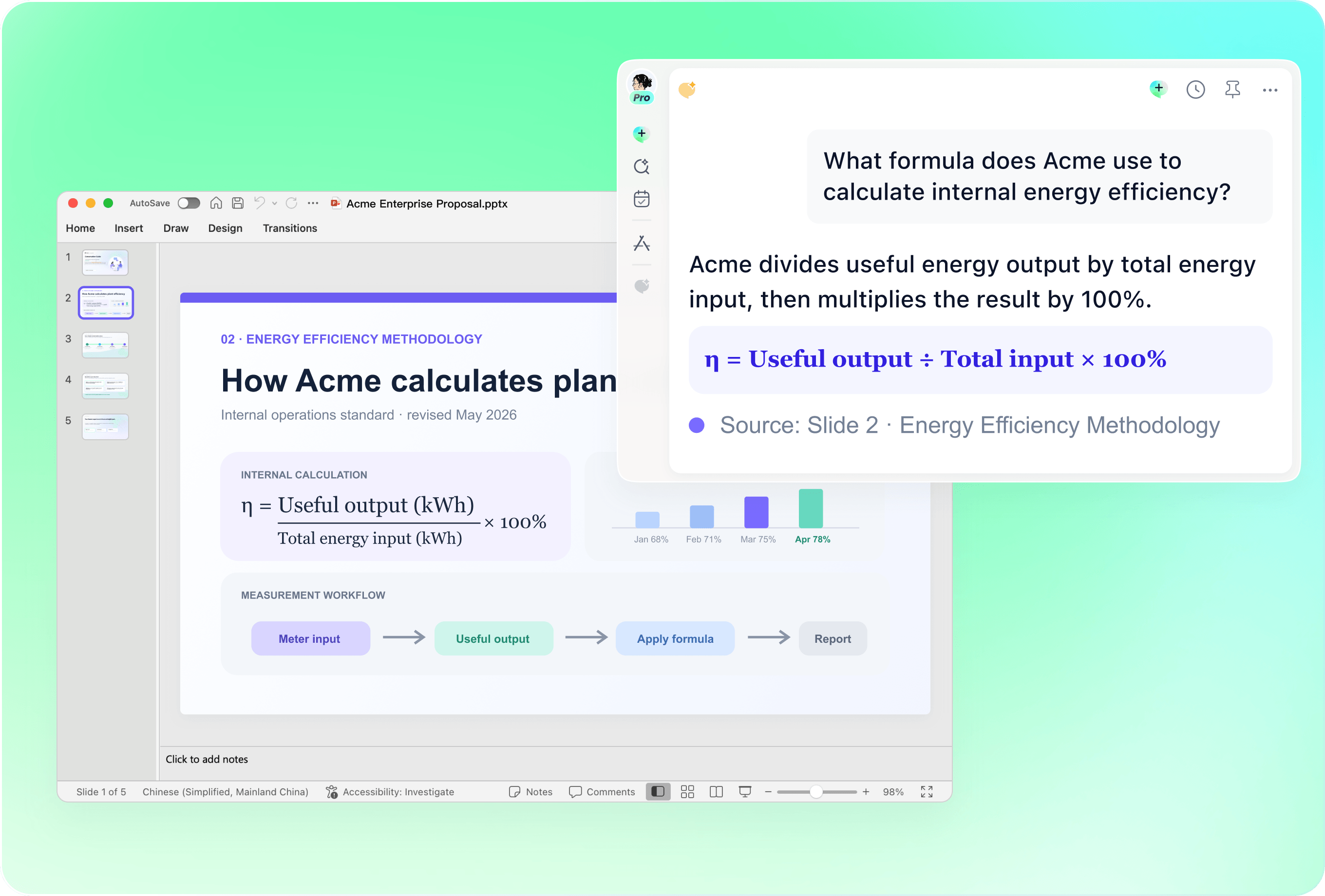
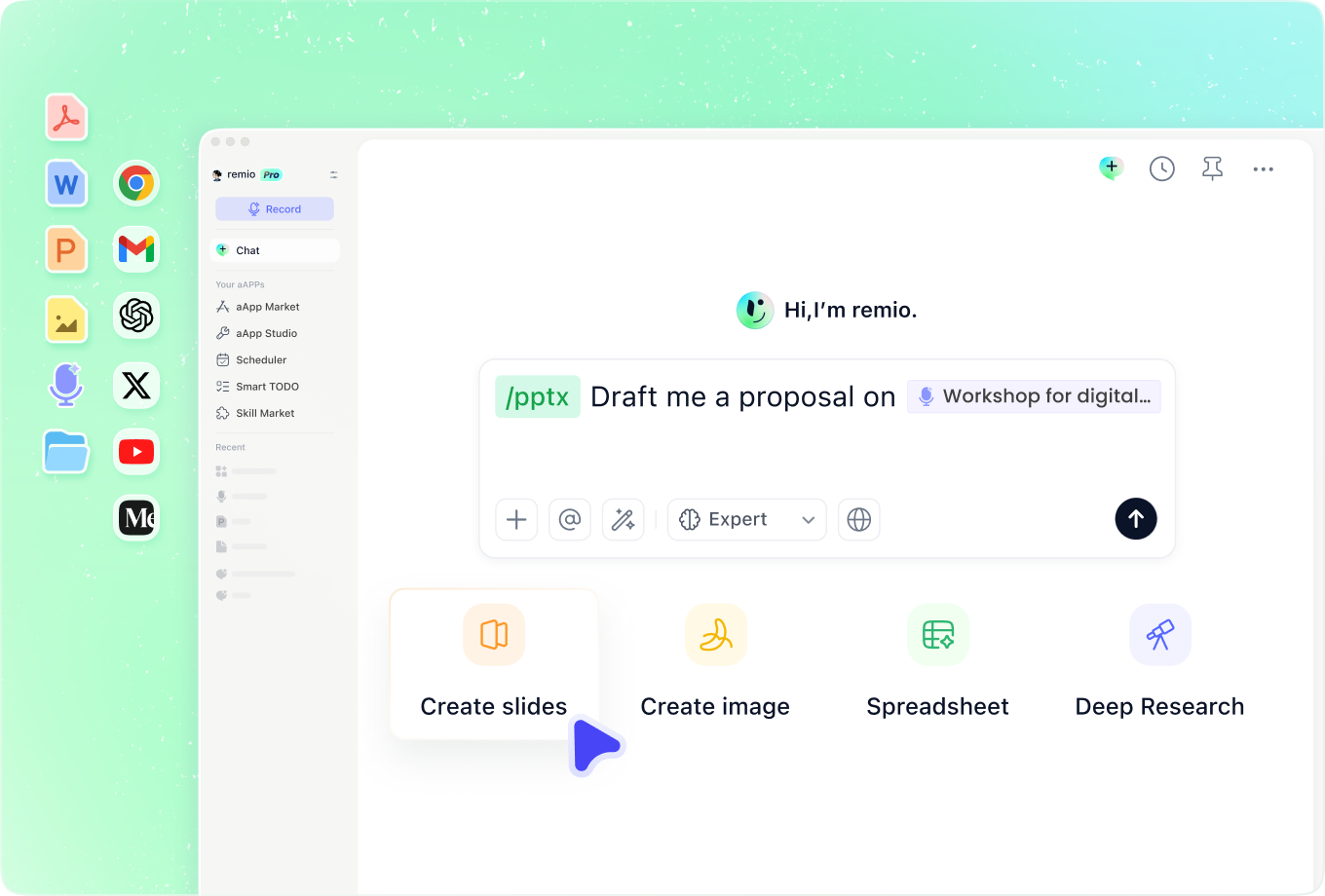
Gamma documents imports from PowerPoint, Word and PDF, along with other sources. remio can build a presentation from your documents and relevant work context. Give both workflows the same approved brief, audience and key facts, then inspect how the outline represents those materials.
Reuse your presentation identity

Reuse your presentation identity

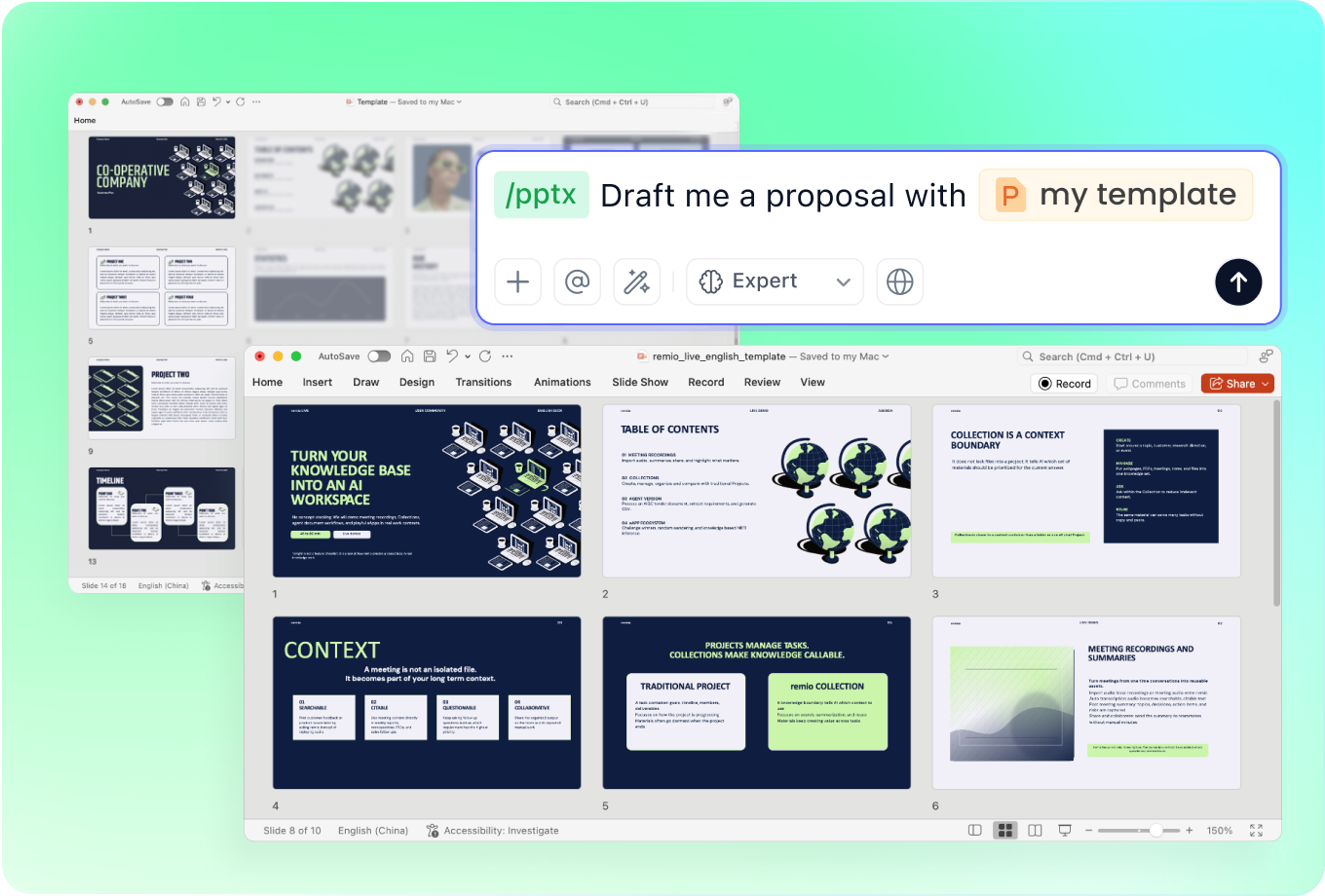
Gamma supports custom themes and documents importing a presentation design. In remio, add an existing company PowerPoint and specify the visual elements to retain. Review layout, type and chart styling in a representative section before applying the workflow to a longer presentation.

Test a meaningful revision

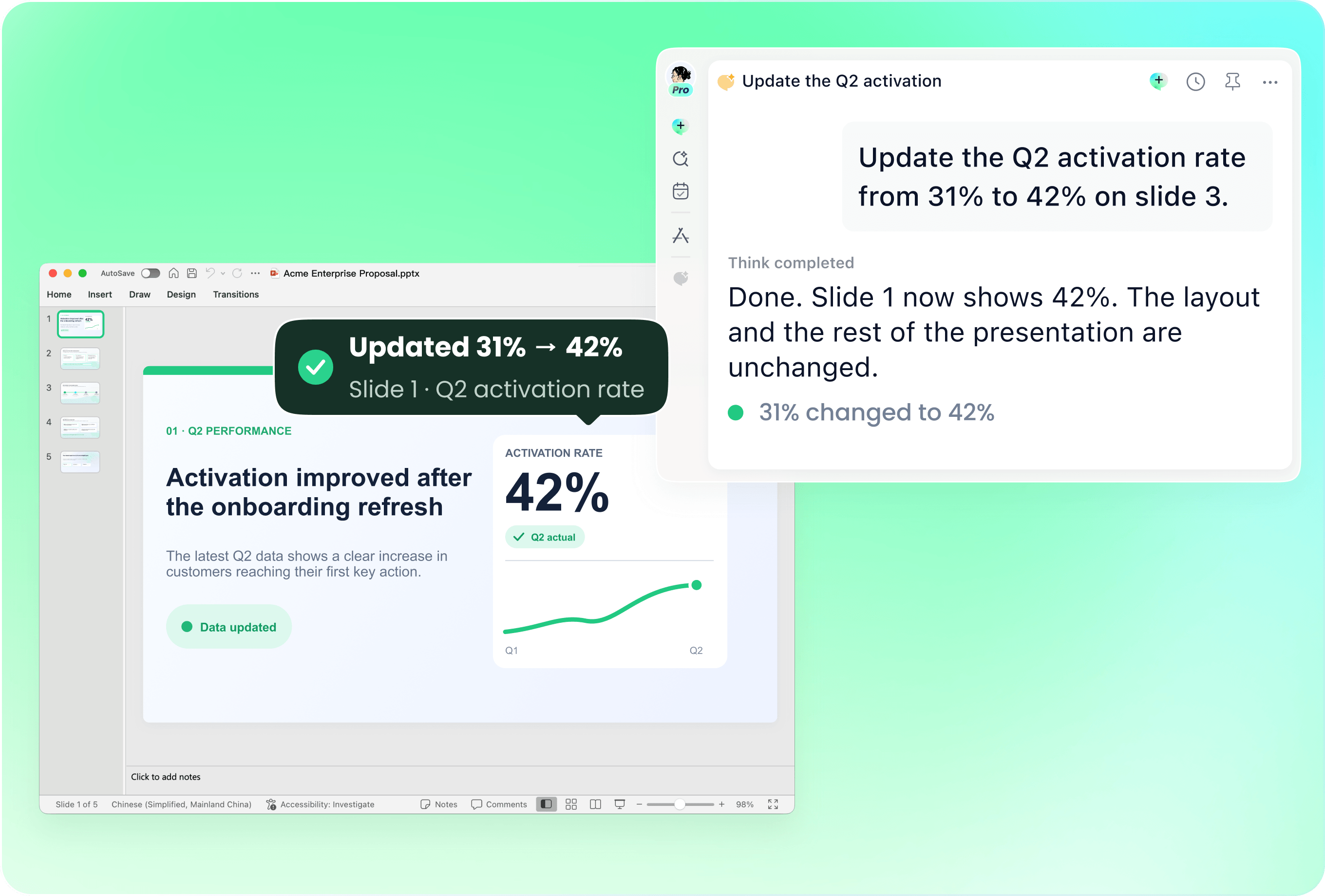
Test a meaningful revision

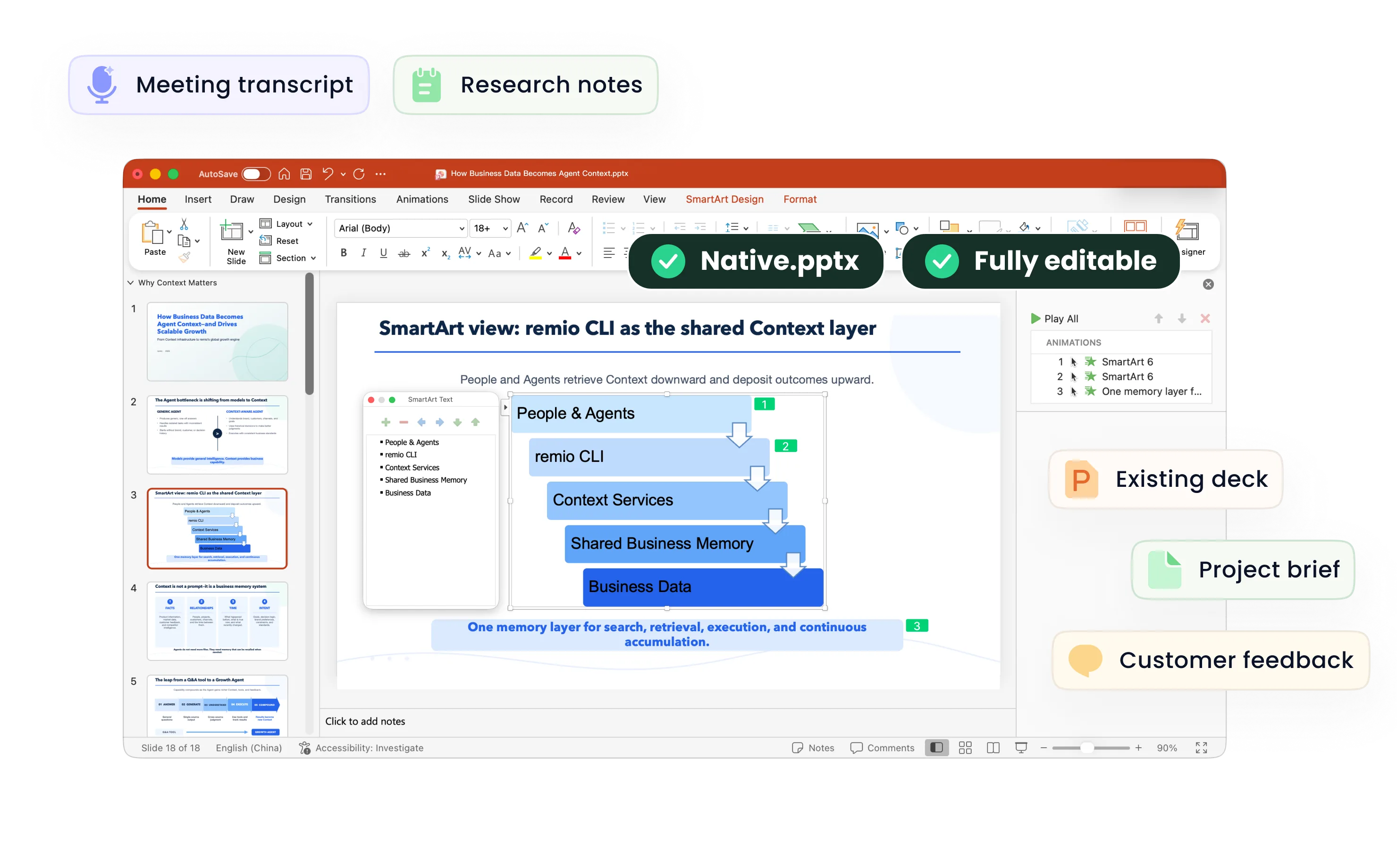
Gamma documents fully editable imports and options to retain or improve the imported styling. remio also works with an existing deck and instructions for selected changes. Try updating a conclusion, a figure or a reporting period, and check that the surrounding message still makes sense.

Inspect the editable export

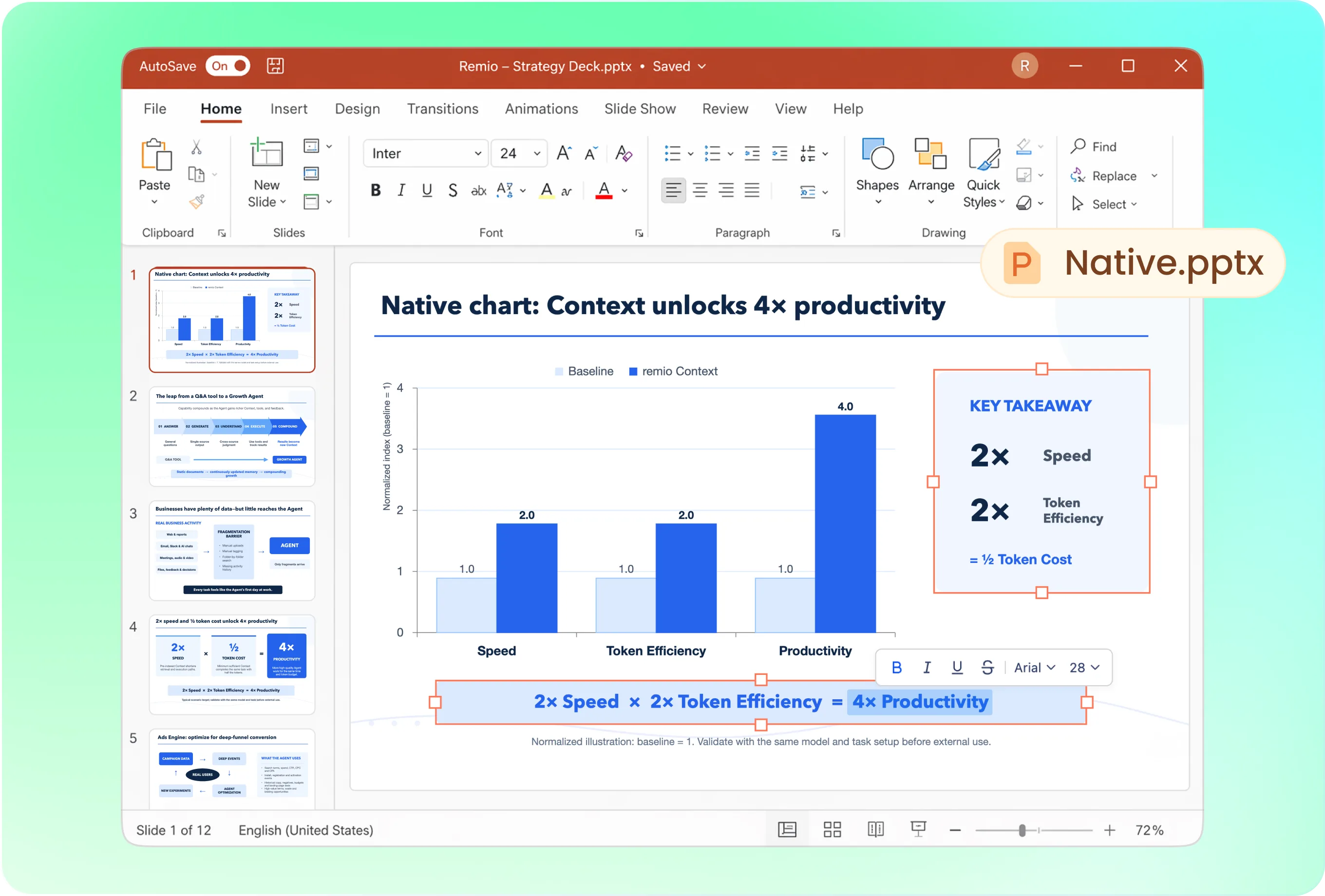
Inspect the editable export

Gamma supports PowerPoint export, including editable elements, and documents some visual differences between its editing view and exported files. remio creates a native editable PowerPoint. For either workflow, open the actual file in your target environment and inspect the pages, charts and typography that matter to your audience.

Choose for your working context

Choose for your working context

Consider Gamma when its online presentation workspace and themes fit your team. Consider remio when the presentation is part of a desktop workflow built around notes, source documents and an existing deck. Compare the work needed for a useful revision and final handoff, as well as the initial draft.

Try your own brief

From source material to a PowerPoint file you can keep updating.

  1. Provide the same brief

    Add approved notes, the audience and your company deck.

  2. Review and revise

    Check the outline and request one realistic content update.

  3. Inspect the handoff

    Open the PowerPoint and review facts, editability and layout.

FAQs

Can Gamma export an editable PowerPoint?

Yes. Gamma documents PowerPoint export with editable elements. Open the file in your target presentation environment to check charts, fonts and visual effects. remio also creates native editable PowerPoint files.

Can both workflows start from documents?

Gamma documents PowerPoint, Word and PDF imports. remio can use your source documents and related work context to build or revise a presentation. Use a real document from your workflow and check the factual coverage, structure and final file.

What should I check for company branding?

Use the same approved company deck and identify the colors, fonts and layout conventions to retain. Gamma supports themes and presentation-design import; remio can work from an existing company PowerPoint. Inspect the output rather than assuming a theme guarantees identical formatting.

What should I test before choosing?

Give each product the same brief and request the same revision. Check factual coverage, branding, editability and the final presentation flow. The workflow details here were checked against public documentation on 10 November 2026. Check current plans and test the actual output in your target presentation software.

How do I try remio with my existing deck?

Download remio, add your source material and current PowerPoint, and describe the audience and changes you need. Review the outline and editable result. Check facts, formatting and the final presentation flow before sharing it.

remio vs Gamma presentations

Compare remio and Gamma for presentations: document imports, brand references, editable slides, revisions and the final PowerPoint handoff.

Bring the same source brief

Bring the same source brief

Gamma documents imports from PowerPoint, Word and PDF, along with other sources. remio can build a presentation from your documents and relevant work context. Give both workflows the same approved brief, audience and key facts, then inspect how the outline represents those materials.
Reuse your presentation identity

Reuse your presentation identity

Gamma supports custom themes and documents importing a presentation design. In remio, add an existing company PowerPoint and specify the visual elements to retain. Review layout, type and chart styling in a representative section before applying the workflow to a longer presentation.

Test a meaningful revision

Test a meaningful revision

Gamma documents fully editable imports and options to retain or improve the imported styling. remio also works with an existing deck and instructions for selected changes. Try updating a conclusion, a figure or a reporting period, and check that the surrounding message still makes sense.

Inspect the editable export

Inspect the editable export

Gamma supports PowerPoint export, including editable elements, and documents some visual differences between its editing view and exported files. remio creates a native editable PowerPoint. For either workflow, open the actual file in your target environment and inspect the pages, charts and typography that matter to your audience.

Choose for your working context

Choose for your working context

Consider Gamma when its online presentation workspace and themes fit your team. Consider remio when the presentation is part of a desktop workflow built around notes, source documents and an existing deck. Compare the work needed for a useful revision and final handoff, as well as the initial draft.

Try your own brief

From source material to a PowerPoint file you can keep updating.

01

Provide the same brief

Add approved notes, the audience and your company deck.

02

Review and revise

Check the outline and request one realistic content update.

03

Inspect the handoff

Open the PowerPoint and review facts, editability and layout.

FAQs

  • Yes. Gamma documents PowerPoint export with editable elements. Open the file in your target presentation environment to check charts, fonts and visual effects. remio also creates native editable PowerPoint files.

  • Gamma documents PowerPoint, Word and PDF imports. remio can use your source documents and related work context to build or revise a presentation. Use a real document from your workflow and check the factual coverage, structure and final file.

  • Use the same approved company deck and identify the colors, fonts and layout conventions to retain. Gamma supports themes and presentation-design import; remio can work from an existing company PowerPoint. Inspect the output rather than assuming a theme guarantees identical formatting.

  • Give each product the same brief and request the same revision. Check factual coverage, branding, editability and the final presentation flow. The workflow details here were checked against public documentation on 10 November 2026. Check current plans and test the actual output in your target presentation software.

  • Download remio, add your source material and current PowerPoint, and describe the audience and changes you need. Review the outline and editable result. Check facts, formatting and the final presentation flow before sharing it.

FAQs

bottom of page