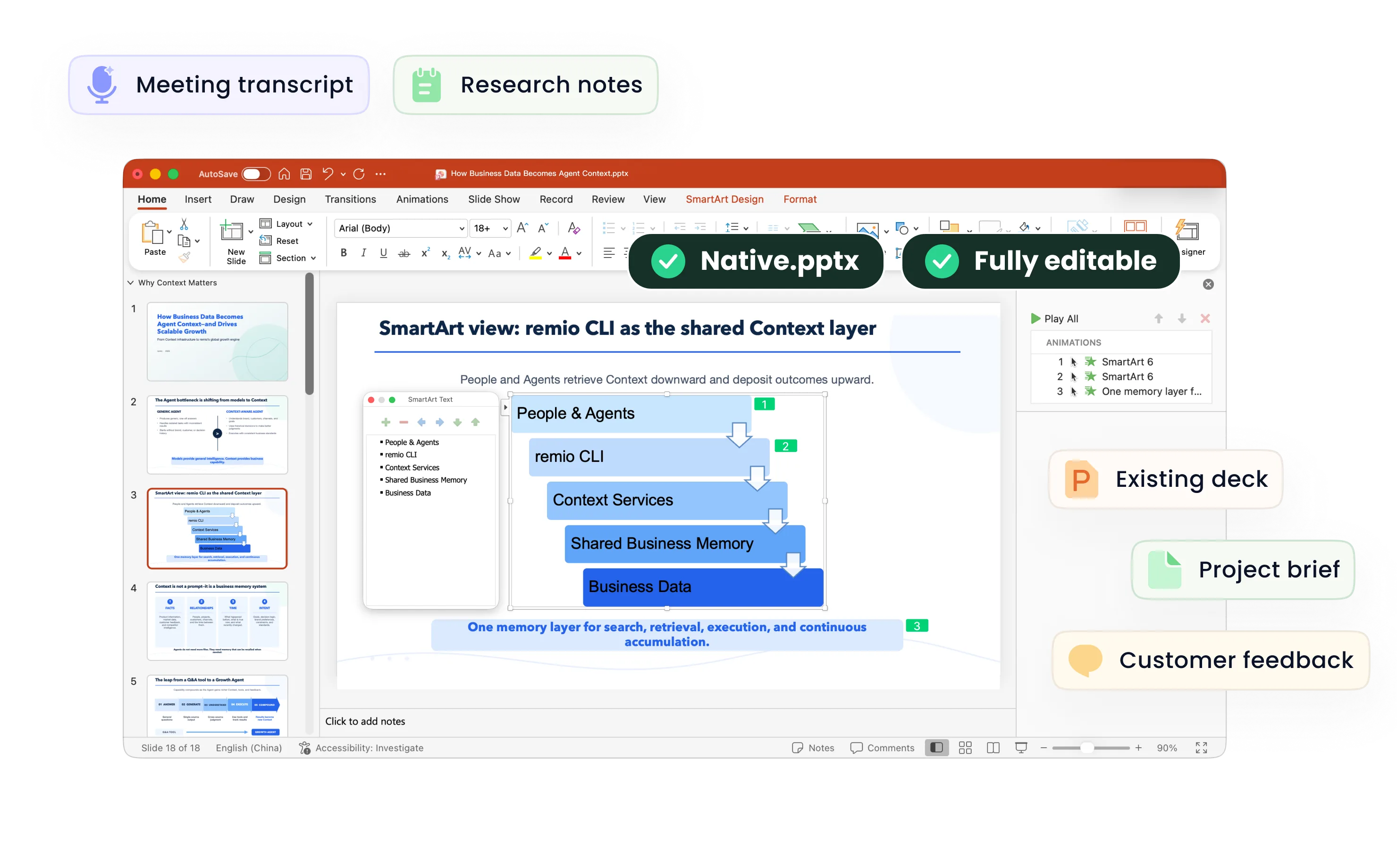
Report to PowerPoint
Turn business reports, research and project reviews into editable PowerPoint presentations with remio. Review the findings, charts and recommendations.
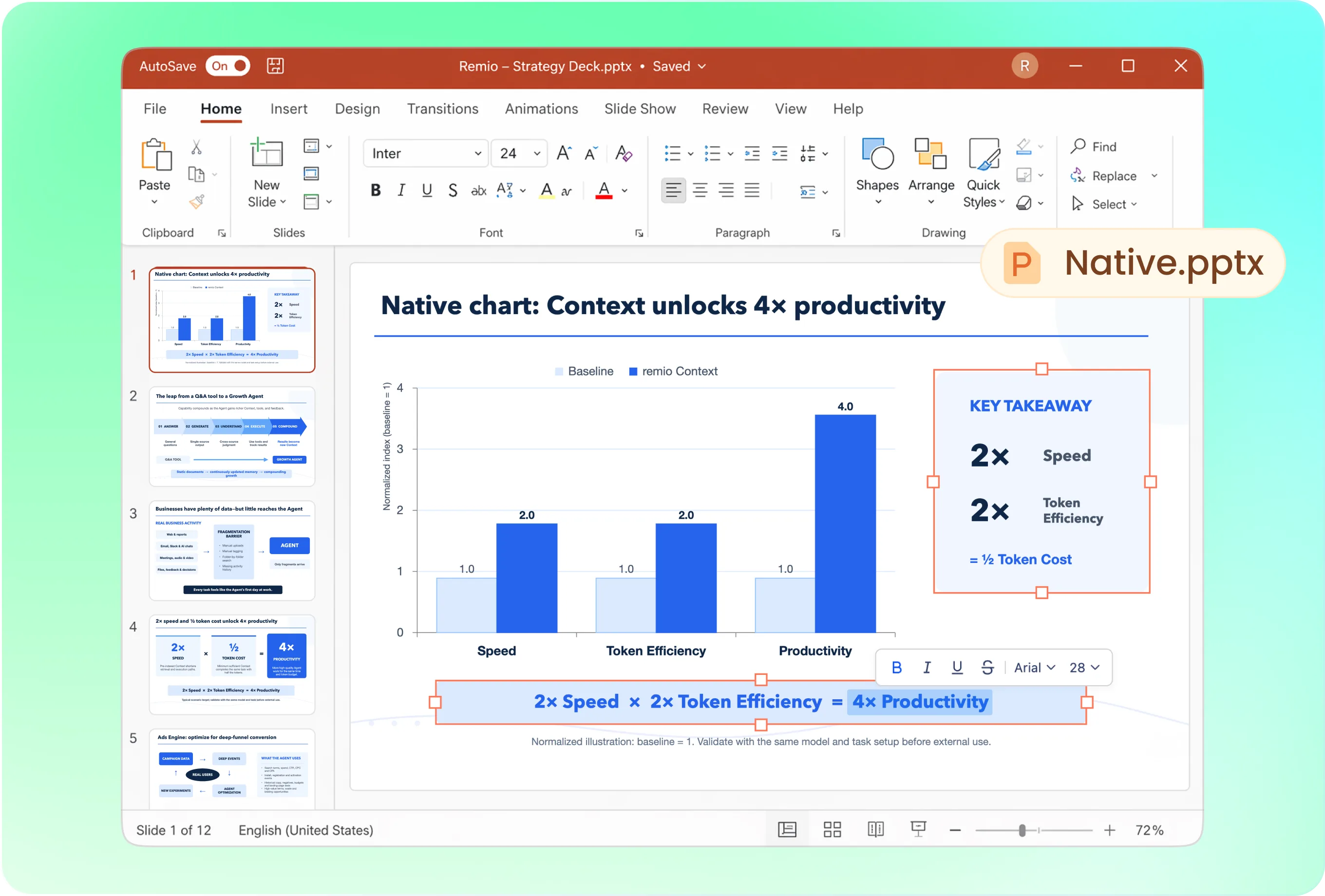
Lead with the decision, not the table of contents
A report’s chapter order may not be the best presentation order. Try: “Build a twelve-slide leadership review from this report. Open with three findings, show the evidence behind each, and close with decisions and next steps. Separate confirmed results from recommendations.” Review the proposed storyline.
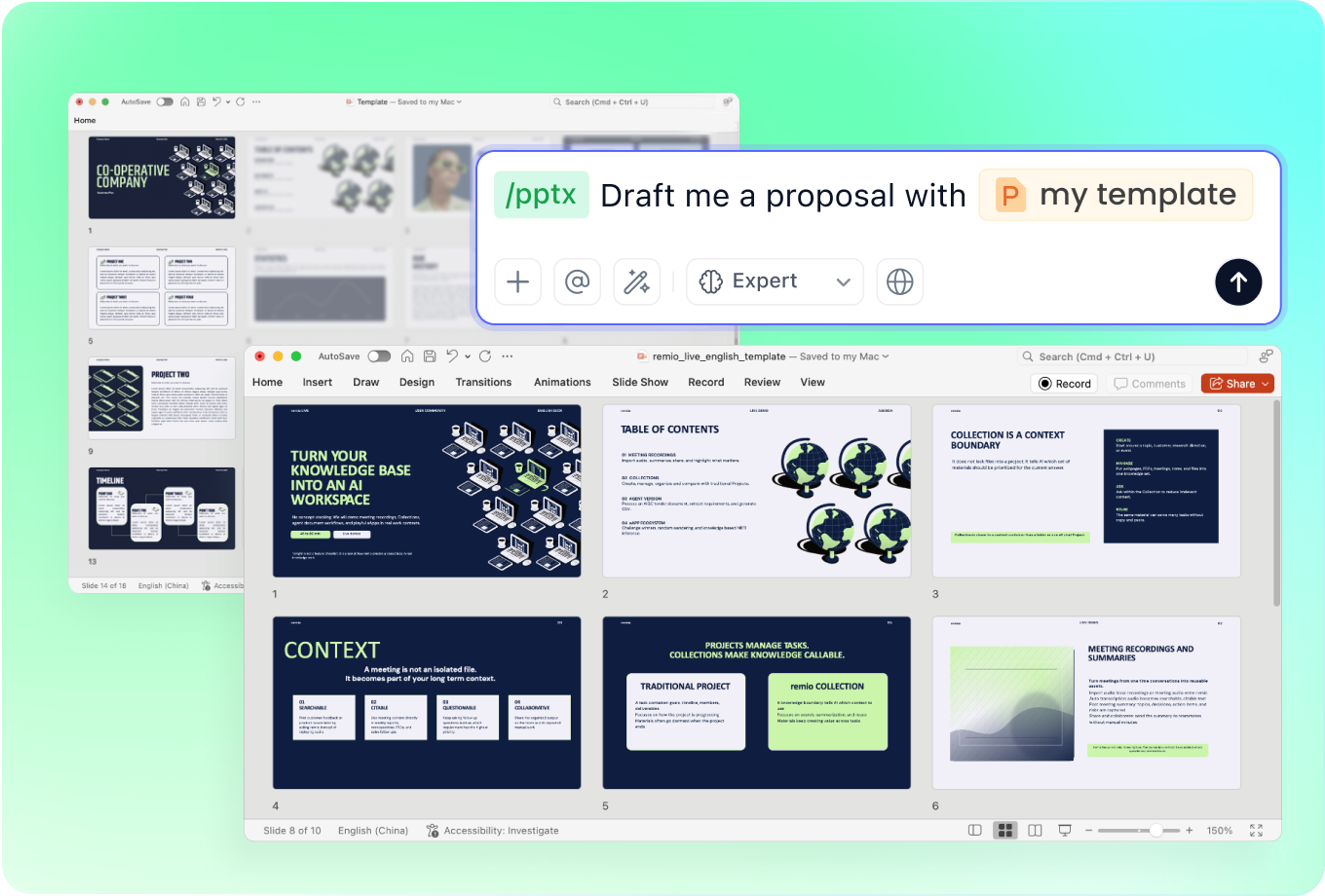
Use the template your audience expects
Add a company or client PowerPoint and ask remio to follow its visual style. A board update should emphasize conclusions and decisions; a technical readout may need methods and limitations. Specify the depth before the slides are built.
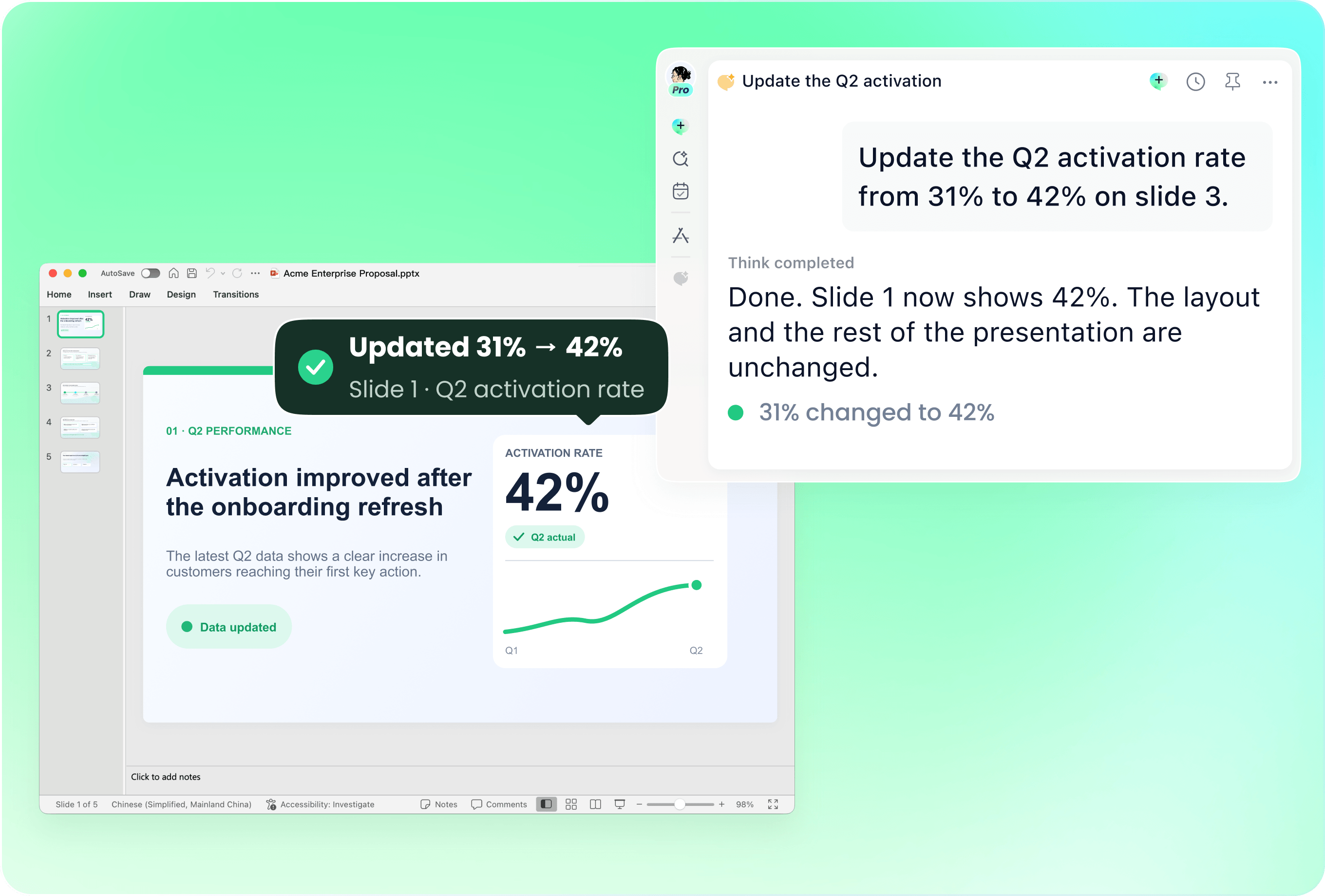
Refresh a recurring review from the new report
Provide last period’s deck with the latest report. Identify the reporting period and sections to update, then ask remio to revise selected slides. Check that old dates, totals and conclusions have not carried into the new presentation.
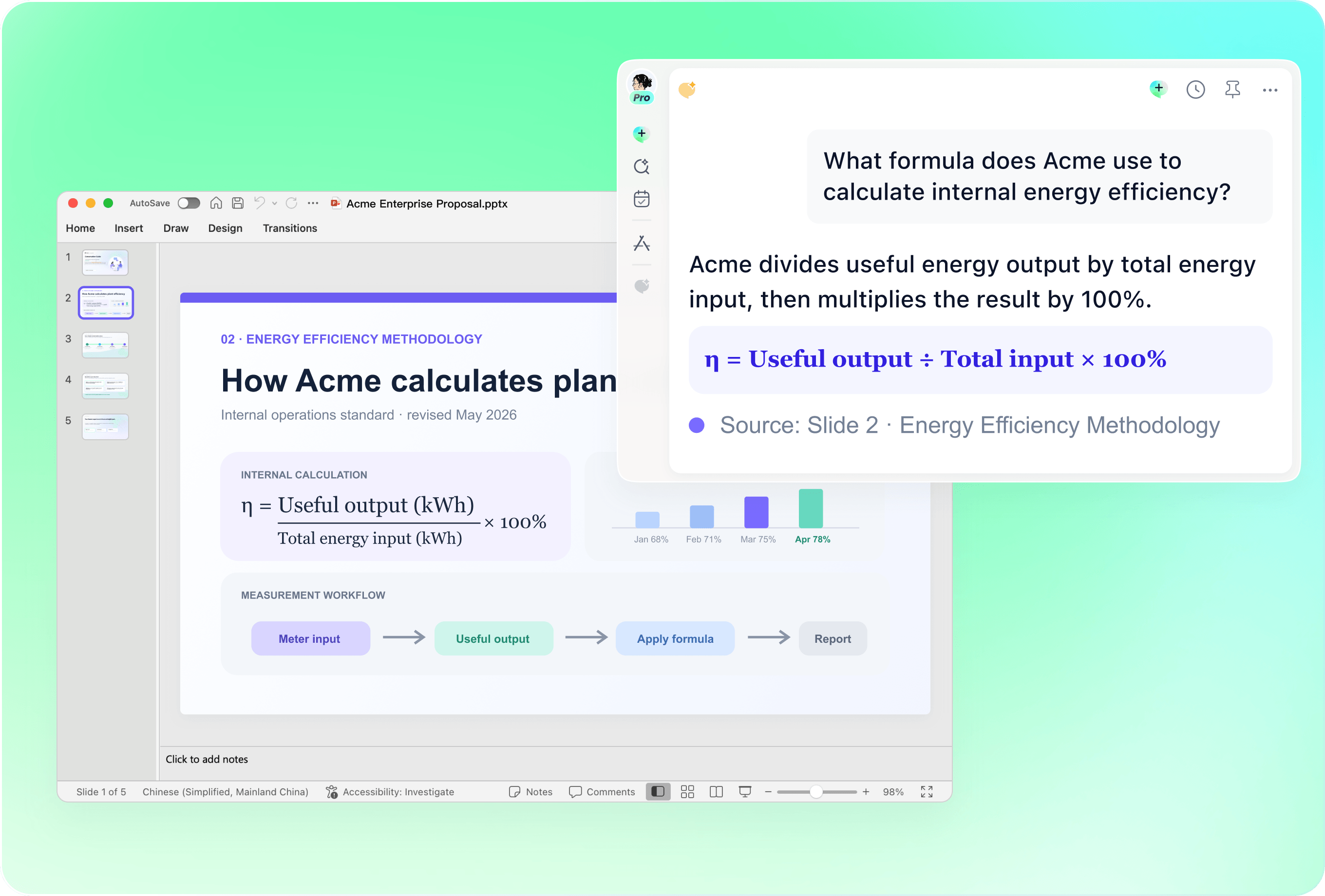
Check the evidence behind every finding
Review figures, units, time periods and source references against the report. Keep important qualifications and limitations when shortening the text. For complex tables or charts, check what the resulting slide communicates rather than assuming every page transferred unchanged.

Connect the report to project context
Add meeting notes, previous decisions and relevant research so the deck explains why the findings matter. State which source should take precedence when materials disagree. Keep the underlying report available for detailed questions after the presentation.
How it works
From source material to a PowerPoint file you can keep updating.
01
Add the report and supporting files
Provide the source report, the intended audience and the decision or discussion the deck should support.
02
Review findings and structure
Confirm the key conclusions, evidence, limitations and recommended slide order.
03
Create the deck and check the facts
Generate the editable .pptx, then verify figures, references and recommendations before presenting.
FAQs
Yes. You can download remio and start for free. Some advanced usage may depend on your subscription plan, but you can try the AI presentation workflow before committing.
remio is designed as a local first app instead of a browser-only slide editor.
For AI presentations, this makes a real difference. Local file access helps remio parse documents faster, handle larger context, and better preserve PowerPoint structure, styles, and layouts. It also reduces the need to upload sensitive files into a browser-based tool.Combine the report with supporting data, meeting notes and earlier decisions. Identify the reporting period and the audience. Ask remio to distinguish the source’s findings from your proposed next steps, and review any disagreement between sources before it reaches the slides.
Yes. remio creates a native .pptx file from the start, not a presentation you have to export later. Every text box, layout, chart, and image stays editable in PowerPoint.
You can open it locally, edit it directly, and keep the same .pptx file from draft to final presentation.Not yet. remio currently focuses on native PowerPoint and .pptx workflows.
Keynote and Google Slides support are planned and will be added gradually.