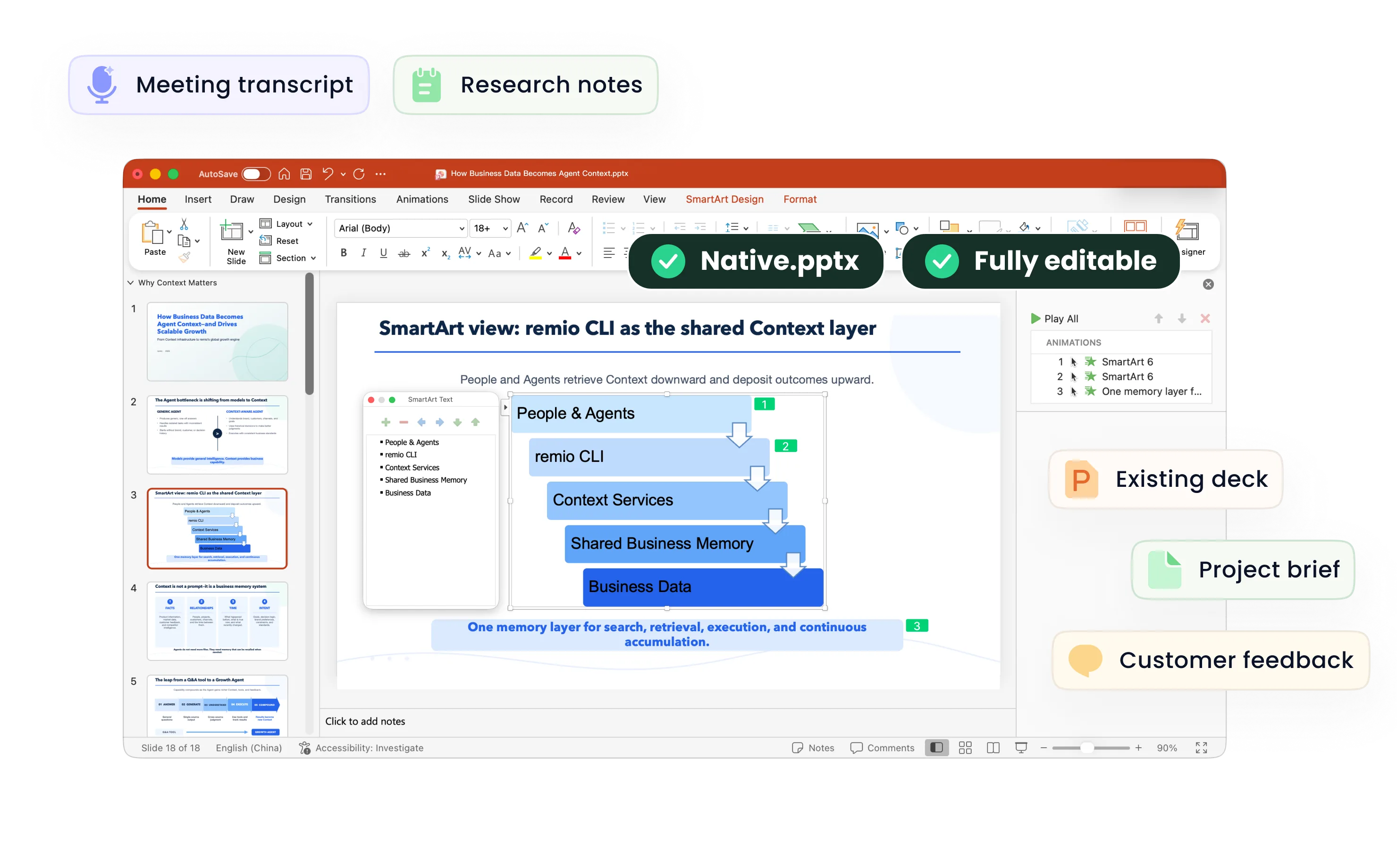
Research Presentation Maker
Create research presentations from papers, findings and supporting sources. Review methods, citations and limitations in an editable PowerPoint with remio.
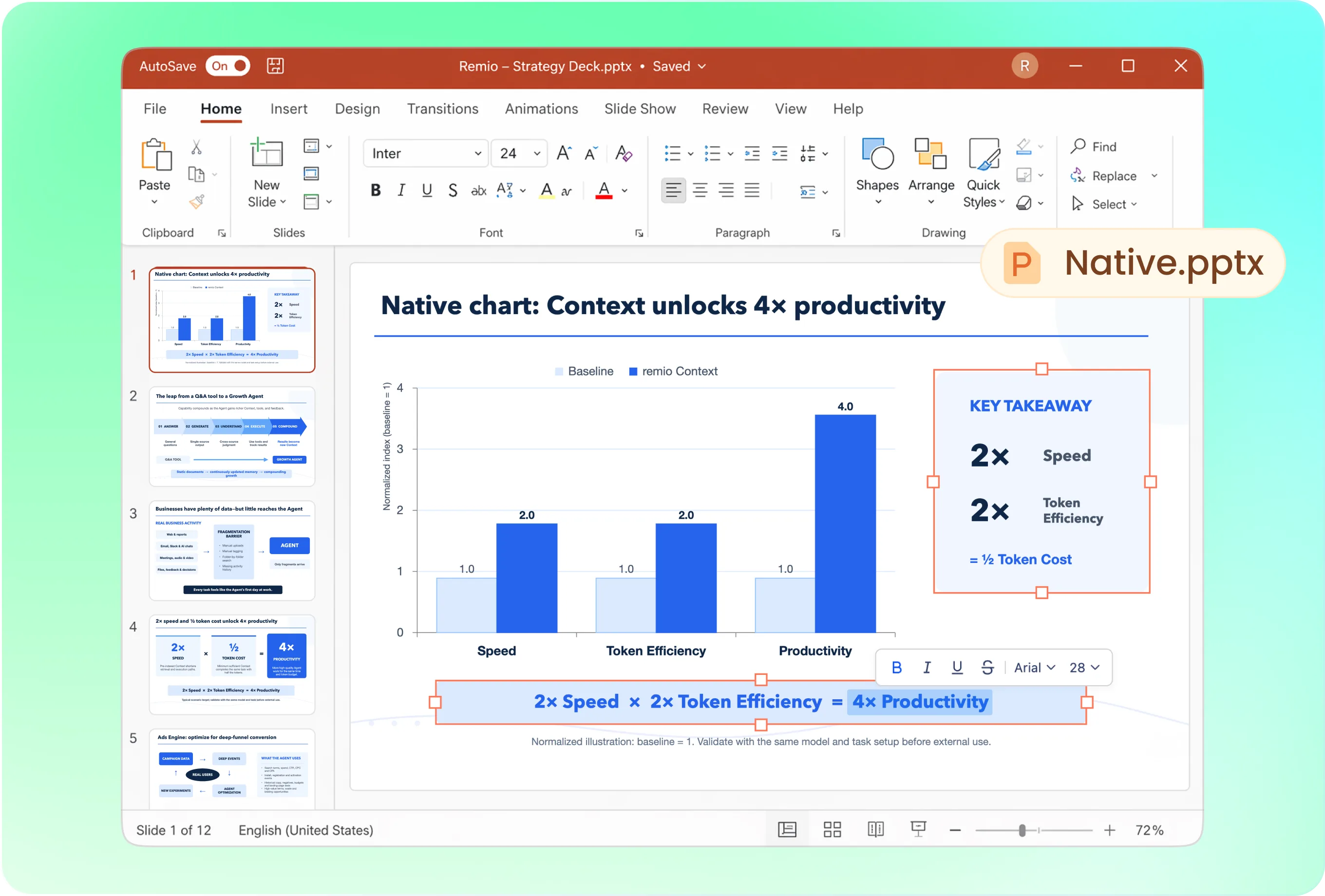
Build the narrative around the research question
A useful sequence is question, background, method, findings, interpretation, limitations and implications. Ask remio to adjust the depth for a conference talk, thesis defense or business research readout. Preserve the distinction between the results and your interpretation.
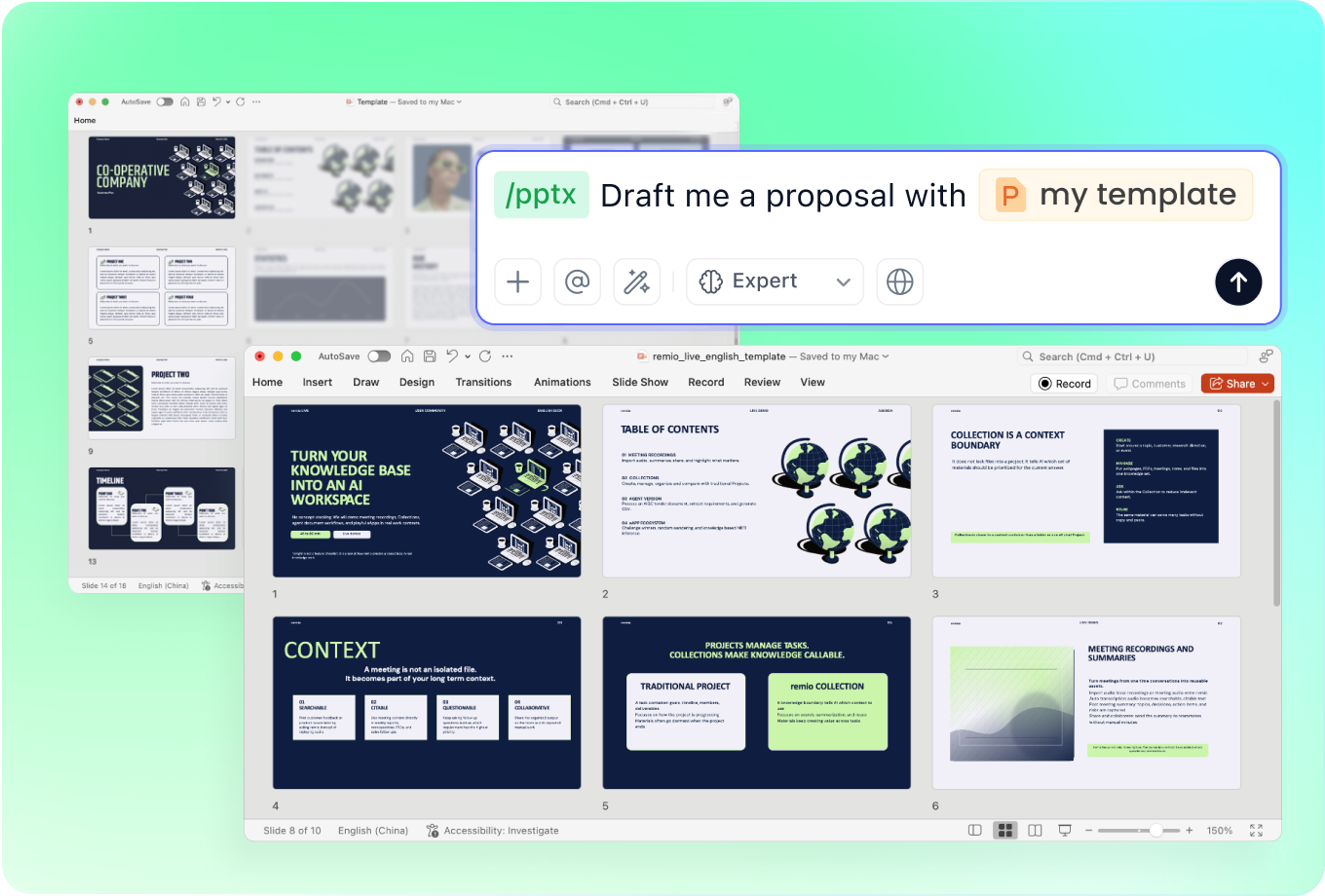
Use a presentation style suited to the venue
Provide a lab, university or company PowerPoint as a reference. Explain slide limits and audience knowledge. Ask for readable figures and concise takeaways, then inspect equations, tables and labels in the native deck before presenting.
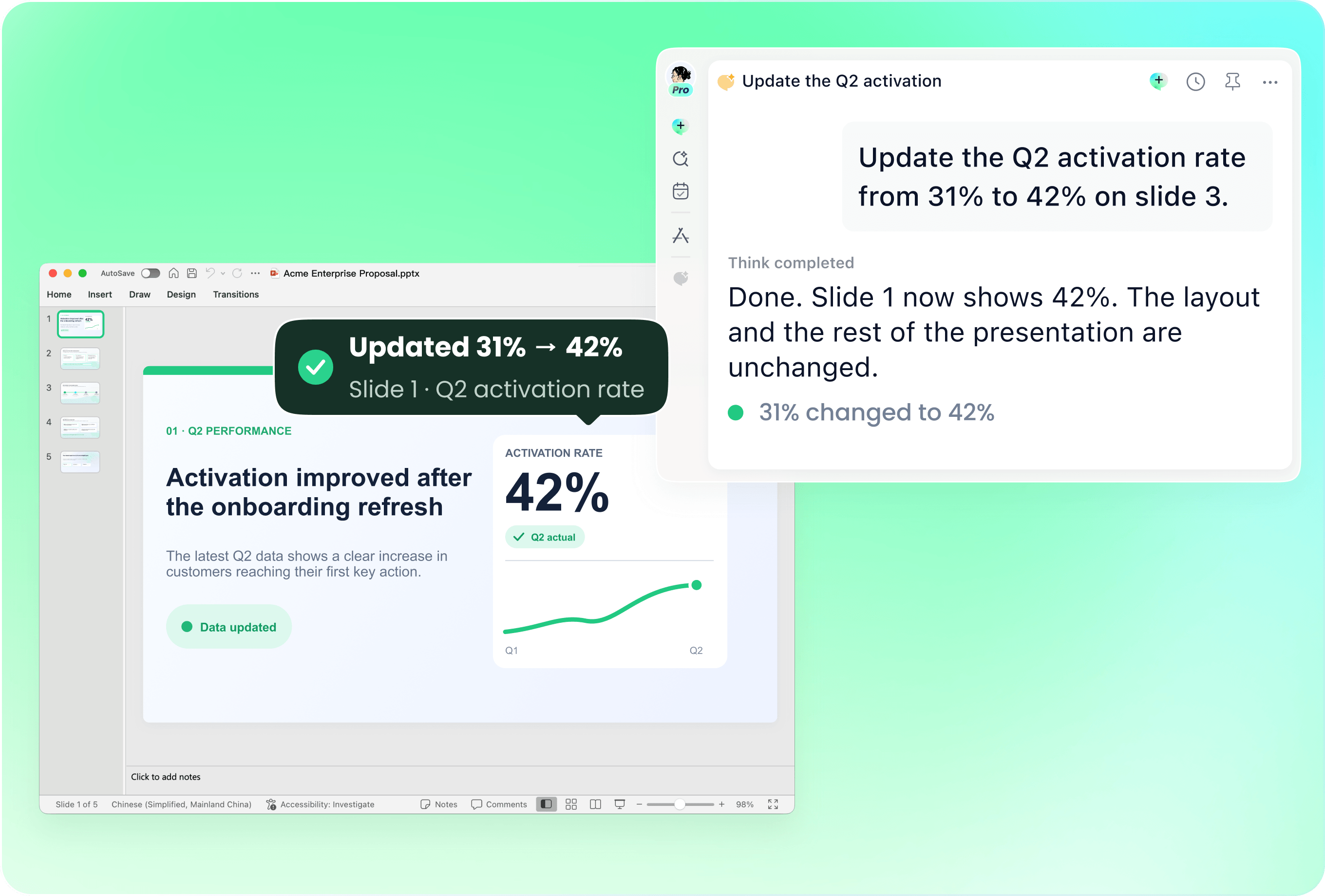
Revise the talk when the findings change
Bring the previous PowerPoint with revised results, reviewer feedback or updated sources. Name the figures and conclusions that changed. Ask remio to update the affected slides and review the deck for obsolete claims and inconsistent terminology.
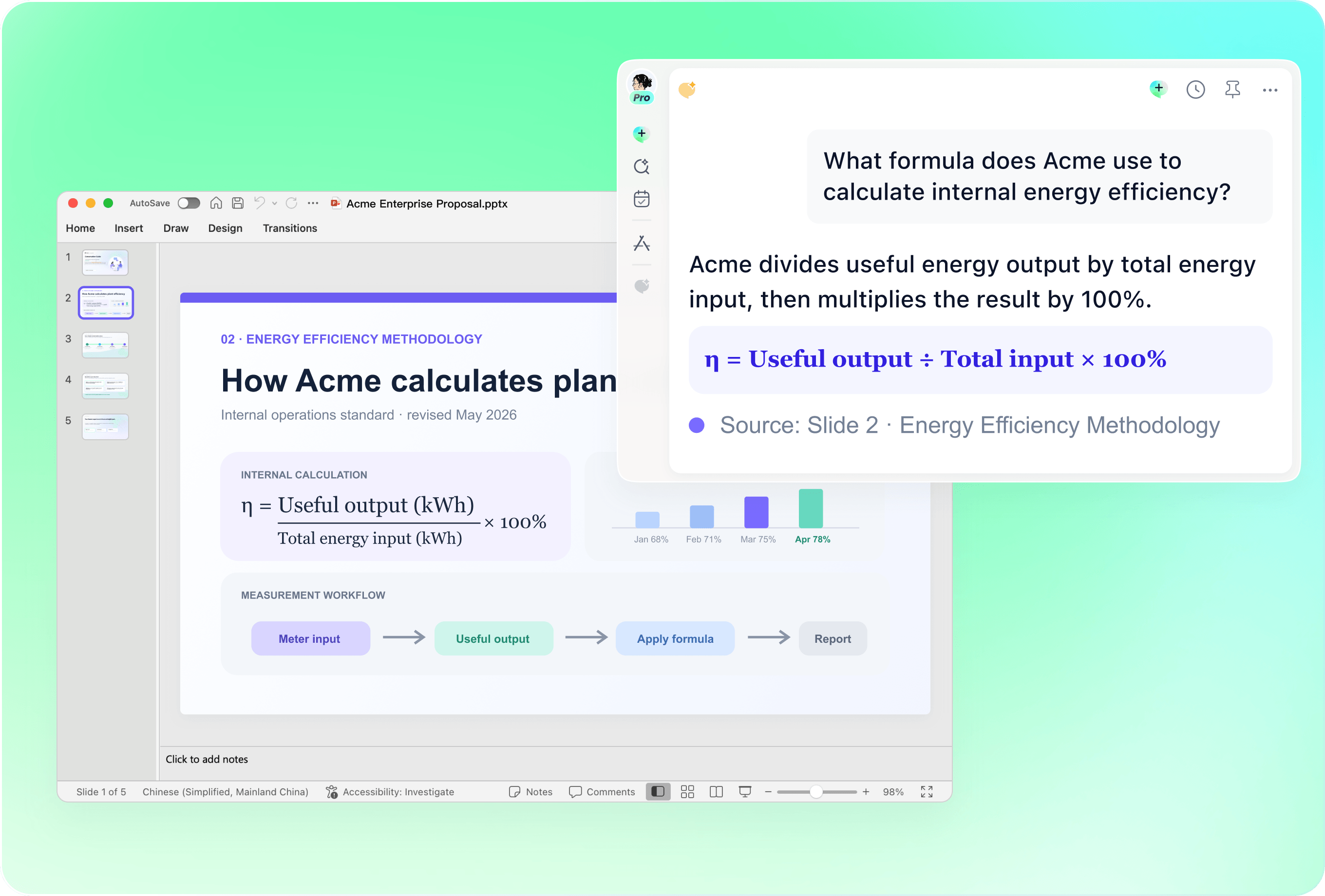
Verify citations, methods and numerical claims
Check source titles, authors, dates, units, sample descriptions and uncertainty against the original materials. Keep qualifications when shortening text. Do not treat generated references or a polished chart as proof that a study exists or supports the stated conclusion.
Connect the findings to the wider work
Add literature notes, earlier analyses and relevant project context. Explain which sources take priority and where evidence conflicts. Ask remio to flag gaps and unanswered questions rather than presenting an unsupported synthesis as a settled research finding.
How it works
From source material to a PowerPoint file you can keep updating.
01
Add the research materials
Provide the question, paper, findings, references and talk constraints.
02
Review the evidence and structure
Check methods, findings, limitations and citation requirements.
03
Build and inspect the research deck
Create the editable PowerPoint and verify figures, references and claims.
FAQs
Yes. You can download remio and start for free. Some advanced usage may depend on your subscription plan, but you can try the AI presentation workflow before committing.
remio is designed as a local first app instead of a browser-only slide editor.
For AI presentations, this makes a real difference. Local file access helps remio parse documents faster, handle larger context, and better preserve PowerPoint structure, styles, and layouts. It also reduces the need to upload sensitive files into a browser-based tool.Use the research paper with supporting data and original references. State the audience and talk duration. Review citations, methods and limitations yourself; the workflow does not establish that a finding is valid or that an automatically suggested reference is correct.
Yes. remio creates a native .pptx file from the start, not a presentation you have to export later. Every text box, layout, chart, and image stays editable in PowerPoint.
You can open it locally, edit it directly, and keep the same .pptx file from draft to final presentation.Not yet. remio currently focuses on native PowerPoint and .pptx workflows.
Keynote and Google Slides support are planned and will be added gradually.