SEO Audit Proposal Presentation
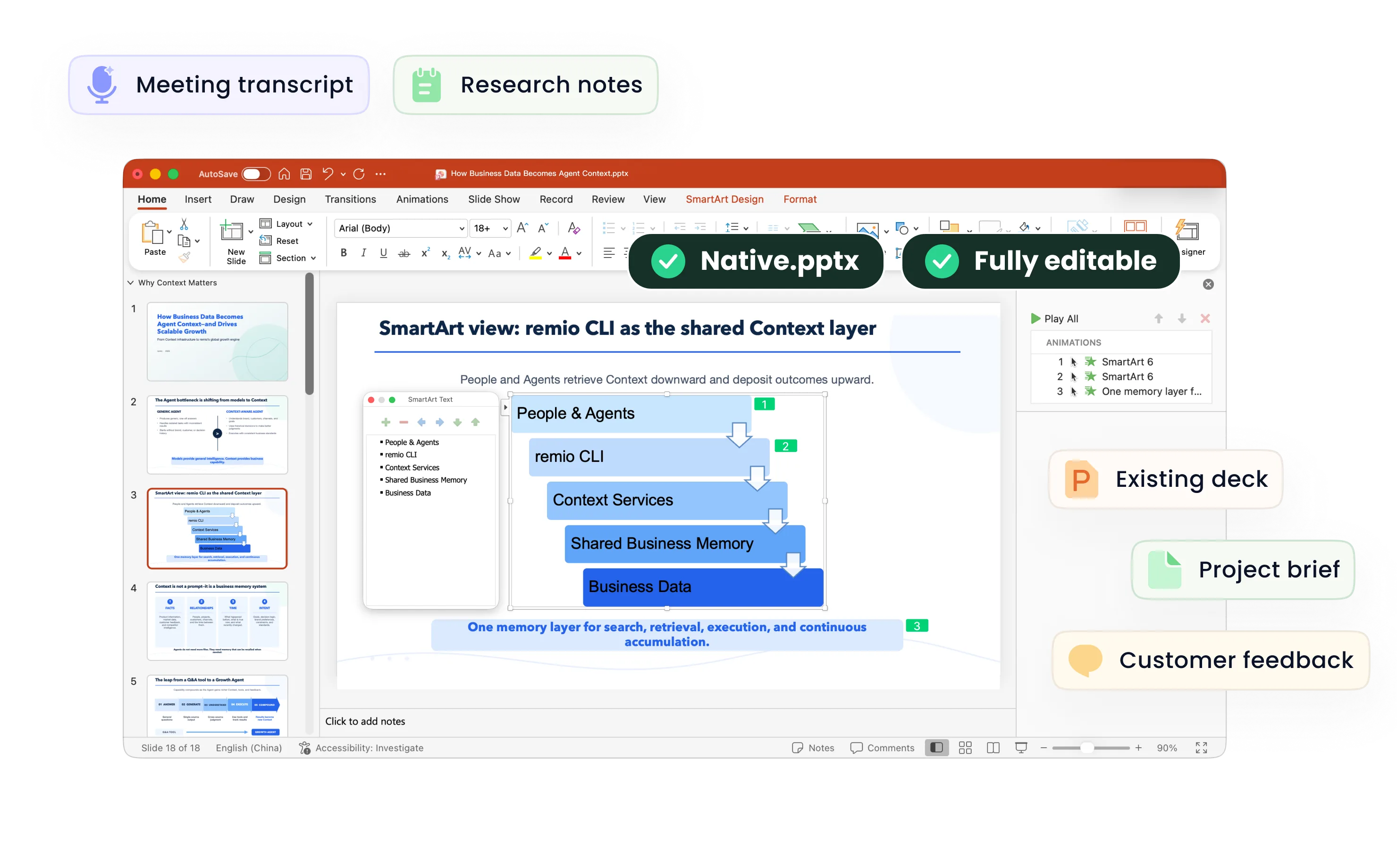
Create SEO audit proposal presentations from crawl findings, search reports and client context. Review evidence, scope and priorities in remio.
Connect audit findings to a practical proposal
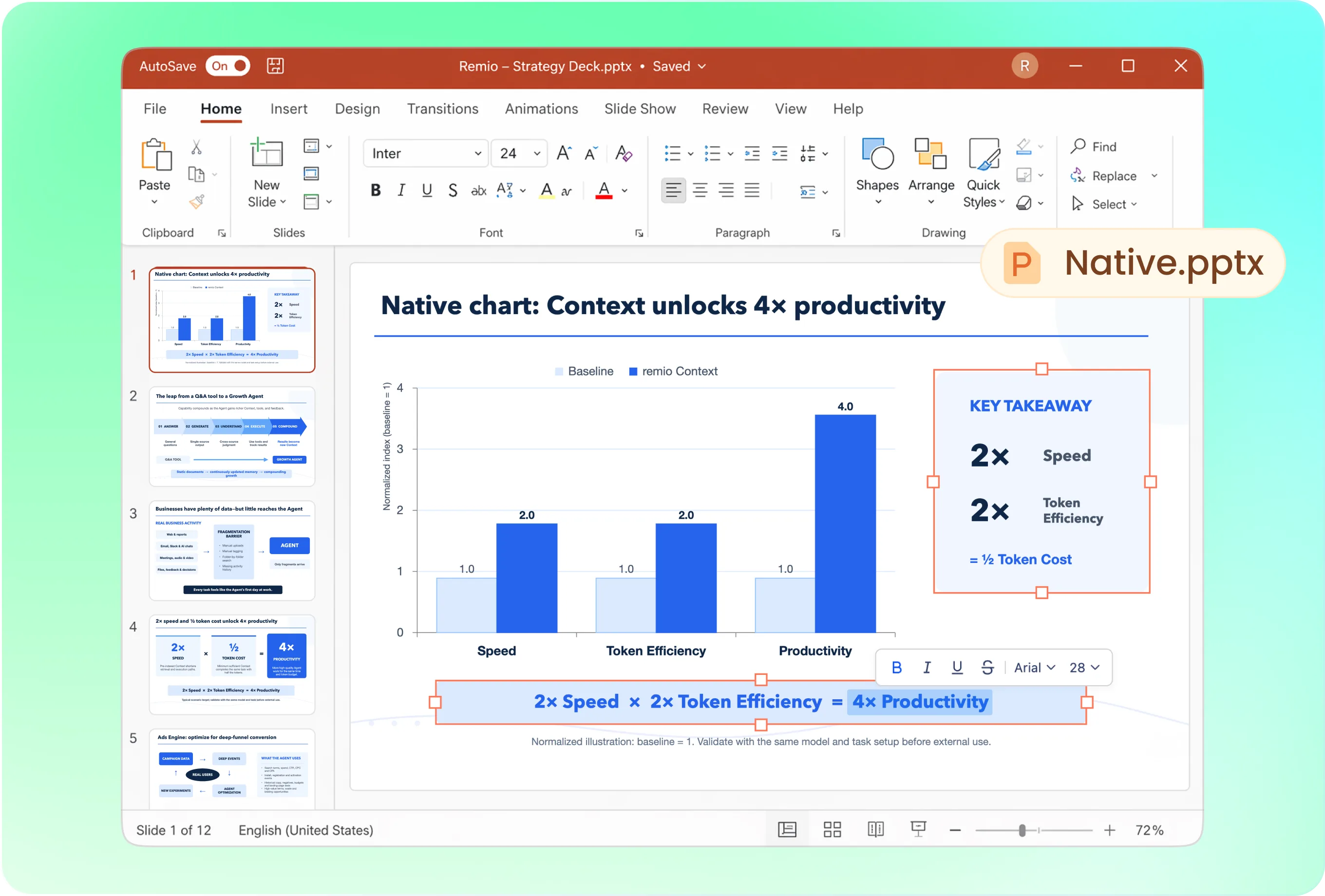
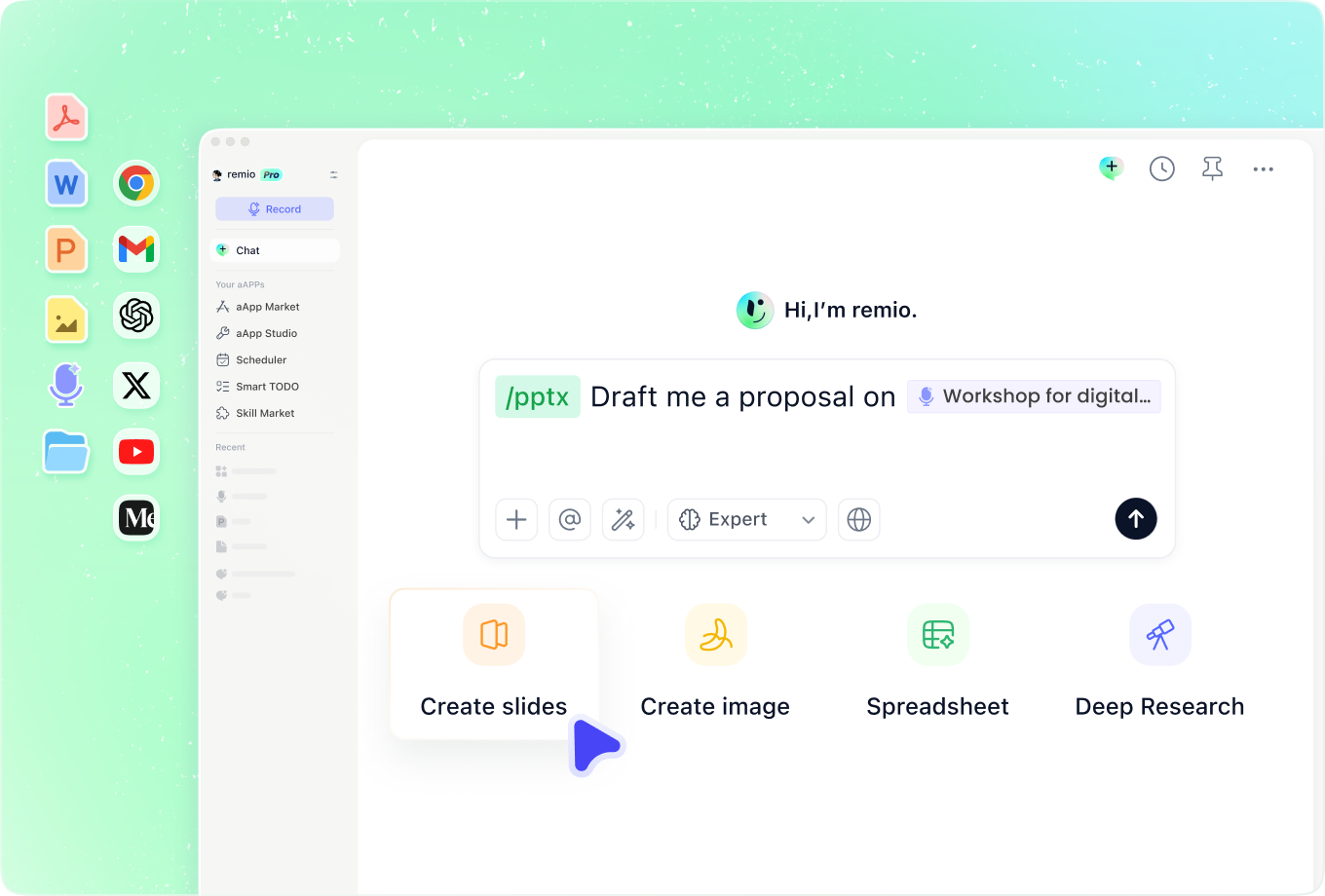
Use a sequence covering the business objective, observed issues, supporting examples, priority work, scope, measurement and next steps. Ask remio to distinguish a verified problem from a hypothesis that needs more access or investigation.
Present technical findings in the client style
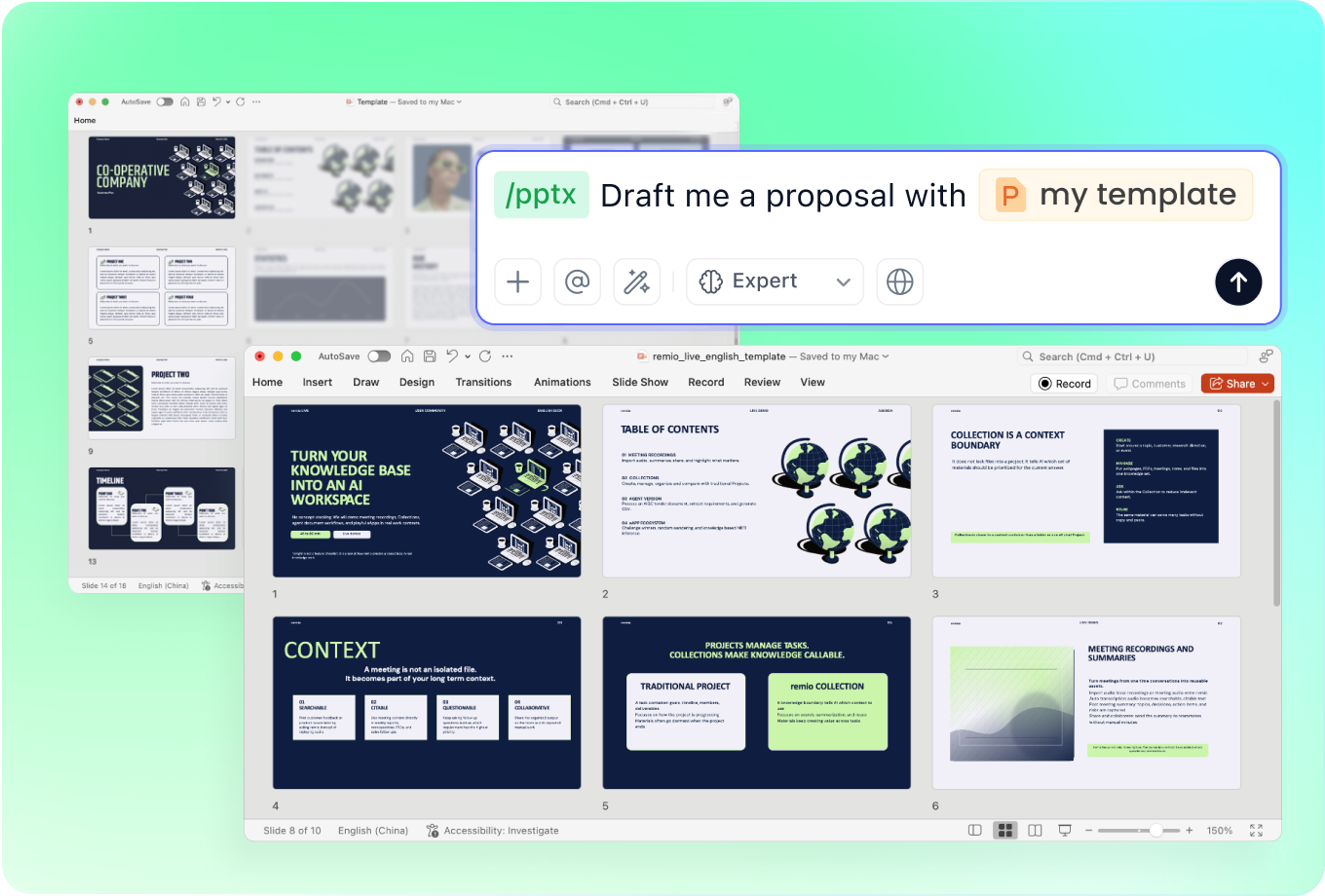
Add your agency or client PowerPoint as a design reference. Explain the audience’s technical knowledge. Use concise explanations and readable examples, then review that screenshots and charts communicate the finding without exaggerating its impact.
Revise the proposal as the audit develops
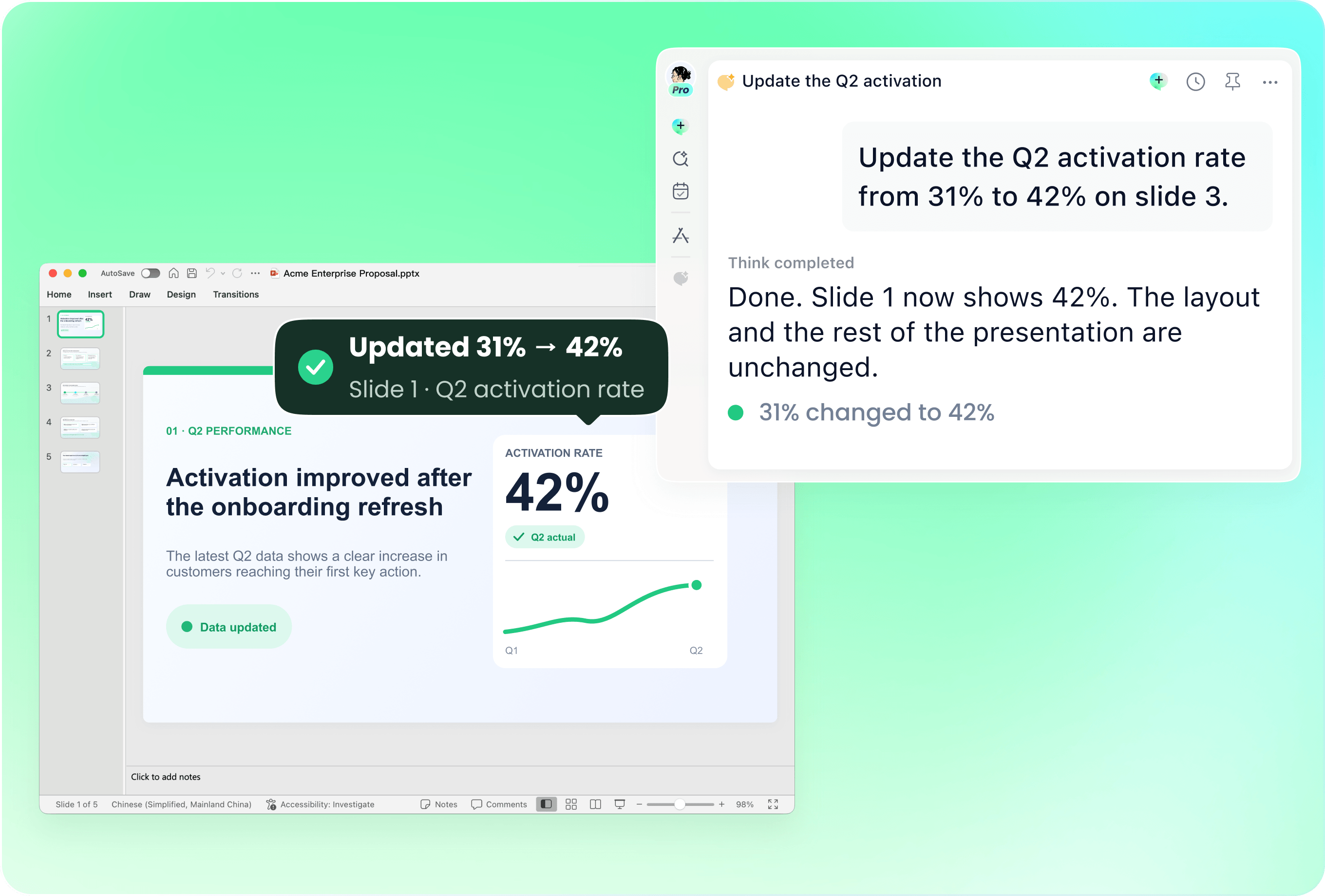
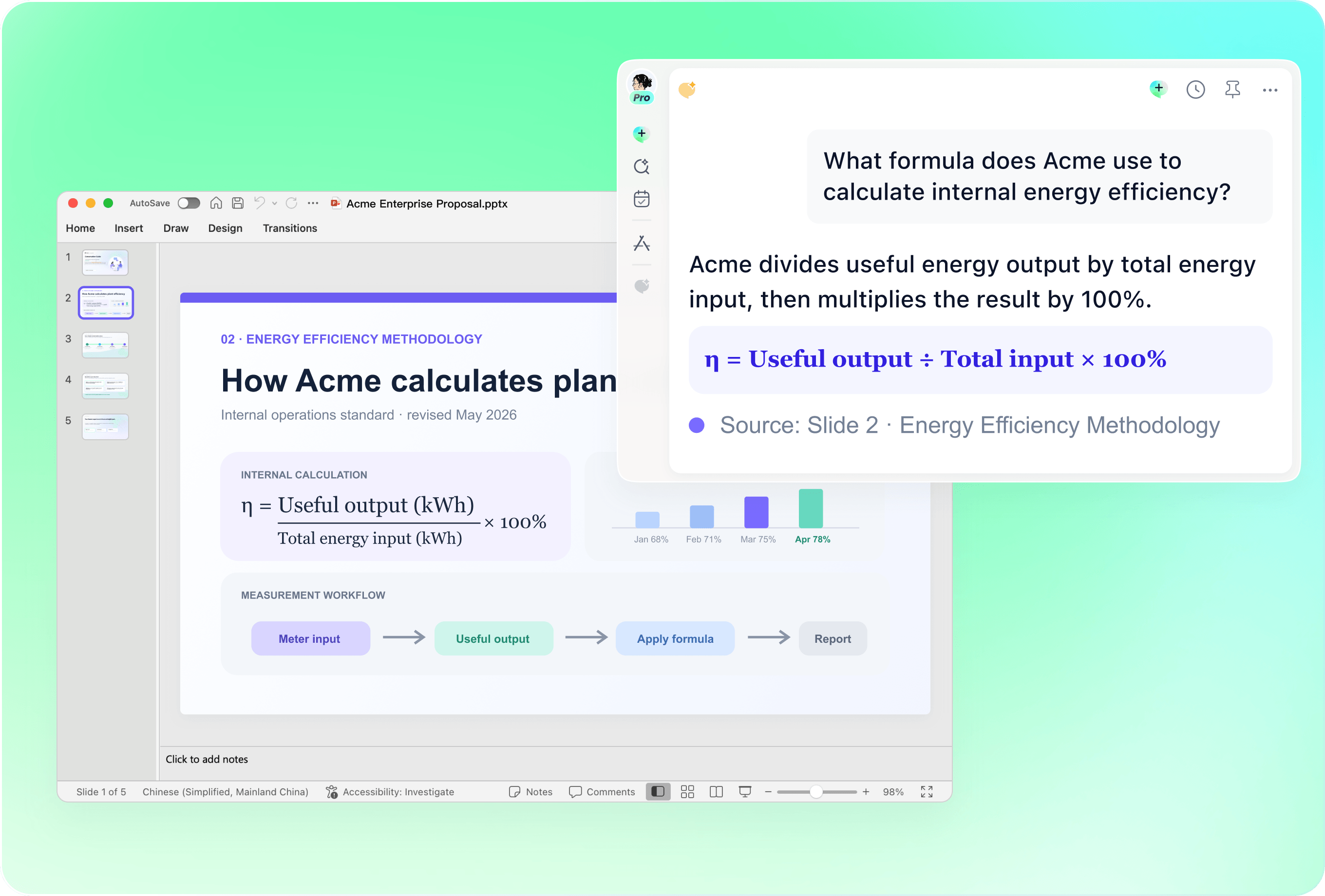
Use the current deck with new crawl results, client feedback or revised scope. Name the affected recommendations and estimates. Ask remio to update the relevant slides, then check that dates, deliverables and dependencies reflect the latest agreement.
Keep estimates and ranking claims in perspective
Verify crawl counts, reporting periods, traffic definitions and the evidence for each issue. Label third-party search-volume and traffic estimates. Do not promise rankings, indexation, revenue or a fixed recovery date based on a generated audit presentation.
Connect the audit to the business constraints
Add stakeholder notes, previous fixes and implementation constraints to explain which work can happen first. Identify owners and data gaps. A presentation from audit materials is not itself a live site crawl or a substitute for access to the underlying search data.
How it works
From source material to a PowerPoint file you can keep updating.
01
Add the audit materials
Provide findings, search reports, audit date and client objective.
02
Review findings and scope
Check evidence, priorities, dependencies and proposed deliverables.
03
Build the proposal deck
Create the editable PowerPoint and verify claims and expectations.
FAQs
Yes. You can download remio and start for free. Some advanced usage may depend on your subscription plan, but you can try the AI presentation workflow before committing.
remio is designed as a local first app instead of a browser-only slide editor.
For AI presentations, this makes a real difference. Local file access helps remio parse documents faster, handle larger context, and better preserve PowerPoint structure, styles, and layouts. It also reduces the need to upload sensitive files into a browser-based tool.Combine crawl findings and search reports with the client brief and implementation context. Record the data period and audit limits. remio can help present the supplied analysis; this page does not promise an automatic SEO crawl, private competitor data or guaranteed ranking improvements.
Yes. remio creates a native .pptx file from the start, not a presentation you have to export later. Every text box, layout, chart, and image stays editable in PowerPoint.
You can open it locally, edit it directly, and keep the same .pptx file from draft to final presentation.Not yet. remio currently focuses on native PowerPoint and .pptx workflows.
Keynote and Google Slides support are planned and will be added gradually.