top of page
remio AI Presentation workspace and source materials

Simple PPT templates

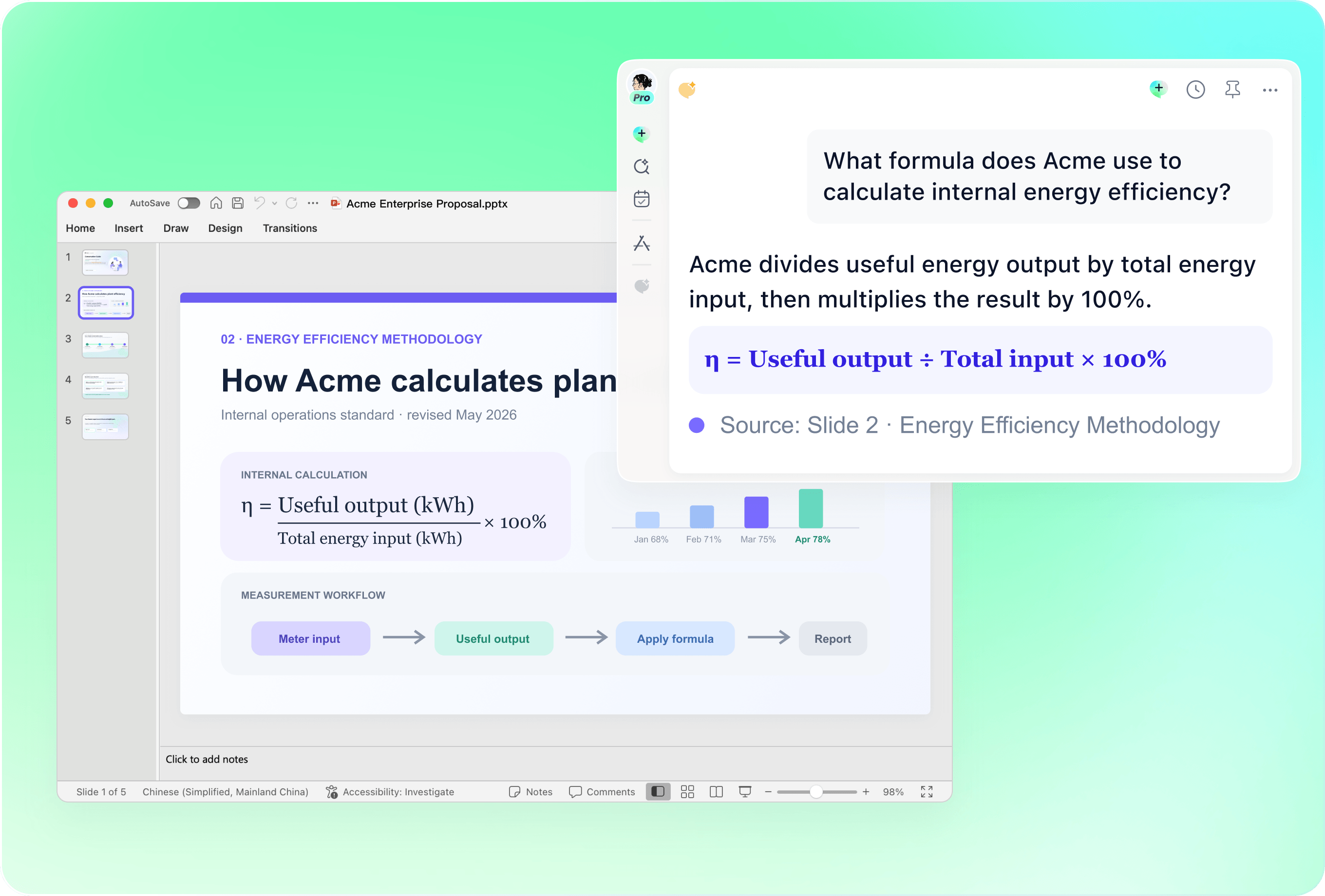
Turn your notes into a focused presentation. Use a clear structure, readable slides and only the evidence your audience needs.

Desktop app for Windows 10+ (x64) and Apple silicon Macs.

Simple PPT templates

Turn your notes into a focused presentation. Use a clear structure, readable slides and only the evidence your audience needs.

Desktop app for Windows 10+ (x64) and Apple silicon Macs.

Download remio
remio AI Presentation workspace and source materials

Simple PowerPoint Templates

Create a simple PowerPoint presentation from notes, project updates and reviewed evidence. Build a focused outline and refine your slides in remio.

Start with one clear purpose

Start with one clear purpose

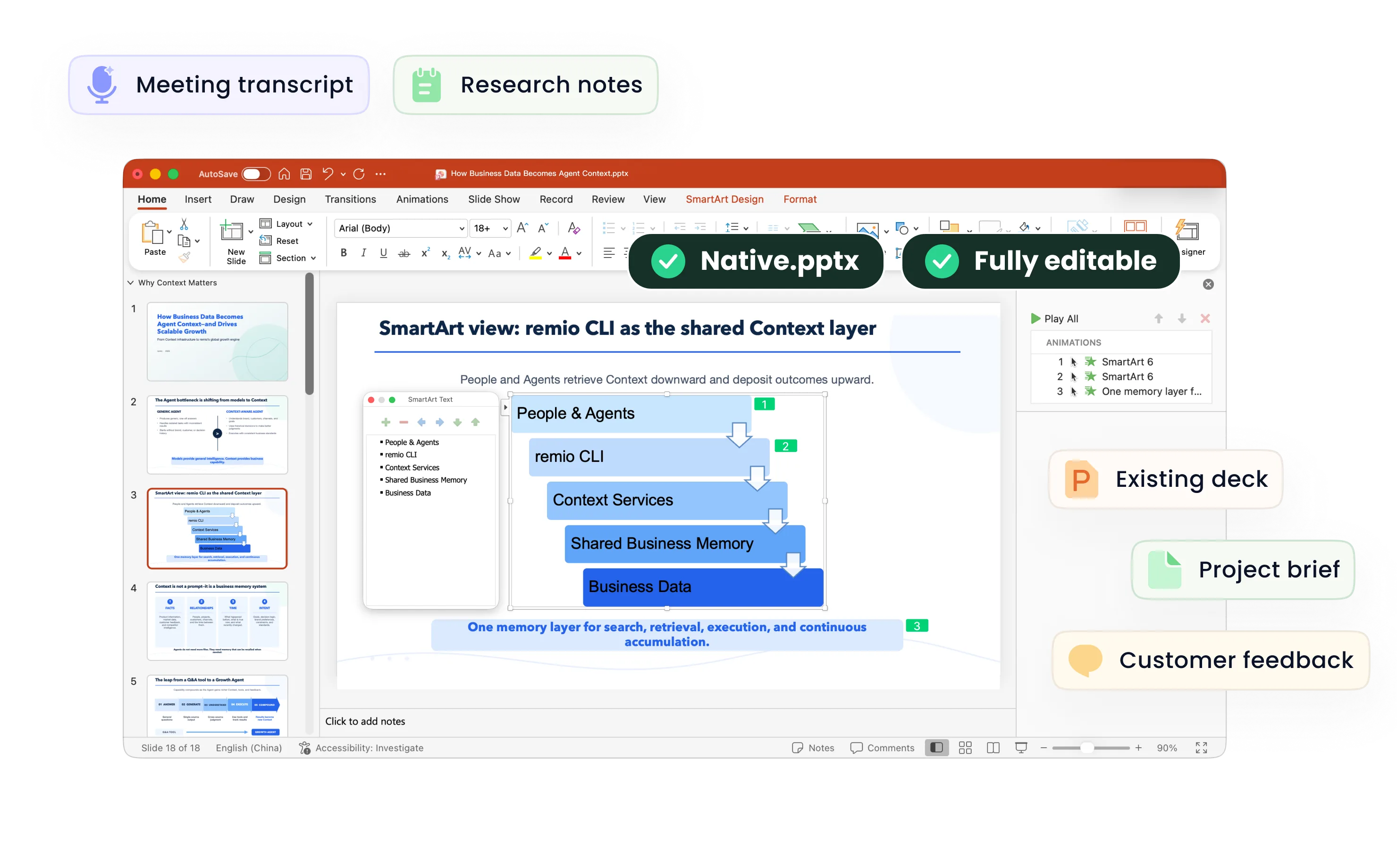
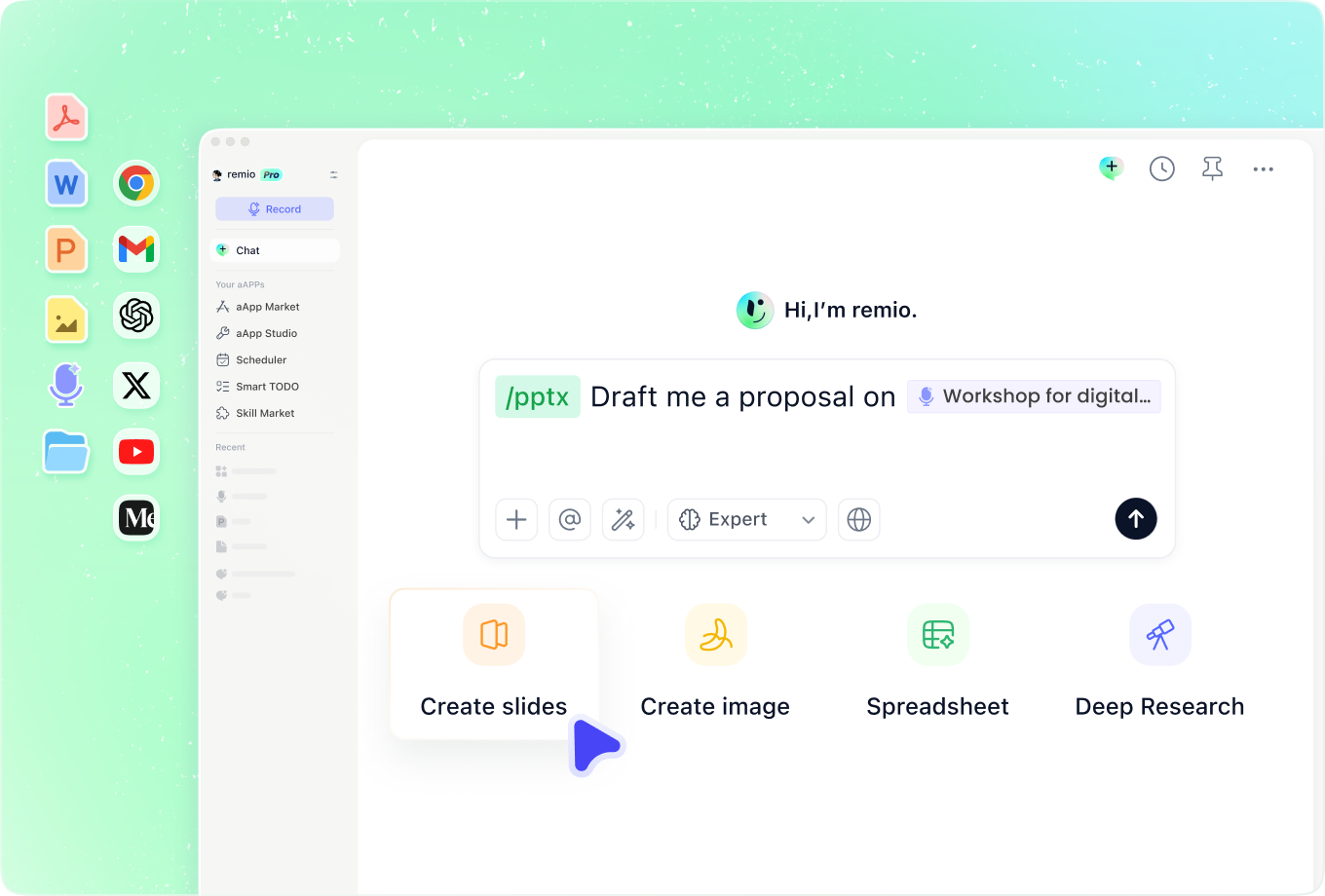
Explain what the audience should understand or decide. For a weekly update, this may be current status, the most relevant change and the help you need. Give remio the notes and a short brief before choosing a visual style. A simple presentation begins with a focused message.
Choose a small set of layouts

Choose a small set of layouts

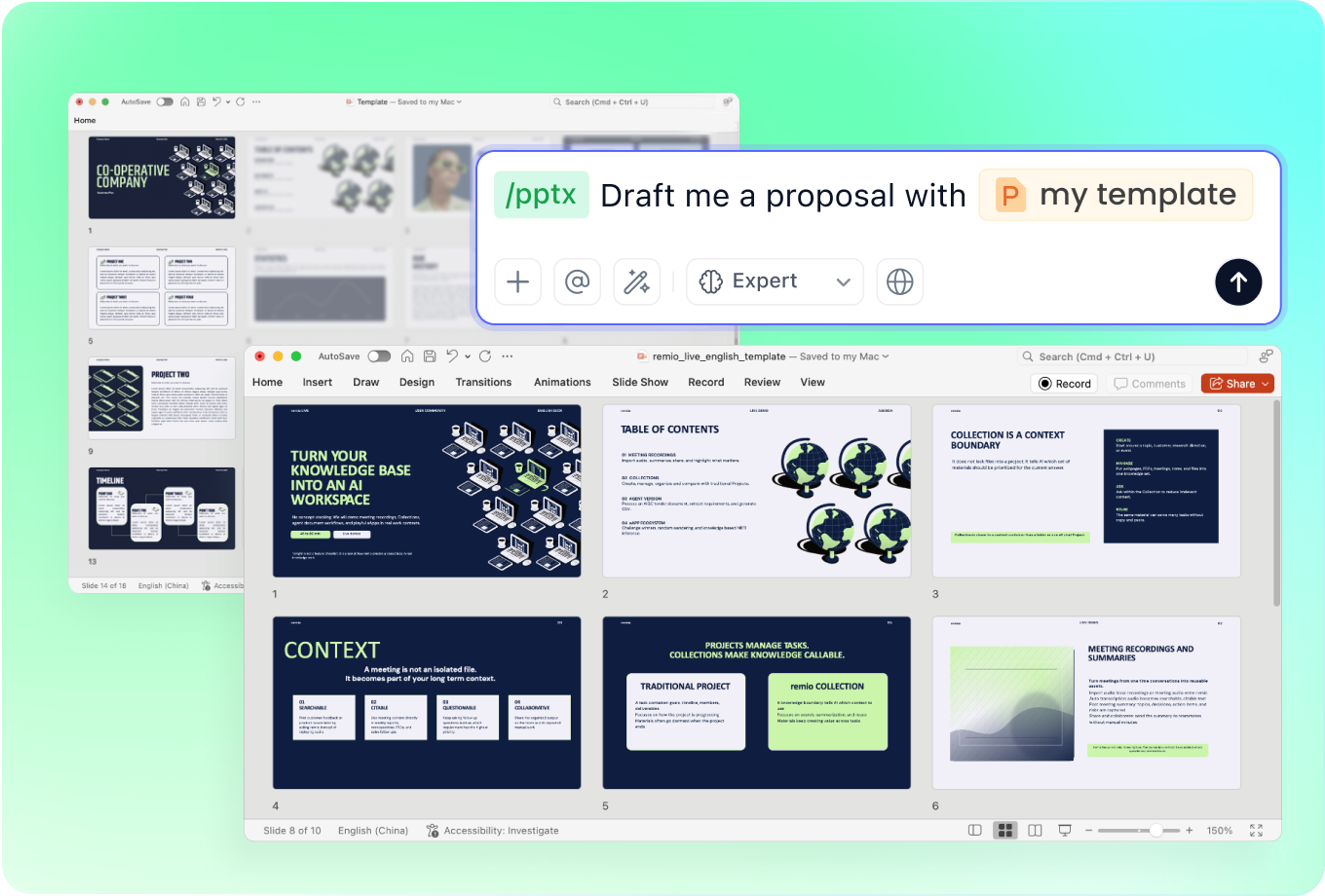
Use recurring patterns for an overview, a comparison, a chart and next steps. Keep headings, spacing and labels consistent so the audience can scan the story. If you already use a clear company deck, provide it as a reference and identify the conventions to preserve.

Keep the evidence easy to read

Keep the evidence easy to read

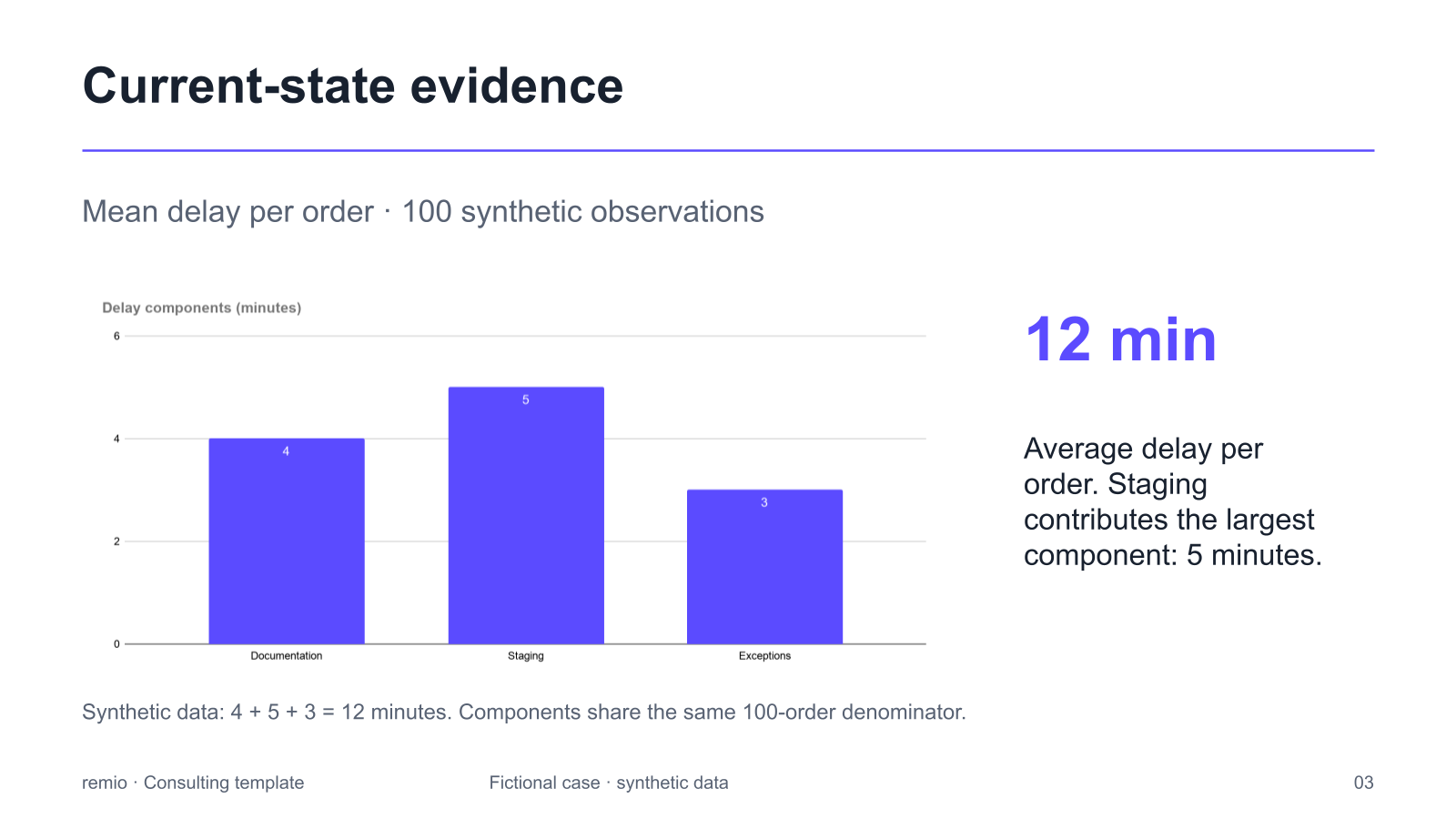
Use one main point per slide. Give charts a clear measure, unit, time period and source. Shorten repeated wording before reducing the font size. The chart shown is a fictional example; replace its categories and values with reviewed data.

Update only what has changed

Update only what has changed

Bring the latest presentation together with the new notes or reviewed numbers. Explain which facts, risks or decisions have changed and ask remio to revise the relevant slides. Review the result so a clean layout does not hide an outdated date, label or assumption.

Finish with a practical next step

Finish with a practical next step

Close with the decision, owner or next review date. A concise update should still make uncertainty visible: distinguish observed progress from a target, and say what evidence is missing. Review the slide order and read the presentation at normal size before sharing it with your audience.

How it works

From source material to a PowerPoint file you can keep updating.

  1. Add a focused brief

    Provide the audience, purpose, notes and reviewed evidence.

  2. Review the outline

    Keep the main message, useful evidence and next decision clear.

  3. Refine and check the slides

    Check readability, labels, sources and next steps before sharing.

FAQs

What makes a PowerPoint template simple?

A simple template uses a clear hierarchy, readable type, consistent spacing and a limited set of layouts. Choose the structure that supports your message; removing useful evidence just to make a slide look empty does not make the presentation clearer.

What should a short project update include?

Start with the purpose and current status, then explain the most relevant change, supporting evidence, risks or help needed, and next steps. Adjust the depth to the audience and meeting rather than aiming for an arbitrary slide count.

Can I use my existing presentation as a starting point?

Yes. Add the current deck and explain which layouts, fonts and colors to preserve. Provide the new brief or notes, identify what changed, and review the revised slides against your original presentation.

How do I keep a slide readable?

Use a clear heading and one main point. Give charts meaningful labels and units, remove repeated wording, and check the slide at normal viewing size. If evidence needs more explanation, split the idea across slides instead of reducing the text until it is difficult to read.

How do I create a simple presentation with remio?

Download the remio desktop app, add your notes and source materials, and describe the audience and outcome. Review the outline, refine the presentation and check the facts, layout and next steps before sharing.

Simple PowerPoint Templates

Create a simple PowerPoint presentation from notes, project updates and reviewed evidence. Build a focused outline and refine your slides in remio.

Start with one clear purpose

Start with one clear purpose

Explain what the audience should understand or decide. For a weekly update, this may be current status, the most relevant change and the help you need. Give remio the notes and a short brief before choosing a visual style. A simple presentation begins with a focused message.
Choose a small set of layouts

Choose a small set of layouts

Use recurring patterns for an overview, a comparison, a chart and next steps. Keep headings, spacing and labels consistent so the audience can scan the story. If you already use a clear company deck, provide it as a reference and identify the conventions to preserve.

Keep the evidence easy to read

Keep the evidence easy to read

Use one main point per slide. Give charts a clear measure, unit, time period and source. Shorten repeated wording before reducing the font size. The chart shown is a fictional example; replace its categories and values with reviewed data.

Update only what has changed

Update only what has changed

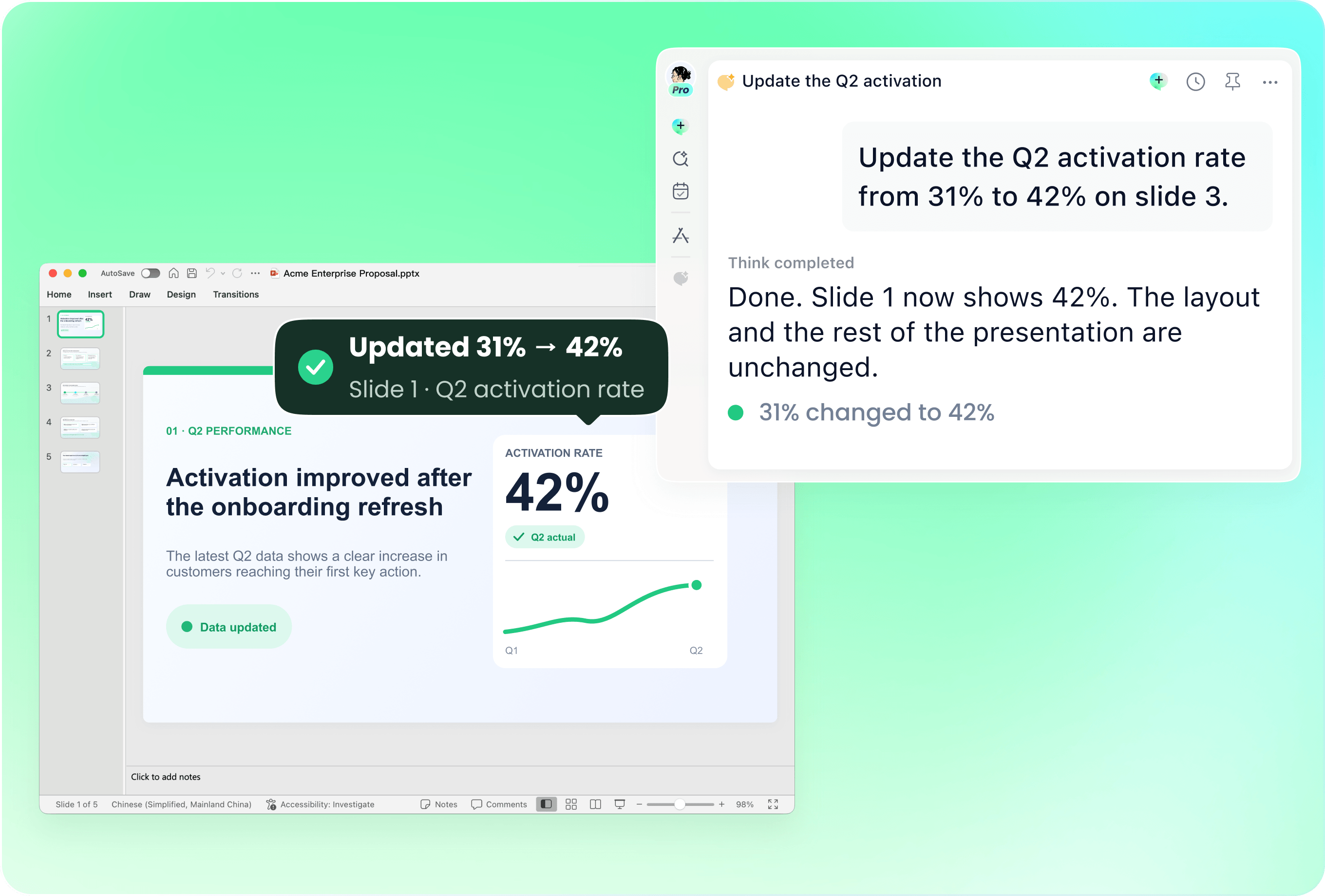
Bring the latest presentation together with the new notes or reviewed numbers. Explain which facts, risks or decisions have changed and ask remio to revise the relevant slides. Review the result so a clean layout does not hide an outdated date, label or assumption.

Finish with a practical next step

Finish with a practical next step

Close with the decision, owner or next review date. A concise update should still make uncertainty visible: distinguish observed progress from a target, and say what evidence is missing. Review the slide order and read the presentation at normal size before sharing it with your audience.

How it works

From source material to a PowerPoint file you can keep updating.

01

Add a focused brief

Provide the audience, purpose, notes and reviewed evidence.

02

Review the outline

Keep the main message, useful evidence and next decision clear.

03

Refine and check the slides

Check readability, labels, sources and next steps before sharing.

FAQs

  • A simple template uses a clear hierarchy, readable type, consistent spacing and a limited set of layouts. Choose the structure that supports your message; removing useful evidence just to make a slide look empty does not make the presentation clearer.

  • Start with the purpose and current status, then explain the most relevant change, supporting evidence, risks or help needed, and next steps. Adjust the depth to the audience and meeting rather than aiming for an arbitrary slide count.

  • Yes. Add the current deck and explain which layouts, fonts and colors to preserve. Provide the new brief or notes, identify what changed, and review the revised slides against your original presentation.

  • Use a clear heading and one main point. Give charts meaningful labels and units, remove repeated wording, and check the slide at normal viewing size. If evidence needs more explanation, split the idea across slides instead of reducing the text until it is difficult to read.

  • Download the remio desktop app, add your notes and source materials, and describe the audience and outcome. Review the outline, refine the presentation and check the facts, layout and next steps before sharing.

FAQs

A simple template uses a clear hierarchy, readable type, consistent spacing and a limited set of layouts. Choose the structure that supports your message; removing useful evidence just to make a slide look empty does not make the presentation clearer.

Start with the purpose and current status, then explain the most relevant change, supporting evidence, risks or help needed, and next steps. Adjust the depth to the audience and meeting rather than aiming for an arbitrary slide count.

Yes. Add the current deck and explain which layouts, fonts and colors to preserve. Provide the new brief or notes, identify what changed, and review the revised slides against your original presentation.

Use a clear heading and one main point. Give charts meaningful labels and units, remove repeated wording, and check the slide at normal viewing size. If evidence needs more explanation, split the idea across slides instead of reducing the text until it is difficult to read.

Download the remio desktop app, add your notes and source materials, and describe the audience and outcome. Review the outline, refine the presentation and check the facts, layout and next steps before sharing.

bottom of page