URL to PowerPoint
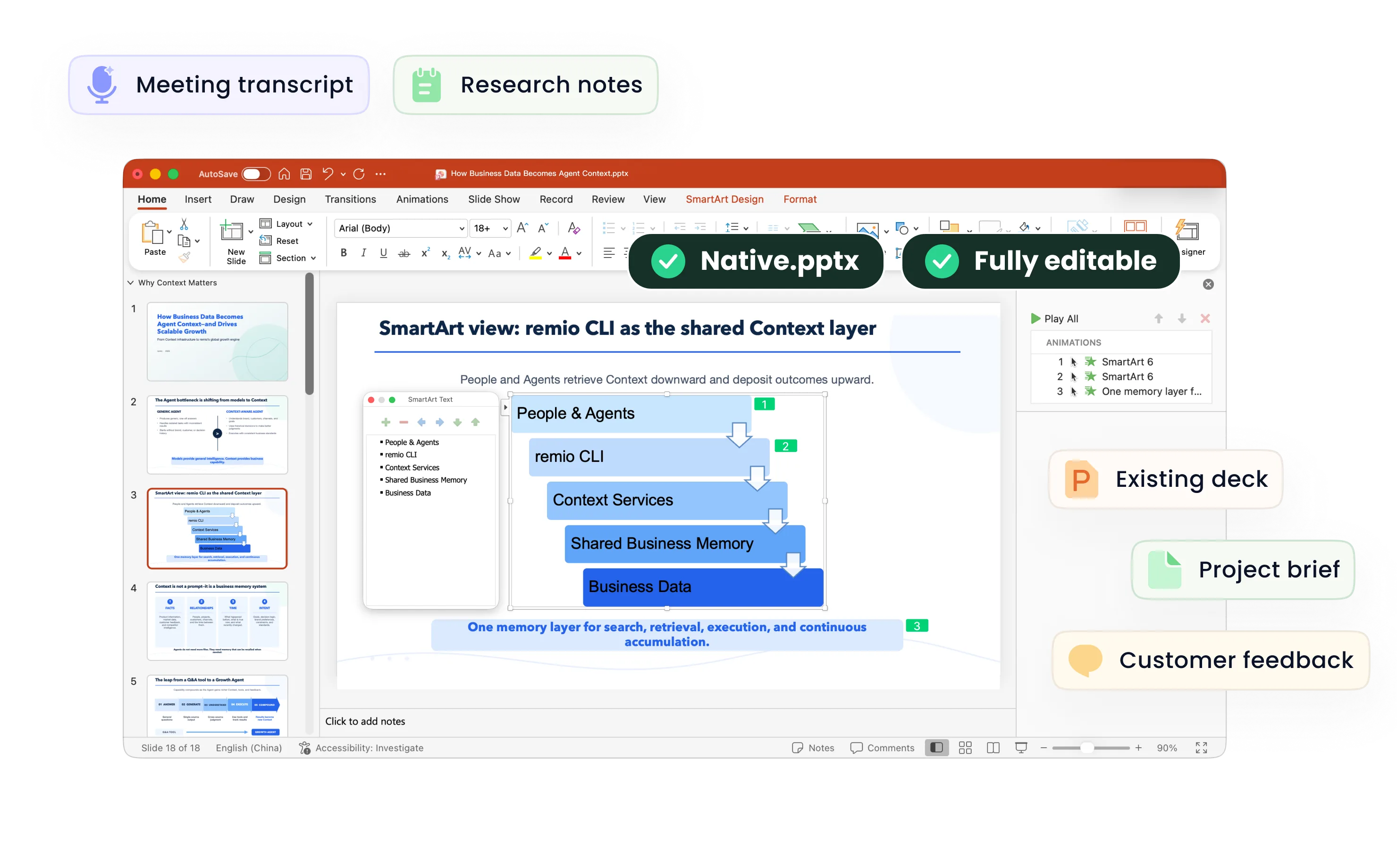
Turn accessible web articles, product pages and research links into editable PowerPoint presentations with remio. Review the sources and slide structure.
Rebuild the message for a presentation
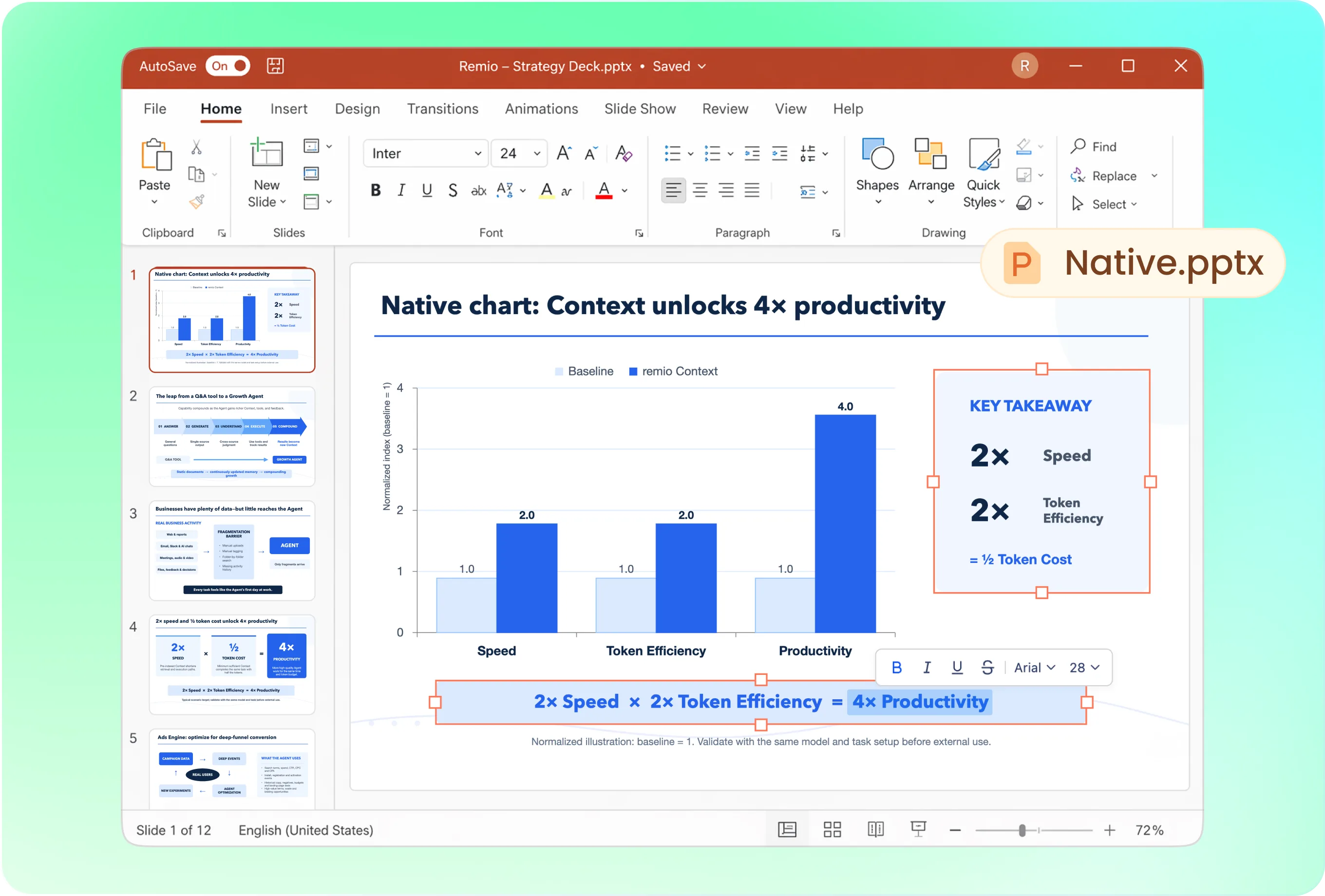
A web page’s navigation and reading order rarely make a good deck. Try: “Use this article for a six-slide team briefing. Explain the main argument, show the supporting evidence, and finish with implications for our project. Include the source link.” Review the page content before building.
Use your brand rather than copying a website
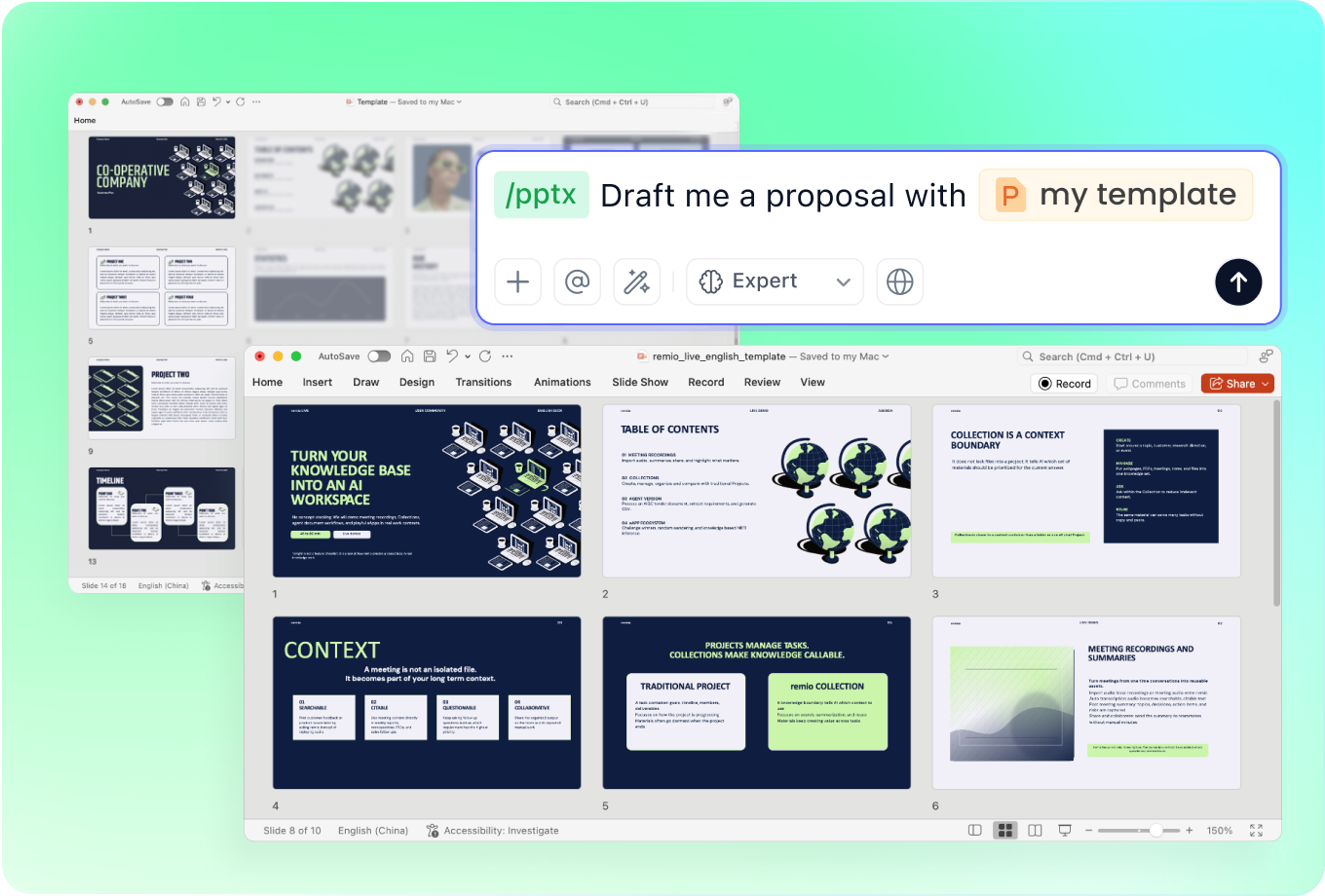
Add your company PowerPoint to guide the presentation’s layout, fonts and colors. Choose an executive summary, product briefing or teaching format. The goal is a useful presentation from the content, not a pixel-for-pixel copy of the website.
Update an existing deck with new information
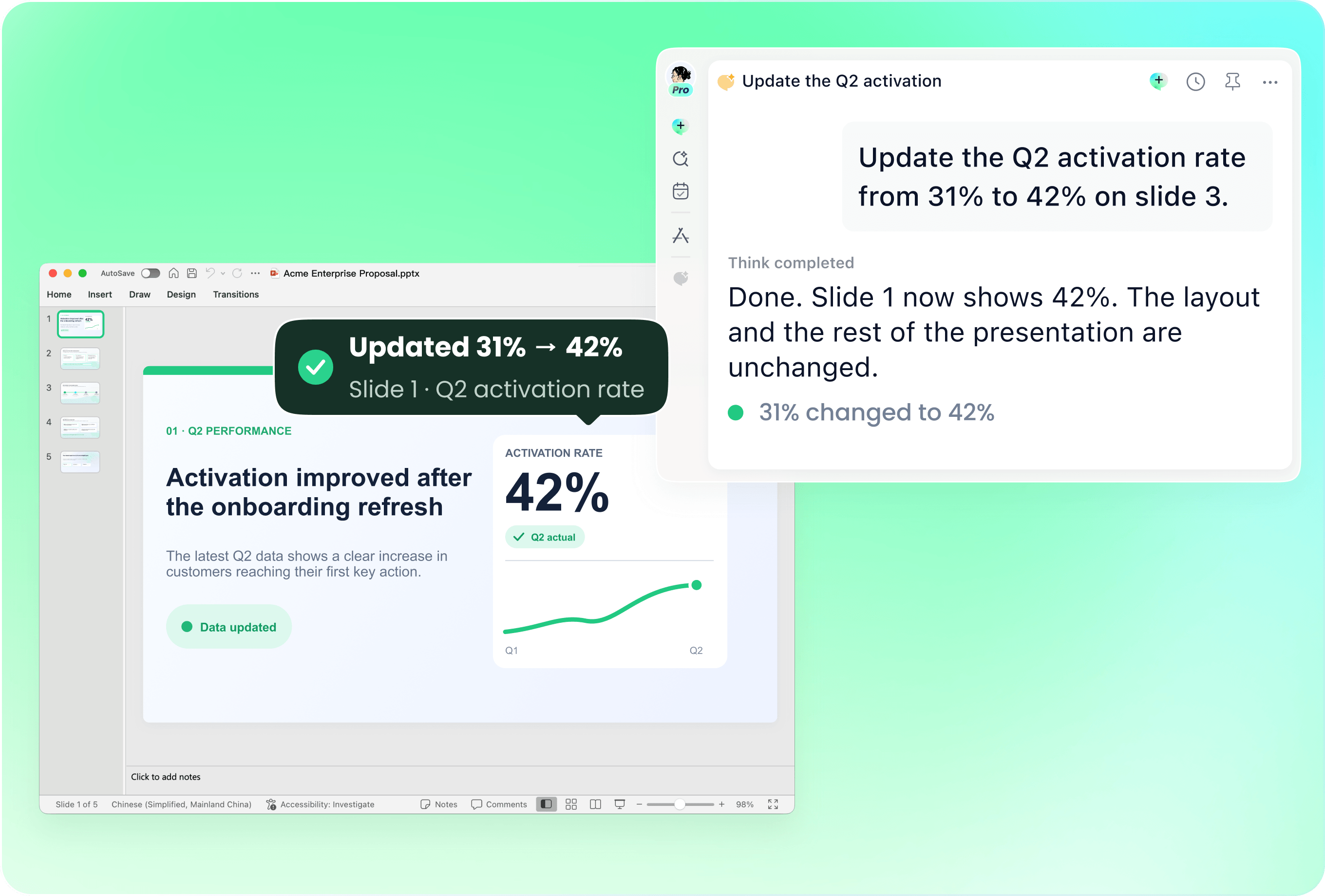
Provide the deck and the page containing the new information. Ask remio to revise named slides, then check dates, terminology and product details. Keep unchanged sections where they still serve the presentation.
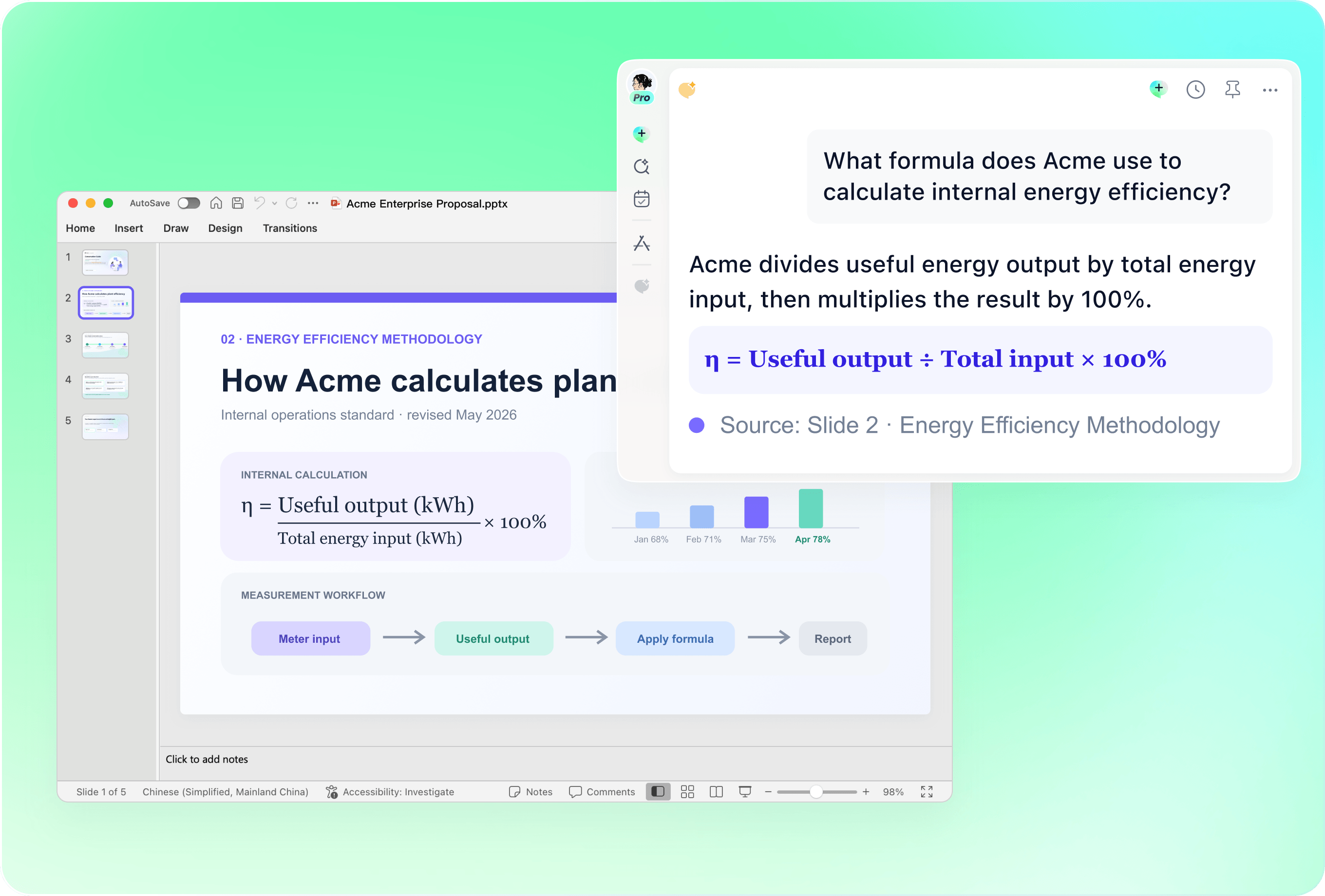
Review sources, dates and visual evidence
Check that the page was read successfully and that its claims support your slides. Review publication dates, numbers and links; provide charts or images separately when needed. A link alone does not guarantee access to paywalled, private or dynamically loaded content.
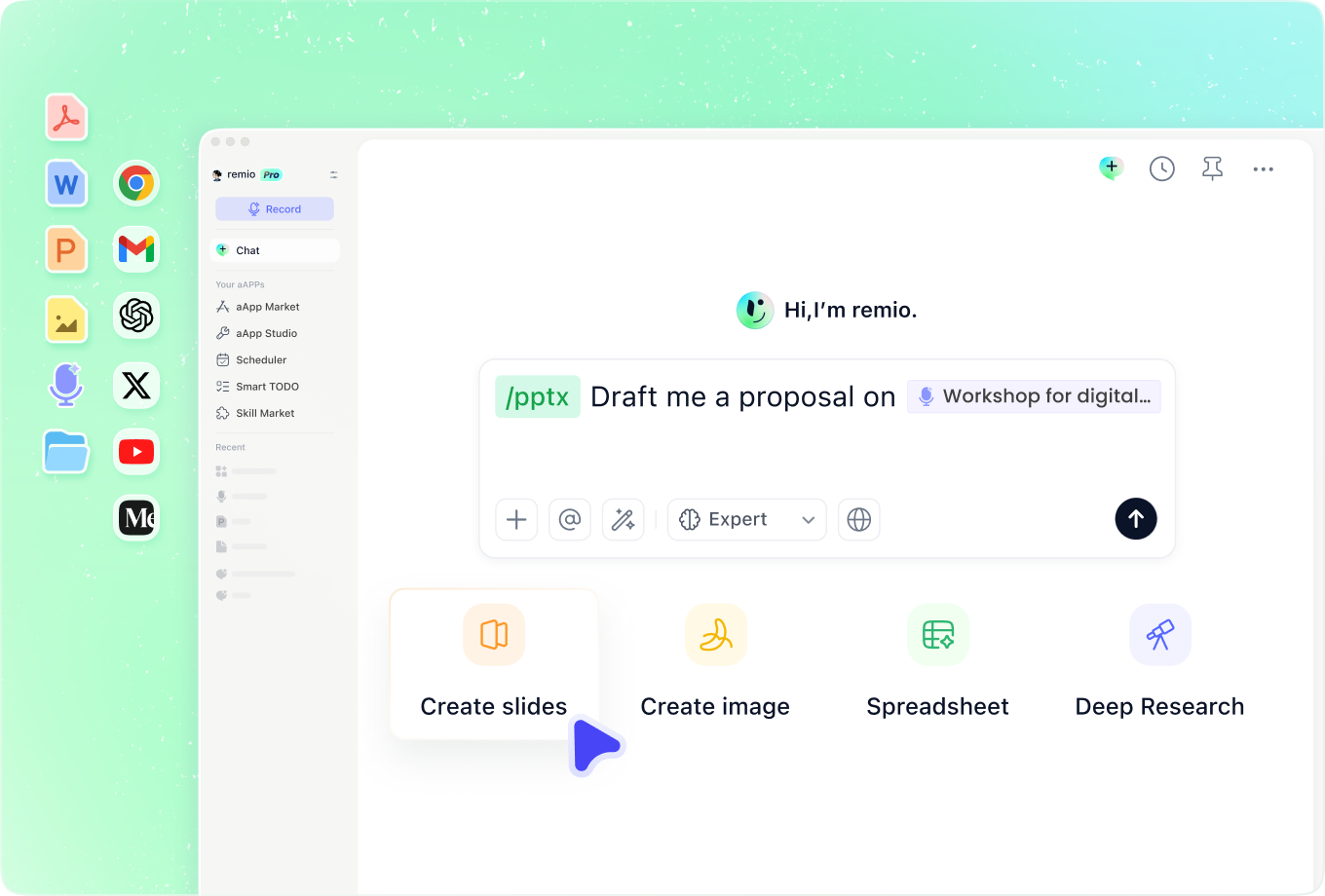
Connect the page to your own work
Combine the source with project notes, saved research and meeting context. Explain which observations matter to your audience and which are outside the scope. Distinguish the website’s claims from your team’s analysis and proposed actions.
How it works
From source material to a PowerPoint file you can keep updating.
01
Provide the URL and presentation brief
Add an accessible source link and describe the audience, purpose and approximate length.
02
Confirm the source and outline
Check that the relevant content is available. Review the main points, source links and slide order.
03
Build and verify the presentation
Create the editable .pptx and check dates, claims, charts and citations before sharing.
FAQs
Yes. You can download remio and start for free. Some advanced usage may depend on your subscription plan, but you can try the AI presentation workflow before committing.
remio is designed as a local first app instead of a browser-only slide editor.
For AI presentations, this makes a real difference. Local file access helps remio parse documents faster, handle larger context, and better preserve PowerPoint structure, styles, and layouts. It also reduces the need to upload sensitive files into a browser-based tool.Use an accessible web page with relevant notes and research in remio. Check that the source was successfully read, and provide the text directly if necessary. This workflow does not promise access to private accounts or paywalled material, nor permission to reuse every image on a website.
Yes. remio creates a native .pptx file from the start, not a presentation you have to export later. Every text box, layout, chart, and image stays editable in PowerPoint.
You can open it locally, edit it directly, and keep the same .pptx file from draft to final presentation.Not yet. remio currently focuses on native PowerPoint and .pptx workflows.
Keynote and Google Slides support are planned and will be added gradually.