Word to PowerPoint
Build an editable PowerPoint from your Word document and project context in the remio desktop app.
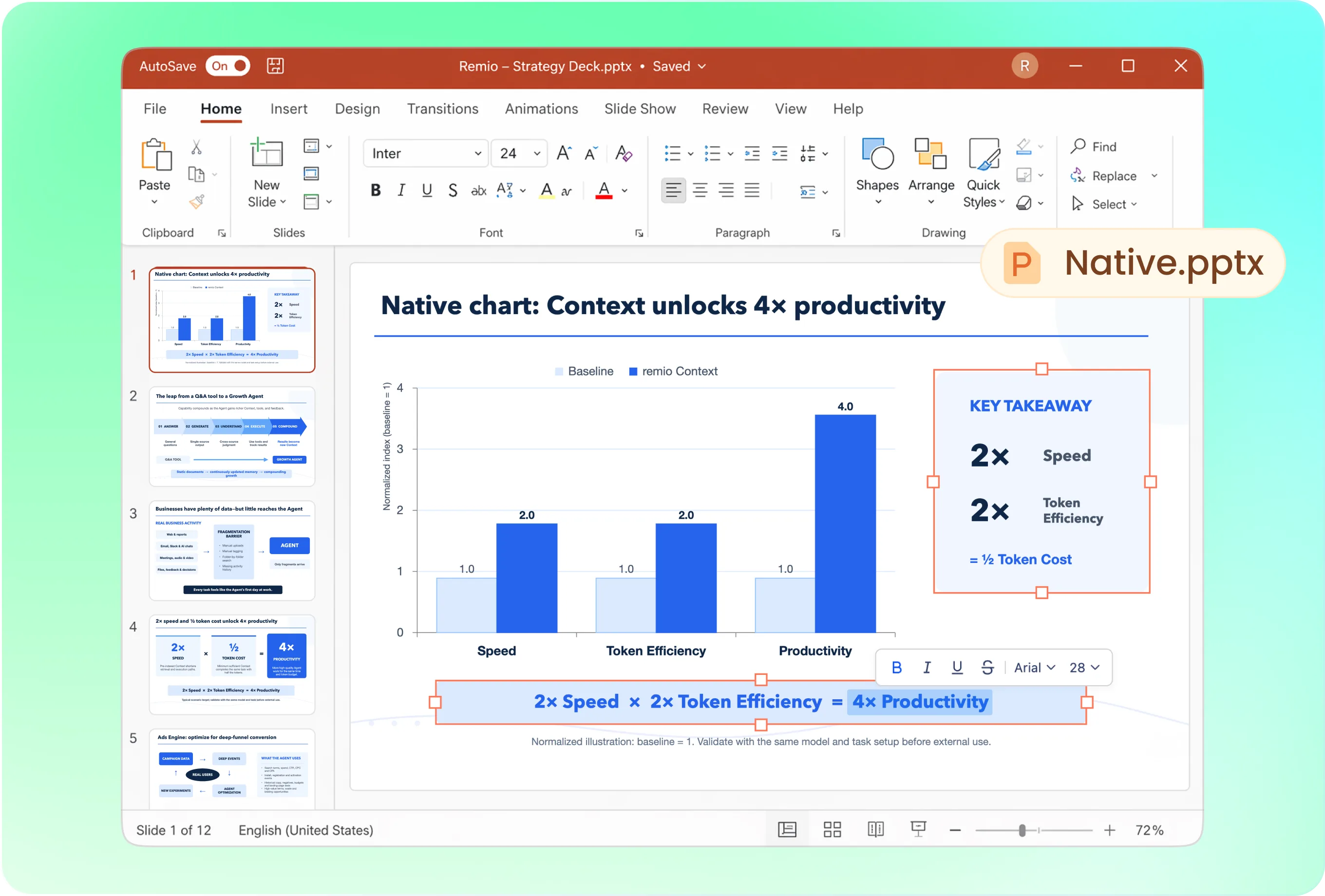
Create an editable PowerPoint
Turn your Word document into a native .pptx. Review the structure and keep editing each slide.
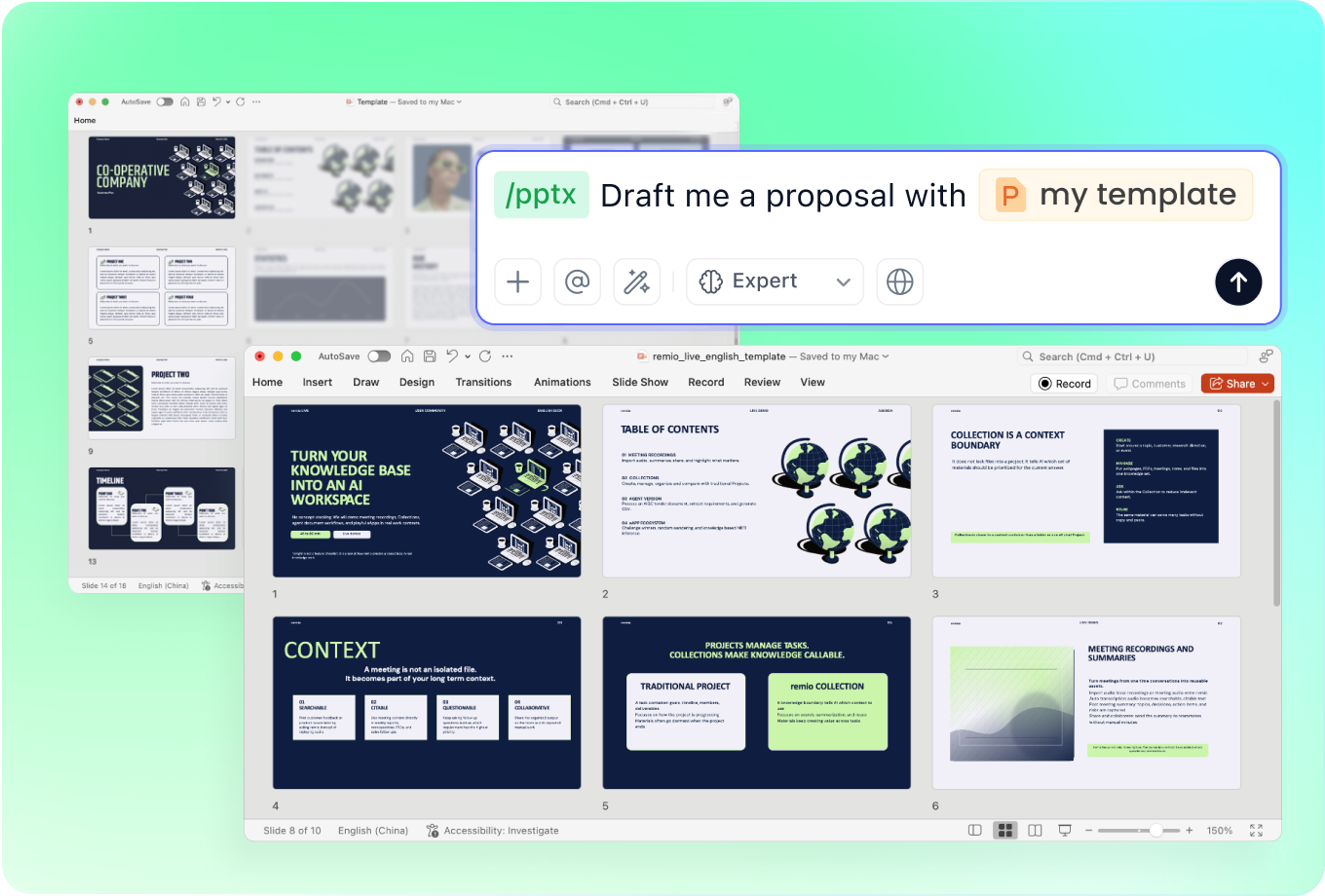
Keep your company template
Add your company deck alongside the Word document. Ask remio to follow its layout, fonts and colors.
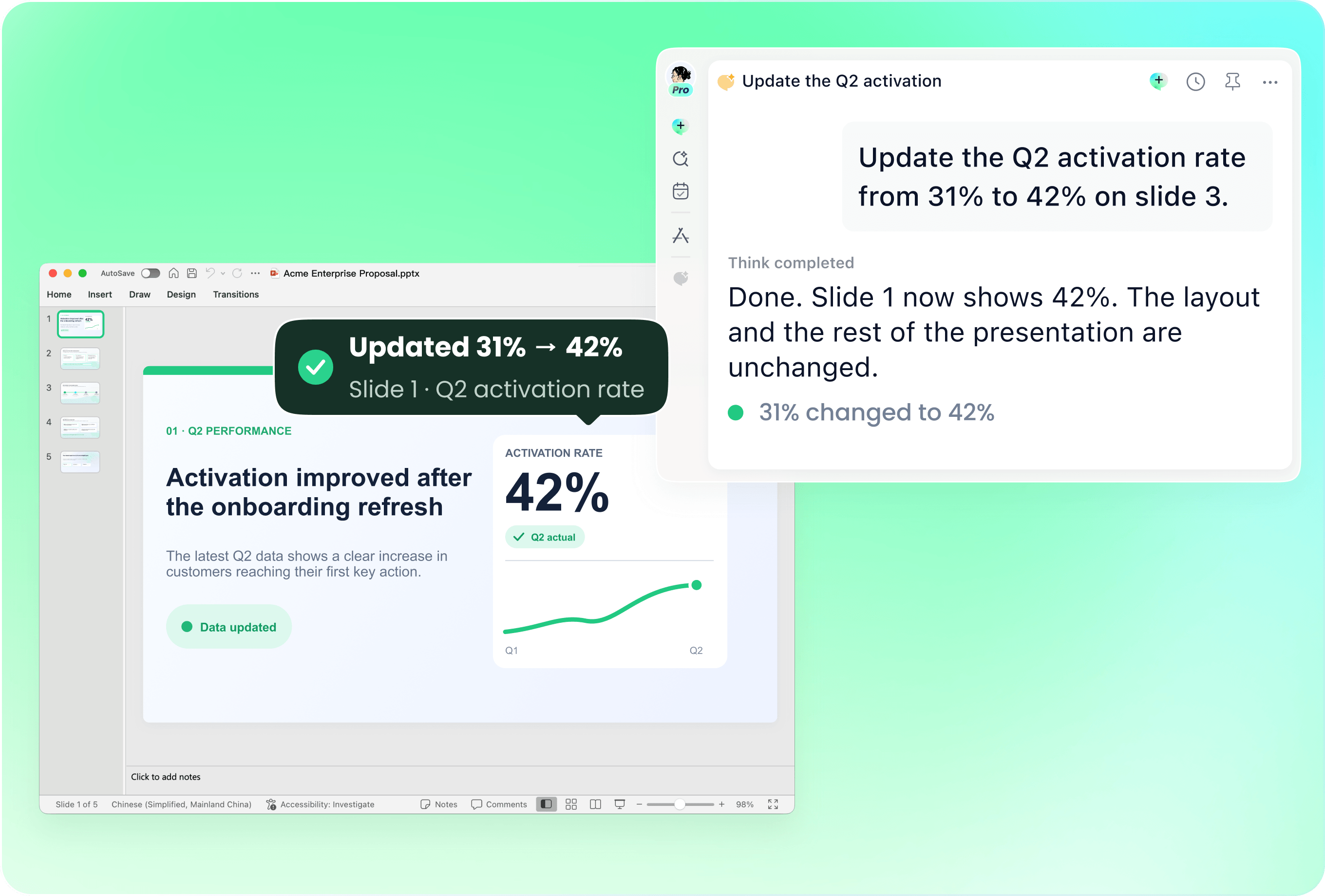
Update your existing deck
Use the Word document to revise selected slides in an existing PowerPoint. Review which slides need to change.
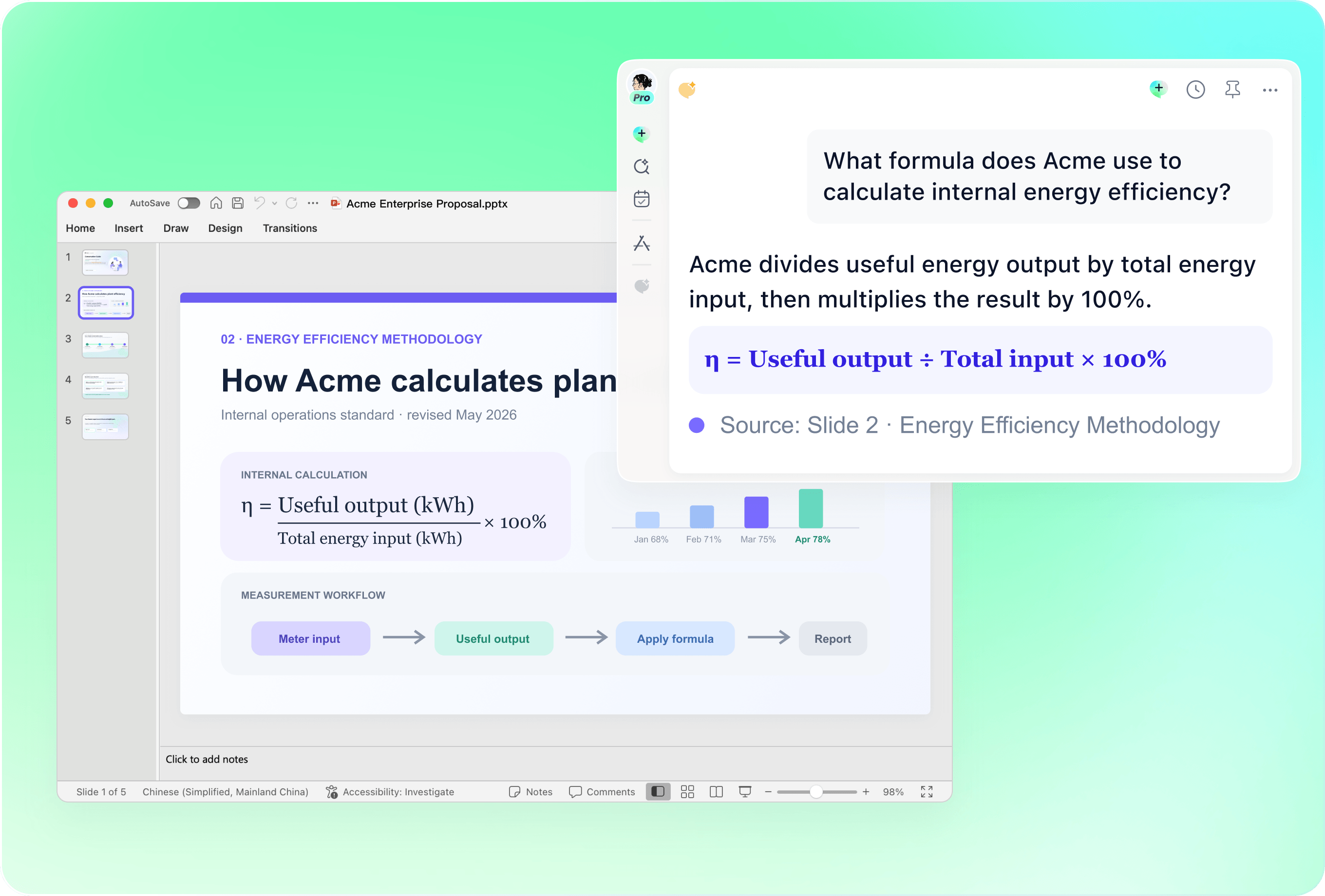
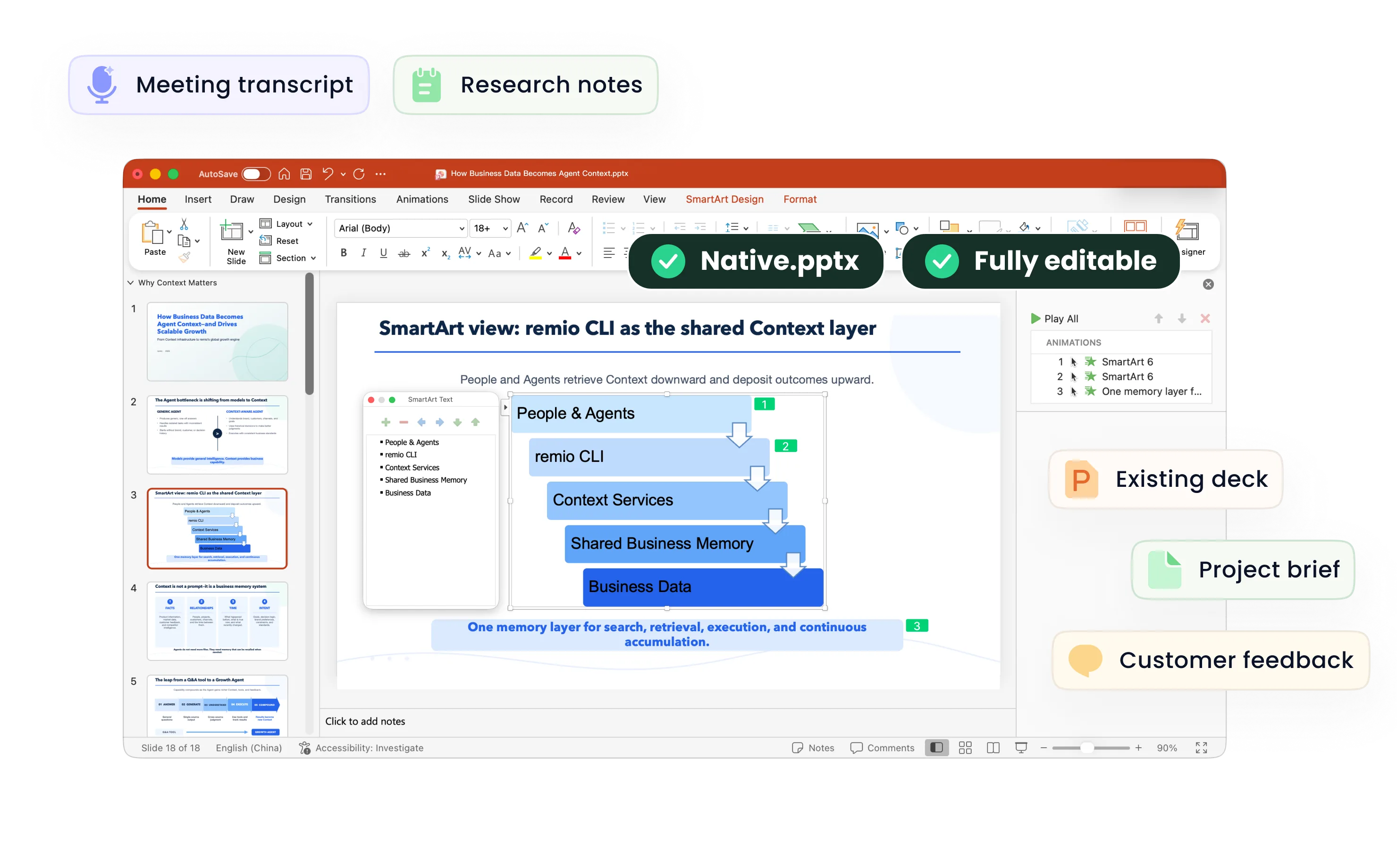
Understand complex PowerPoint content
remio reads text, charts, equations, SmartArt and vector graphics in your existing deck before revising it.
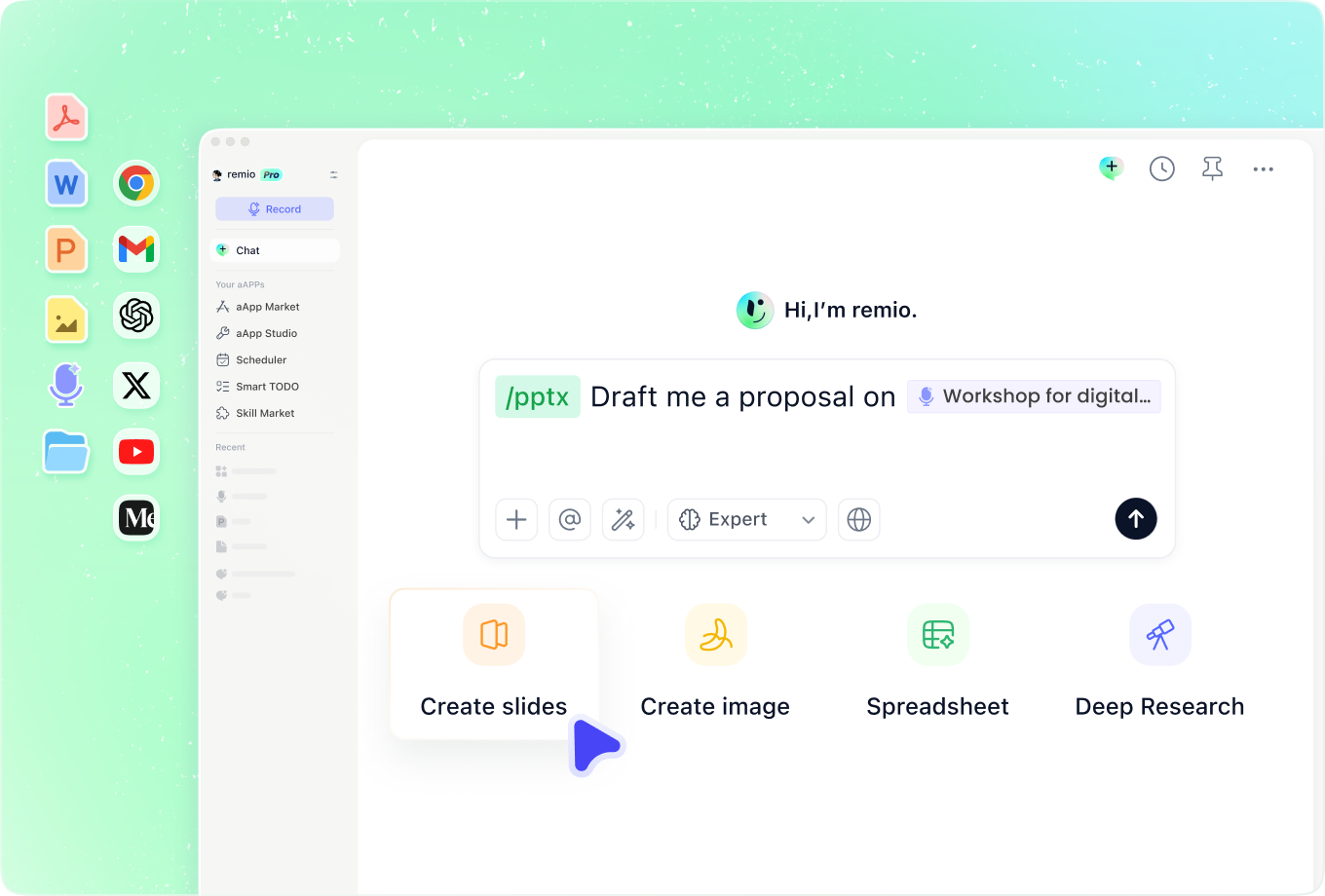
Build from your work context
Combine the Word document with project notes, research and meeting context. Check the outline and key facts before sharing.
How it works
From source material to a PowerPoint file you can keep updating.
01
Add the Word document
Bring your document and relevant context into remio.
02
Review the outline
Check the key message, slide order, and source facts.
03
Build and refine
Create and review the editable PowerPoint file.
FAQs
Yes. You can download remio and start for free. Some advanced usage may depend on your subscription plan, but you can try the AI presentation workflow before committing.
remio is designed as a local first app instead of a browser-only slide editor.
For AI presentations, this makes a real difference. Local file access helps remio parse documents faster, handle larger context, and better preserve PowerPoint structure, styles, and layouts. It also reduces the need to upload sensitive files into a browser-based tool.remio is built around Auto-Capture.
It can continuously collect the work context you already create, including notes, documents, research, meetings, emails, Slack threads, and saved materials.
That means your presentation does not start from a blank prompt. remio can build from the knowledge already behind your work, then turn it into slides and speaker notes grounded in source material.
remio also has a built-in RAG system that retrieves the most relevant context from your knowledge base, then condenses it while preserving the original meaning. This helps remio bring more of the right background into your deck without turning every source into a long copy-paste.Yes. remio creates a native .pptx file from the start, not a presentation you have to export later. Every text box, layout, chart, and image stays editable in PowerPoint.
You can open it locally, edit it directly, and keep the same .pptx file from draft to final presentation.Not yet. remio currently focuses on native PowerPoint and .pptx workflows.
Keynote and Google Slides support are planned and will be added gradually.