
top of page

AI workspace for productive teams.

Give your team AI to find answers, follow up after meetings, and create documents, analyses, and presentations your team can use.

  • On-premises deployment and tailored services

  • Use relevant context to avoid processing the same information repeatedly

  • Company control over AI access and usage

See what your team can do with remio.

Tell us where your team needs to save time.

Team size
remio-business-demo-wordmarks.png

Find answers. Follow up.
Deliver finished work.

Help employees turn their own files, emails, and meeting notes into decisions and deliverables.

Find answers. Make decisions.

Ask across your files, emails, and notes. Compare information and make decisions with source-grounded answers.

Keep work moving across meetings.

Ask across meetings. Connect decisions, follow up on action items, and track progress from one conversation to the next.

Turn insight into deliverables.

Create editable documents, analyses, and presentations with your business context built in.

英_home_4.webp

Leading AI models.
Search across sources.

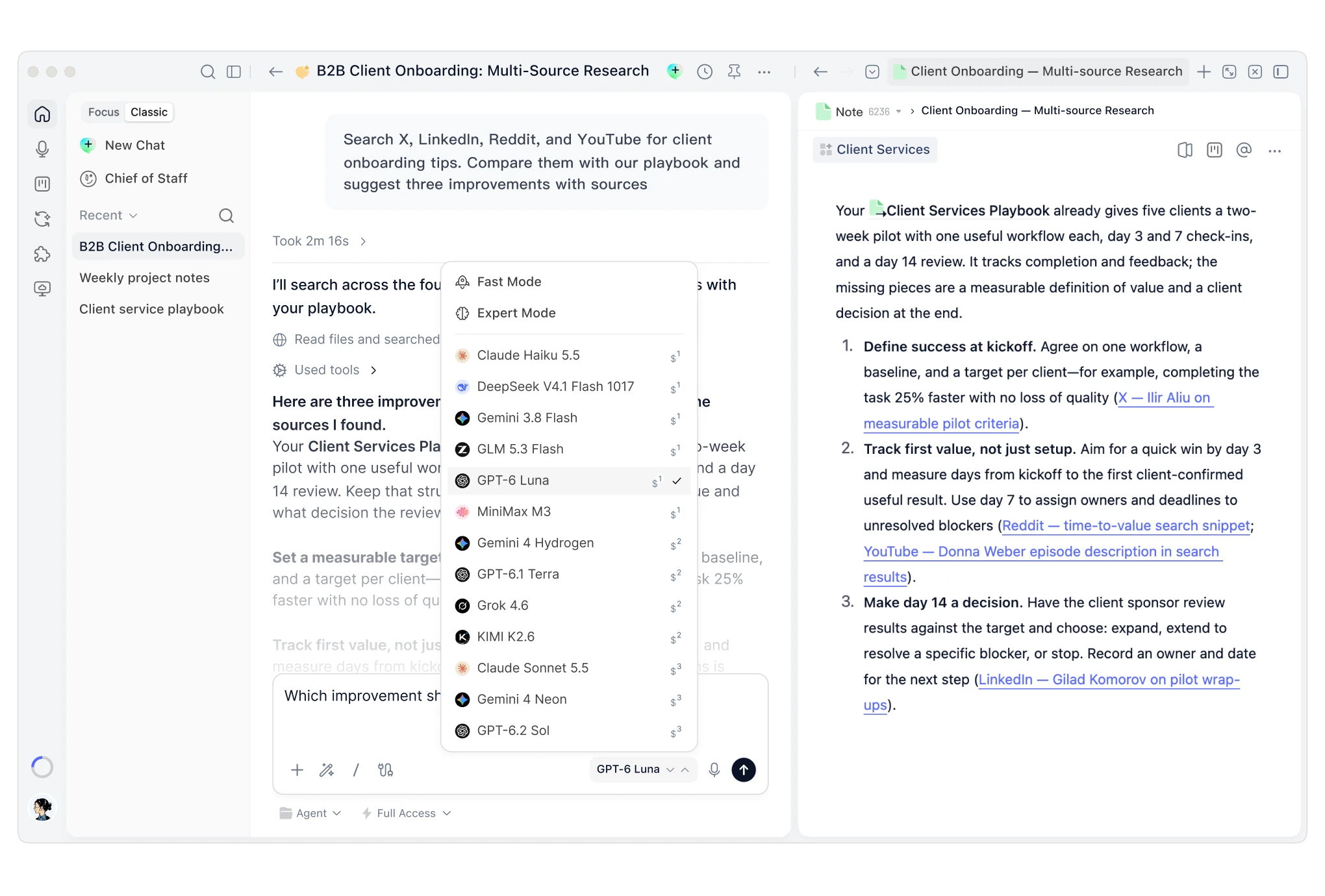
Choose the right model for the task.

Use leading AI models for writing, reasoning, and analysis.

GPT Claude Gemini

Multiple sources. One search.

Search public posts, professional commentary, community discussions, and videos in one place.

X LinkedIn Reddit YouTube

More agent work.
Fewer tokens.

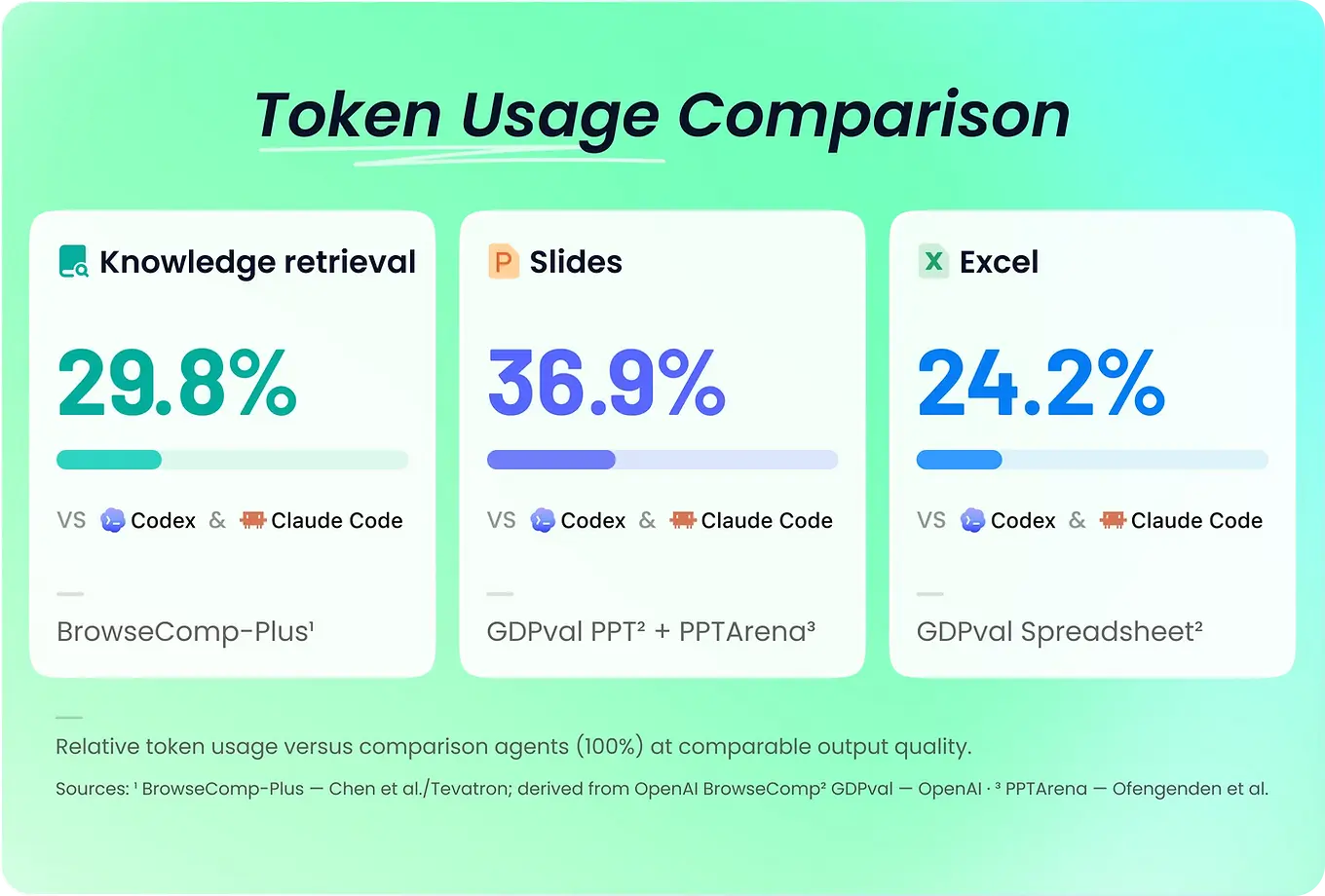
Each employee can reuse their own knowledge across agents, including Codex and Claude Code. Retrieve relevant context instead of repeatedly searching folders or rereading entire files.

Knowledge retrieval, slides, and spreadsheets: three published comparisons show how focused context helps reduce token usage.

Explore Agent Booster ↗

The chart shows relative token usage, with comparison agents at 100%, at comparable output quality. Results vary by task, source material, model, and agent. Third-party plan limits still apply.

英_home_4.webp

Useful for employees.
Manageable for you.

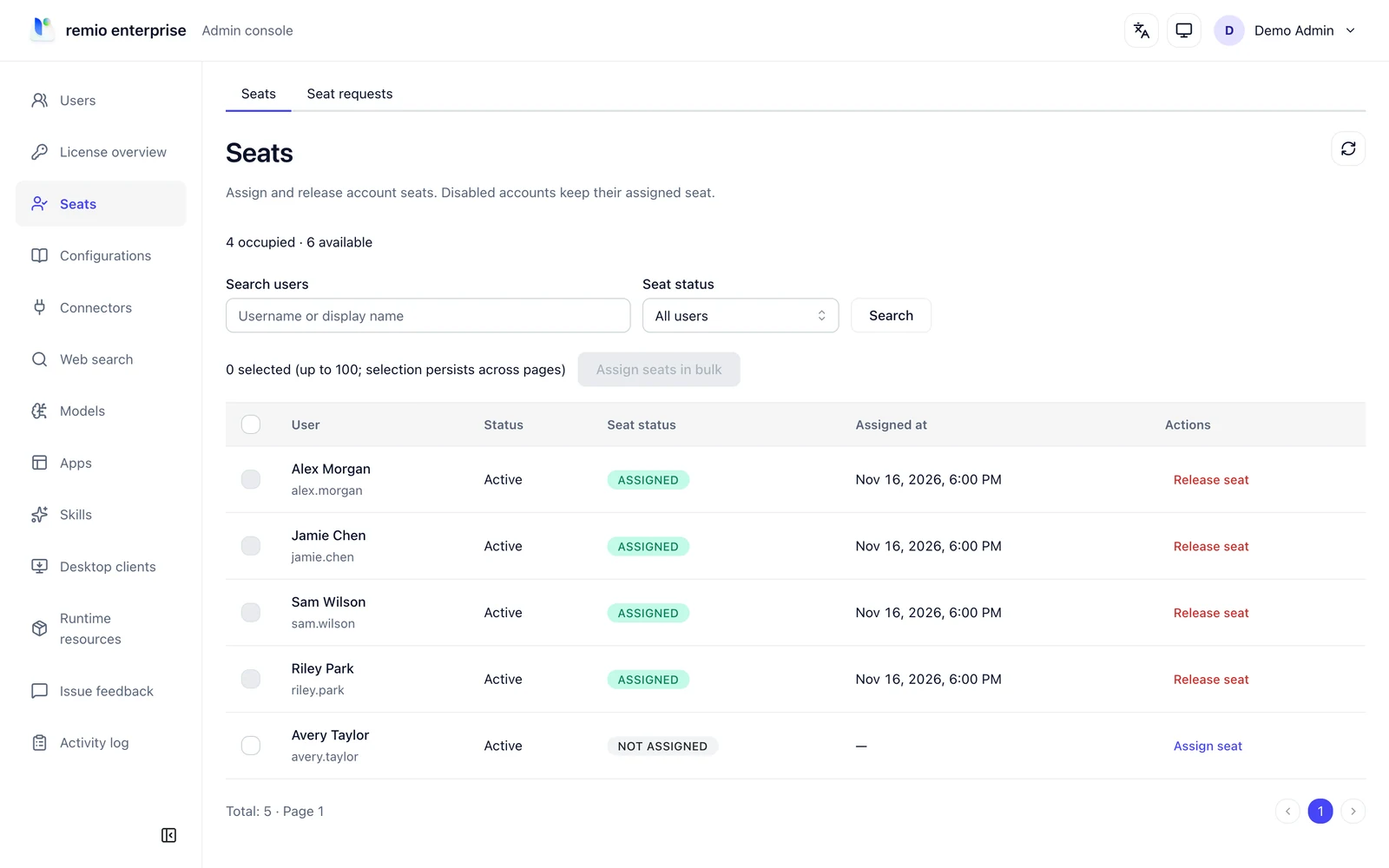
Manage enterprise accounts, seats, model access, and credits in one place.

Manage accounts. Assign seats.

Add employee accounts, assign seats, and manage access to AI models.

See usage. Allocate credits.

Track model usage and allocate internal credits.

remio-business-scenes-20261104.jpg

On-premises deployment. Tailored to your business.

Infrastructure & access

  • Deploy remio on company-managed infrastructure.

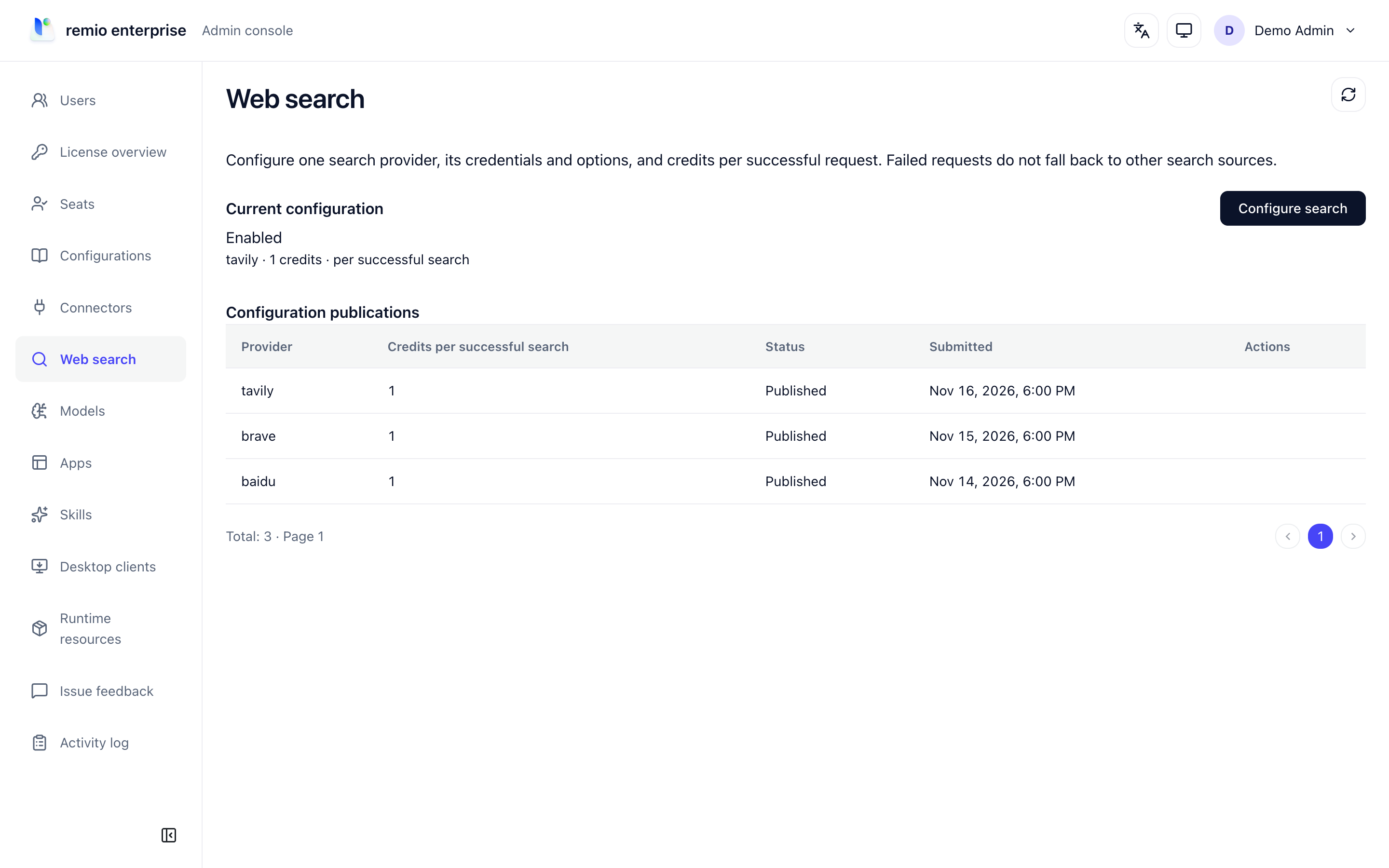
  • Configure connections to your model and search services.

  • Set up employee access around your IT requirements.

Branding & workflows

  • Customize desktop and portal branding.

  • Configure company apps and reusable skills.

  • Adapt workflows to your business requirements.

Setup & rollout

  • Define the use case and integration requirements.

  • Configure service connections and validate outputs.

  • Support pilot rollout and employee adoption.

英_home_4.webp

From client conversations
to client deliverables.

Northstar Studio

Client services team

The task

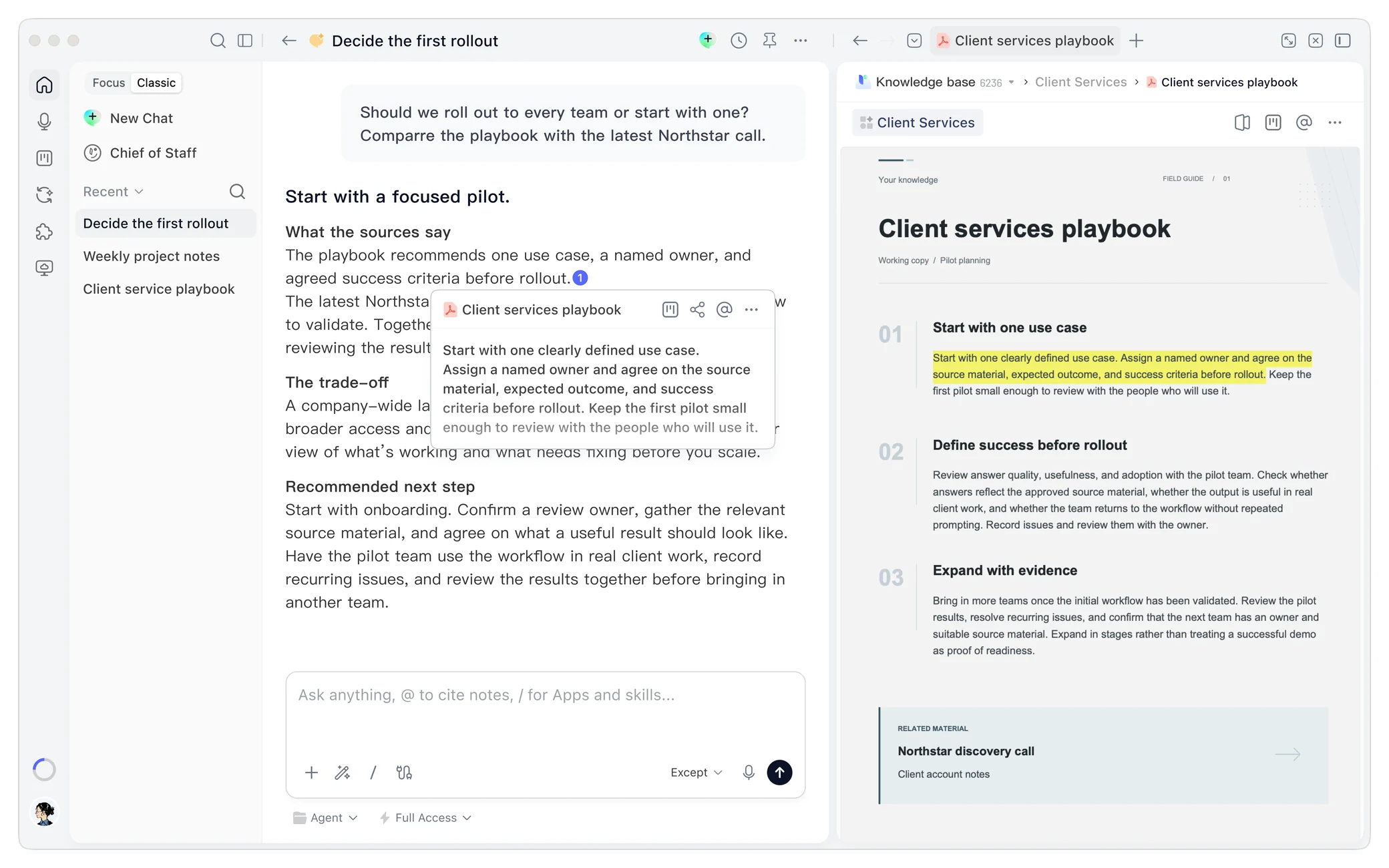
Prepare a client update from meeting notes, recent emails, and the services playbook.

With remio

Bring the account history together, surface open decisions, and draft an editable brief and presentation.

Ready for review

A source-grounded update, clear next steps, and Office files the team can keep refining.

remio-business-scenes-20261104.jpeg

Start with one use case.
Scale with confidence.

01

Choose a use case.

Agree on the task, source material, owner, and expected outcome.

02

Define the setup.

Confirm deployment, models, permissions, integrations, and success criteria.

03

Validate, then expand.

Review output quality and adoption before rolling out to more teams.

Show us the work you want to make easier.

See what your team can get done with remio.

Tell us about your team and the work you want to improve.

Request a demo

See what your team can get done with remio.

Tell us about your team and the work you want to improve.

Request a demo

Yes. Connect compatible AI services, choose default models for different tasks, and control which models each employee can use. We’ll confirm provider compatibility during setup.

Yes. We offer on-premises deployment, configurable AI services, and tailored desktop and portal branding. We’ll work with you to define the infrastructure, integrations, customization, and support scope for your team.

Each employee can work with their own files, web pages, meeting notes, email, and calendar context. Their meeting content becomes part of their personal knowledge base. Enterprise administrators manage accounts, seats, and credits.

Manage employee accounts and seats, authorize models, review usage, and allocate internal credits from the company admin console. Employees can also view their own credit balance and usage.

bottom of page