Best Practices: How User Researchers Achieve Efficient Analysis with AI Knowledge Base

Target Roles: User Research, Product Owner, Growth Team, Marketing Team.
Core Scenario: Organization and analysis of massive multimodal data in work (recordings/documents/web pages/emails)
The Pain: When Data Fragments Drown Your Insights
For user research teams, every deep dive into user behavior feels like an all-out battle against information chaos. To produce one high-quality research report, you're wrestling with some real challenges:
Scattered inputs that resist consolidation: Your data exists everywhere, from interview recordings and screenshots to survey spreadsheets, emails, and support tickets, making consolidation difficult.
Manually feeding AI kills efficiency: Sure, AI can help, but you still spend time organizing files, uploading them in batches, and waiting for parsing limits.
Real analysis demands non-public context: True user insights require internal knowledge such as product positioning, iteration progress, and research goals, not just public information. This usually means crafting elaborate prompts and conducting multiple rounds of manual fact-checking.

The remio Solution: A Super-Assistant with Project Memory
remio completely reverses the information flow. Instead of making you manually move the documents around, it acts as a local intelligent hub that automatically ingests, digests, and produces insights.
Workflow Comparison

How It Works: 3 Steps to Transform Your User Research Process
Step 1: Fully Automated Data "Ingestion"
No more clicking upload over and over. Once you configure your information sources, remio takes over everything :
Auto-parse: Audio, video, spreadsheet, slide, and documents downloaded to local folders get silently parsed and indexed.
Proactive capture: SaaS backend pages you browse daily are automatically captured and permanently stored.
Email sync: User feedback emails sync in real-time.
All this knowledge accumulates locally, ready to chat whenever you need it.

Step 2: Unlimited Transcription with Local Processing
For the trickiest data, interview recordings: remio supports recording every session and provides unlimited transcription.
All data stays on your machine.
Content parsing happens through local models, no cloud upload required.
Privacy first: Only relevant info would be sent to LLMs, and your data is never used for model training, completely eliminating anxiety about leaking sensitive company information like new product timelines or user privacy details.
Step 3: Generate Professional Reports from One Simple Sentence
No more tearing your hair out over prompt engineering. remio has already "read" all your product docs and background materials.
Ask naturally: Just type plain language, like: "Based on this week's 5 interview recordings and survey spreadsheet, combined with our Q3 product positioning, analyze users' real attitudes toward the new feature".
Precise retrieval: remio automatically recalls relevant segments from your massive knowledge base.
Traceable first draft: Every conclusion in the generated report includes citation links. So that you can click to check directly to the specific passage in the original recording or document.
Efficiency Comparison
Dimension | Old Approach | remio Best Practice |
Material Organizing | Download, categorize, and manually upload 1.5 hours | Fully auto sync & parse: zero time spent |
Multimedia Processing | Paid and slow transcription | Unlimited recording transcription, completed locally |
Prompt Engineering | Requires crafting thousand words prompts with context | Simple natural language: AI brings built-in background knowledge |
Output Quality | Multiple verification rounds, prone to AI hallucinations | Built-in citation tracing: quick verification, export-ready |
Data Security | Cloud upload carries leak risks | Local storage & parsing: enterprise-grade privacy |
Ultimately, you get a complete research report with documents and concise charts, exportable in multiple formats (Markdown, PDF, Word), ready for team presentations.
What Users Say
"Using remio feels like having a dedicated product marketing assistant. Not only is he tirelessly available 24/7, but more importantly, he completely understands my product history and background."
— Senior User Research, SaaS Company
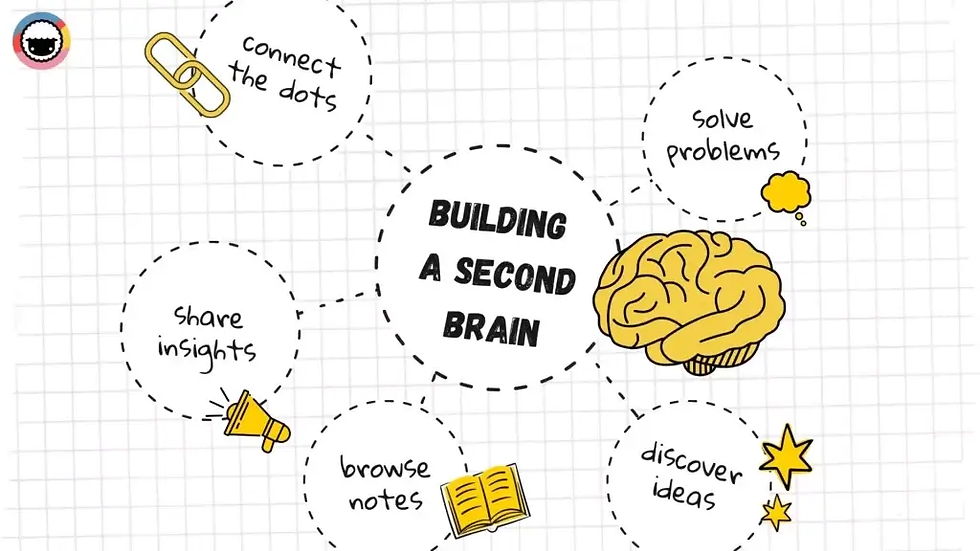
Why User Research and Growth Professionals Need an AI Second Brain
Today, top AI have reasoning capabilities powerful enough to handle most content tasks in our work. So the real challenge has shifted from "Can AI do this?" to "How do we give AI enough context?" Especially that non-public, tacit knowledge that exists only in your head or within your team.
This is why many people feel "close but no cigar" when using general chatbots. They're like brilliant interns who've read every book in the world but have never really sat down to discuss your project or understand your work.
remio is helping knowledge workers bridge this gap, building our own "super AI assistant".
A true AI second brain should be a personal assistant working alongside you every day:
All-knowing: It has "read" every document you've read, "seen" every webpage you've browsed, and "attended" every meeting you've held.
Always chatable: When you need it, it instantly extracts key information from massive memory, assisting decisions like your most understanding partner.
Start remio now. Say goodbye to that "intern" who needs endless context explanations, and embrace an intelligent companion who truly gets you.