Top 10 AI Productivity Apps for Mac in 2026: Work Faster on macOS

We spent several weeks testing current AI tools on macOS Sequoia and the latest Apple Silicon hardware. The goal was to identify which apps deliver real speed gains for people who handle research, writing, meetings, and project work every day. Tools were scored on four factors: how deeply they integrate with macOS features, whether they work well offline, how well they use Apple Silicon, and how much they actually help knowledge workers.
Key Takeaways
Ten apps made the list; they range from full knowledge systems to focused utilities.
System integration and offline performance separate the top entries from the rest.
remio stands out because it captures Mac work context automatically and runs agent workflows from saved context.
Most tools still require manual input; a few now handle tasks with little prompting.
Test the free tier of each app against your main workflow before committing.
How We Evaluated These AI Productivity Apps Mac 2026
We set four evaluation criteria before testing began. System integration checked native menu bar access, Spotlight support, Shortcuts automation, and file system permissions. Offline capability measured whether core features continued without an internet connection. Apple Silicon optimization looked at launch speed, memory footprint, and use of Neural Engine where available. Knowledge worker utility rated how much time the app saved on common tasks such as note synthesis, meeting follow-up, and document drafting.
We installed every tool on the same M4 MacBook Pro and ran identical workloads for three days. Each app received a score out of ten in every category. The final ranking reflects the weighted total.

remio is an AI-native personal context system that can capture browsing, meetings, files, and notes with less manual effort. Version 3.0 added rOS, an agent layer that can plan and finish multi-step work using saved personal context.
Key Features
Five-level memory system that keeps session, recent, episodic, semantic, and archival context separate.
Direct connectors for Notion, Linear, and external AI chat histories.
One-click skills that generate slides, spreadsheets, or reports from stored context.
Local encryption with optional Bring Your Own Key setup.
Podcast capture from more than one thousand sources with automatic indexing.
✅ Pros
Captures web pages and meeting audio automatically so nothing is lost.
Runs entirely offline once data is on the device.
Apple Silicon optimization keeps CPU usage low during long recording sessions.
Agent skills produce finished deliverables instead of raw summaries.
Data stays on device by default, which satisfies privacy requirements for many teams.
❌ Cons
Initial indexing of large archives can take several hours.
Some connector setups require one-time API keys from other services.
> Tip: Start with the free tier to test capture on your daily browsing and one or two meetings before adding paid agent features.
remio places first because it moves beyond retrieval and helps execute work. Most other tools still require the user to feed them information. remio captures context as you work and then uses rOS to complete tasks such as research synthesis, report drafting, slide preparation, or spreadsheet-ready outputs.
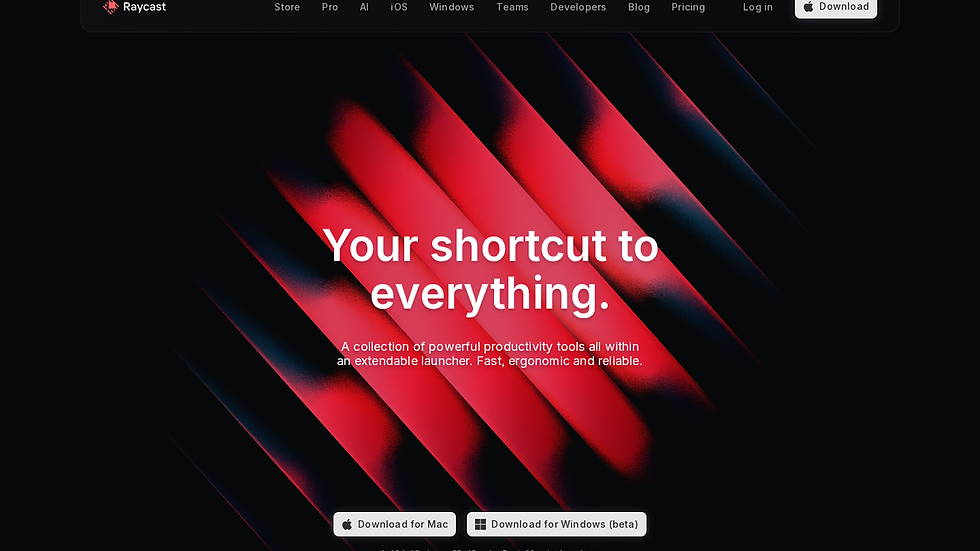
Raycast AI extends the popular launcher with on-device and cloud AI models for quick calculations, text rewriting, and code snippets.
Key Features
Local model option for sensitive text.
Custom command creation with JavaScript.
Direct access to Apple Notes and Reminders.
✅ Pros
Extremely fast for short tasks.
Deep macOS menu bar integration.
Active community sharing commands.
❌ Cons
Limited long-form context handling.
Offline mode drops several cloud models.
> Note: Use Raycast AI when you need a quick rewrite without leaving the current window.

Notion combines notes, databases, and wikis in one interface and has added AI assistance for summarization and content generation.
Key Features
Database views and relations.
AI block for text and table operations.
Cross-platform sync.
✅ Pros
Highly customizable for team workflows.
Large template gallery.
Works offline after initial sync.
❌ Cons
Steep setup time for new workspaces.
AI features still require a connection for full performance.
> Tip: Start with a simple page template before adding AI blocks.

Craft focuses on beautiful documents and offers local AI features for outlining and style suggestions.
Key Features
Block-based editor with inline AI.
Export to multiple formats.
Native Apple Pencil support on iPad.
✅ Pros
Fast export and sharing options.
Strong typography controls.
Good offline experience.
❌ Cons
Fewer database features than competitors.
AI suggestions sometimes repeat phrasing.
> Note: Craft suits writers who value presentation quality over complex data structures.

Texts brings multiple chat services into one searchable window and adds local AI for message summaries.
Key Features
Single inbox for eight messaging platforms.
Local search across all conversations.
Quick reply suggestions.
✅ Pros
Reduces app switching.
Keeps history on device.
Simple keyboard shortcuts.
❌ Cons
No voice message handling yet.
Some services require periodic re-authentication.
> Tip: Test with your most used messaging apps first.

Rewind records your screen and audio, then lets you search the timeline using natural language.
Key Features
Continuous local recording.
OCR and transcription search.
Privacy controls to pause or delete segments.
✅ Pros
Strong Apple Silicon performance.
Useful for recalling past work without manual notes.
❌ Cons
Storage grows quickly with daily use.
Requires constant permission review.
> Note: Rewind works best when paired with strict privacy settings.

Arc organizes tabs into spaces and includes AI tools for page summaries and tab management.
Key Features
Split view and easel boards.
Built-in search across open tabs.
Profile isolation.
✅ Pros
Visually distinct interface.
Good for research sessions.
❌ Cons
Learning curve for new users.
Some extensions need updates for full compatibility.
> Tip: Use spaces to separate work and personal browsing.

Superwhisper converts speech to text using on-device models and inserts the result anywhere.
Key Features
Multiple language support.
Custom vocabulary lists.
Keyboard shortcut activation.
✅ Pros
Very low latency on Apple Silicon.
No cloud upload for sensitive audio.
❌ Cons
Limited formatting controls.
Requires quiet environment for best accuracy.
> Note: Ideal for drafting first versions of emails or notes.
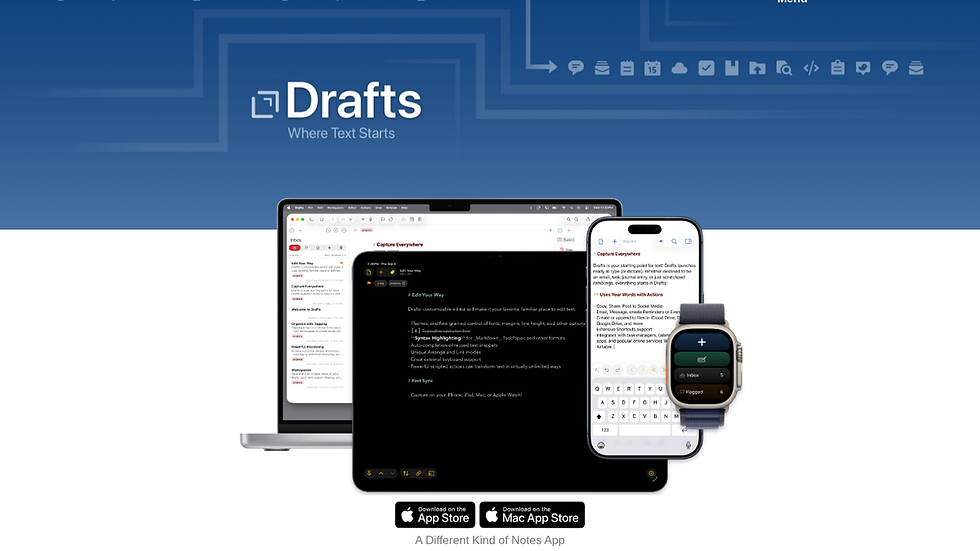
Drafts serves as a fast inbox for text that can be processed by actions or scripts.
Key Features
Immediate capture from anywhere.
JavaScript automation.
Tagging and search.
✅ Pros
Lightweight and fast.
Strong Shortcuts integration.
❌ Cons
Interface feels dated compared with newer apps.
AI features are still basic.
> Tip: Create a few common actions early to speed up daily use.

BetterUptime monitors websites and internal services with AI-assisted alert grouping.
Key Features
Status page generation.
Incident timeline reconstruction.
On-call scheduling.
✅ Pros
Clear mobile notifications.
Good for small teams.
❌ Cons
Less relevant for pure writing or research work.
Requires initial configuration of monitored endpoints.
> Note: This tool fits best when uptime monitoring is part of the daily workload.
Which AI Productivity App Mac 2026 Is Right for You?
If daily capture and automatic follow-up matter most, start with remio.
If you mainly need fast commands inside existing apps, Raycast AI delivers quick results.
If team collaboration and databases are central, Notion remains a solid choice.
If you write long documents and value clean export, Craft is worth testing.
If message overload is the main pain point, Texts reduces friction across platforms.
FAQ
What is the best free AI productivity app Mac 2026 alternative?
Several tools listed above offer usable free tiers. remio provides capture and basic retrieval at no cost, while Raycast AI supplies local model access without payment. Choose based on whether you need broad memory or quick commands.
How does remio compare to other AI productivity apps Mac 2026?
remio differs by capturing context automatically and running agents from that context. Most other apps require manual input before AI features activate. The local-first design gives users more control over saved context.
Which app handles meeting notes best on Mac?
remio and Rewind both support local meeting capture and searchable transcripts in different ways. remio adds action extraction and agent workflows, while Rewind focuses on timeline search of what happened on screen.
Do these tools work without internet?
Most retain core functions offline once content is on the device. remio, Craft, and Superwhisper support local-first or offline workflows for saved content, while some AI, sync, and connector features may require connectivity.
How important is Apple Silicon optimization?
Apple Silicon optimization affects battery life and speed on newer Macs. Tools that use the Neural Engine for transcription or summarization finish work faster and generate less heat during long sessions.


