Two Column Comparison
スコア:
4.5 / 5
Presentation
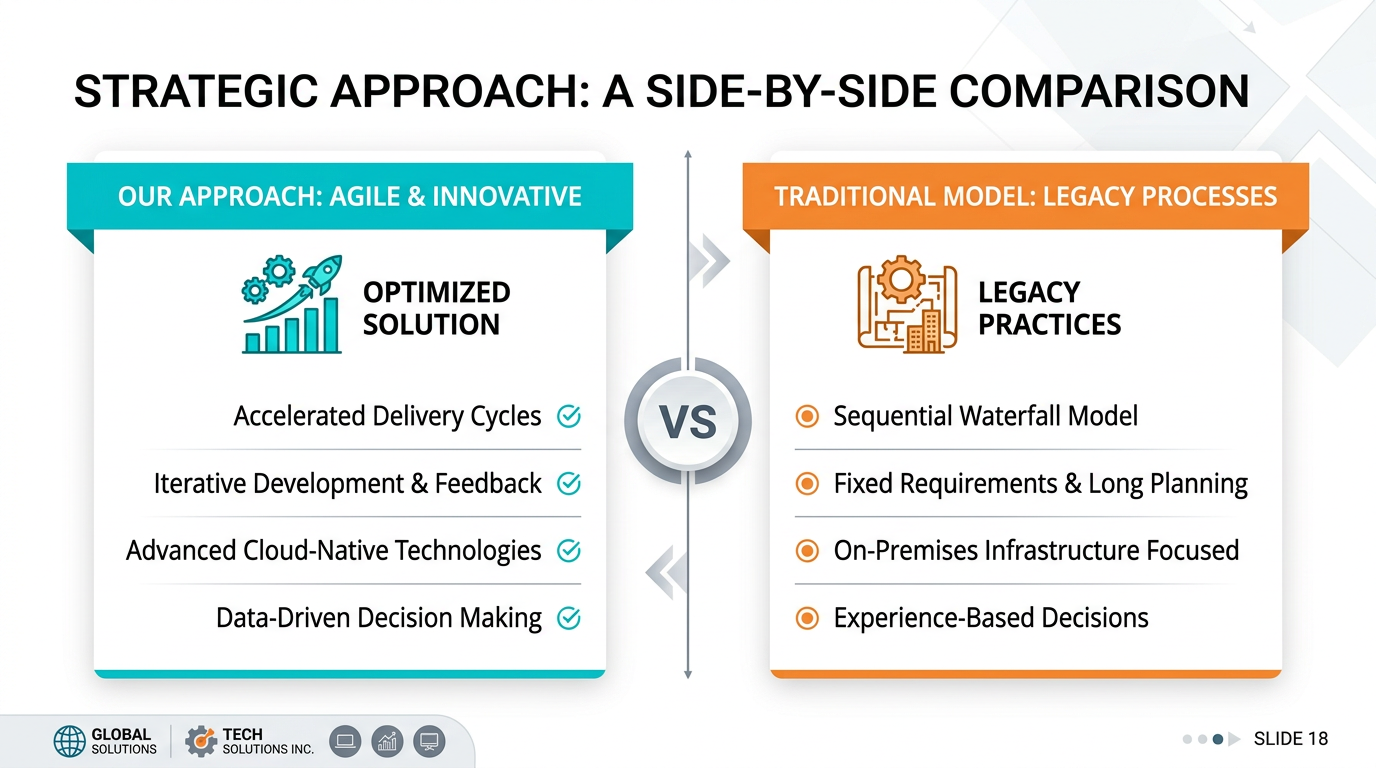
説明
Quick tip for presenters, execs, and educators: use this nano banana prompt to design presentations and visual stories with AI-generated images. Gets the job done fast.
nano banana用プロンプト 🍌
Design a professional two-column comparison presentation slide. Layout: split screen with vertical divider, two distinct sections. Each column: headline, icon or image at top, 3-4 bullet points or short description. Optional: "VS" badge in center or arrows pointing to comparison. Color coding: different accent colors for each column, cohesive overall. Background: clean white or subtle variation. Include slide number, logos. Typography: balanced column headlines, readable body text. Design: clear side-by-side comparison, visual differentiation. Style: before/after, us/them, feature comparison. 16:9 format.
ヒント
Use 'different accent colors' per column | Include 'visual divider' between columns | Request 'balanced content' in each column | Specify 'comparison indicator' (VS, arrows)