UML Diagram
スコア:
4.7 / 5
Technical Blueprint
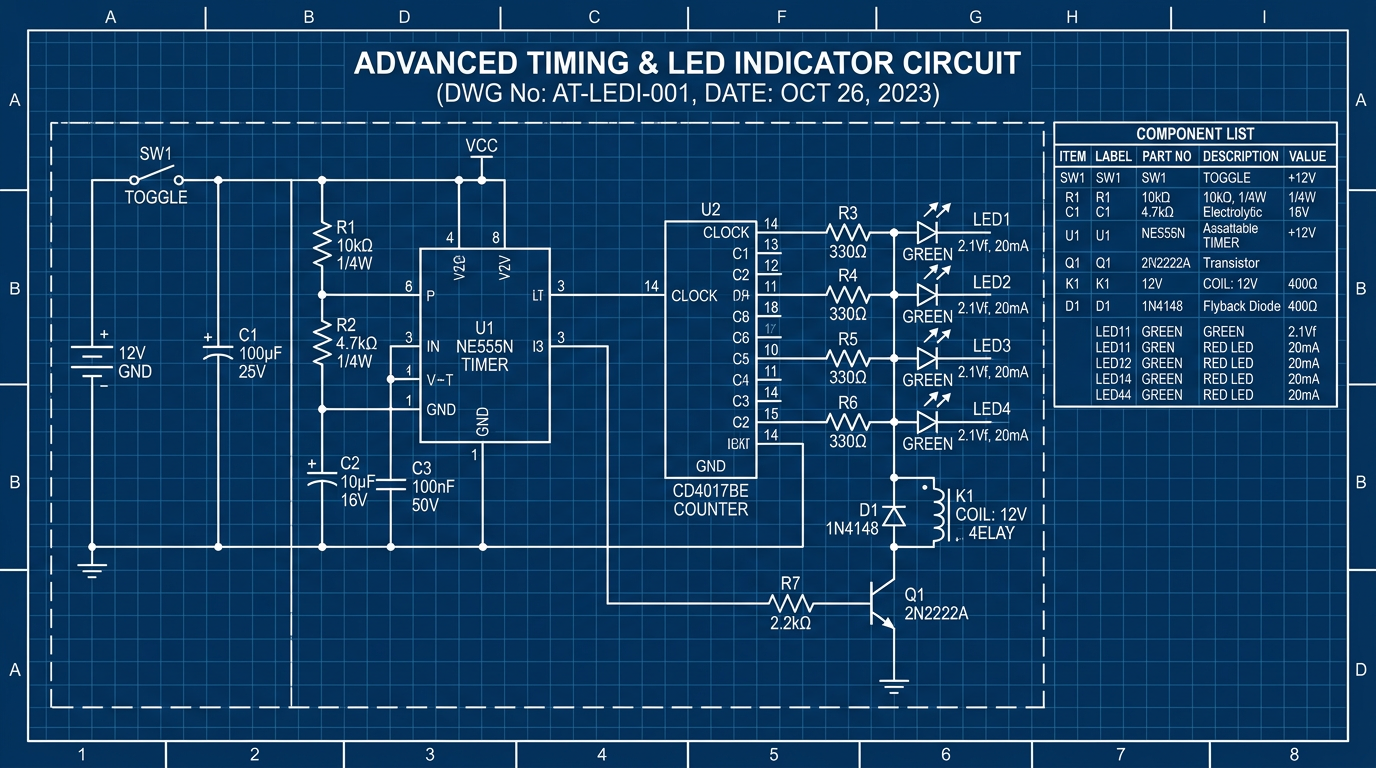
説明
Quick tip for engineers, architects, and tech teams: use this nano banana prompt to create technical docs and architectural plans with AI-generated images. Makes visual content creation way easier.
nano banana用プロンプト 🍌
Generate a professional UML class diagram blueprint. Classes shown as rectangles with three sections: class name, attributes, methods. Use proper UML notation: + for public, - for private, # for protected. Show relationships: inheritance (solid line with hollow triangle), composition (diamond), aggregation (open diamond), association (solid line). Include multiplicity indicators (1, 0..1, 0..*, 1..*). Style: technical software documentation, clean layout, proper UML standards. Blue background with white elements, 16:9 ratio.
ヒント
Use 'standard UML notation' for all elements | Include 'visibility indicators' (+ - #) | Show 'relationship types' with correct arrows | Request 'three-section class boxes' (name/attributes/methods)