top of page
Create Business Reports with AI
Pull metrics, project updates, and decisions together in an editable Word report. Give reviewers the context they need to verify key findings.
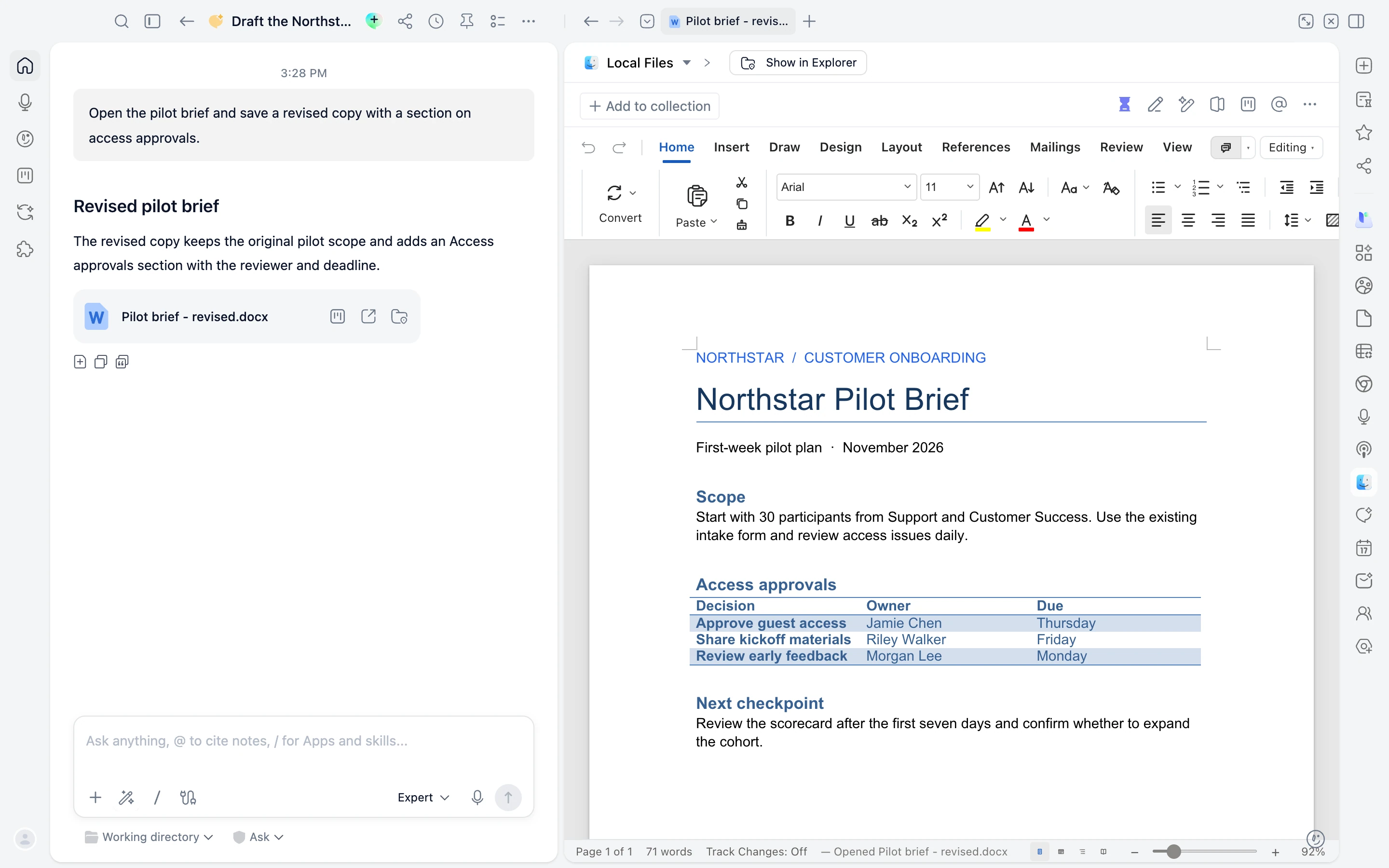
Turn monthly results into a decision brief
Provide the reporting workbook, meeting notes, and the previous month's report. Ask for a concise executive summary, a results section with metrics and units, and a closing list of actions and open decisions.
Keep the reporting period and comparison basis visible so that reviewers can trace numeric claims back to the relevant data.
Draft and review your report
- Attach source files or select notes with @. Define the audience, reporting period, and key questions.
- Request an editable DOCX with the sections your reviewers expect. Ask remio to flag gaps and give sources for important statements.
- Verify reported figures and dates. Refine the summary and save a separate review copy.
Business report questions
Can I include figures from an Excel workbook?
Yes. Attach the workbook, specify the relevant sheets and cells, and check figures and units against the original before sharing the report.
Can I convert the report into a presentation later?
Yes. Use the approved report as the starting point for a new editable presentation.
bottom of page