Choose a connection
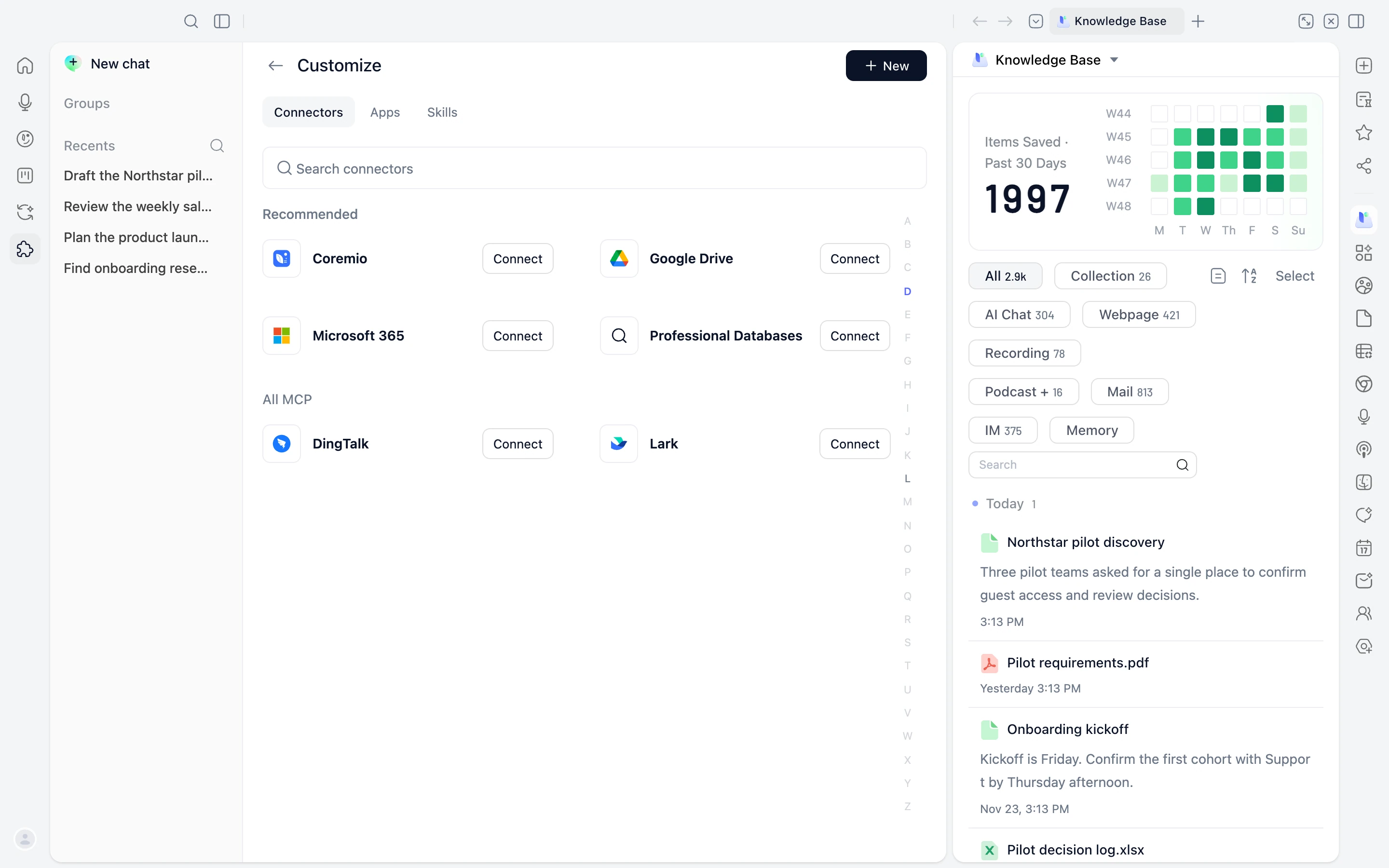
Open Knowledge Setting to configure sources you want indexed or synchronized. Open Customize → Connectors for services that an enabled tool can access in Chat. The available connections depend on your operating system, account, and service permissions.
Calendar. Choose an available calendar provider and authorize access. Check which calendars are selected. System Calendar requires macOS.
Apple Notes. Configure the Apple Notes source on macOS and follow its permission prompts.
Microsoft 365 and OneNote. Connect the service with your work or school account when supported. Enable OneNote separately in Knowledge Setting to sync its supported content.
Google Drive. Check the connector list for availability. The Global edition connector is in beta and provides on-demand access and publishing. Connecting it does not start background sync. Google account restrictions may apply.
AI Chats. Check the source setup for supported local chat tools. Select the tools and sources you want to make searchable.
Use the right sync or access feature
Knowledge Base Sync is for supported knowledge items across devices signed in to the same account. Open it from the desktop account menu, check availability on your plan, and enable sync on each participating device. Check the scope and status on both computers before relying on the result.
Mobile binding and Remote access have their own settings and purposes. See Data safety and Vault for storage and data transfers.
FAQ
Where do I configure syncing or indexing?
Open Knowledge Setting for supported sources you want remio to index or sync. Open Customize → Connectors for enabled services you want Chat tools to access.
Does connecting Google Drive start a background sync?
The Google Drive beta connector in the Global edition provides on-demand access and publishing. Check availability in Connectors for your account.
Why is a synced item missing from another computer?
Check that both computers are signed in to the same account, that Knowledge Base Sync is available and enabled on each, and that the item is in its supported scope.