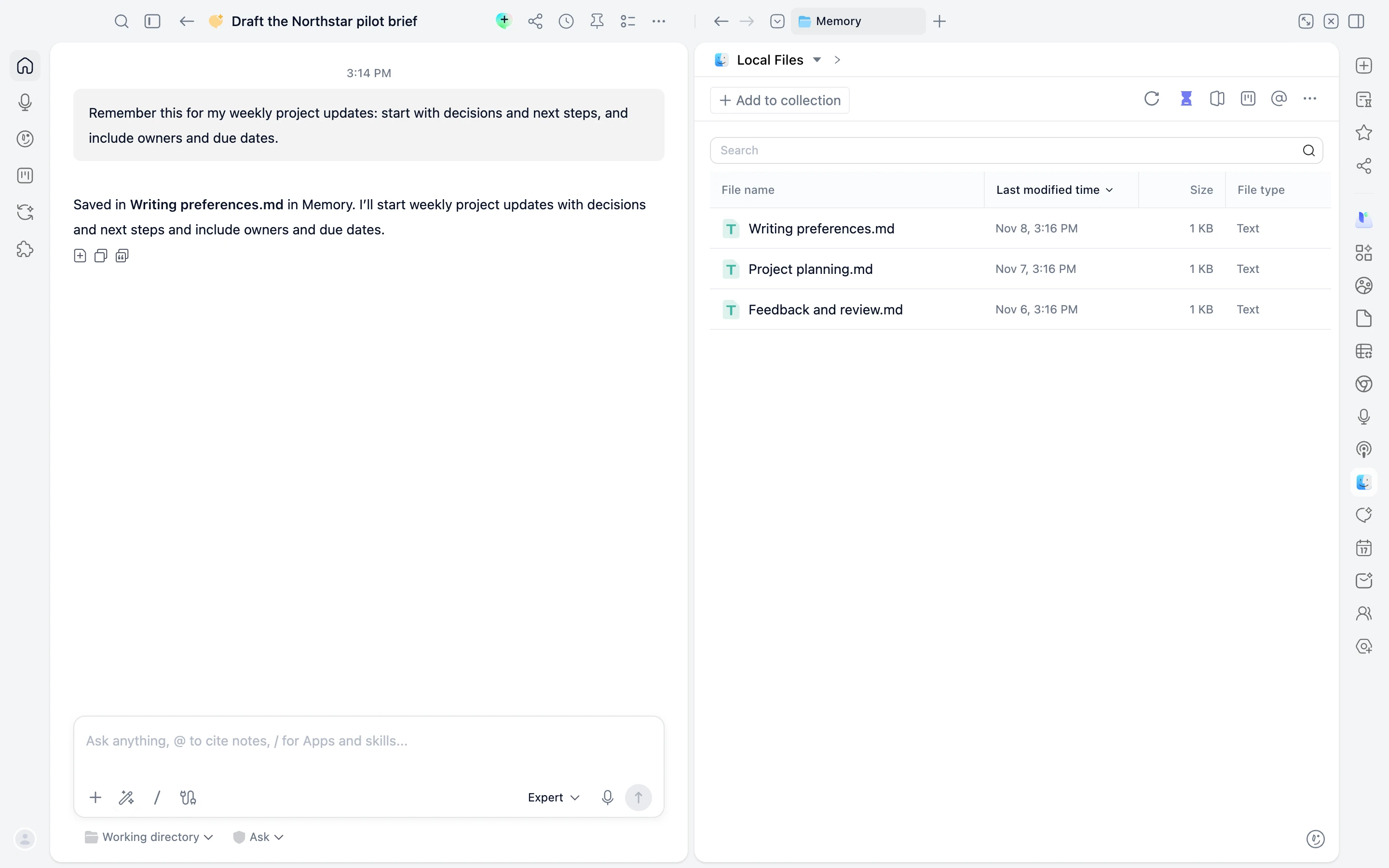
Memory helps remio reuse context you already provided. It can include your profile and preferences, the current conversation, remembered details about an item or skill, and steps learned from a workflow. Searchable knowledge base content can also inform answers.
Review or correct what remio uses
When an answer relies on an outdated preference or a wrong project detail, tell Chat exactly what to correct and where the correction applies. For example, “For this project, use the approved November brief as the source for the rollout date.”
Check your profile for preferences that apply across conversations. For item-specific context, review the original note or file and any available memory controls. Use explicit sources in Chat when a task depends on a specific version of a document.
FAQ
How do I correct a detail remio remembers?
Tell Chat what changed and where the correction applies. For a project fact, name the approved source and the task or project it belongs to.
What if remio relies on an outdated document?
Reference the approved version explicitly in Chat and tell remio which information to use for the current task.
Where should I review a preference that applies across conversations?
Check your profile and any available memory controls. For a detail tied to a specific item, also check the source note or file.