top of page
PowerPoint Templates for Work
Find a presentation structure that fits your audience, then turn your brief and reference files into an editable PowerPoint in remio.
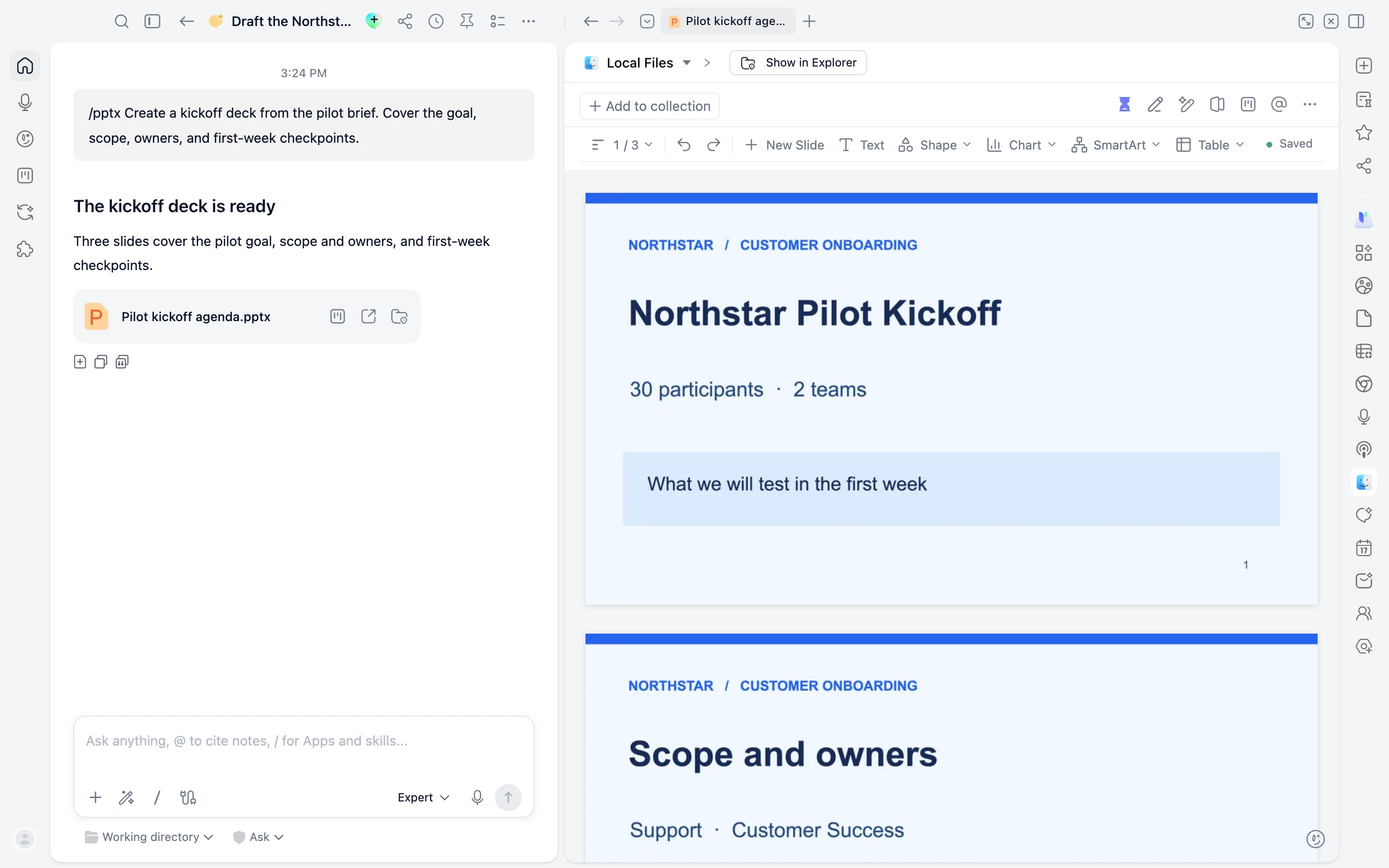
Find the right structure for your presentation
Business presentations
- Corporate PowerPoint Templates
- Consulting PowerPoint Templates
- Timeline PowerPoint Templates
- Interview PowerPoint Templates
- Simple PowerPoint Templates
Teaching and research
- Education PowerPoint Templates
- Teacher PowerPoint Templates
- Science PowerPoint Templates
- History PowerPoint Templates
- Medical PowerPoint Templates
Visual styles
- Aesthetic PowerPoint Templates
- Creative PowerPoint Templates
- Modern PowerPoint Templates
- Pink PowerPoint Templates
- Pretty PowerPoint Templates
- Cute PowerPoint Templates
Events and communities
- Fun PowerPoint Templates
- Funny PowerPoint Templates
- Christmas PowerPoint Templates
- Church PowerPoint Templates
Create an editable deck in remio
- Choose a presentation style and tell remio who will see the deck and what they need to decide or learn.
- Attach the relevant brief, notes, data, or an existing company deck. Review the outline and confirm the sections.
- Open the resulting PPTX to refine the slides, check the figures, and save a copy for review.
PowerPoint template questions
Can I use my company PowerPoint template?
Provide an existing PPTX and describe what should carry over. Check the resulting deck against your brand requirements.
Can I edit the final deck in Microsoft PowerPoint?
remio creates a native PPTX. You can open it in Microsoft PowerPoint and continue editing.
See the AI presentation maker and the PowerPoint guide for more workflows.
More office workflows
bottom of page